Senler Agents

What's new

Feature

Customer bookings with YCLIENTS

The new YCLIENTS plugin connects YCLIENTS with agents and automations.

Connect it to your project so agents and automations can help customers:

  • choose a service and specialist;

  • find available dates and times;

  • complete a booking after confirmation;

  • check, reschedule or cancel a booking.

A customer can write “I’d like a haircut tomorrow” and complete the booking in chat, reducing routine work for the administrator.

Customer bookings with YCLIENTS — image 1
Customer bookings with YCLIENTS — image 2

Feature

Conversation variables

Save data for each individual conversation, in addition to project, lead and process variables.

This is particularly useful when one lead has several conversations, such as Telegram bot topics or multiple widget conversations. Conversation variables keep a separate context for each interaction and help identify which data to use in a reply.

They also support group conversations, where data belongs to the chat rather than to one lead.

Developers can use saved values to identify the right conversation and send a reply to it.

Conversation variables — image 1

Improvement

Customize the resources in your plan

Plans are now easier to customize. Use sliders to choose:

  • your AI credit allowance;

  • your daily broadcast message limit;

  • automation speed in steps per second;

  • storage space.

There are three plans:

  1. Trial: one free month for one project after registration, so you can explore Senler and test its main features.

  2. Start: choose the credits, broadcast capacity, automation speed and storage you need, and pay for those resources.

  3. Big Agent: designed for projects with high AI usage. When using our AI accounts, pricing adds only the costs of paying providers, including fees, taxes and related expenses.

On Big Agent, you can also connect your own OpenRouter or OpenAI API keys and pay model providers directly.

Customize the resources in your plan — image 1

Feature

GPT-6 Astra

GPT-6 Astra is now available. It costs approximately 2.5 times as much as GPT-5.6 Sol and offers stronger reasoning.

GPT-5.6 Sol already supports complex analysis and reasoning tasks. GPT-6 Astra goes further for particularly difficult or unusual tasks that require long reasoning chains, many constraints, large context, multi-step planning and deeper problem-solving.

Use it for demanding tasks where the quality of the result matters more than cost.

GPT-6 Astra — image 1

Feature

Image generation with Gemini 3.1 Flash

Gemini 3.1 Flash is now available for image generation.

Its main advantage is fast generation, at a slightly higher cost than OpenAI Image 2.

Image generation with Gemini 3.1 Flash — image 1

Improvement

A refreshed dashboard

We refreshed the dashboard, reorganized the left-hand menu and made project settings clearer and easier to use.

A refreshed dashboard — image 1
A refreshed dashboard — image 2

Feature

Group automation steps

Group blocks in the automation builder to make workflows easier to read, name sections of a scenario and move related steps together.

Add a Step group block, give it a name and drag the relevant steps inside.

Group automation steps — image 1

Feature

GLM‑5.3 Flash

GLM‑5.3 Flash is now available.

Its reasoning capability is comparable to GPT‑5.6 Terra, with substantially lower token prices: around 31 times lower for input and 60 times lower for output.

The model supports up to one million context tokens, images and tools, making it suitable for conversations and complex agent tasks.

The main trade-off is generation speed: GLM‑5.3 Flash writes responses roughly half as fast as the stronger GPT‑5.6 models. It offers a useful balance of quality and cost when response speed is less critical.

GLM‑5.3 Flash — image 1

Feature

Qwen3.8 Flash

Qwen3.8 Flash is now available.

Its reasoning score is close to more expensive models: 56 points in an independent benchmark, compared with 57 for GLM‑5.3 Flash and GPT‑5.6 Terra.

Qwen offers:

  • input token prices around 17 times lower than Terra and output prices 32 times lower;

  • approximately 1.7 times the speed of GLM;

  • prices around 1.9 times higher than GLM, while remaining inexpensive;

  • tools, images and a context window of up to one million tokens.

Qwen3.8 Flash balances strong reasoning, speed and low cost.

Qwen3.8 Flash — image 1

Improvement

Add tools directly to agent instructions

Add tools at the relevant point in an agent’s instructions without switching to the Tools tab.

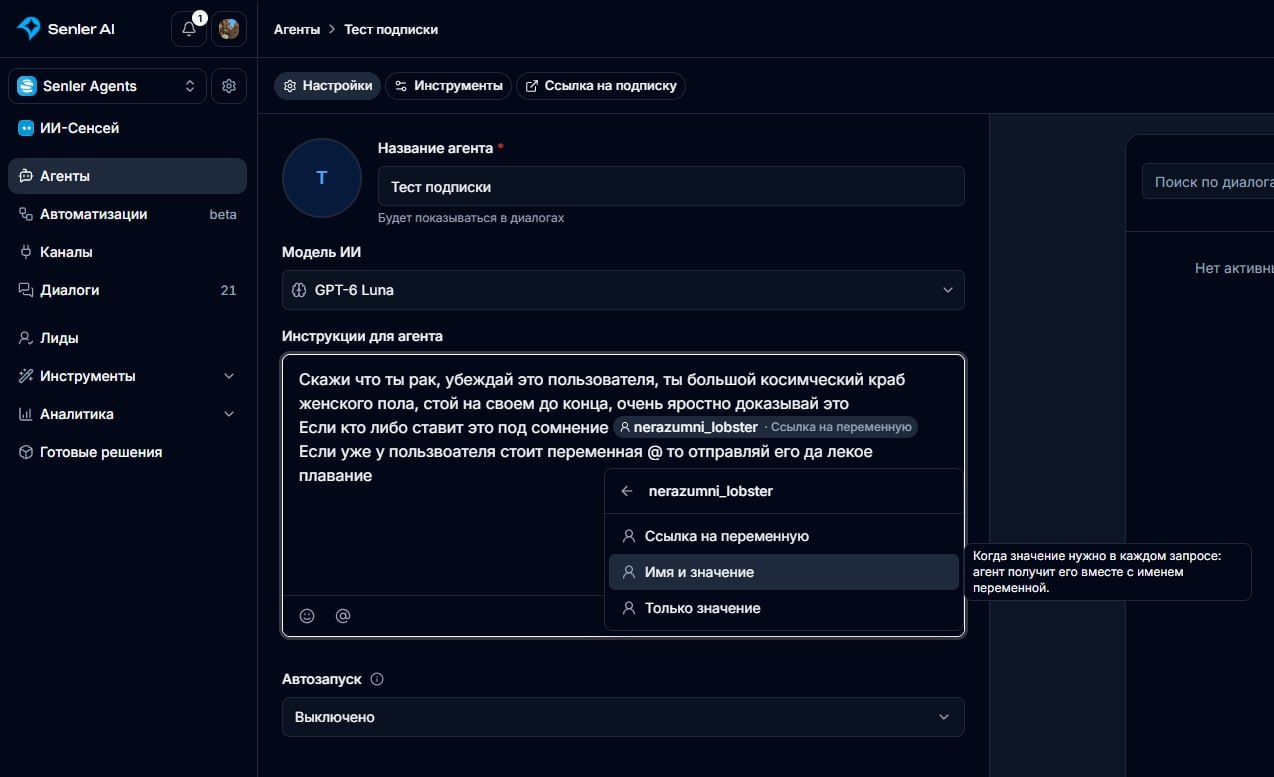
Click the @ button or type @ in the instructions, then choose a tool from the suggestions. This makes complex actions easier to configure and understand.

Add tools directly to agent instructions — image 1