
Agents Overview
Agents
Open section "Agents". An agent is a customizable AI employee. It can respond to customers, use external tools, collect metrics, recognize voice and images, generate content, work with variables, and assist operators.
List of agents
- shows project agents;
- supports search by name, instruction, type, status and keywords;
- allows you to create a new agent;
- allows you to open editing an existing agent.
Agent types
- Sales - sales, qualification, funnel, readiness to buy, objections, competitors.
- Support - support, problem solving, request complexity, need for escalation.
- Notifications - mailings, news, reactions, engagement, risk of unsubscription.
- Assistant - personal assistant, tasks, reminders, schedule.
- Education - learning, progress, understanding of the material, risk of churn.
- Surveys - feedback, NPS, CSAT, response quality.
- General - universal agent.
If the agent type is unclear
- for sales, select Sales;
- for support, select Support;
- for mailings and notifications, select Notifications;
- for personal tasks, choose Assistant;
- for training, choose Education;
- for surveys and research, select Surveys;
- if the scenario is mixed or not yet defined, choose General.
Agent from a ready-made solution
An agent added by an installed ready-made solution is managed by that solution. Its form shows a notice with the application name and access mode. When the author allows settings visibility, the fields are read-only; otherwise, the settings content is hidden.
To get an updated configuration for this agent, upgrade the installed solution on the Ready-made solutions page. Create a separate regular agent only when you need an independent configuration that will no longer update together with the application.
Where this is in the interface
To create your first agent:
- In the project menu, open Agents.
- Select Create agent.
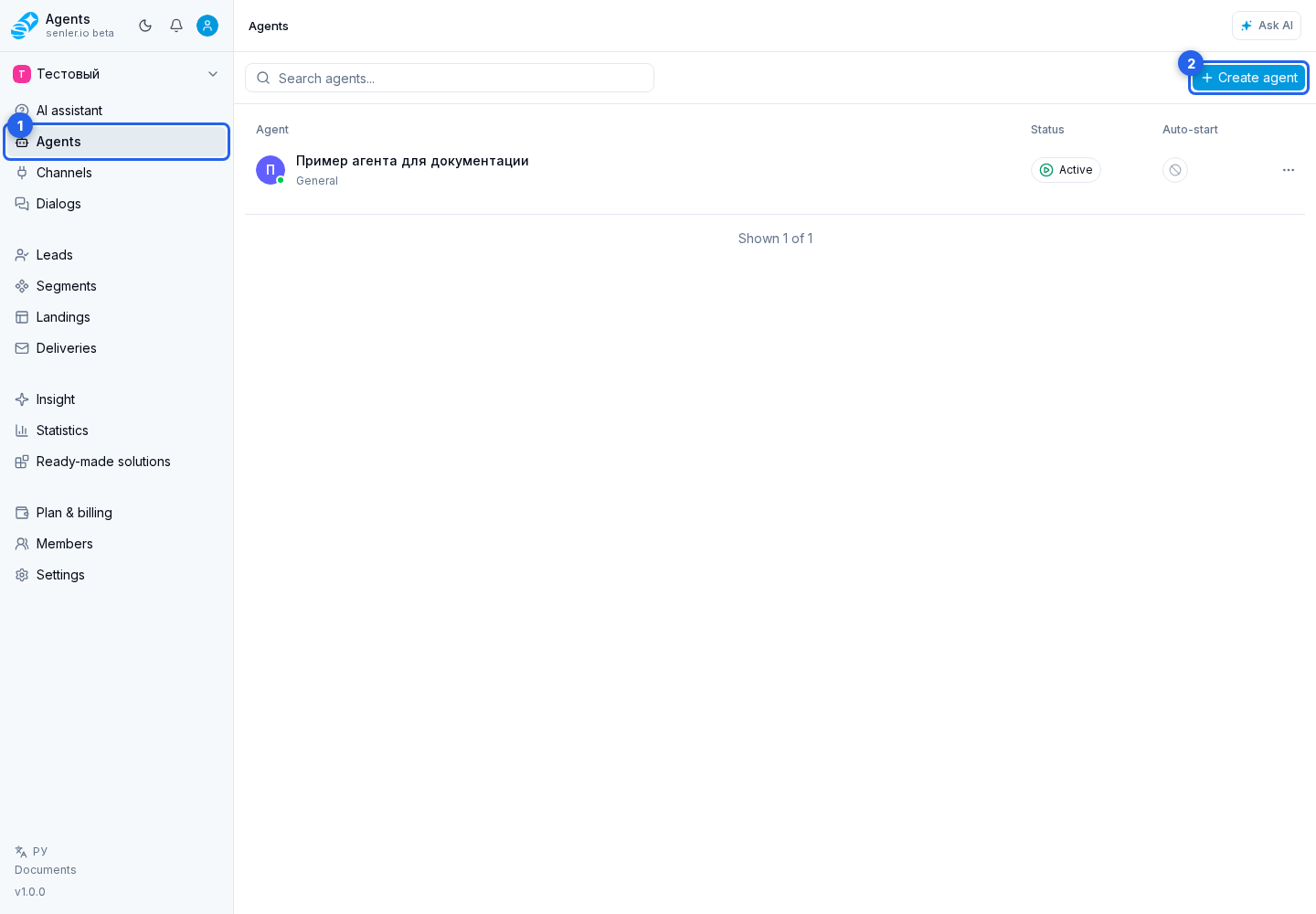
Other elements in this section:
- agent list;
- agent search field;
- agent card;
- agent settings form, which opens when you create or edit an agent;
- ready-made solution agent notice.