
Quick Start
This workflow helps you complete the first setup in Senler AI: create a project, connect a channel, configure an agent, assign it, and check the first replies.
Launch steps
-
Create a project.
- Open the cabinet.
- Go to project creation.
- Enter the project name. By default, "My first project" may be suggested.
- Save the project.
-
Connect the channel.
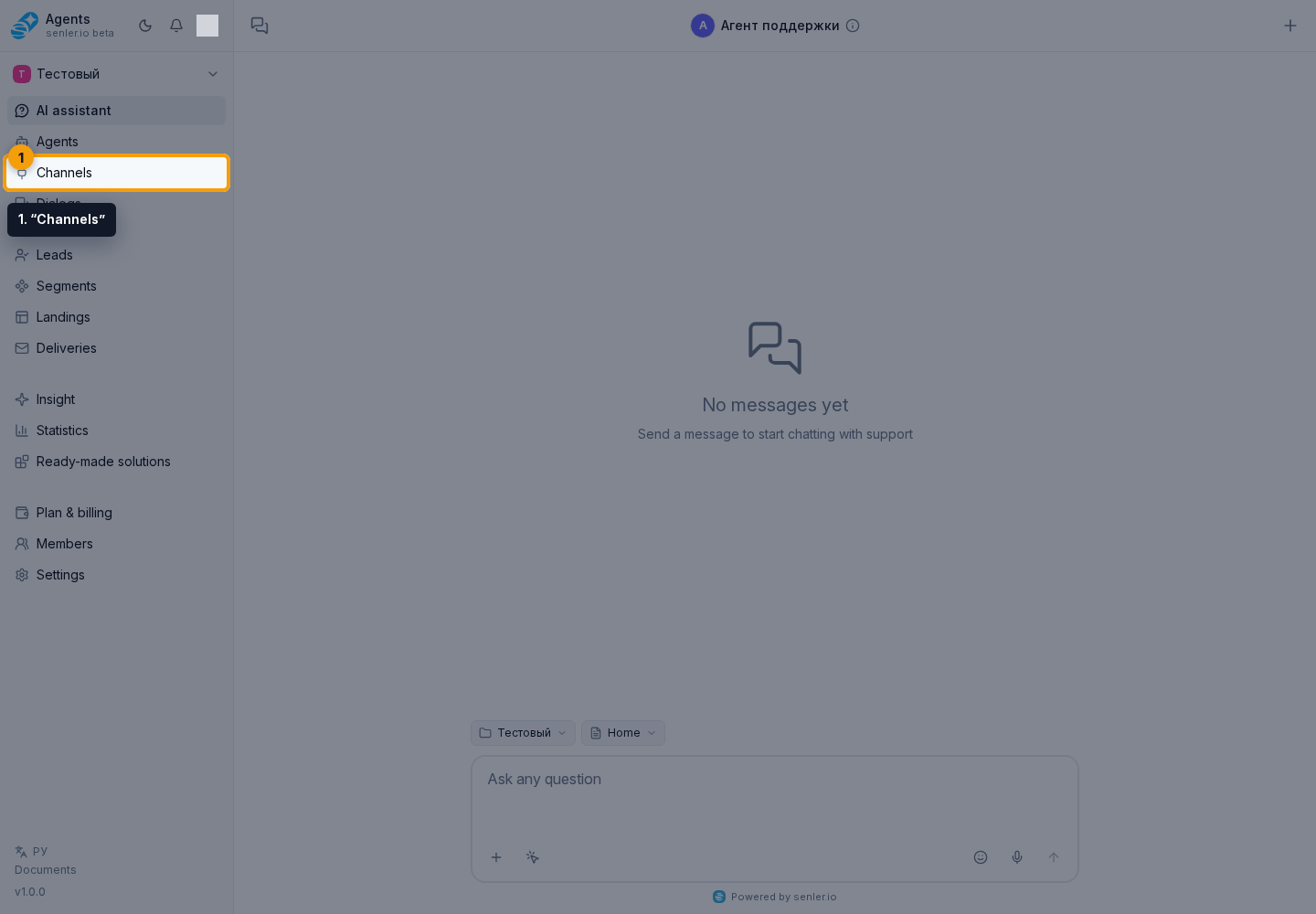
- Open “Channels” in the left menu.
- Click Add channel.
- Select a platform: Telegram, VK, MAX, Avito, Discord, Email, website widget, StreamVi.
- Fill out the connection form for the selected platform.
- After a successful connection, go to channel settings and check the token, webhook, or connection status.
-
Create an agent.
- Open “Agents” in the left menu.
- Click the create agent button.
- Choose the auto-training wizard or manual creation.
- Fill in the name, instructions, agent type, model, functions, MCP servers, variables and metrics.
- Save the agent.
-
Publish and launch the agent.
- Check the settings in the agent card or form.
- Publish the draft so it becomes the working version.
- Activate the agent if it is stopped.
-
Configure agent Autostart.
- Open the agent form.
- In the Autostart field, choose “By keywords and link,” “On all messages,” or “Off.”
- For an active mode, select the agent priority, dialog types, and required channels.
- Publish the changes if Autostart was changed after publication.
-
Check the work.
- Write to the connected channel.
- Open “Dialogs” and view the conversation.
- If the agent does not respond, check: the agent is active, the version is published, the channel is connected, the webhook is configured, a suitable Autostart or another assignment rule is configured, and the balance or tariff allows operation.
-
View the results.
- “Leads” - list of clients.
- "Insight" - metric quality, problems, trends, anomalies, and the AI summary.
- "Statistics" - spend, including the full AI response and tool cost, messages, dialogs, leads, channels, and agents in numbers.
- "History" - project events and errors.
- "Processes" - background tasks for import, export, updates and migrations.
- "Storage" - file and attachment limits.
Final result
After quick start, the project should have a connected channel, a published and active agent, configured Autostart or another assignment rule, and the first test dialog. If one of these items is not ready, start diagnostics with the channel, the agent form, and publishing changes.
Where this is in the interface
Main elements in this section:
- Agents item in the side menu
- create agent button