
Project API Keys
Summary
Path: "Settings" -> "API". API keys are needed for external integrations that access the project API.
The list of API keys shows
- name;
- masked prefix;
- permissions;
- status: Active, Inactive, or Expired;
- date of creation;
- last use;
- validity period.
Creating an API key
- open key creation;
- enter the name;
- choose permissions;
- set an expiration date when needed;
- save the key and copy it immediately.
Important
- the full key is shown only once;
- if the user closes the window and does not copy the key, it cannot be restored;
- you need to create a new key;
- the key cannot be sent to the support chat.
Permissions
- grouped by entities;
- you can select all or remove all;
- selecting all usually enables permissions to change data;
- grant only the required permissions.
Permission to view the current project is required for a project API key. It is locked in the form and always remains selected when the key is created or edited. "Deselect all" removes only optional permissions.
Viewing the key list requires access to project API keys. Creating, editing, and deleting them requires management access. If these actions are unavailable, check the project member role.
Editing an API key
- open editing for the required key;
- you can change the name;
- you can change permissions;
- you can turn the activity on or off.
Removal
- dangerous action;
- open key deletion and confirm it separately;
- after deletion, requests with this key will stop working.
If the integration gets 401/403
- check if the key is active;
- check the expiration date;
- check permissions;
- check the project;
- check that the integration uses the current key.
Where this is in the interface
Main elements in this section:
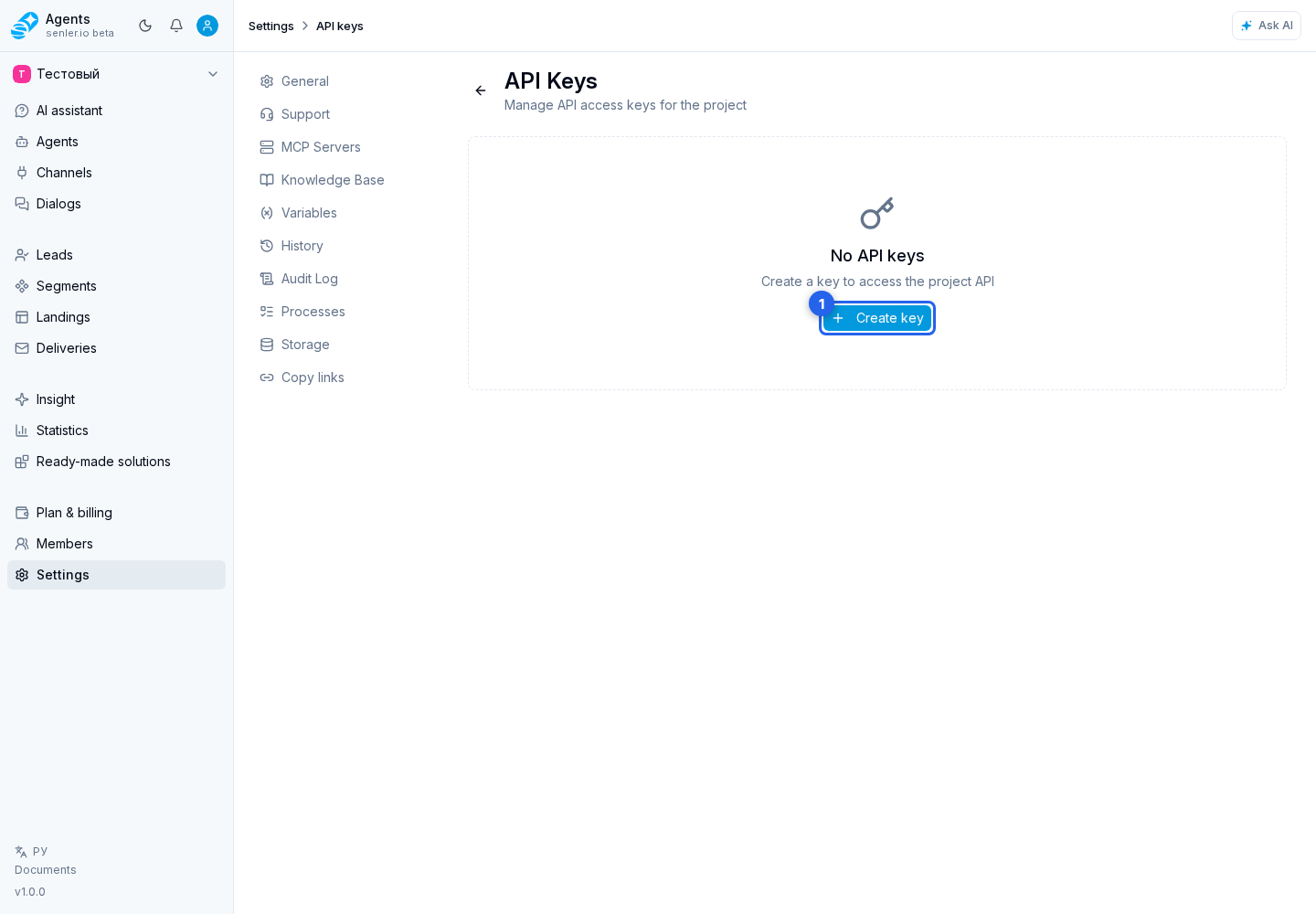
- API Keys page
- API key creation page
- API key editing page
- API key name
- API key permissions
- API key expiration date
- API key activity
- save API key
- create API key
- API key in the list
- edit API key
- delete API key
- API key deletion confirmation
- copy newly created API key
- project settings page
- Settings item in the side menu