
Change log
How to open the Change log
Select the Settings gear button to the right of the project name, then select Change log.

The Change log page shows who created, changed, deleted, restored, or transferred a project entity, and when.
It differs from History: History shows execution and message events, while the Change log audits entity changes.
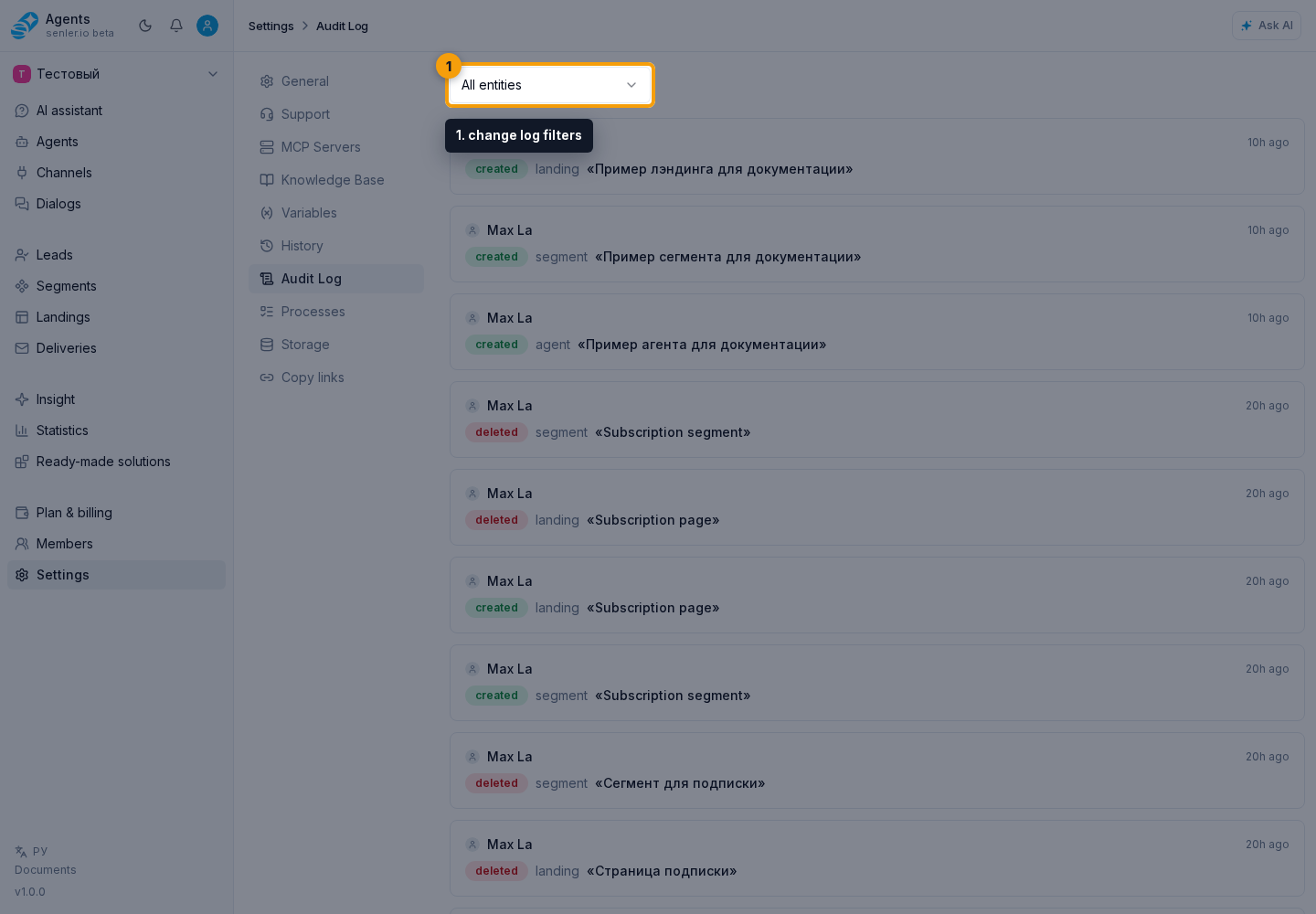
The screenshot marks two main reference points: the entity filter as number 1 and the AI badge on an entry as number 2. Both are described below.
Entity filter
In the filter, select all entities or one supported type:
- project, agent, channel, member;
- MCP server and MCP server list;
- data source, knowledge-base folder, file, or table;
- project variable and lead variable definition;
- segment and consent document;
- landing, trigger, and delivery;
- tariff, support schedule, and invitation;
- API key, metric, and installed application;
- payment settings, space, and summarization settings.
Each request loads up to 50 entries. Use Show more if the log is longer.
What an entry shows
The top row of a card shows the author and time. The author can be a user, administrator, system, API key, application, or agent. Below it, the interface shows the action, entity type, and entity name, or an event summary prepared by the server.
Supported actions:
- created;
- updated;
- deleted;
- restored;
- transferred.
If an entry has changes, click the card or the change-count row. The expanded block displays field names and available before-and-after values; added and removed items are shown separately. For a long value, the interface shows a preview that can open the full content.
Links and missing entities
An entity name and related values become links when the interface can build a route and the user has access. A deleted or unavailable entity may remain plain text. This does not remove the audit entry itself.
The ID of a related value can be copied from an expanded change if the server supplied it as a referenced entity.
AI badge
If an action was performed by an AI agent on behalf of the primary author, an AI badge appears next to the author. Its tooltip explains the badge and includes the agent name when present in the audit data.
The badge depends on the delegated-author field. A regular user action, or an entry where an agent is only the primary author, does not receive it automatically.
How to find who changed a setting
- Select the entity type in the filter.
- Find the entry by time and name.
- Expand its changes and compare the before-and-after values.
- If the action has an AI badge, hover over it and check the agent name.
- If you need execution diagnostics, use History, not the audit log.