
Avito Connection
The Avito channel connects messages from an Avito account to Senler AI. After connection, Avito requests can be processed in dialogs, assigned to an agent, and tracked in event history.
What to prepare
- access to the required Avito account;
- permission to connect external integrations for this account;
- browser permission to open the OAuth window;
- an understanding of which Senler AI project should receive messages.
How to connect
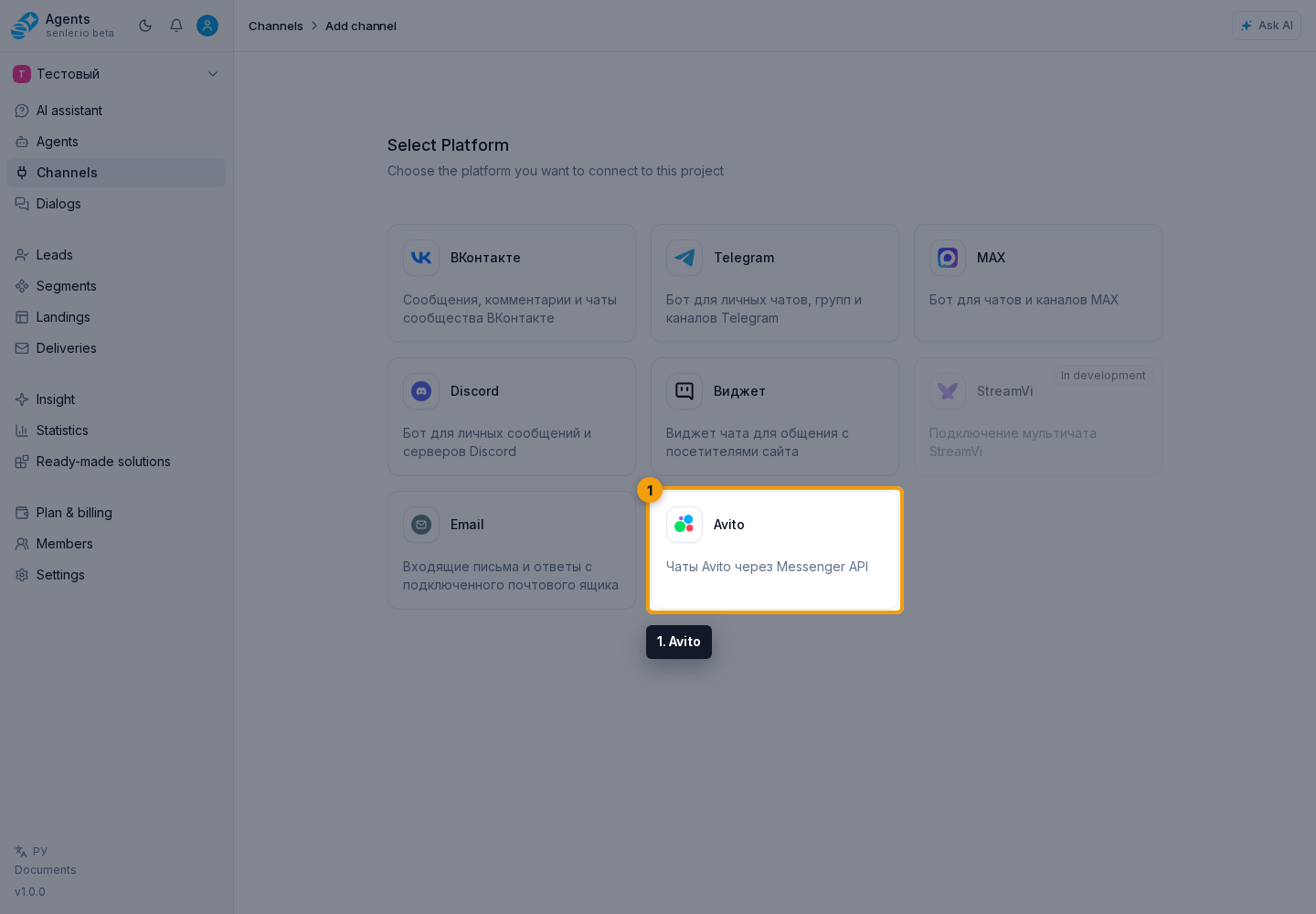
- Open the section through the Channels item in the side menu and click Add channel.
- Select Avito.
- Start the OAuth connection.
- Sign in to the required Avito account.
- Allow the access required for message exchange.
- Wait until you return to the Senler AI cabinet and check the channel status.
After connection
- the account and user ID are visible in the Avito channel settings;
- you can synchronize data;
- you can check the webhook.
If Avito does not connect
- check that authorization is performed with the correct Avito account;
- check whether the browser blocked the OAuth window;
- check your account's access to messages;
- save the error text, attempt time, and page URL for diagnostics.
Where this is in the interface
Main elements in this section:
- channel list
- Channels item in the side menu
- Add channel button
- Avito platform selection button
- channel settings page