
Account
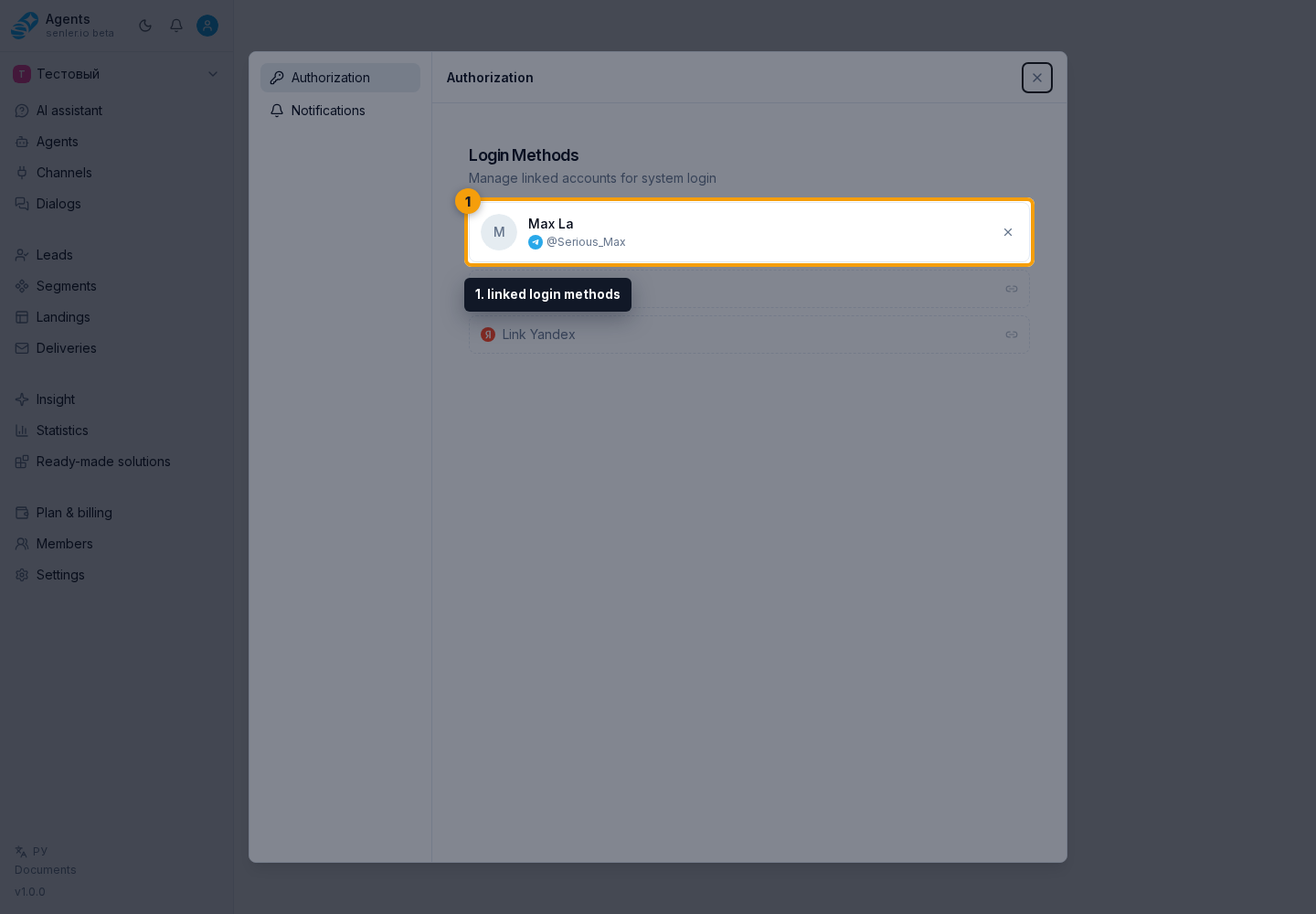
The "Account" section configures how a user signs in to Senler AI. Here you can check which providers are linked to the account, add a new sign-in method, or remove an extra one.
What you can do
- view linked login methods;
- link a new method;
- unlink a login method;
- see the linking result or error.
Important rule
- you cannot unlink the only login method: the cabinet shows an explanation;
- first you need to bind another method, then unlink the old one.
This protects the user from losing access to the account after unlinking the only available sign-in method.
If sign-in does not work
- check which provider the user used before;
- check whether sign-in is happening through another account of the same provider;
- if a duplicate account appeared, save the email, sign-in provider, and attempt time for review;
- do not send passwords, tokens, or one-time codes in chat or documentation.
Where this is in the interface
Main elements in this section:
- account settings menu
- account page
- account sign-in methods