
Import Leads
Import adds or updates leads by external ID in the selected channel. VK, Telegram, and MAX currently support import.
If your subscriber base is already in Senler.ru, use Import leads in the linked channel's settings: no list of IDs is needed. Unlike the import below, loading from Senler.ru skips existing leads without updating them. Integrations can use a dedicated API endpoint.
Managing leads permission is required.
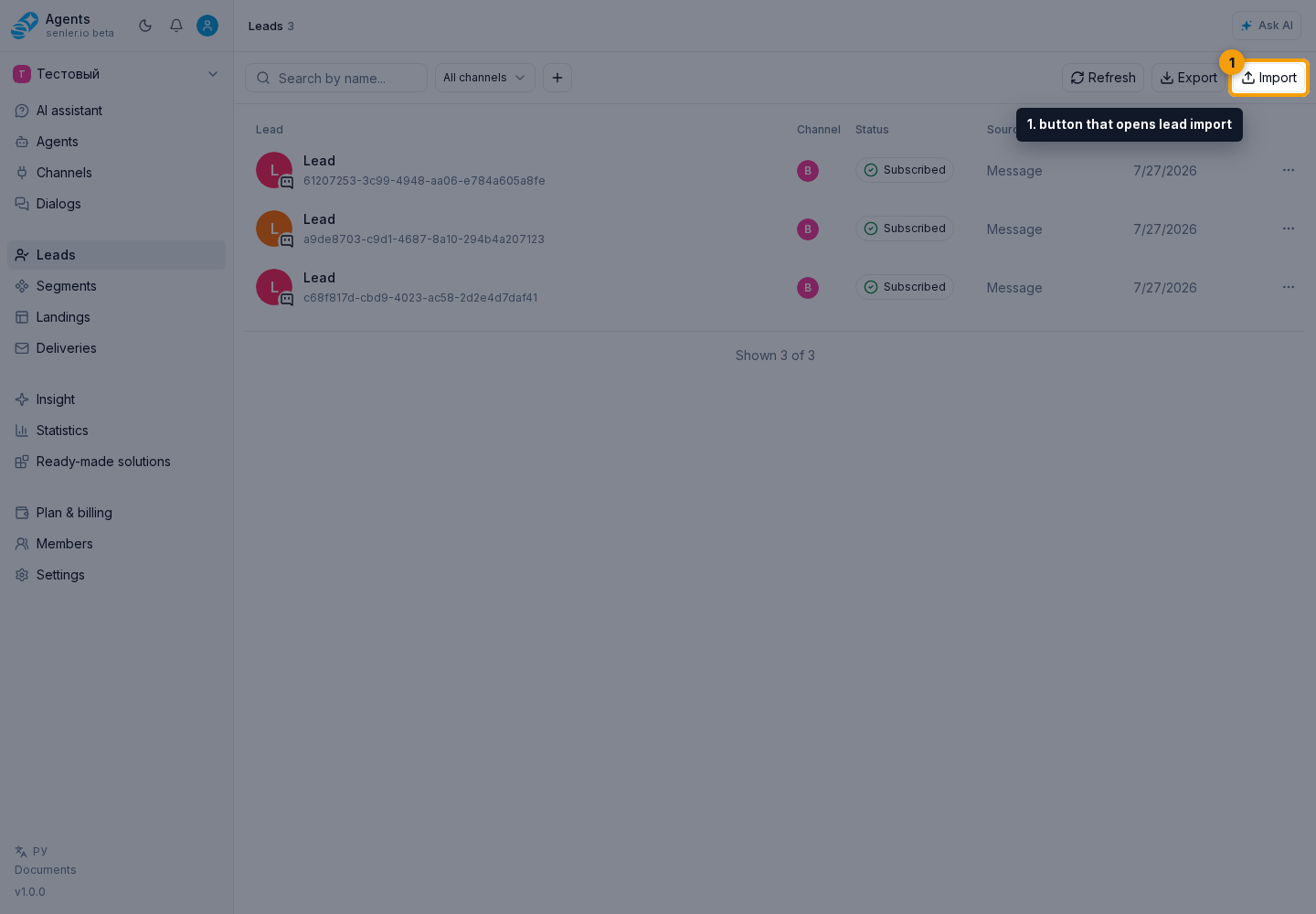
In the side menu, open Leads. On the list page, select Import to open the import form.
Which IDs to provide
- the list must contain from 1 to 10000 values;
- values are trimmed at the beginning and end;
- empty values and duplicates are not accepted;
- for MAX, use
chatId; - for VK and Telegram, use
userId; - use IDs from the same platform as the selected channel.
The cabinet does not infer the platform from the digits in an ID. Do not mix IDs from different platforms in one run, and do not use a userId instead of a chatId for MAX.
How to import
- In the channel field, select a VK, Telegram, or MAX connection.
- Paste IDs into the external ID field, one per line or separated by commas.
- Check the recognized ID count and start the import with the form button.
- Follow progress and check the final result dialog. The import history later shows the status and summary counts for recent runs.

Import runs in the background. When it finishes, the result dialog shows the number of added, updated, and failed leads. An existing record is updated and counted separately from a new record. The result dialog and history show summary counts, without a per-ID error list.
Telegram subscription status
Import retrieves Telegram profile data but does not confirm permission to send messages. A new lead has the status Subscription status not checked, not Not subscribed. If the lead already exists and its status is known, import preserves that status.
Check the status and retrieved data in the lead profile. Having a database record does not by itself mean the bot can message that person.
If some leads were not imported
Check the original IDs and the selected channel's connection. Requirements differ by platform:
- For VK, the profile and the community's permission to send messages to that person are checked before saving. This message permission determines the subscription status; community membership is not checked for this purpose. The ID fails if VK does not return the profile or the message permission cannot be verified.
- For MAX, a
chatIdfails when the platform does not return a chat for it. - For Telegram, an unsuccessful platform request counts as an import error. If the request succeeds but no profile fields are returned, the record may contain only the specified
userId.
If the entire process fails before per-ID results appear, check the selected channel and its connection. The field can currently list other channel types, but import works only with VK, Telegram, and MAX connections.