
Background Processes
Summary
Path: "Settings" -> "Processes". Processes are project background operations: import, export, data refresh, migrations, delivery sending, and resource package import.
Types
The list may contain processes for:
- exporting and importing leads;
- refreshing leads and channel data;
- migrating a channel and backfilling history;
- sending a delivery;
- importing a resource package.
Statuses
- waiting to start;
- preparing;
- in progress;
- completed;
- failed;
- cancelled.
The process card may contain
- ID;
- date of creation;
- start date;
- completion date;
- quantity imported;
- number of updated;
- number refreshed during sync;
- how many messages were sent, skipped, or failed;
- lead, dialog, and event counters;
- how many items were created, skipped, or failed during resource package import;
- process details.
Async phases
Some processes show an additional phase. It helps explain where the work currently is:
- sending tasks or requests to an external platform;
- waiting for a response from an external platform or handler;
- running process steps such as export, migration, or history backfill.
Not every process shows a separate phase: sometimes the regular status is enough. No more than two active processes run in a project at the same time; if the limit is occupied, a new process waits until one of the current processes finishes.
Execution And Recovery
If a process does not finish on the first attempt, the card may show that another attempt has been scheduled. This is normal for operations that depend on an external platform or a large amount of data.
If an error is visible, first check the process details and the counters for created, skipped, and failed items. It is better to explain the cause in plain language: "the platform did not return confirmation" or "some items could not be processed."
Resource package import stages
A resource package import proceeds through waiting, project and lead variables, segments and deliveries, knowledge base materials and tables, search refresh, agents, and links between resources.
If import stops while search is being refreshed, the materials may already exist but may not yet appear in search. Check the process result and per-item errors before starting the import again.
Data refresh
Refresh processes pull already existing data from an external platform or the channel tree. The result usually shows how many items were refreshed, skipped, and failed.
If a refresh finishes with errors, do not immediately retry blindly: open the process details, check failed and skipped items, and verify channel access. For a channel spaces refresh, details may be listed separately for each space.
Delivery processes
A delivery sending process is created when the user starts a delivery manually or when the scheduled sending time arrives. The progress dialog shows the current sending status and overall progress; after completion, it shows how many messages were sent, skipped, or failed.
In the general "Processes" list, a delivery sending process can be found by type and status filters. Stop a delivery from the "Deliveries" section: there the cabinet separately warns that already sent messages will stay with recipients.
Actions
- update the list;
- filter by type;
- filter by status;
- stop the process, if available.
If import/export/migration is stuck
- open "Processes";
- check the status;
- refresh the list;
- if there is an error, open the details;
- if the process can be stopped, suggest stopping only after a warning;
- when contacting support, provide the process ID.
Where this is in the interface
Main elements in this section:
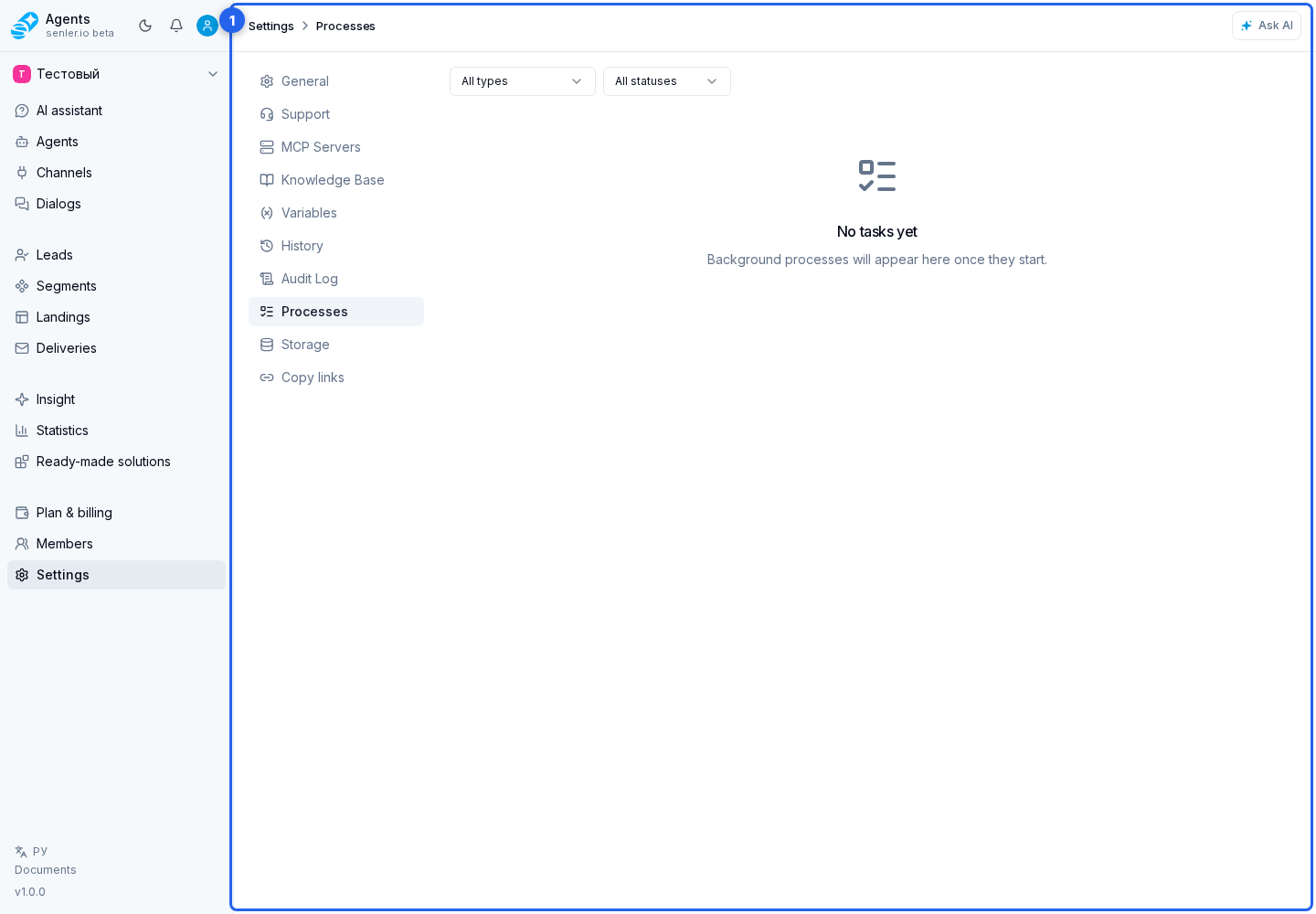
- project settings page
- processes page
- process in the list
- Settings item in the side menu