
Agent Link and Subscription Page
Summary
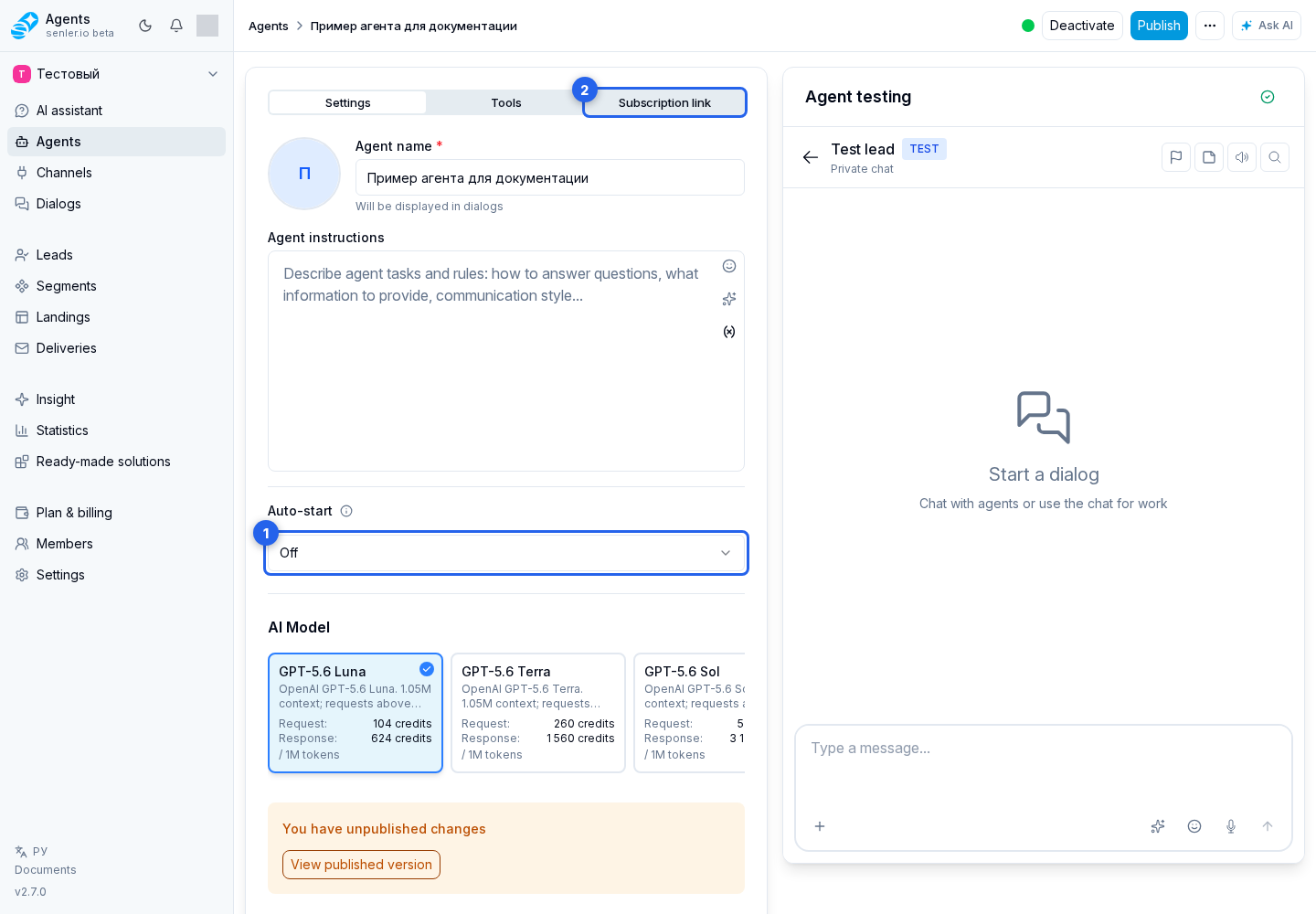
When Autostart is set to “By keywords and link,” an existing agent provides the Generate agent link action. It opens the editor for the agent subscription page. This does not require a separate published keyword: an empty keyword list only disables launching the agent from a phrase and does not prevent you from designing the page in advance and getting its link after publication.
How to prepare the link
- Open an existing agent in the settings form.
- In the Autostart field, select “By keywords and link.”
- Open Subscription link and design the page. When it has not been created yet, this action is named Generate agent link.
- Publish the agent. The first publication makes the agent, its subscription page, and everything required for subscription active together.
- Click Get link, select a suitable option in the links dialog, and copy the ready URL.
The subscription page belongs to the agent: it opens from the agent form and has no separate publish action. Page changes take effect when the agent is published.
Available link types
The main link opens the published page in a browser. Connected channels may also provide ways to open it in VK App, Telegram Mini App, MAX Mini App, or through a Telegram bot.
An agent page can additionally provide direct subscription links through VK messages, a Telegram bot, or a MAX bot. They are collected on the Direct link tab and are built for the managed agent segment independently of landing buttons and the channels selected in those buttons. Select the required channel and use the copy action. A direct link subscribes the user without opening a form, so it does not request a phone number or email or record document acceptance. Use the landing link with its form when those steps are required. Direct links are unavailable when the managed segment has paid subscription enabled.
If a link is missing
Check that:
- the agent has been published at least once;
- the required channel is connected, is not paused, and has a valid token;
- the Telegram or MAX bot has a username;
- the VK community can be identified;
- Mini App or VK App is configured and verified when the link should open inside the platform;
- the managed segment does not have paid subscription enabled when you need a direct link.
The links dialog shows the reason next to an unavailable option and provides Configure when the issue can be fixed in settings. You can return to the settings through the Agents item in the side menu.