
General
Summary
Open section "Settings" -> "General".
Here are the settings
- name of the project;
- project avatar;
- project language;
- API keys;
- link access for resource packages;
- attachment limits.
Name and avatar form
- avatar can be uploaded in JPEG, PNG or WebP;
- avatar size limit - up to 5 MB;
- project name - up to 100 characters;
- after changes you need to save;
- if the save action is not available, check the role: the account may not have the right to update the project.
Project language
- available languages: Russian and English;
- language affects AI summaries in dialogs and analytics;
- if summaries appear in the wrong language, check the project language.
Attachment limits
- there is a general limit for downloading attachments;
- you can set limits by channel type;
- supported types: VK, Telegram, MAX, Discord, Widget, StreamVi, Email, Avito;
- limit range - from 1 to 500 MB;
- if the channel limit is not specified, the general limit is used.
Where to configure support
The support schedule, operator assignments, and operator response SLA are located in "Settings" -> "Support". The main project settings keep the basic project parameters: name, avatar, language, API keys, copy links, and attachment limits.
If you need to change operator working intervals, enable schedule usage in response statistics, or configure SLA thresholds by priority, open the "Support" page.
Link Access
The main settings contain the Copy Links block. It belongs to resource packages: agents, deliveries, segments, knowledge base materials, and variables shared through a secret link.
In this block you can view active and archived links, copy the URL, open the package contents, or revoke access. See "Resource Packages and Link Access" for details.
Where this is in the interface
Main elements in this section:
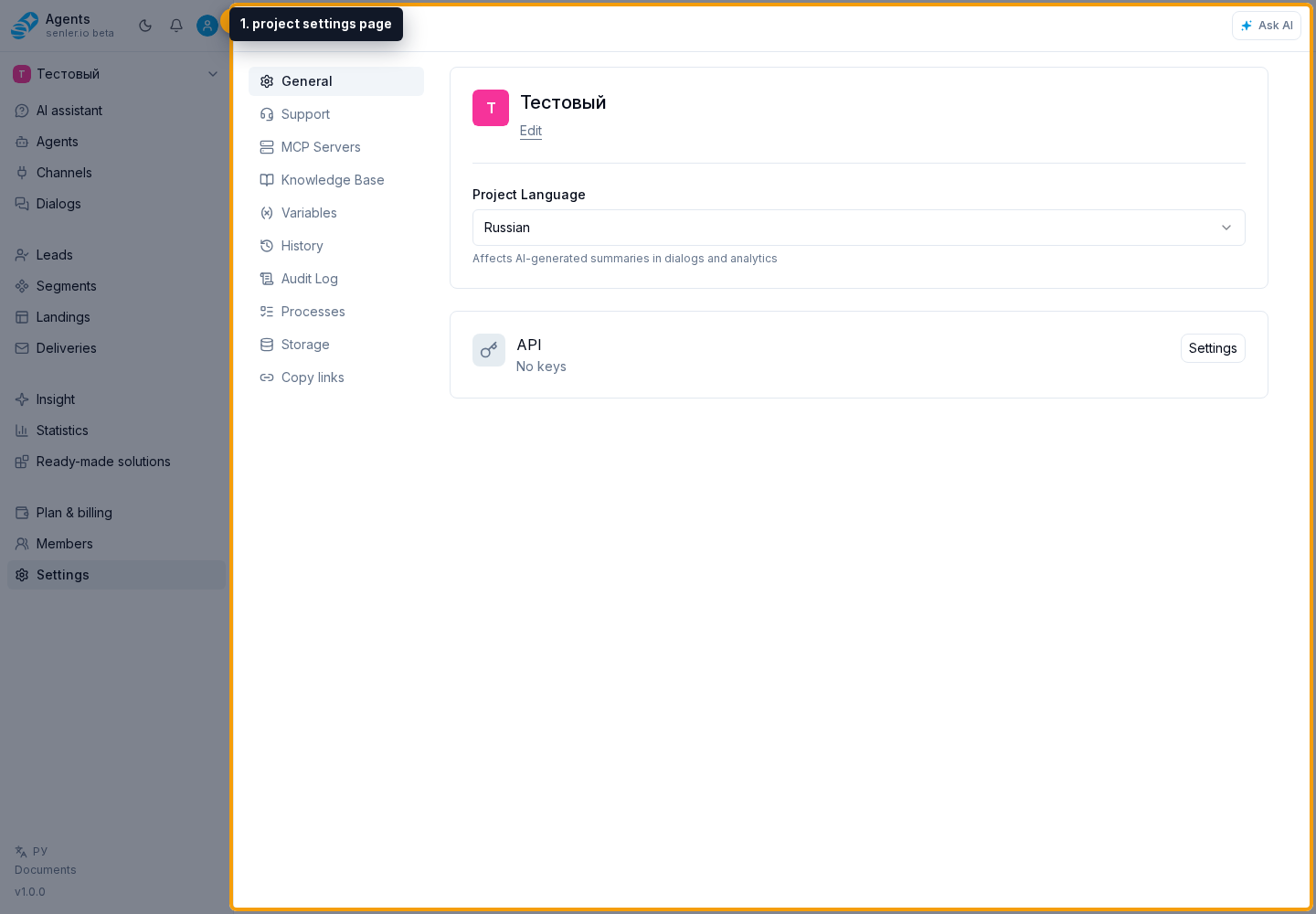
- Settings item in the side menu
- project settings page
- project language
- Copy Links block
- AI assistant item in the side menu