
Billing Overview
Tariff and payment
In the side menu, open Tariff and payment. This opens the current project's billing page.
Use this section to understand current project limits, remaining credits, charge history, and available replenishment methods. Before changing a tariff or buying credits, check that the correct project is open.
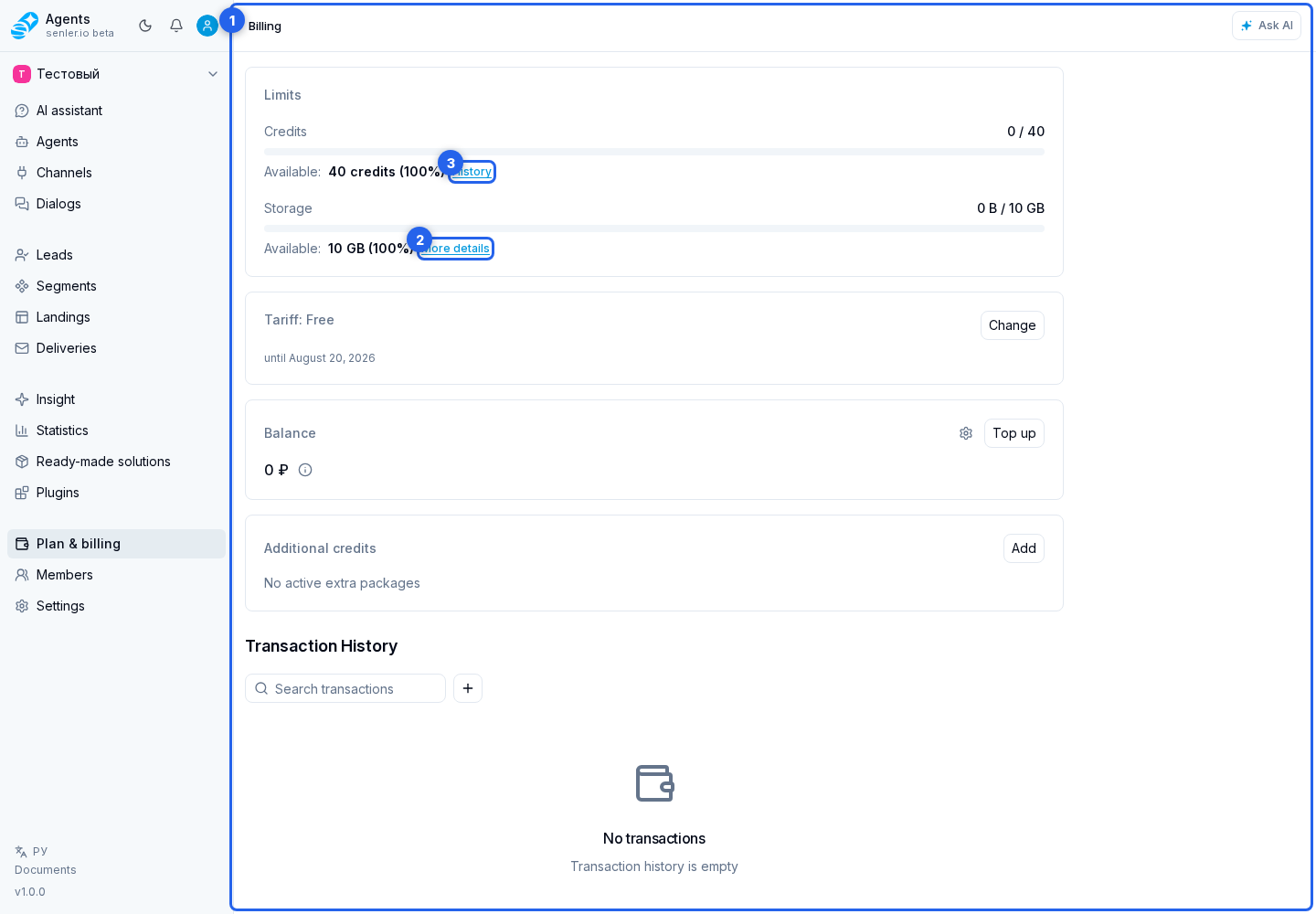
Main blocks
- limits;
- credits;
- storage and the storage details link;
- credit history;
- current tariff;
- balance;
- purchased credits;
- transactions;
- replenishment;
- payment settings.
Important
- credits are spent on AI operations;
- exact consumption depends on model, message length, tools and functions;
- the tariff can give credits and limits;
- you can buy additional credits;
- balance and purchased credits can be displayed separately.
- for a deposit, credit purchase, or tariff purchase, the cabinet shows payment methods available to the project; when cryptocurrency is selected, an unfinished order can be closed and resumed later from the same page.
If a function is unavailable, first check tariff limits and balance, then user permissions and payment settings status.