
Deliveries
Deliveries help you tell customers about an update, invite them to an event, or remind them of an offer. Prepare one message for a selected audience, add a personal greeting, and send it now or at the right time.
You can select leads by channel and segment, test the message on yourself, and then see the result for each recipient.
Delivery List
In the project menu, open Deliveries.
On the deliveries page:
Tabs separate waiting, processing, completed, and deleted deliveries.
Search finds deliveries by name or message text within the selected tab.
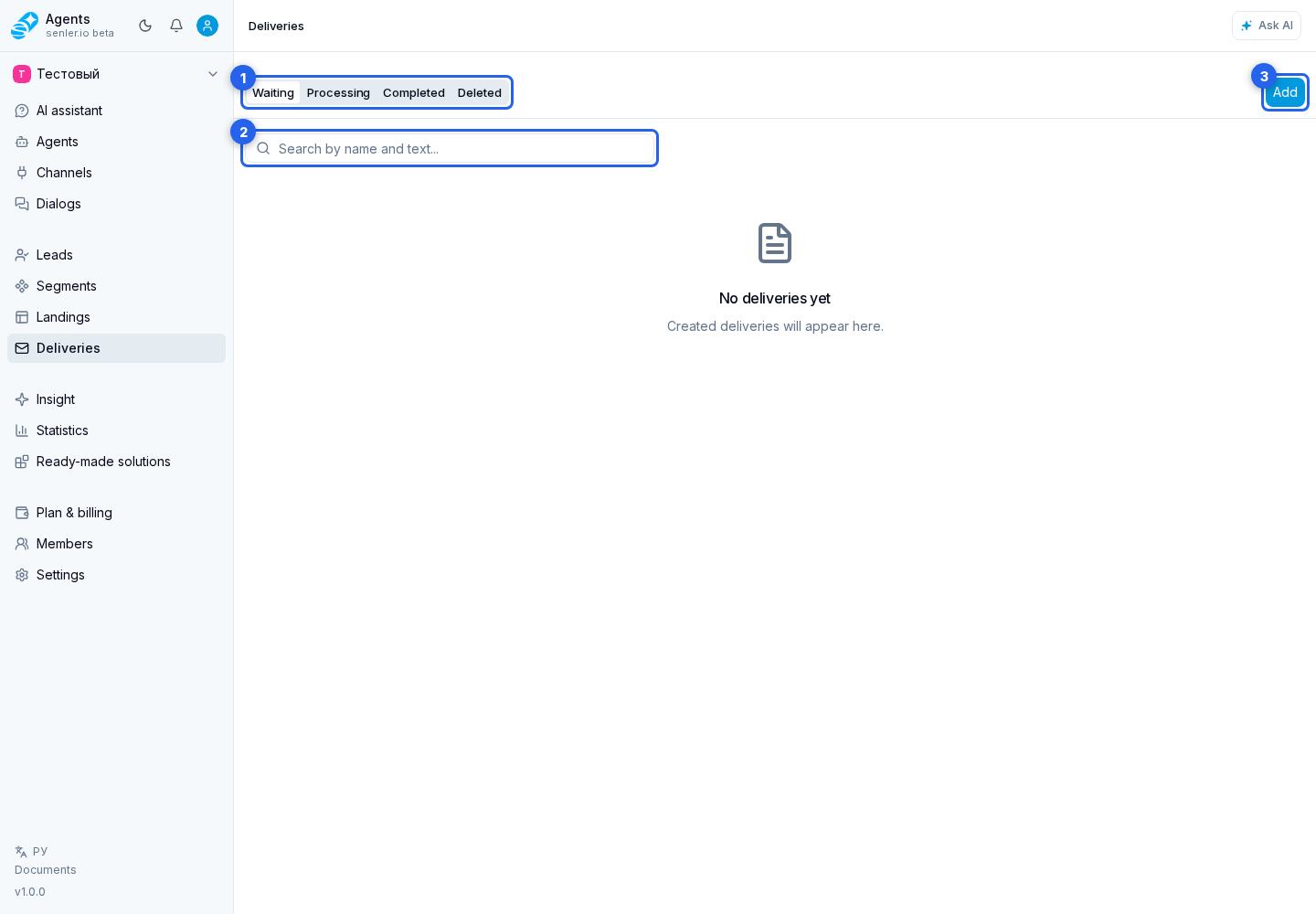
Select a delivery row to open its message, recipients, and results. More rows load as you scroll.
Progress updates automatically on the "Processing" tab. Deliveries paused because of the quota stay on this tab too: you can continue sending.
Preparing A Delivery
- Create a delivery.
- Compose the message: text, variables, and attachments.
- Select recipients.
- Send a test in Telegram or VK.
- Start the delivery immediately or on a schedule.
After starting, check sending results. Stopping, copying, sharing by link, and deleting are available in the actions menu; see Management for details.
Access Permissions
Permission to view deliveries is enough to view them, copy them, and share them by link. Creating, editing, testing, starting, stopping, and deleting require the permission to manage deliveries.
Recipient results require permission to view leads, and export requires permission to manage leads. Moving a copy to another project requires management permissions for the resources included in the package.