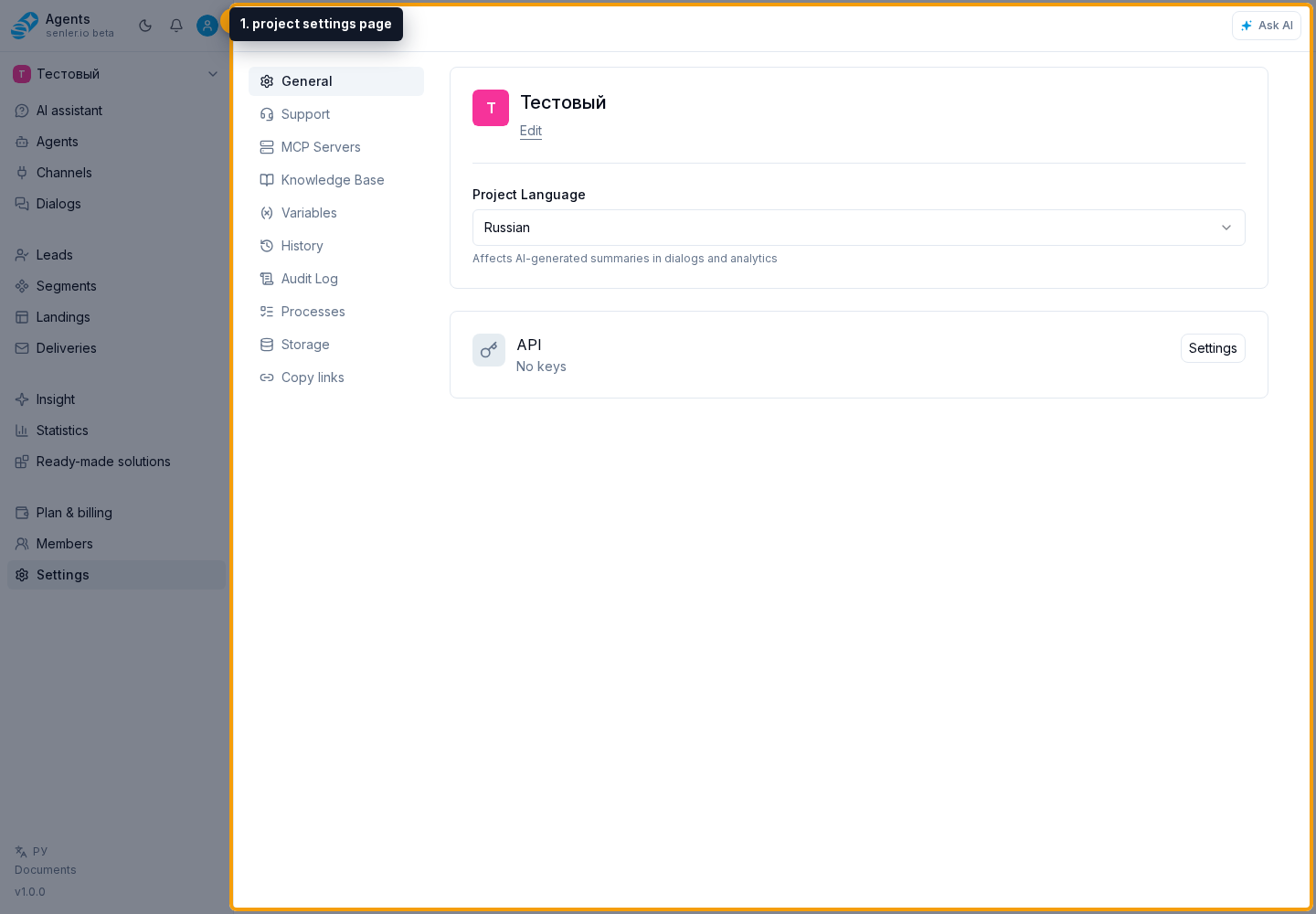
General
How to open General settings
Select the Settings gear button to the right of the project name, then select General.
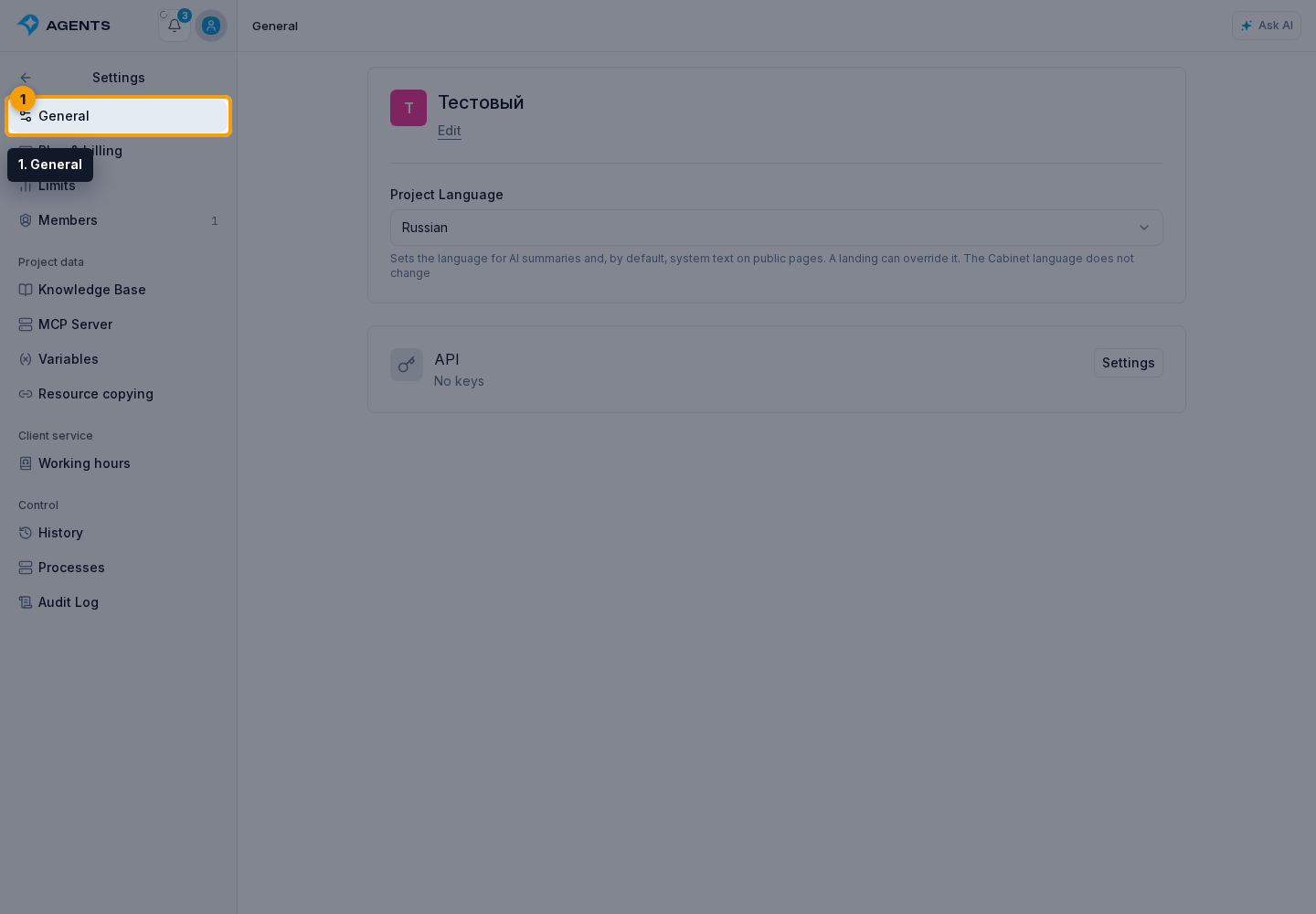
The General settings page contains:
- the project name and avatar;
- the project language;
- an API key summary and a button that opens key management;
- your AI accounts: OpenAI and OpenRouter keys, validation, and request payment options. This block is available to members with billing view permission.
Resource transfer, sharing links, and attachment limits are not on this page. They have separate Resource copying and Storage sections.
Lead credit limits are on the Limits page, not in General settings.
Change the name or avatar
- In the basic information card, click Edit.
- Change the name. It is required and, after trimming spaces, can contain no more than 100 characters.
- To replace the avatar, click the image and select a JPEG, PNG, or WebP file no larger than 5 MB.
- Click Save. Cancel restores the previous name and discards the selected file.
If the edit button is absent, the member cannot update the project. A file format or size error is shown immediately after the file is selected.
Select the project language
In the Project language field, select Russian or English. The selection is saved immediately; there is no separate save button.
The project language is used for AI summaries and system text on public pages, including landing-page buttons, statuses, and errors. A new landing inherits this setting by default, but a different language can be selected in that landing's settings. The project language does not switch the Cabinet language or translate titles and text that a user has entered into landing-page blocks.
After the language is changed, system text on published landing pages that inherit the project language changes immediately; republishing is not required. Landing pages with an explicitly selected language do not change.
Open API keys
The API card shows the number of active keys and the total number of keys. Click Settings to open the separate page. Creation, permissions, disabling, and deletion are covered in Project API keys.