
Transaction history
- Select the Settings gear button to the right of the project name.
- Select Plan & billing.
The bottom of this page contains the project's monetary transaction history.
Search and filters
The initial view shows the last 30 calendar days, including today. To find an older payment, change the dates in the filters. Scrolling loads more operations for the selected period.
In the search and filter panel, search finds operations by text, amount, and identifiers. Select Filters to add a condition. Dates are already visible when the page opens; use the same button to restore a removed filter.
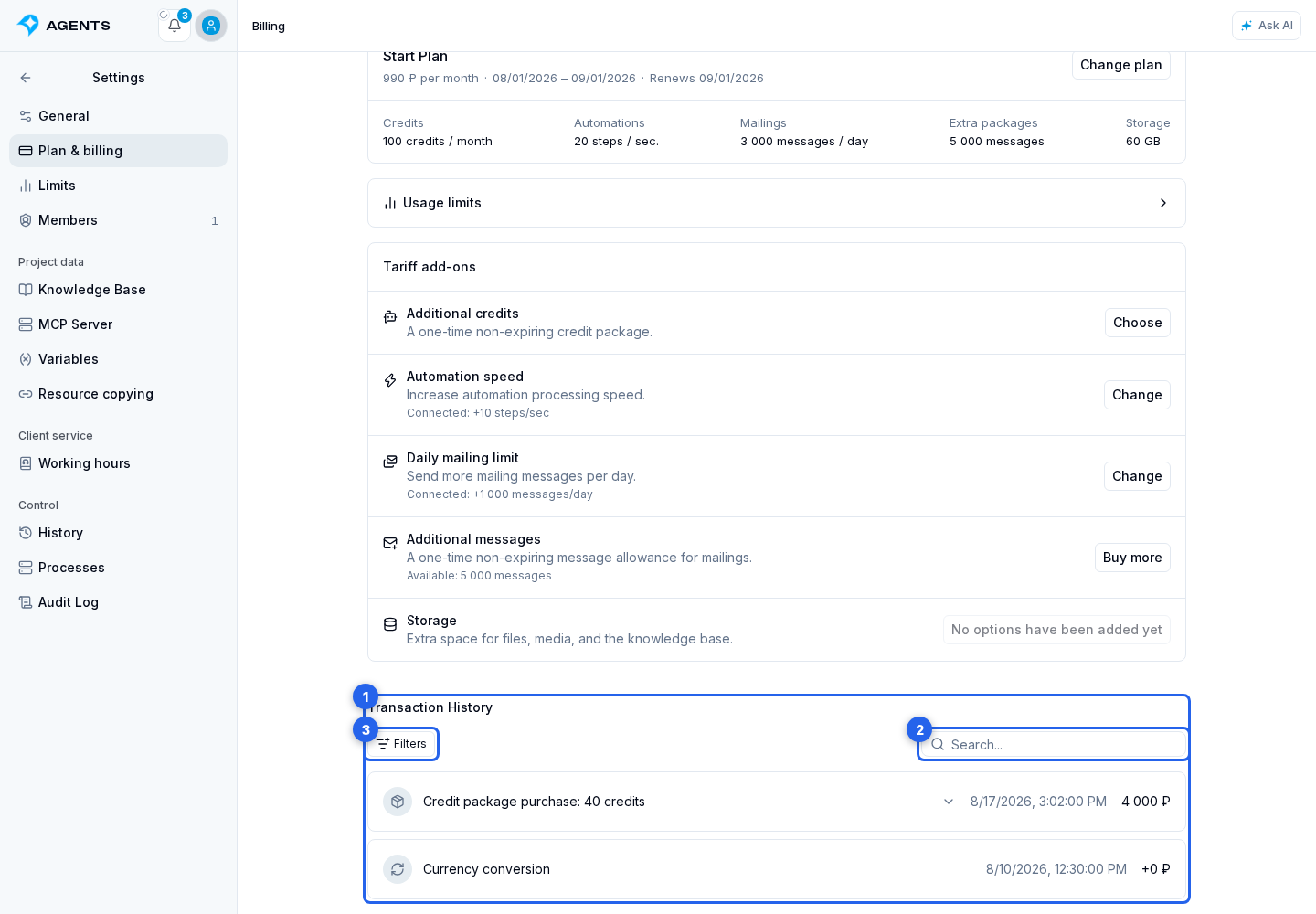
In the menu that opens, select Operation type to add this search condition.
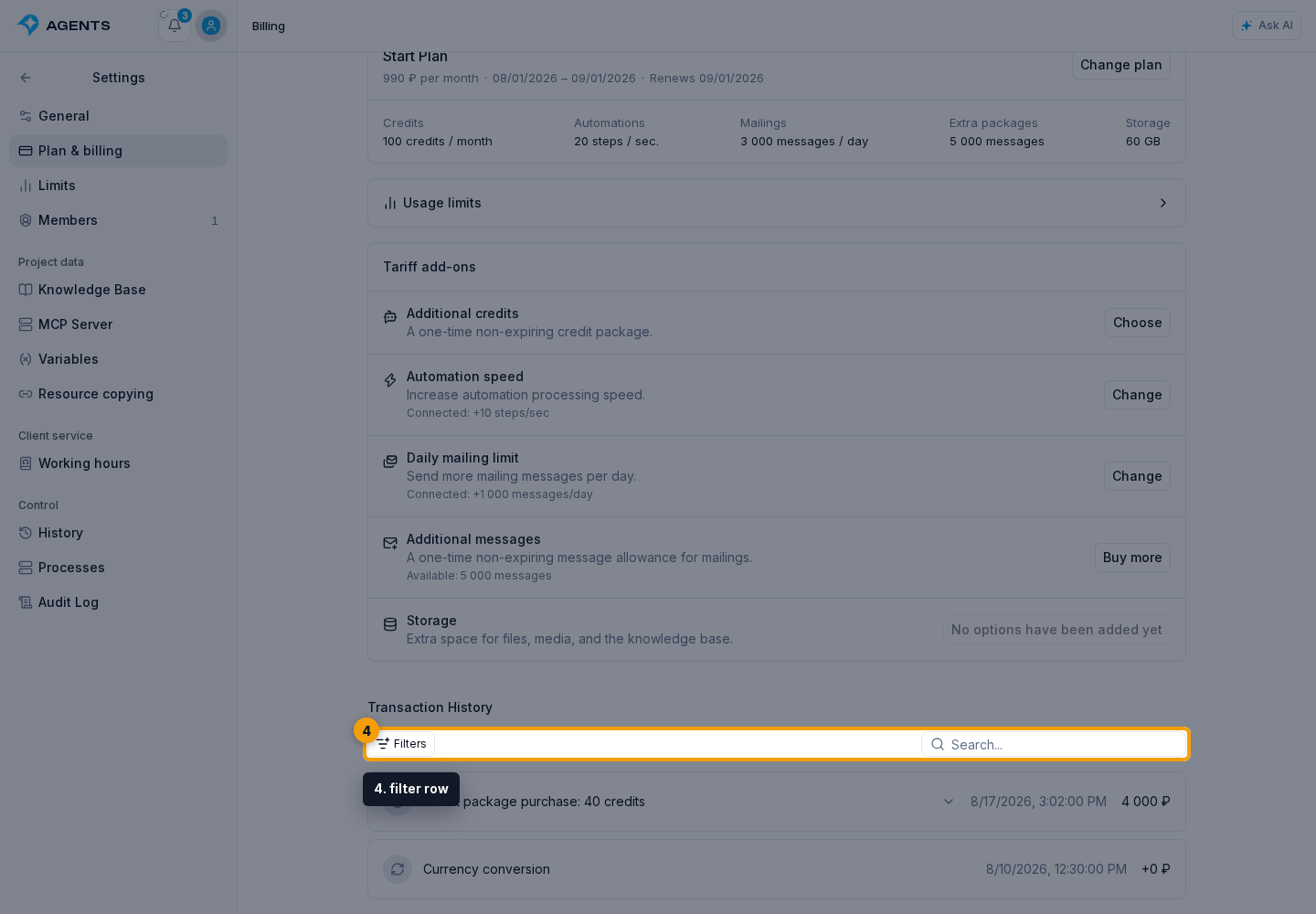
Set the conditions you need:
- operation type;
- start date;
- end date.
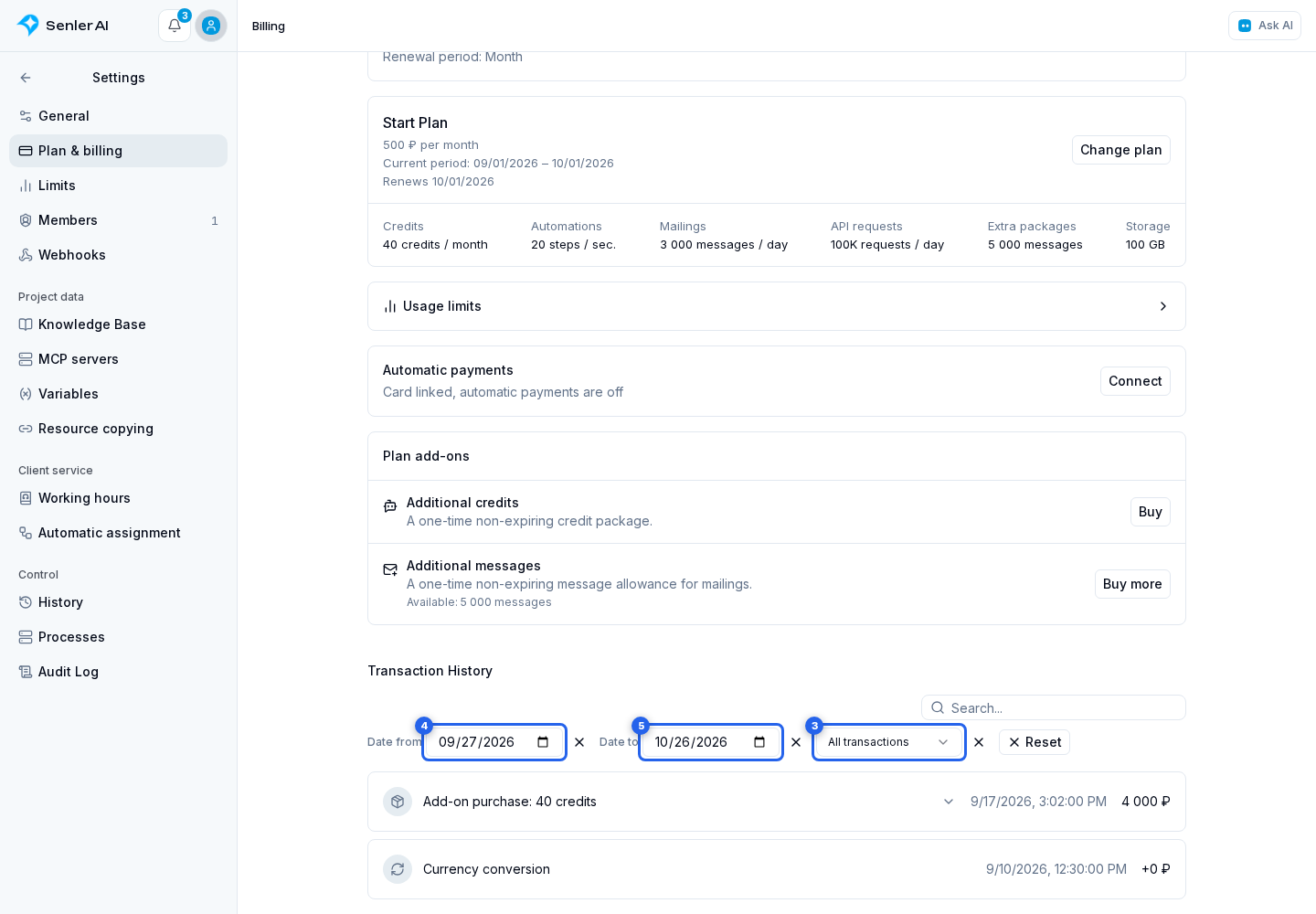
Reset clears search and operation type, restoring the last 30 days.
Operations stored here
- monetary balance deposits;
- plan purchases or renewals;
- credit package purchases and auto purchases;
- subscription or recurring add-on purchases;
- one-time message package purchases;
- refunds;
- manual adjustments;
- currency conversions after changing the payer country.
AI credit usage is not shown here. Use credit history for it; each agent response does not create a separate monetary charge.
Linked order operations
For an external plan, subscription, or package payment, Senler first adds the paid amount to the balance and then pays for the purchase from that balance. One order can therefore create several linked records. The history combines them into one card; expand it to see the deposit and purchase items separately. With a partial payment, the group also shows the amount paid from the previous balance and the amount added through the payment system.
Click a transaction inside the group. When it belongs to an order, the payment result dialog opens with status, payment system, identifiers, and order contents.
The status comes from the order itself. Returning from the payment provider does not yet mean the purchase is complete: the dialog shows a pending state while the order is processing. Full and partial refunds are also indicated separately.
Individual operation details
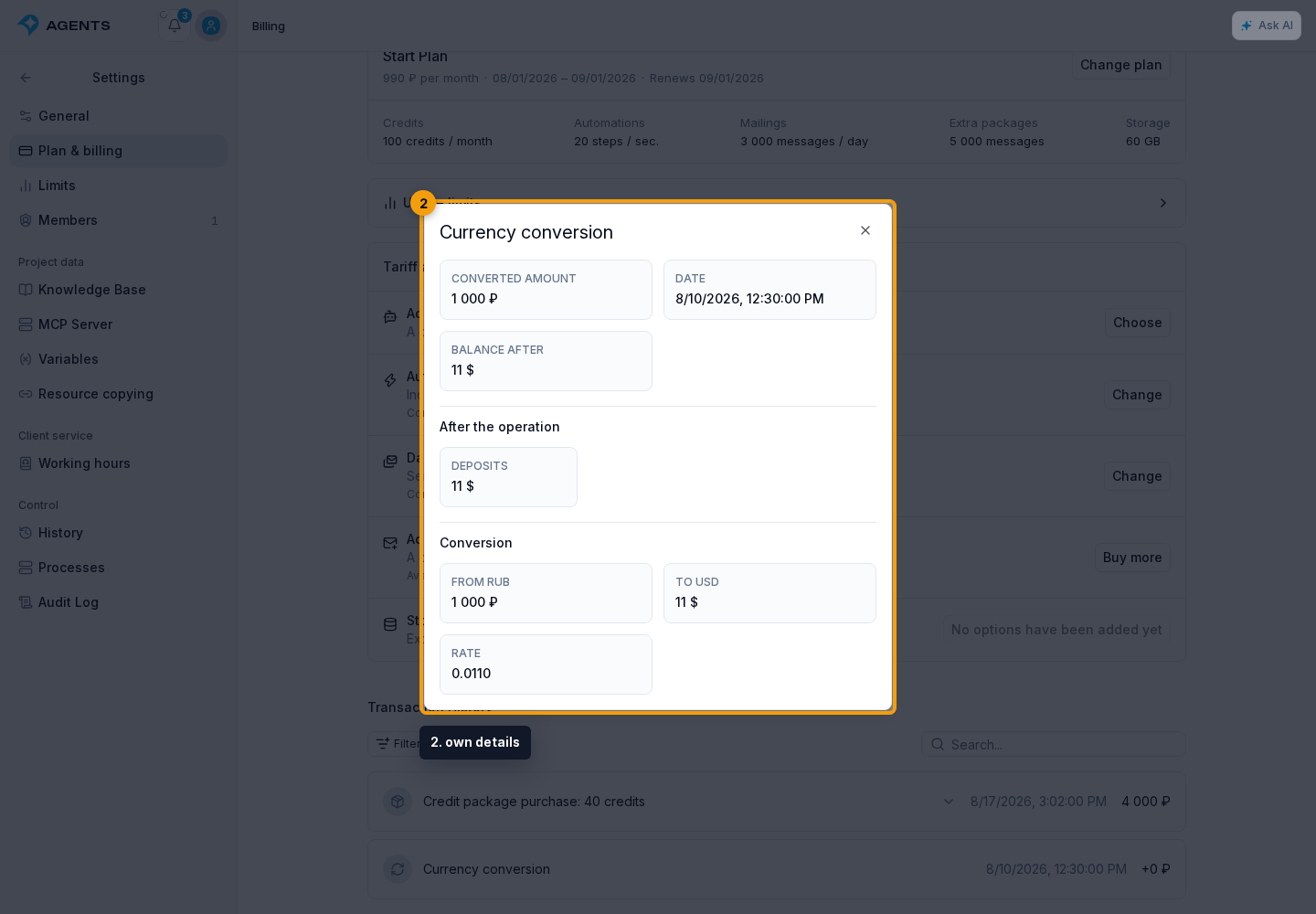
Click a transaction that is not linked to an order, such as a currency conversion.
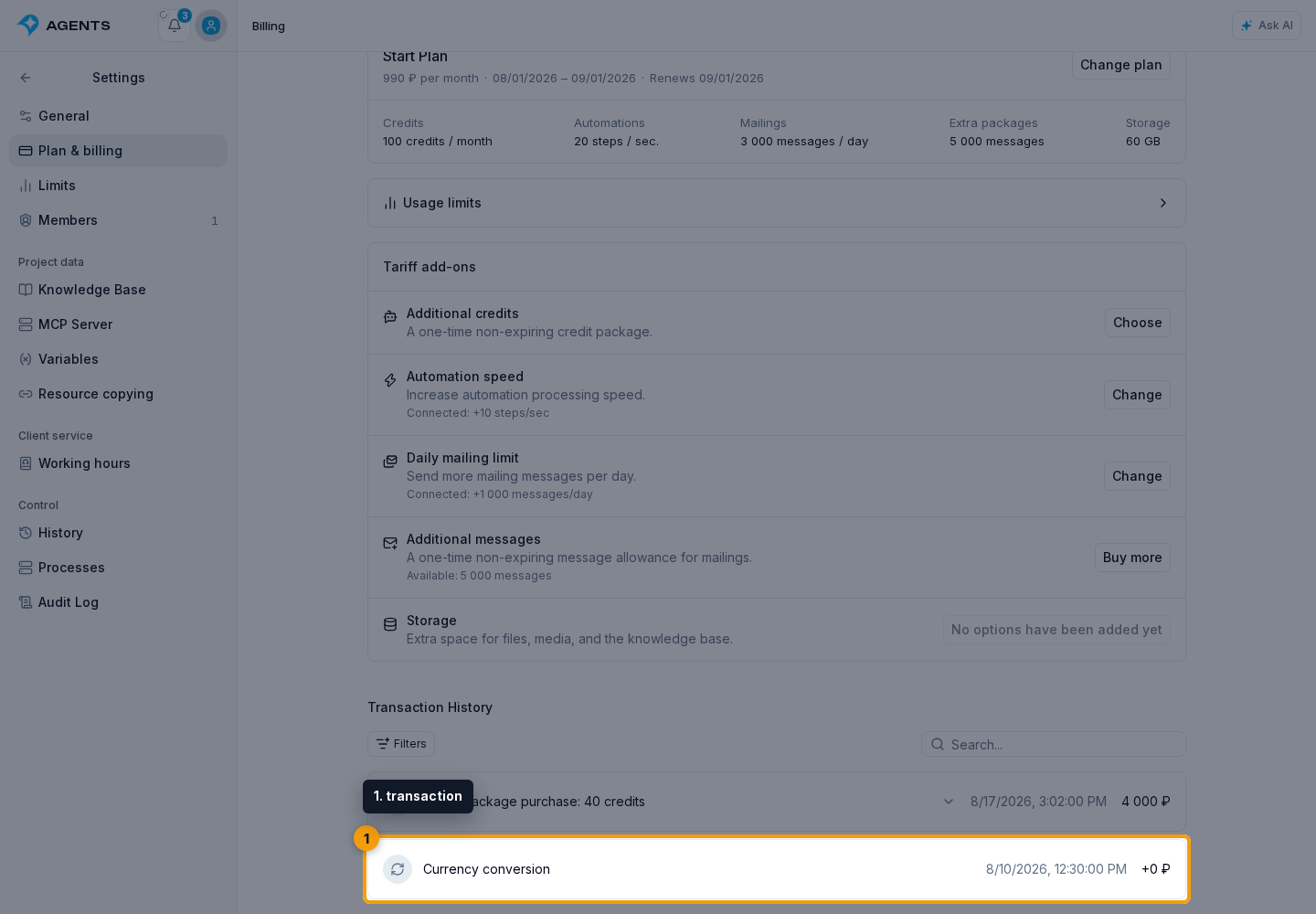
The transaction details dialog opens. Depending on type, it shows the amount, date, remaining balance after the operation, changed balance components, and payment identifiers. A conversion also shows the source and target currencies, amounts, and exchange rate.
When a purchase is refunded to the balance, including cancellation of a paid future subscription period, its funding source is preserved: the bonus portion returns to bonus funds, the deposited portion to deposited funds, and the earned portion to earned funds. A refund does not turn bonuses into deposited money. Changes to these balance components appear in the operation details.
Transaction history explains changes to project funds. Credit history explains changes to AI usage units. A package purchase appears in both histories: this page records the payment, while credit history records the granted package.