
Processes
How to open Processes
Select the Settings gear button to the right of the project name, then select Processes.
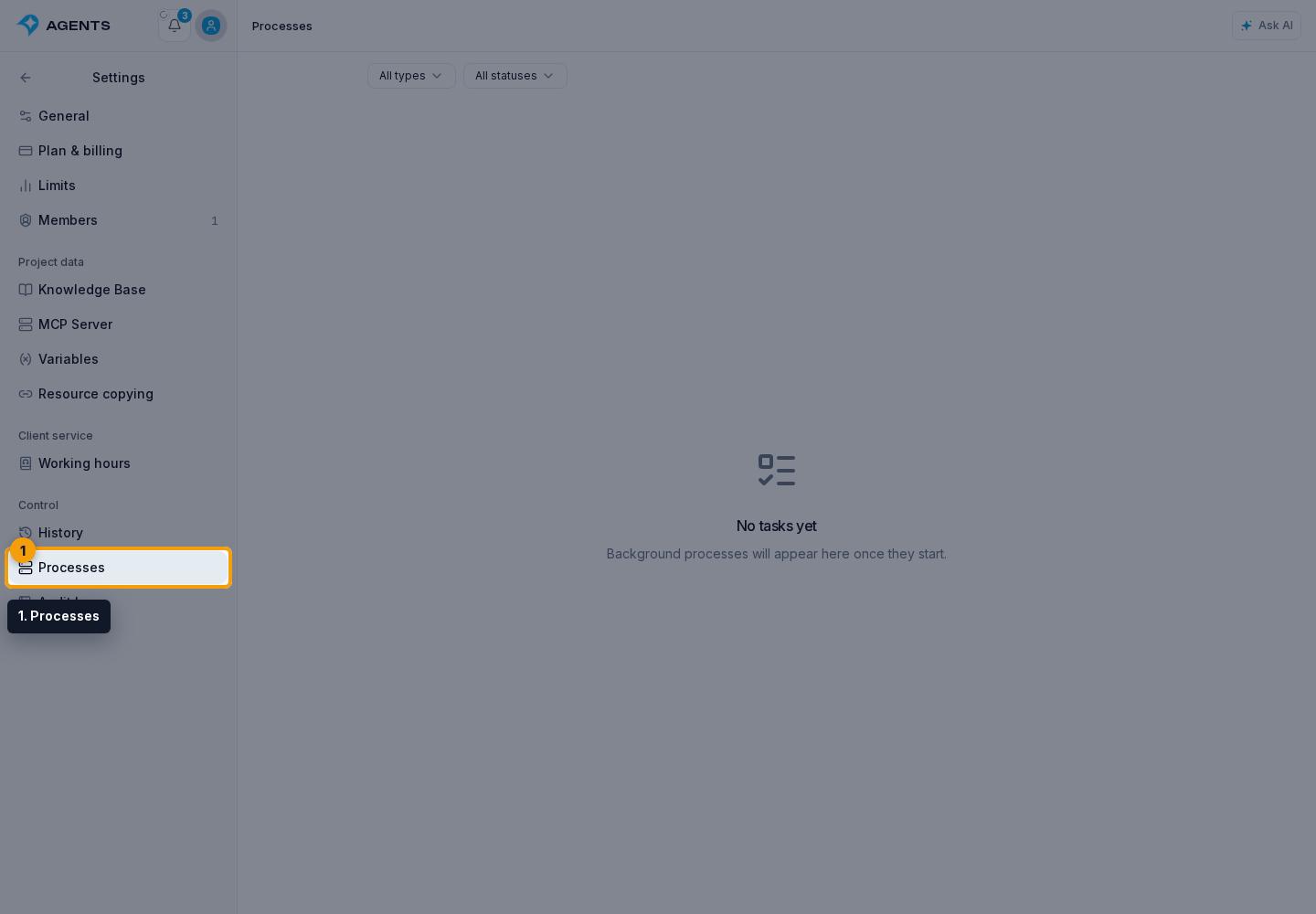
The Processes section lets you check long-running project operations such as imports, updates, migrations, deliveries, and resource package transfers.
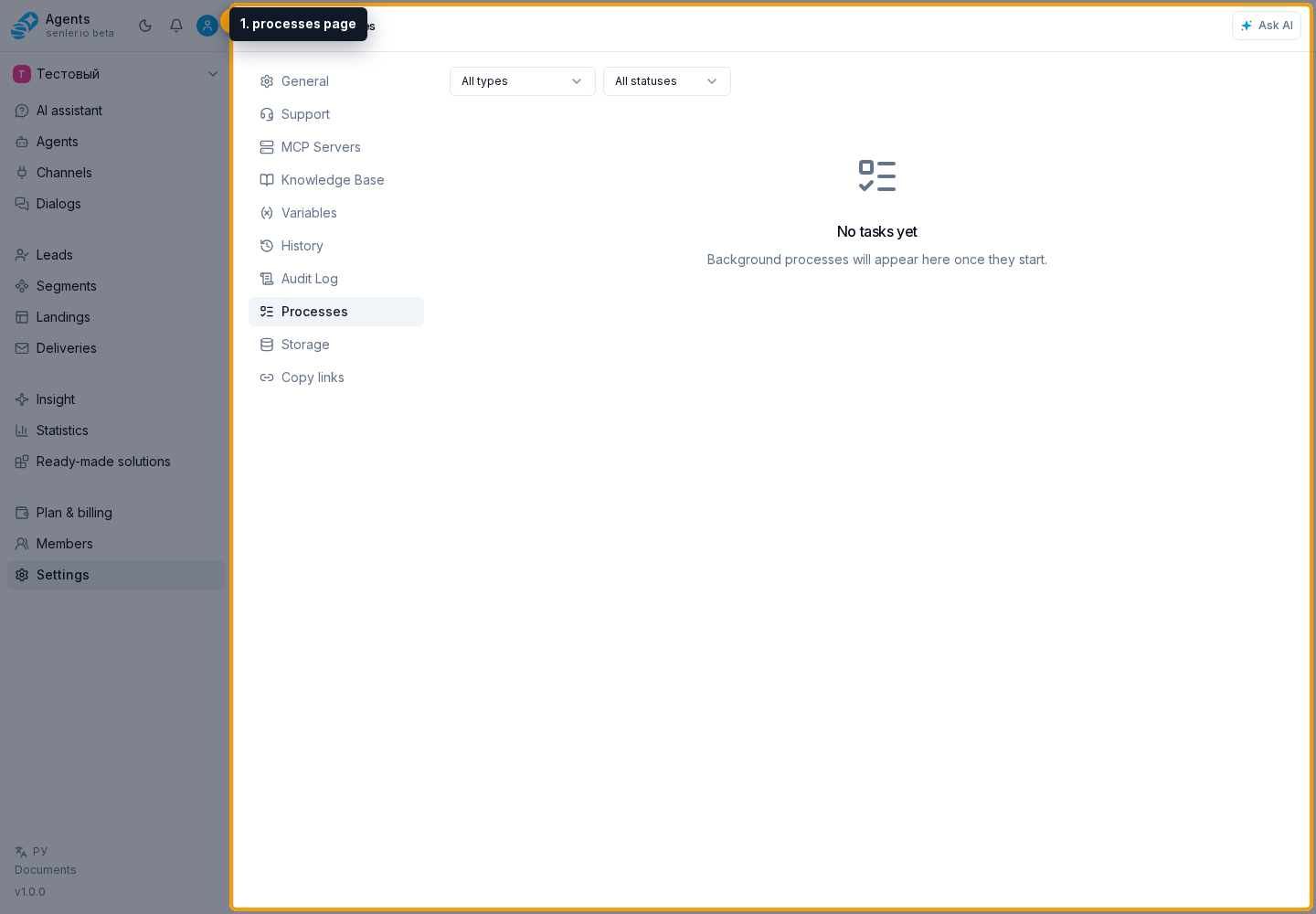
Use the type and status filters together or separately. Changes apply immediately. The cross button appears when a filter is active and clears both conditions. If there are more than 50 results, Load more loads the next page with the same filters.
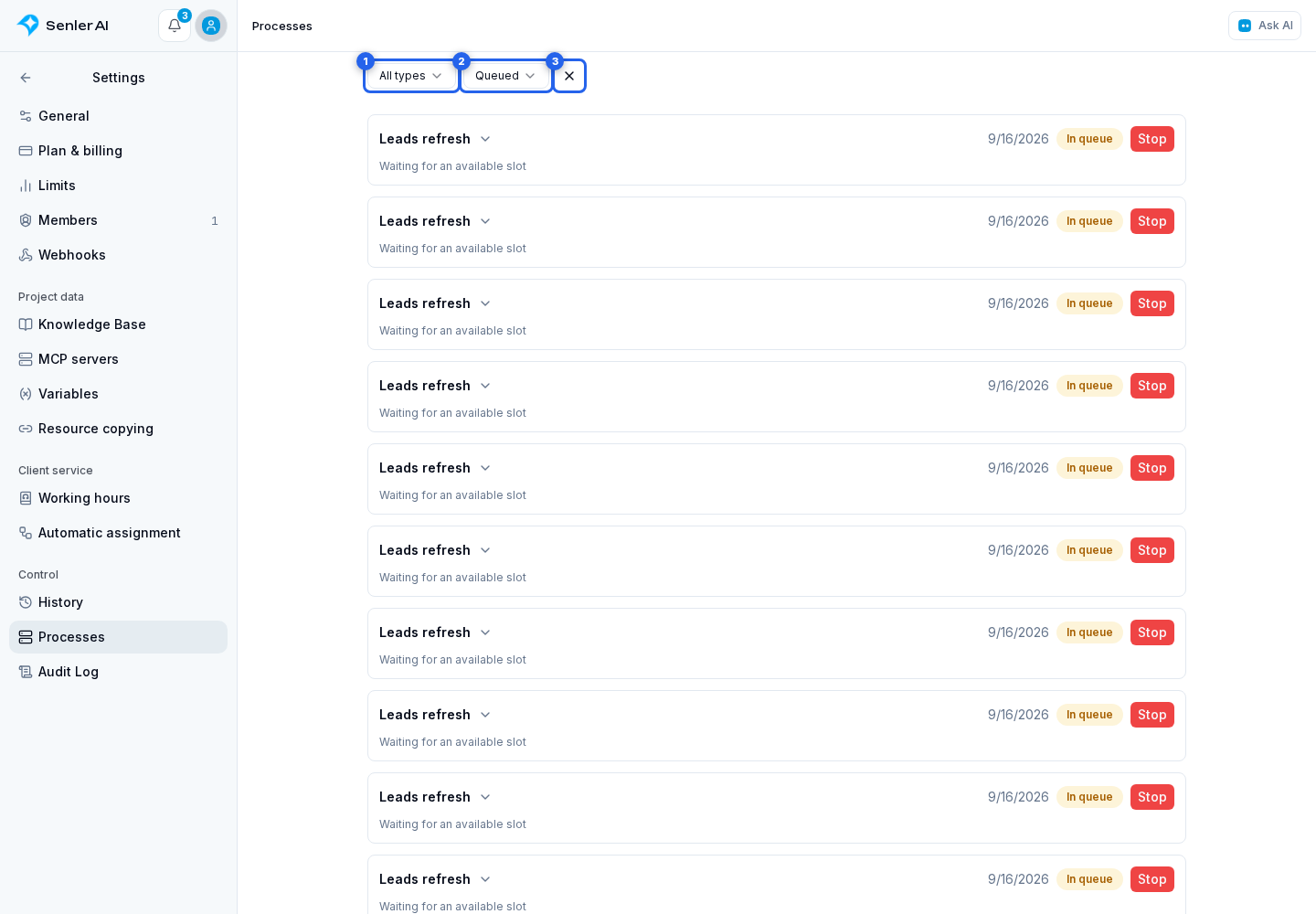
Process types
The type filter contains only the operations supported by the page:
- lead export;
- bulk dialog action;
- lead import by ID;
- lead import from Senler.ru;
- lead refresh;
- channel migration;
- post-migration history backfill;
- channel tree refresh;
- channel webhook refresh;
- channel section refresh;
- resource package import;
- delivery.
Statuses
The filter offers these statuses:
- Queued — the process has not started;
- Preparing — a preparation stage is running;
- Processing — the operation is processing data;
- Completed — the operation finished;
- Failed — the process ended with an error;
- Stopped — execution was stopped.
On cards, a running process is labeled Processing and a stopped process is labeled Cancelled.
A pending process may show the time of its next retry. Otherwise, its card says that the process is waiting for a free slot.
Process card
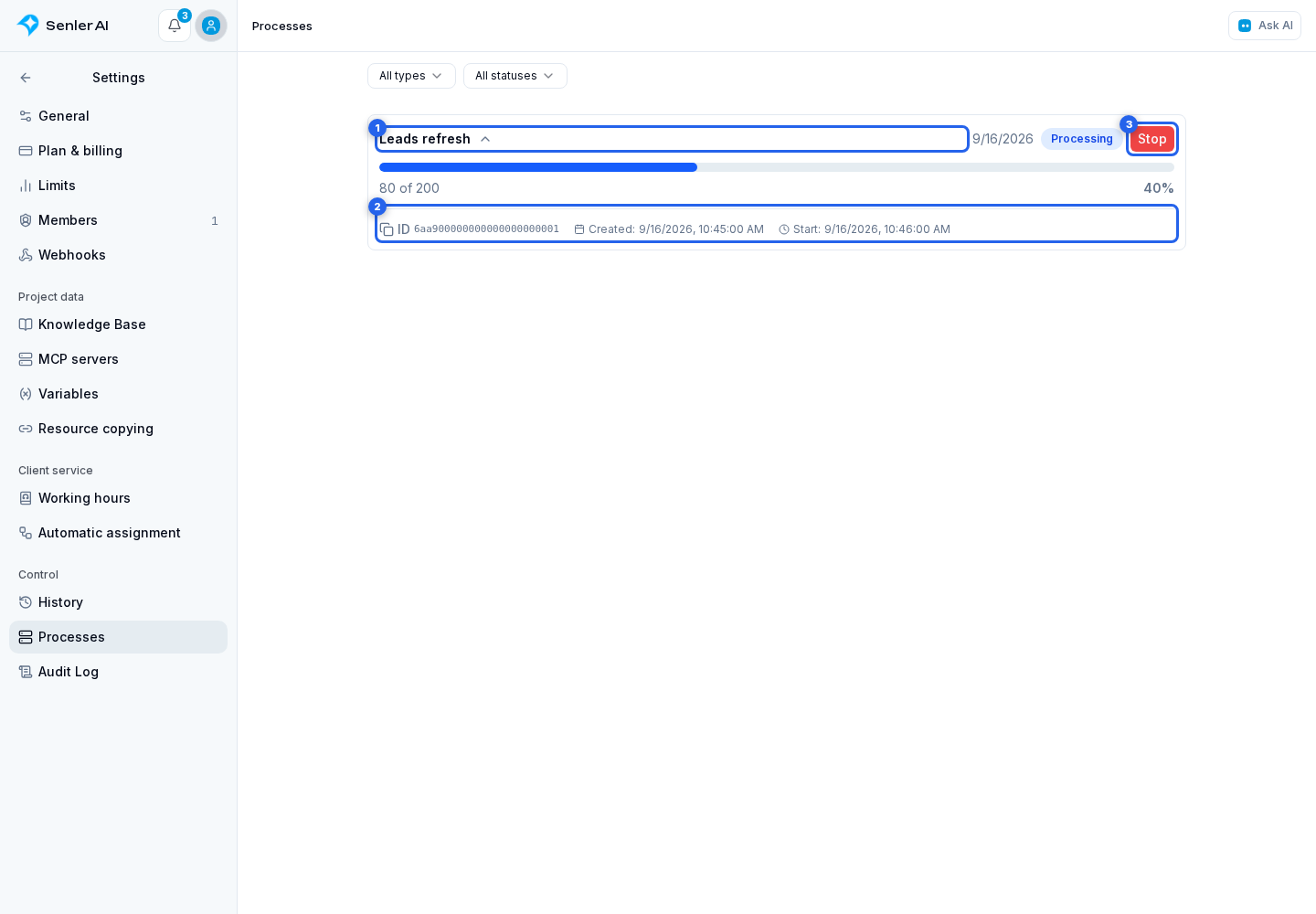
Click the process card title to expand its details. Depending on the type and state, it may display:
- a progress bar and progress label;
- an error message;
- result counters;
- the process ID with a copy button;
- creation, start, and completion times.
Result counters differ by type. For example, lead import shows imported, updated, and failed records; refreshes show refreshed, skipped, and failed records; migration shows copied leads, dialogs, and events; package import shows created, skipped, and failed items.
In a Senler.ru import, existing leads are counted as skipped, not updated. The total number of records is not known in advance, so a percentage may be absent until the import finishes. Stopping this import does not delete leads already added.
A bulk dialog action shows updated, skipped, and failed dialogs, plus the last 100 reasons for skips and failures. A completed bulk automation start means the start requests were accepted, not that the automations themselves have finished.
Lead import, lead refresh, and bulk segment operations return summary counts without a per-lead error list. A process-level error is shown separately if the process cannot finish. Download a completed lead export from the export dialog or its history; process view permission alone does not authorize downloading.
How to stop a process
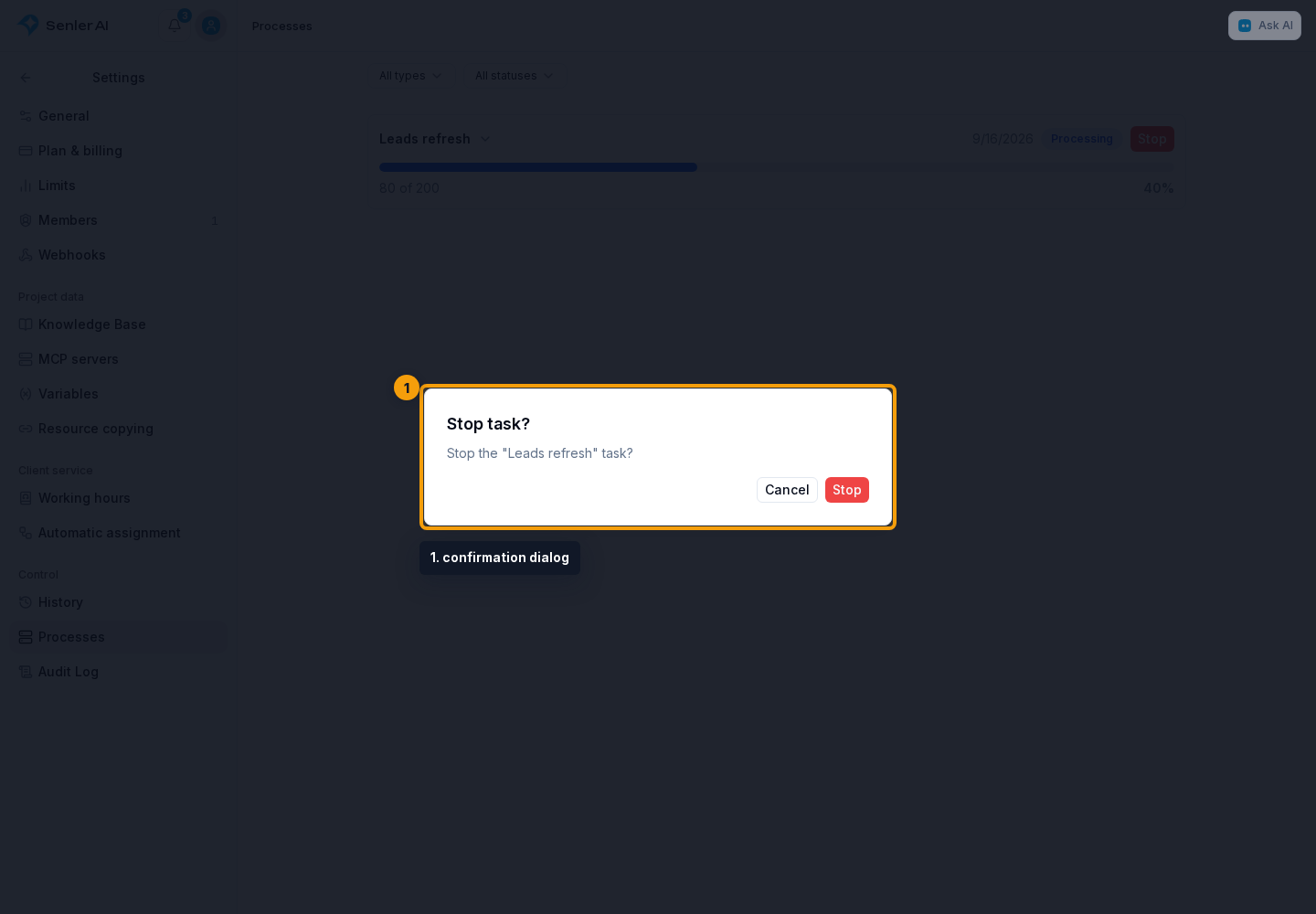
The Stop button appears only for pending, preparing, and processing operations when the member has stop permission. In the confirmation dialog, check the process type and select Stop. Cancel closes the dialog without stopping the process.
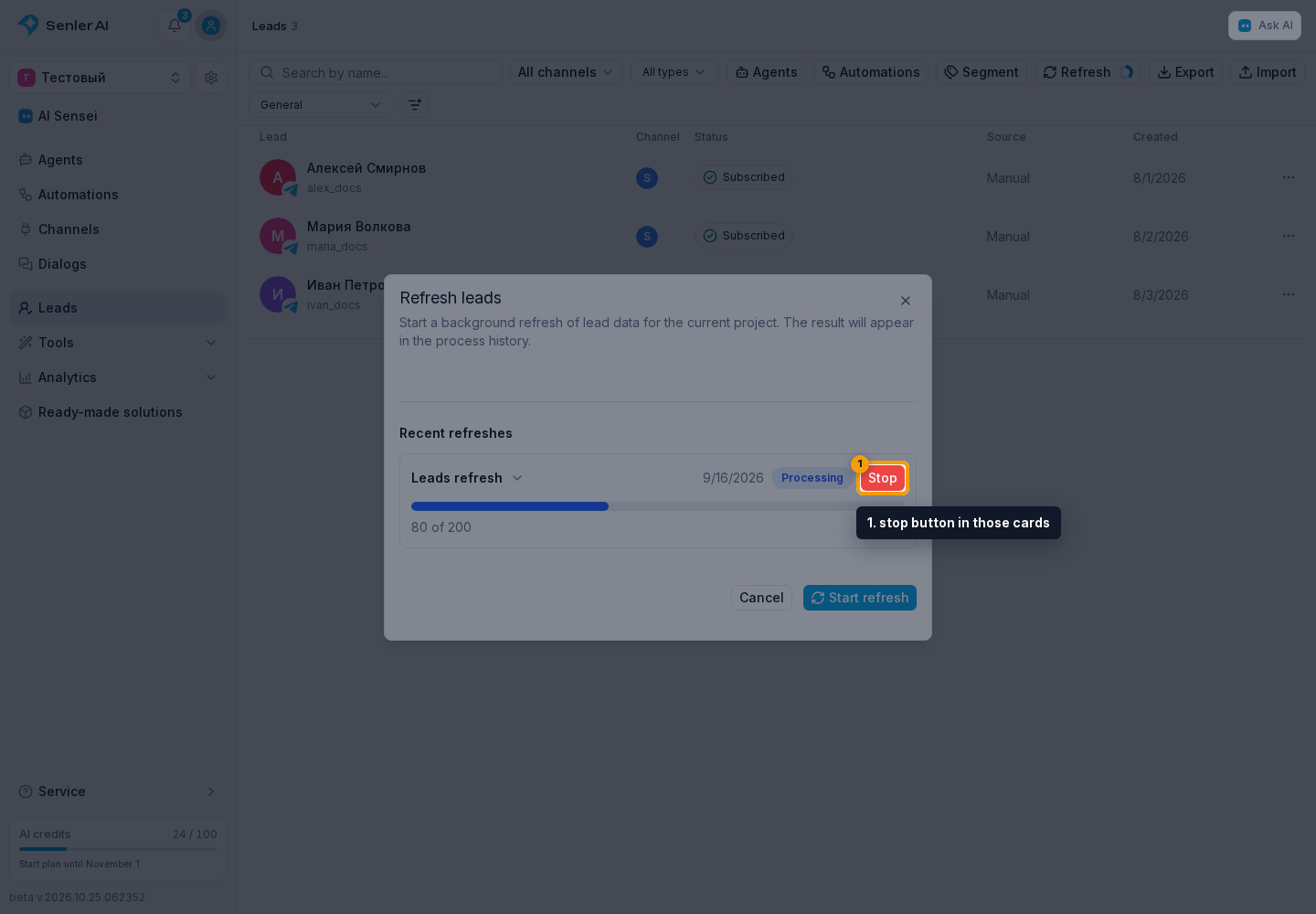
Process cards also appear in operation history, for example when adding leads to a segment in bulk or refreshing leads. The stop button in those cards sends the request immediately, without a separate confirmation.
A delivery send cannot be stopped on this page: the button is absent for the Delivery process type. Manage that operation in the deliveries section.
If a process does not finish
- Filter the list by the relevant type and active status.
- Expand the card and check progress, the next retry, and the start time.
- Copy the process ID for a support request.
- If stopping is appropriate and the button is available, confirm it deliberately; restart the original action only after checking the cause.