
Variables
Variables help store data you need for your work, such as a company address, a customer's city, or a deal number. First decide who the value is for: the entire project, a specific lead, or an individual dialog.
How to open Variables
Select the Settings gear button to the right of the project name, then select Variables.
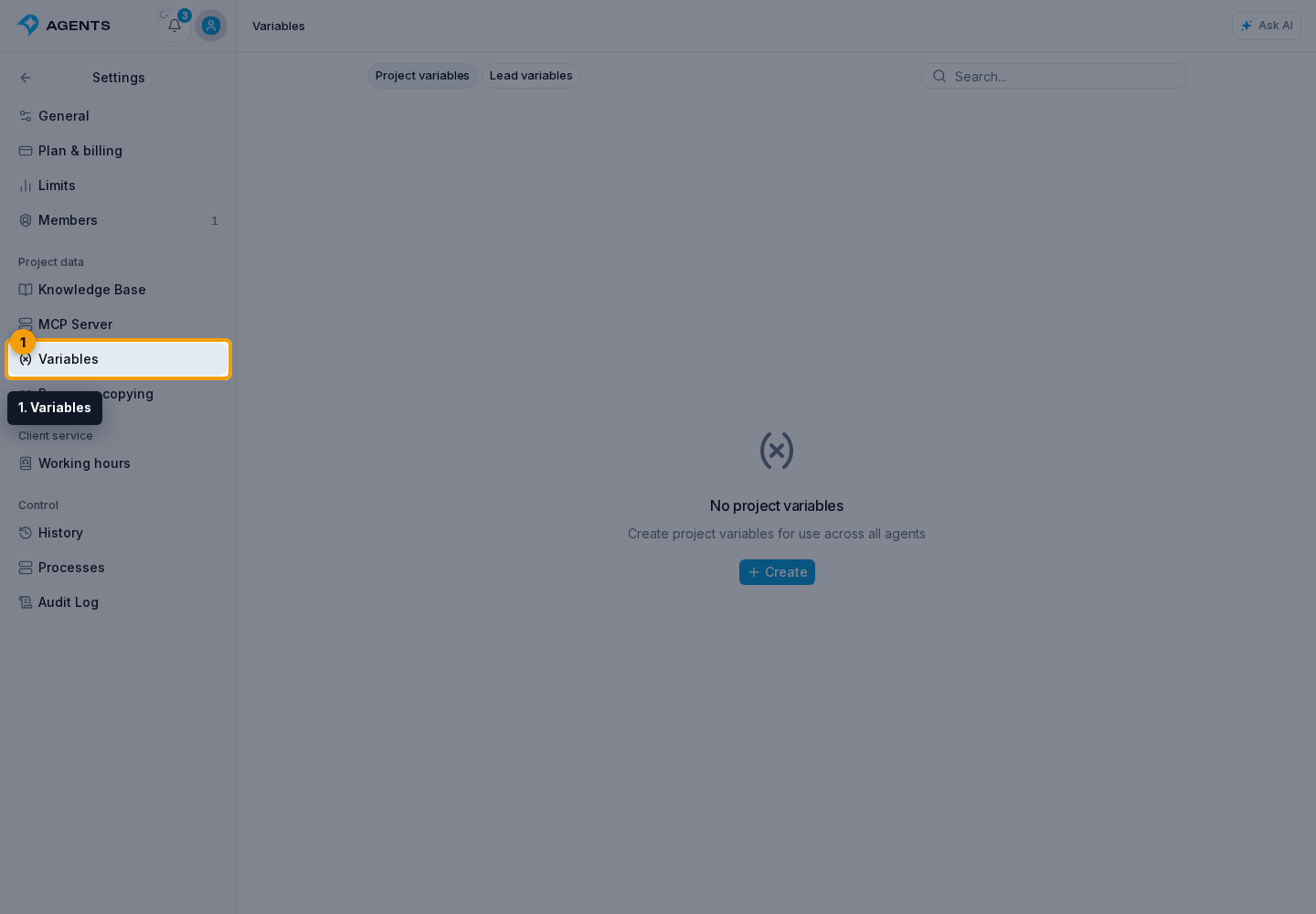
Which variables to choose
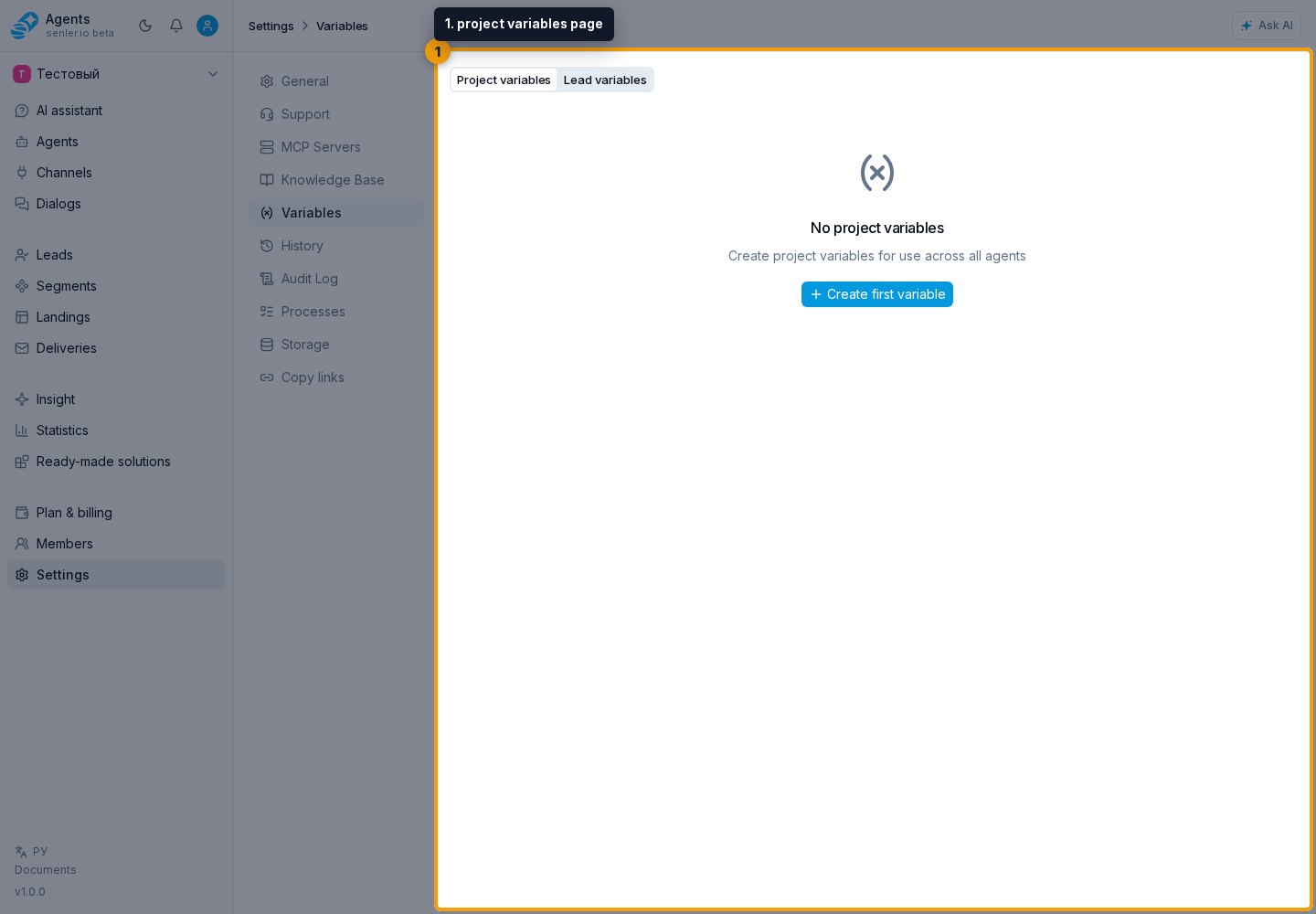
The Variables section has three tabs:
- Project variables — shared values for the entire project, such as a company address or payment link. You set the value when creating the variable.
- Lead variables — fields with a separate value for each customer, such as their city. In the settings, you create the field rather than fill in every customer's data at once.
- Dialog variables — fields for an individual conversation, such as the deal number being discussed. One customer can have several dialogs, each with its own value.
Tab availability depends on your permissions. If you can access only one kind of variable, its list opens directly without a tab switcher.
Long lists load as you scroll on each tab. Search covers all variables in the selected scope, not just the rows already displayed.
On the project variables tab, Create variable opens the new variable form.
After creating variables, you can use them in agent instructions. To learn how to insert a value into text and allow an agent to read or change data independently, see Data and variables in the agent.