
Message Updates
Dialog auto-updates
Open Dialogs in the project side menu. The conversation list and open chat on the section page use a persistent connection to update messages, counters, statuses, and the typing indicator without a manual page refresh.
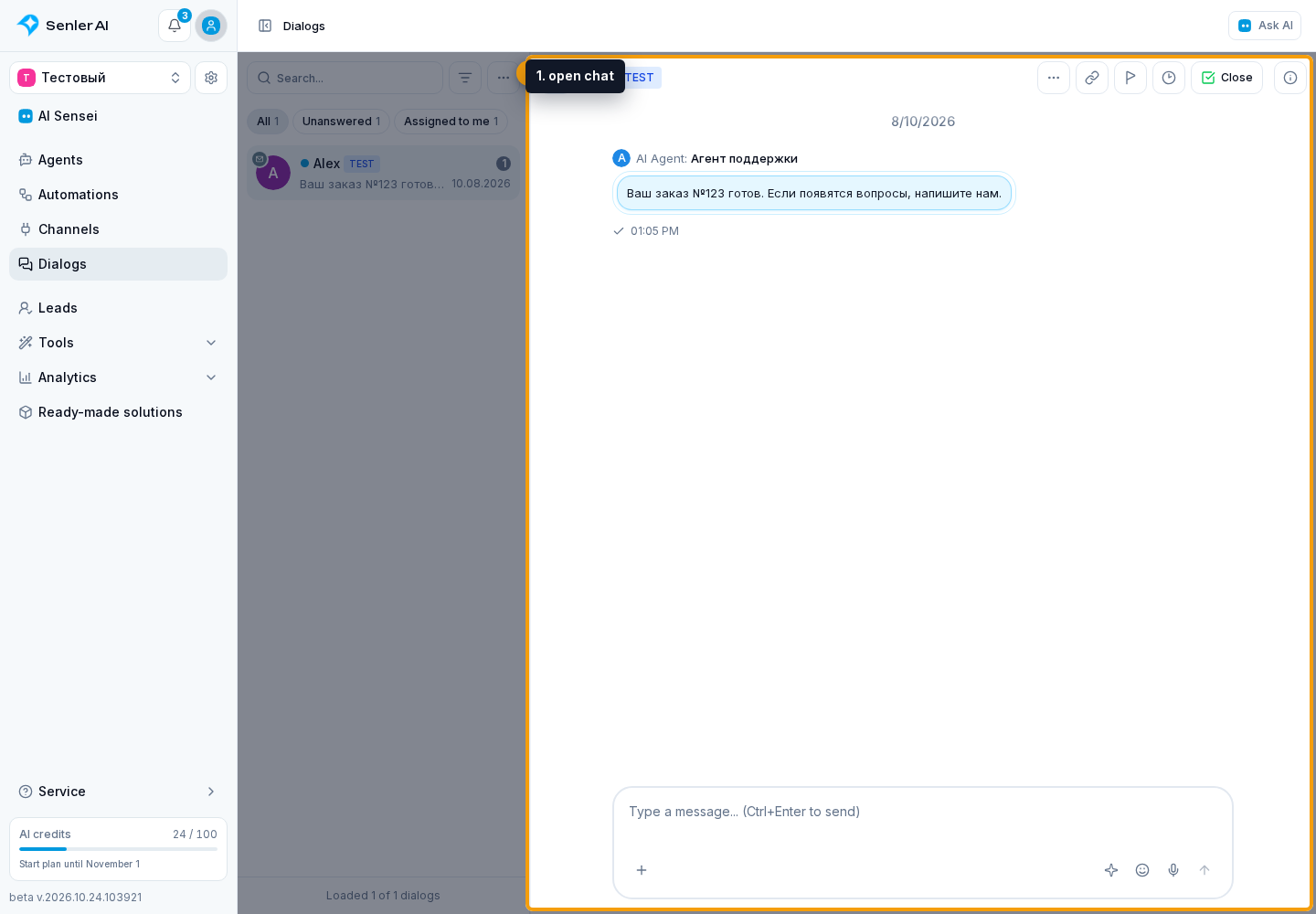
If an error appears instead of the message history, retry loading it. To contact support, you can copy the error text.
A brief connection while the page opens does not show a warning. If it takes longer, a calm connection or recovery status appears. Only after a longer failure does the cabinet report that it cannot connect and offer Retry or copy details for support. No red error during the first seconds is therefore normal and does not mean the page is stuck.
When the browser reports that it is offline or the tab is no longer visible, the Dialogs screen does not treat this as a persistent connection failure and does not accumulate warnings. When the Internet returns and the tab becomes visible again, it creates a fresh connection automatically. If messages still do not update after returning, use the manual retry steps below.
If new messages appear only after refreshing the page:
- Refresh the page.
- Check the Internet and VPN/proxy.
- Check authorization in the cabinet.
- Check whether the browser blocks the embedded screen or the persistent service connection.
- If a connection status is shown, select Retry.
- If the connection does not recover, use copy details for support.
- Save the problem time, project ID, dialog ID, and copied text.
Typing indicator
The typing indicator shows:
- the agent generates a response;
- one user is typing;
- several users are typing.
If no new typing update arrives from the visitor or operator, the cabinet automatically removes the stale indicator after 15 seconds. You do not need to refresh the page just to hide it.
AI activity before a message appears is explained in agent response preparation.
Notification sound
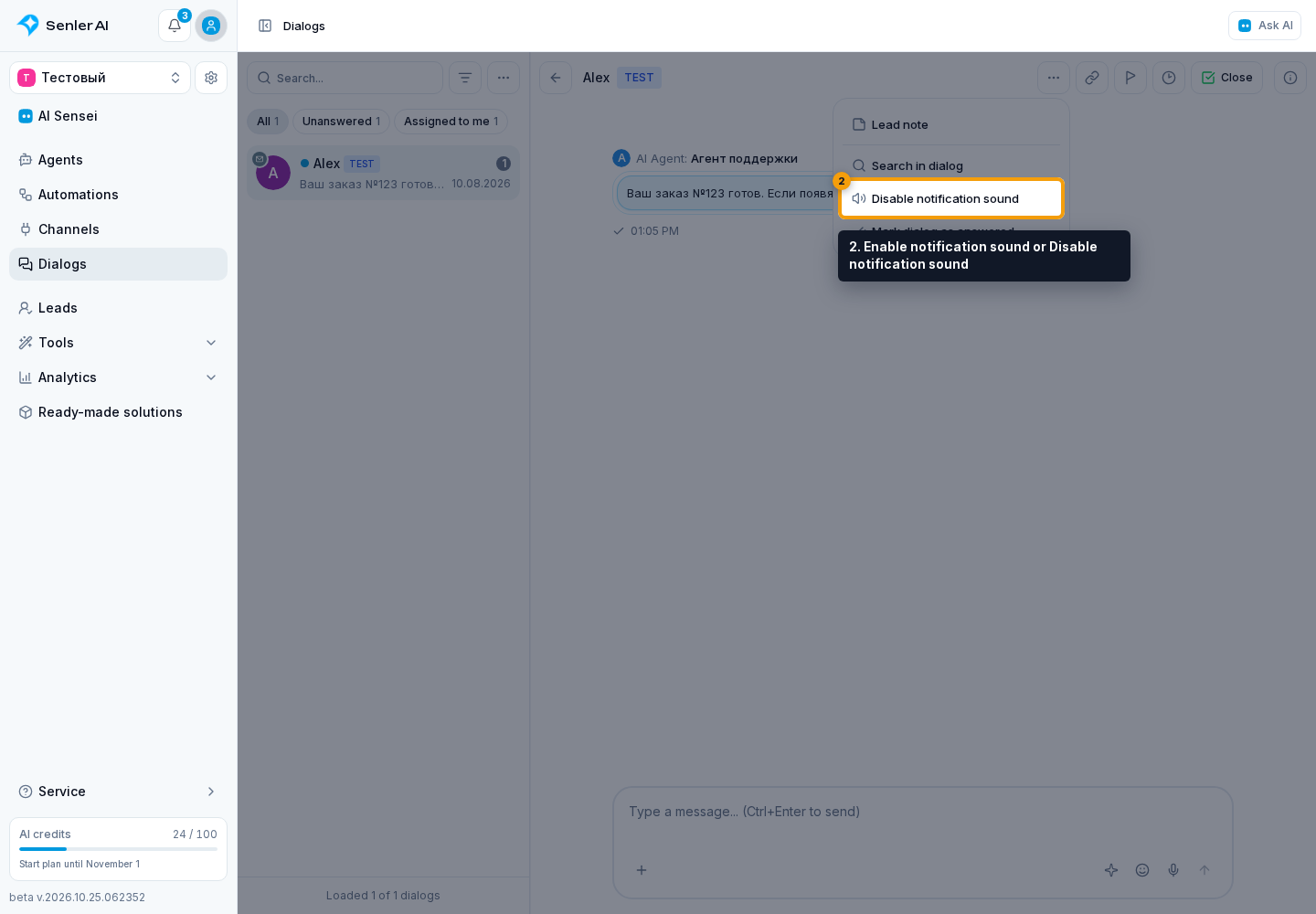
Open the three-dot menu in the chat header and select Enable notification sound or Disable notification sound. If enabled sound cannot be heard, check the browser's sound permission and system volume.
Read indicators are explained in read status. To resolve an issue or return to it later, change the conversation status.