
Account
Account settings belong to the user and apply regardless of which project is open. Use them to update your profile, protect account access, review authorized applications, and choose where personal notifications are delivered.
Opening account settings
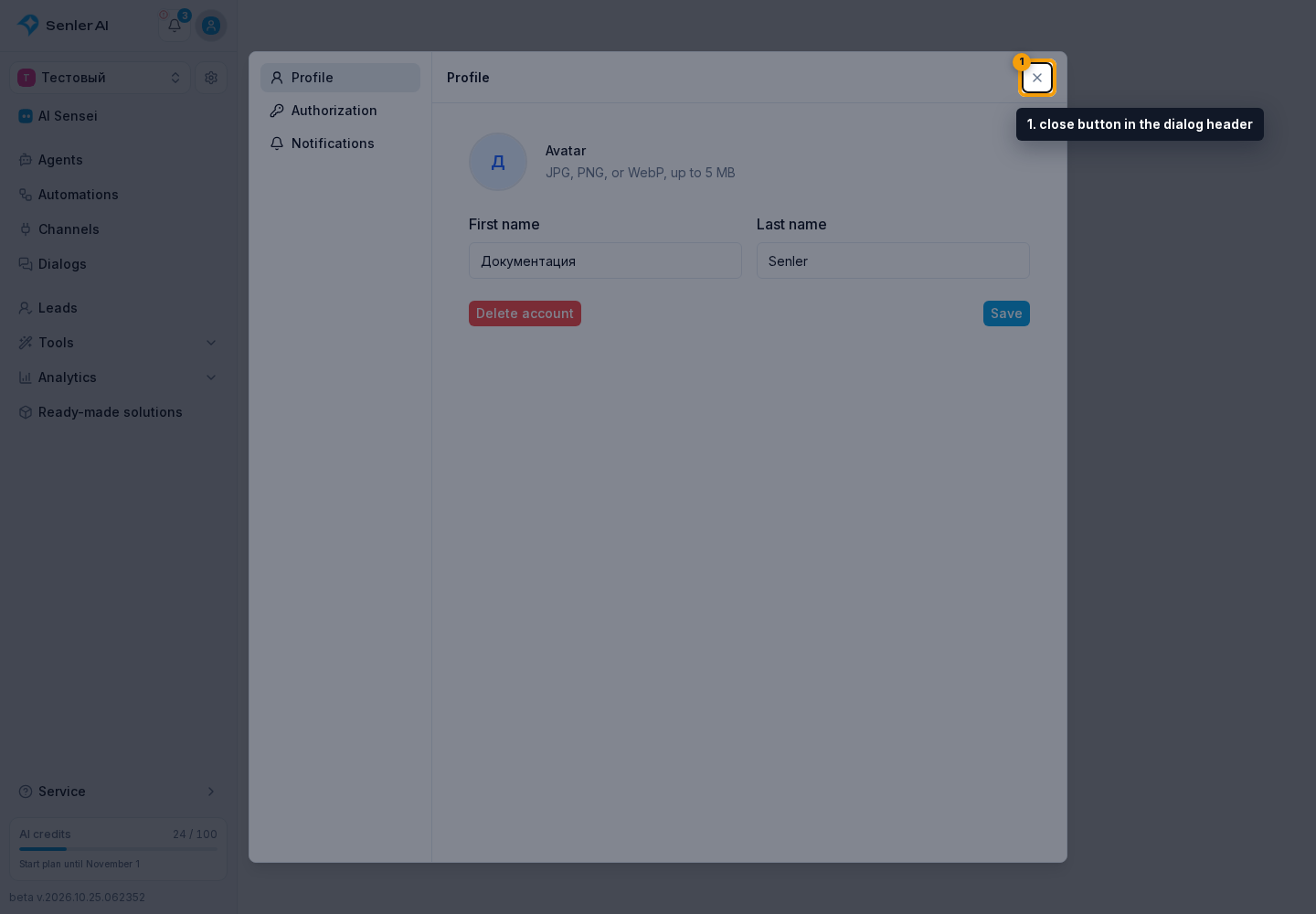
Select the profile icon and choose Profile, Authorization, or Notifications. The selected section opens in a dialog:
- Profile — your name, avatar, and account deletion;
- Authorization — sign-in methods and applications you have allowed to act on your behalf;
- Notifications — delivery channels and separate settings for each project.
To return to the open project, close account settings with the close button in the dialog header.
Copying your user ID
Open the profile icon menu and select Copy ID next to your name. In developer sections, this button is next to your name at the bottom of the sidebar.
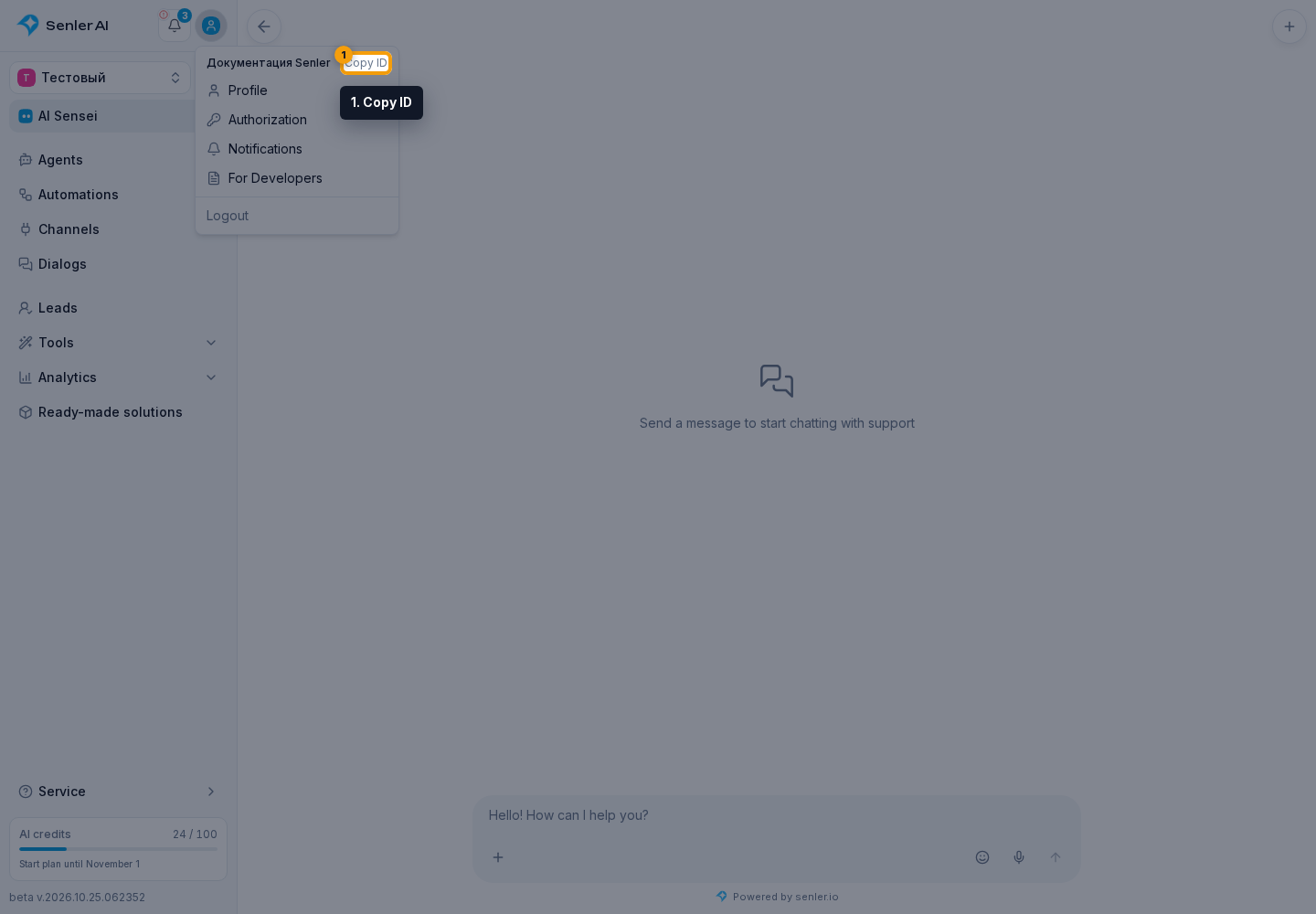
The button copies the current Senler AI user's ID. Share it with the project owner for an invitation by ID. It is not a project, community, or VK profile ID.
If your phone and computer use different accounts, copy the ID from the account that needs access. For example, to open a project created on your phone in the account on your laptop, copy the ID on the laptop and create the invitation from the project on your phone.
Updating your profile
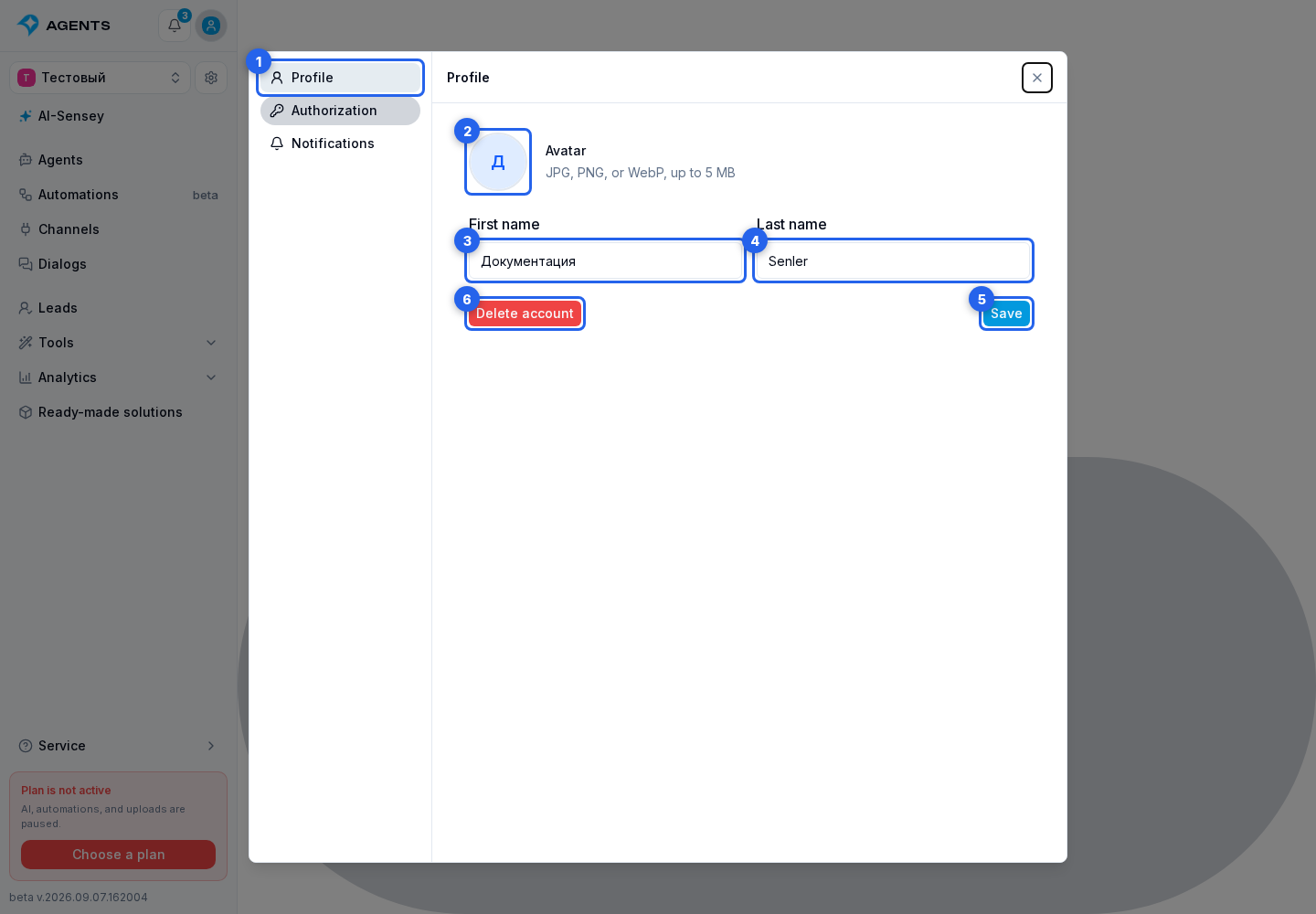
Select Profile. The profile page contains a personal details card.
Select the avatar to upload a JPG, PNG, or WebP image up to 5 MB. Update your first name and last name, then select Save. A new avatar is saved immediately after a successful upload.
The Delete account button is also at the bottom. Its effect is explained in the next section.
Deleting your account
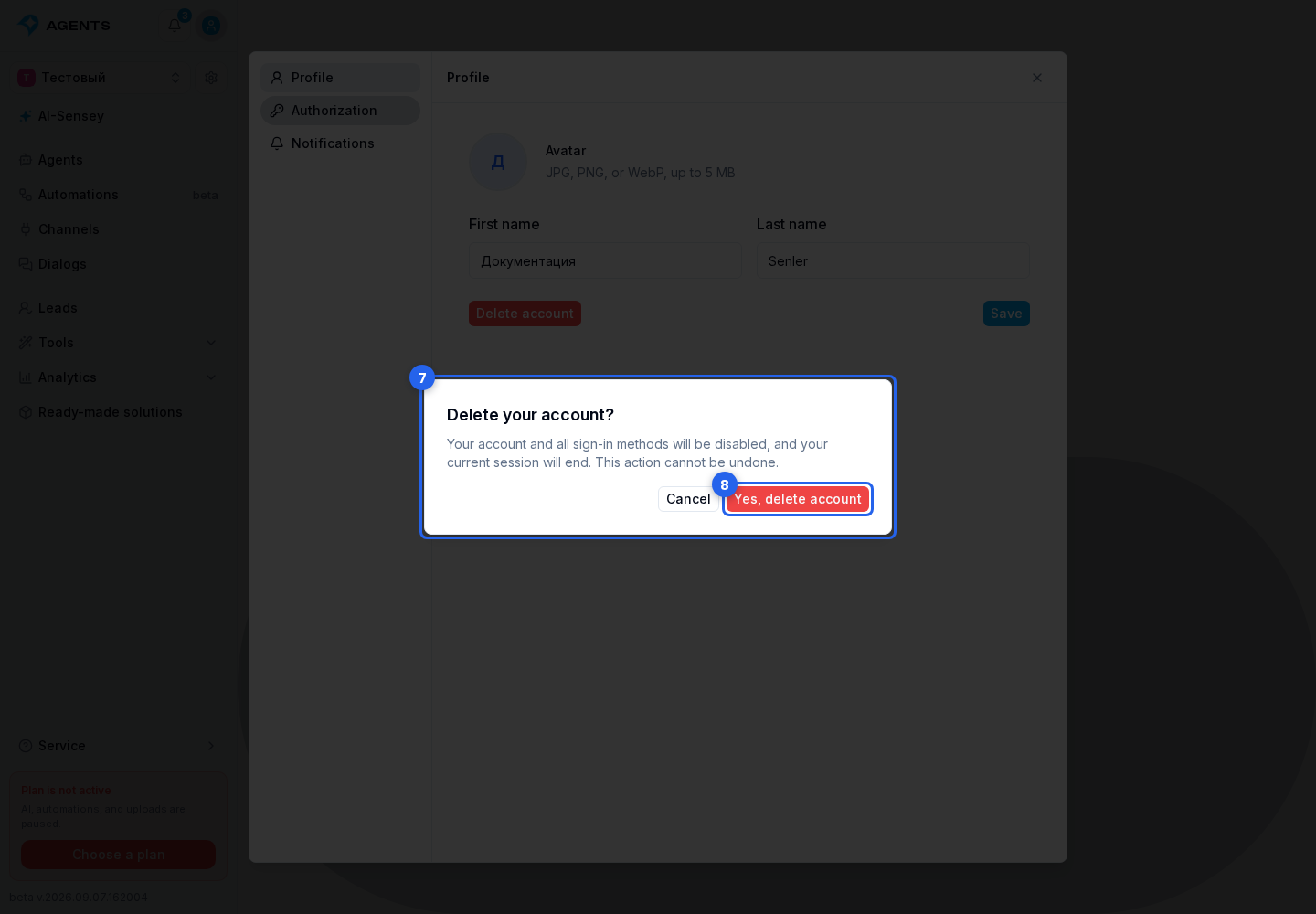
Select Delete account and carefully review the warning in the confirmation dialog. After you select Yes, delete account, the account and all sign-in methods are disabled and the current session ends. This action cannot be undone.
Account deletion is unavailable while viewing the account as another user.
What is under Authorization
Sign-in methods contains linked external accounts. After a new connection, the cabinet shows the result or error; when the only sign-in method is being disconnected, it explains why the action is unavailable.
The Connected applications block appears below. It lets you review permissions and, when needed, use full personal access revocation.
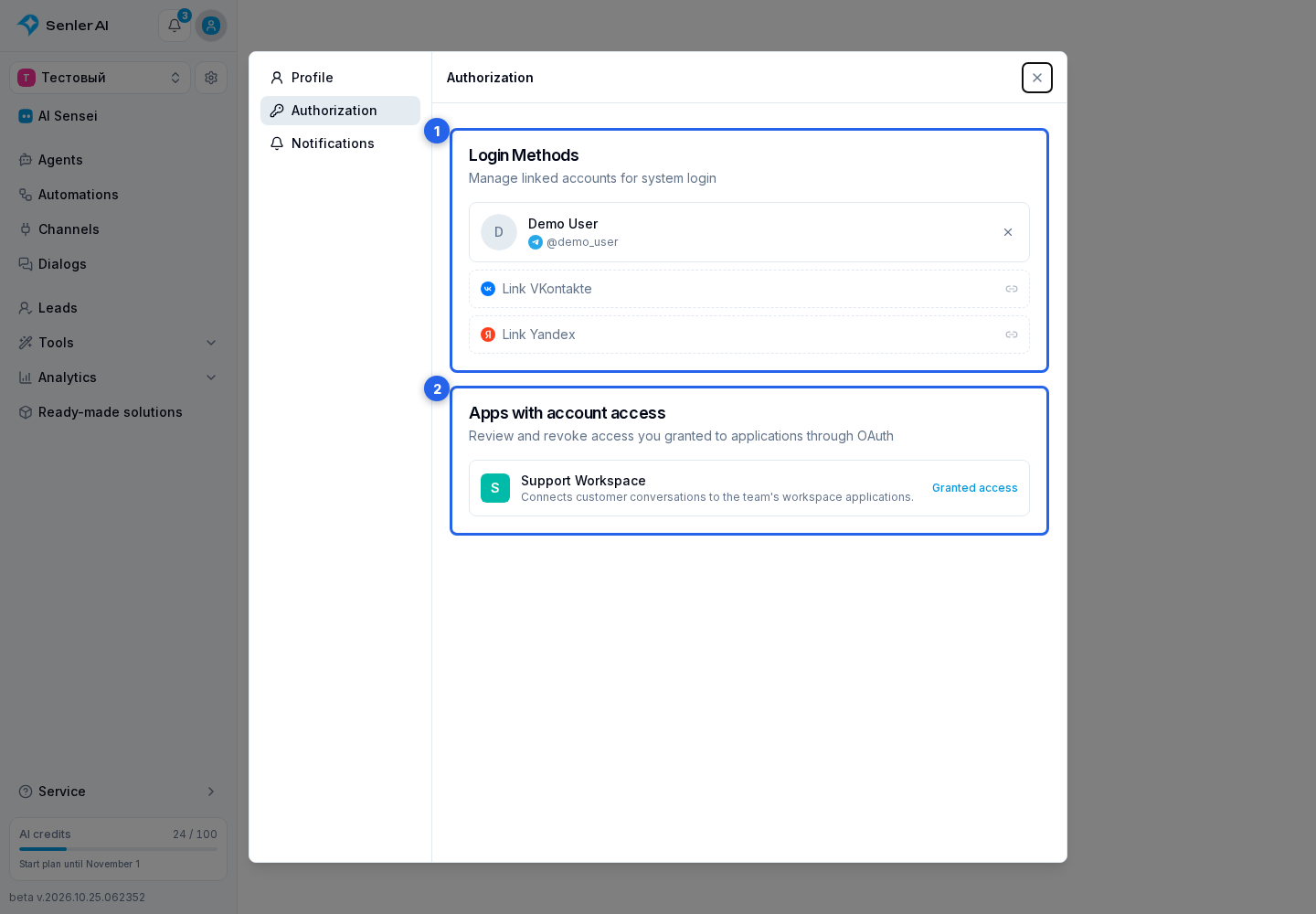
What to configure where
| Task | Where to go |
|---|---|
| Change your name or avatar, or delete the account | Profile |
| Manage sign-in methods | Authorization |
| Review application permissions or revoke OAuth access | Connected applications |
| Choose notifications for the cabinet, messengers, and mobile app | Account notifications |
| Find terms of use, privacy notices, and other official texts | Legal documents |
Where to find official documents
They open on a separate legal information page. Back to cabinet returns to projects, while the theme switch changes appearance only. Country and document selection are explained under Legal documents.
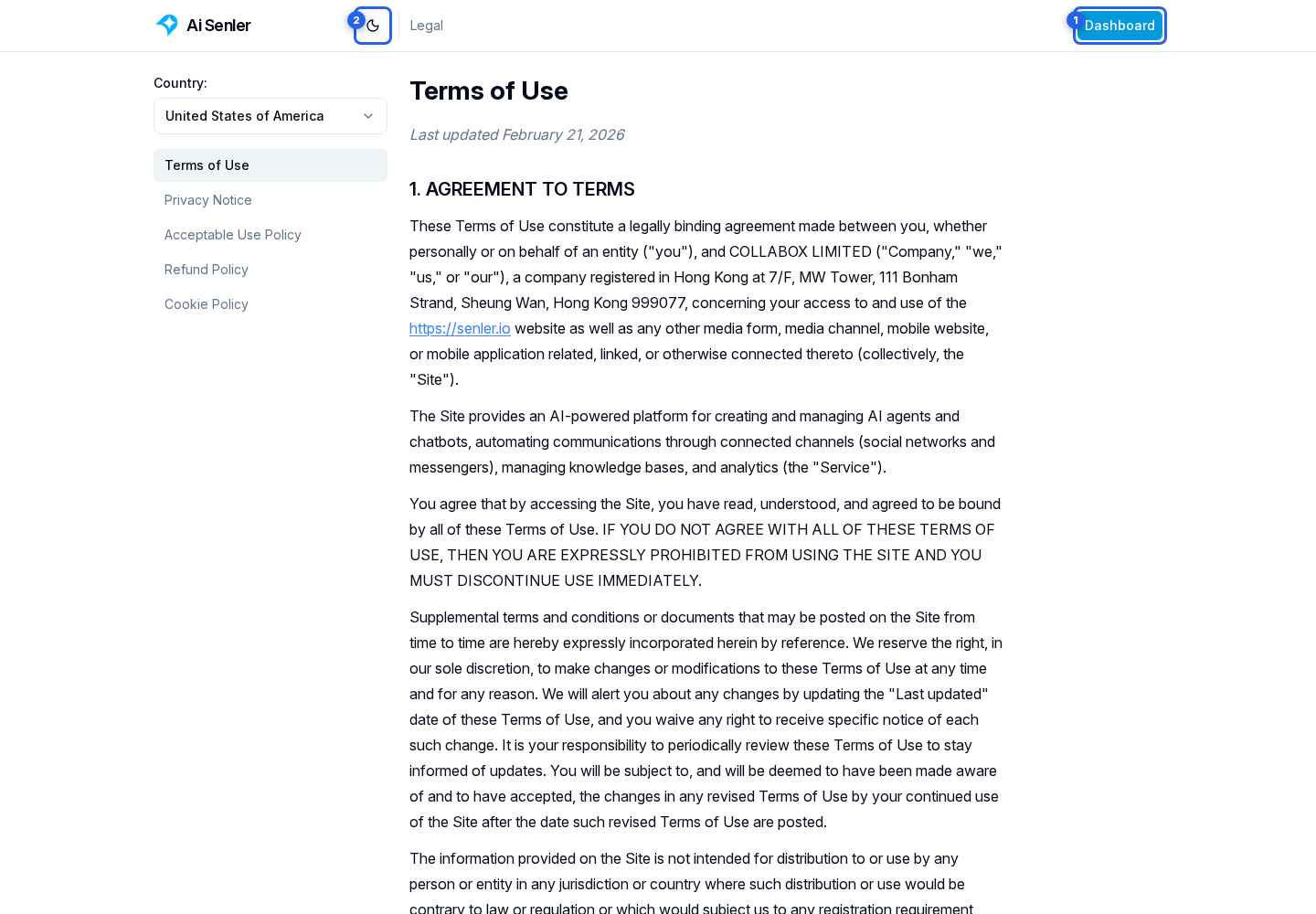
Account and project settings are different
Account settings follow the user across all projects. Roles, channel access, and team membership are configured separately in each project; see Members for details.
Revoking an application's personal access also does not uninstall a plugin or ready-made solution from a project. Before disconnecting it, determine whether you need to change only your authorization or the application installed in the project.