
Lead variable definitions
What a definition is
Open Variables and the Lead variables tab. A definition specifies the name, type, and purpose of a field that can then store a separate value for each lead.
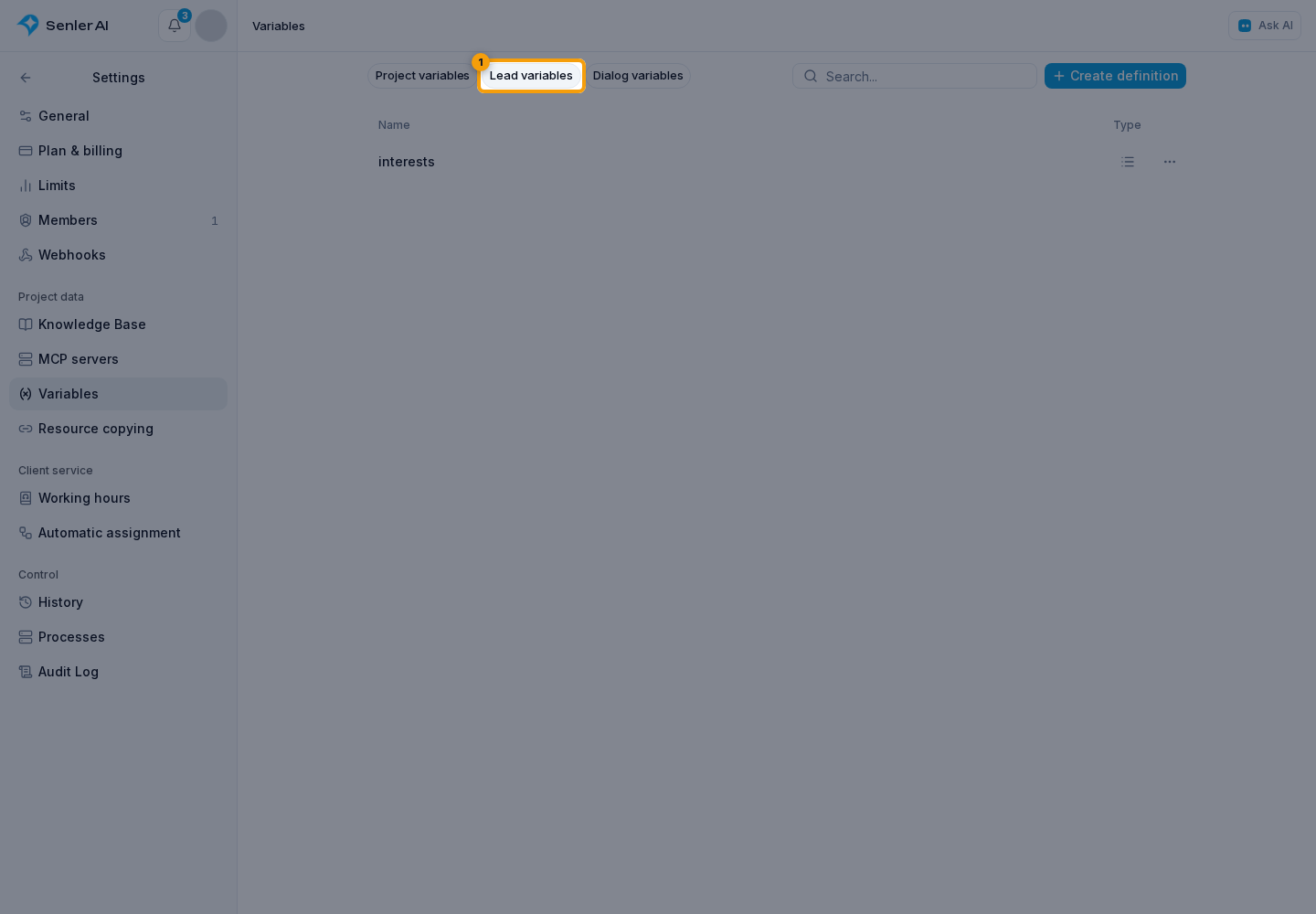
The list shows the name, type, description, and update date. Values of individual leads are not displayed or edited here.
How to create a definition
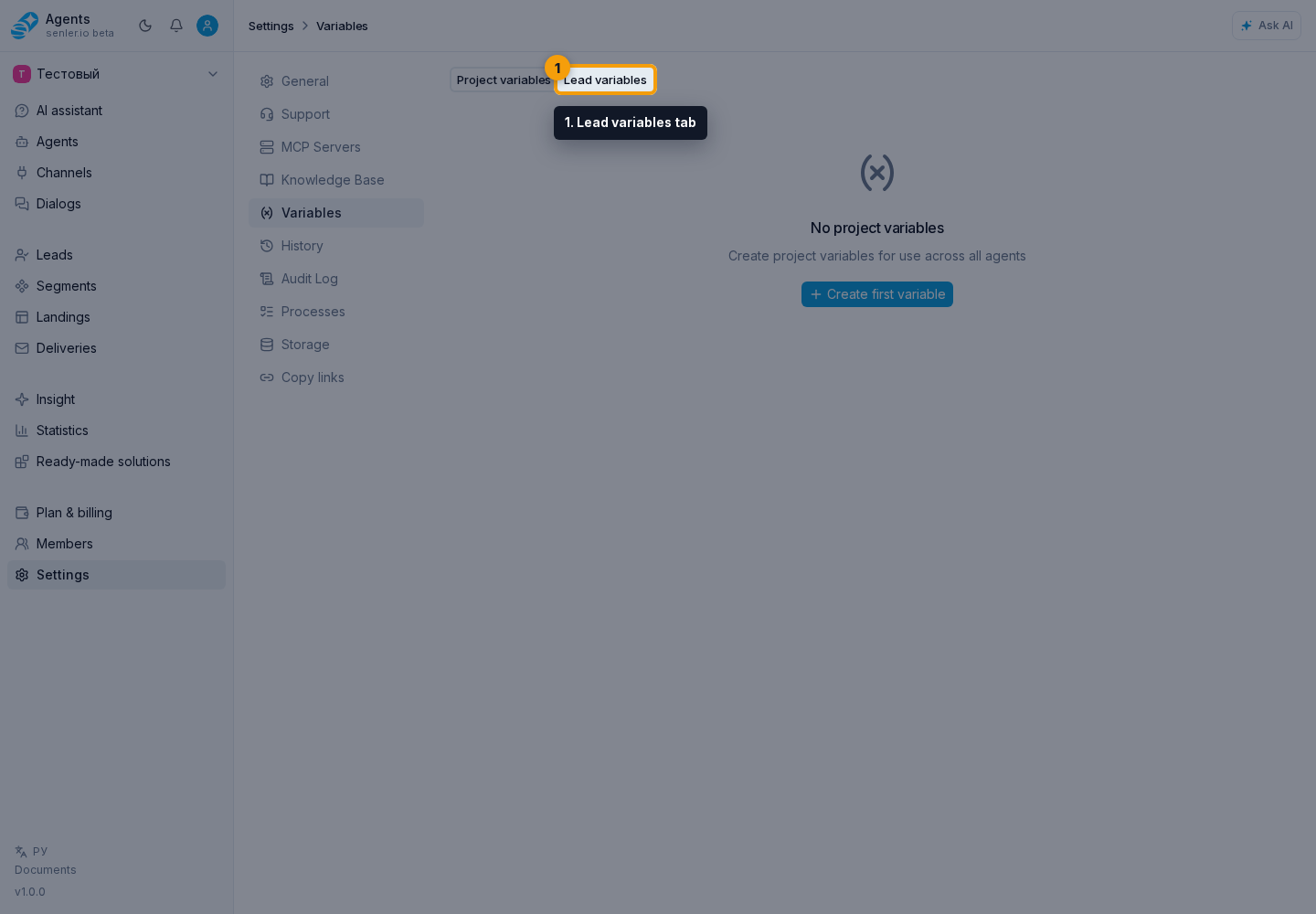
- Open the Lead variables tab.
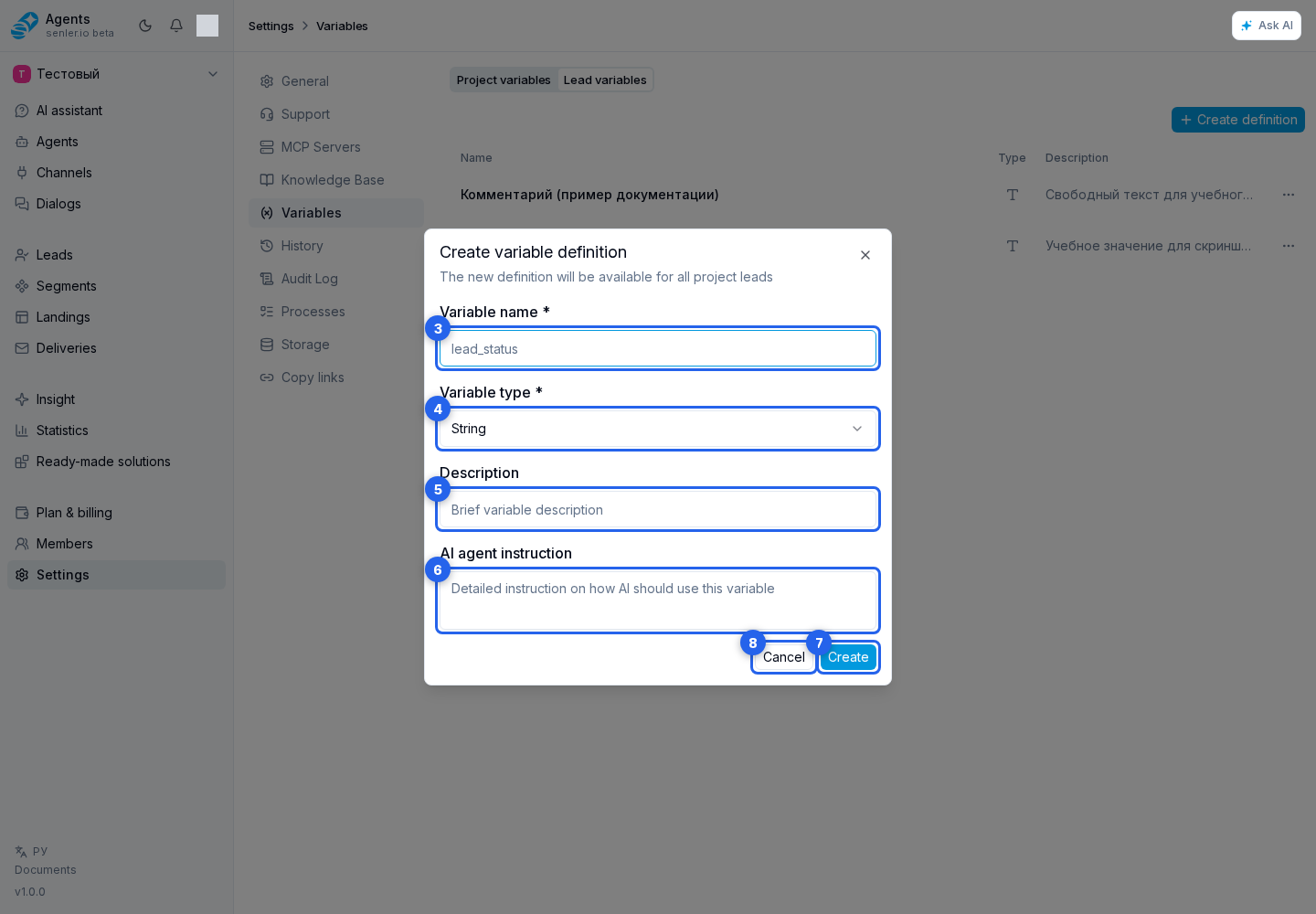
- Select Create definition. A creation dialog opens.
- Enter:
- a required name;
- type;
- optional description;
- optional AI instruction.
- Select Create or Cancel.
Types
The same seven types as project variables are available: string, number, boolean, array, object, JSON, and date. A definition does not contain a shared value; its type applies to values stored for individual leads.
Editing
Click a definition row or Edit in its menu. On the separate page, you can change the description and AI instruction. The name cannot be changed after creation: instructions and automations refer to it. For a different name, create a new definition and update its references.
The type can be changed only when no lead has a saved value for this variable. If values already exist, create a separate field with the required type: stored data is not converted automatically.
Viewing definitions requires permission to view lead variables; creating, editing, and deleting them require permission to manage lead variables. Access to the lead list alone is not enough.
Agent access
In the agent settings, open Variables, select Configure, and add the required fields from the Lead tab. Choose a default access level or individual permissions for each field. Writing requires Read and write. Save the settings and publish the agent. See Data and variables for the steps.
Copying and deletion
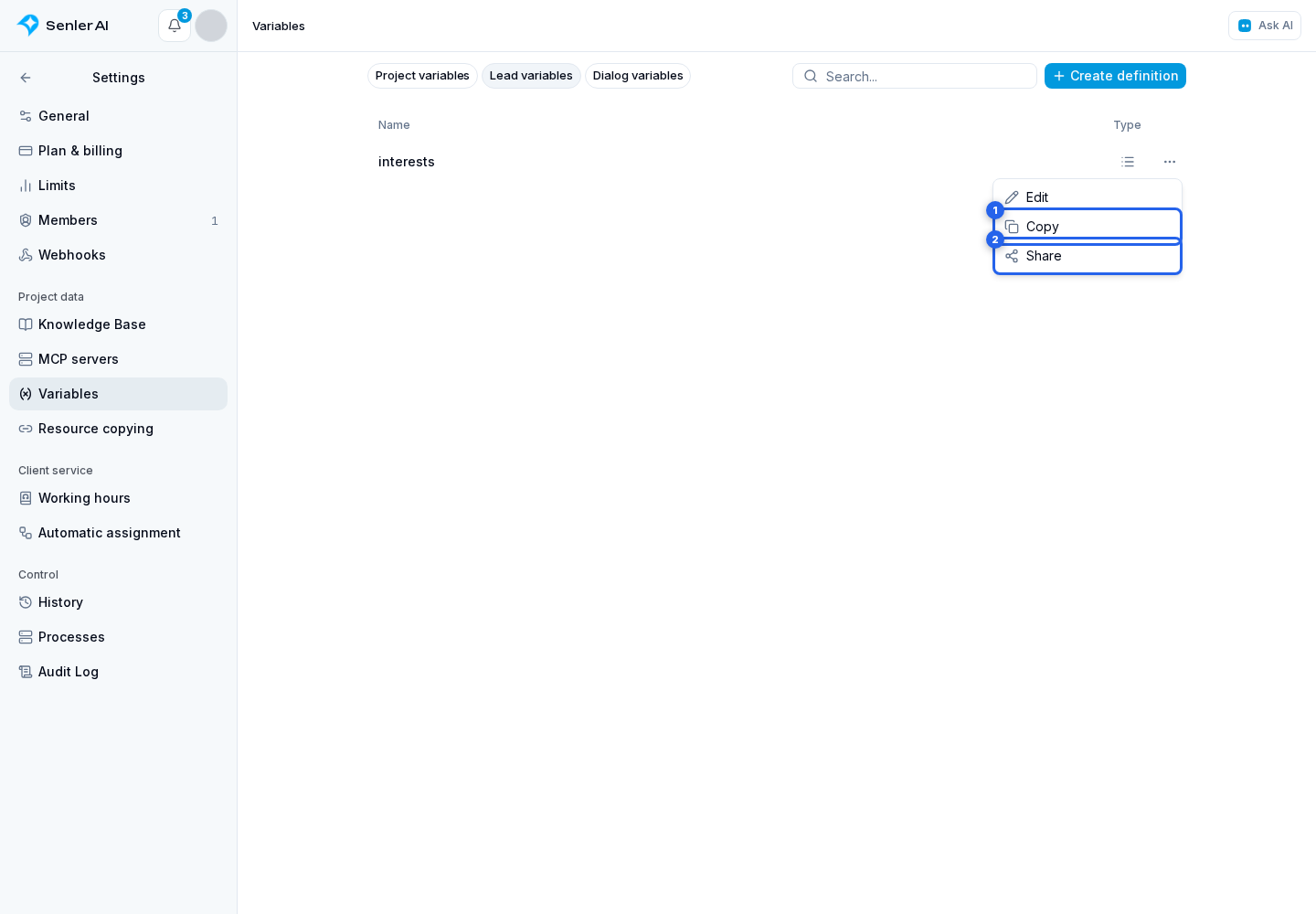
The row menu provides copy and share by link. The package transfers the field definition, not the values of individual leads.
Before deletion, check agents and workflows that use the field. Then click Delete on the edit page.
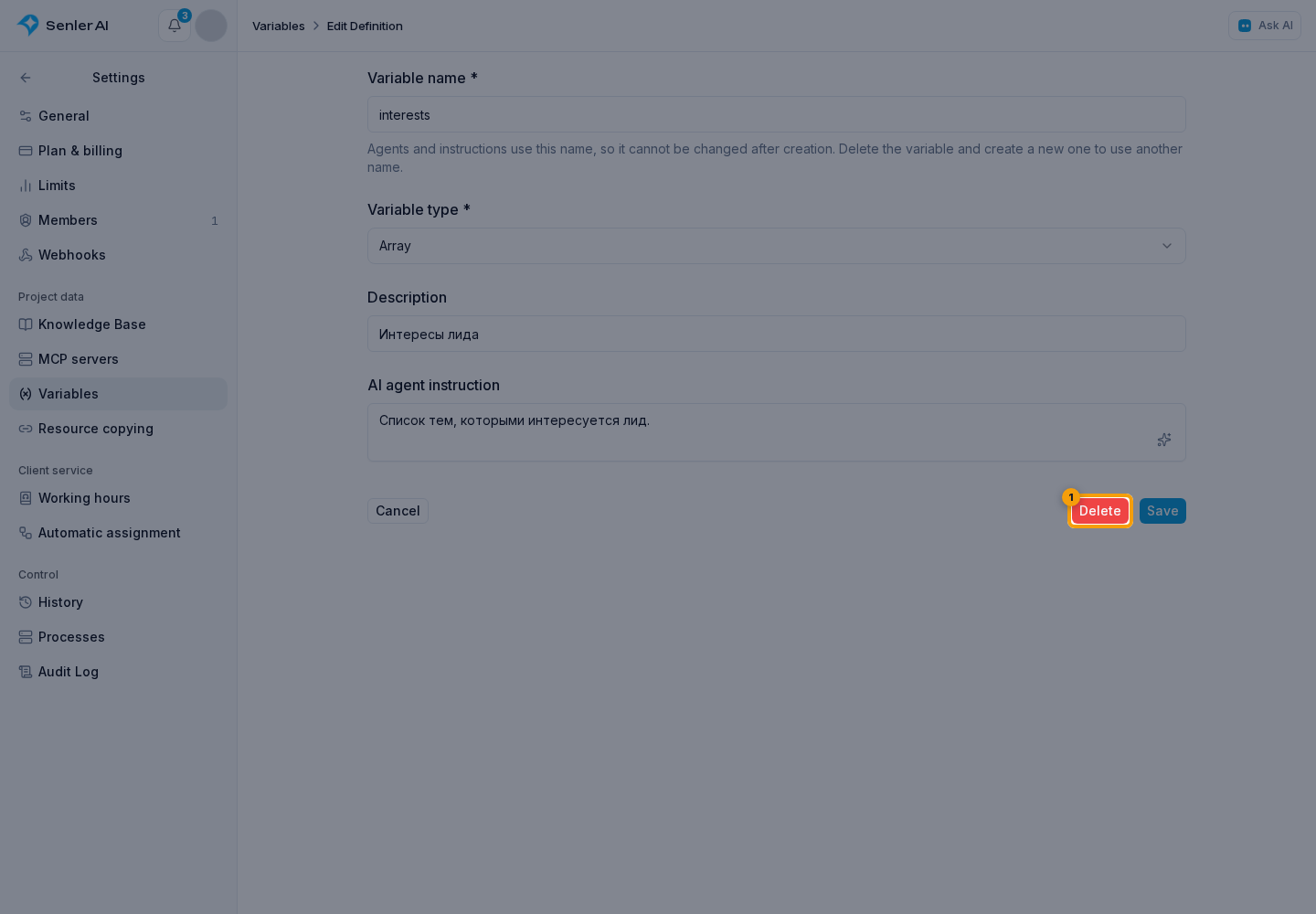
In the dialog, confirm the action.
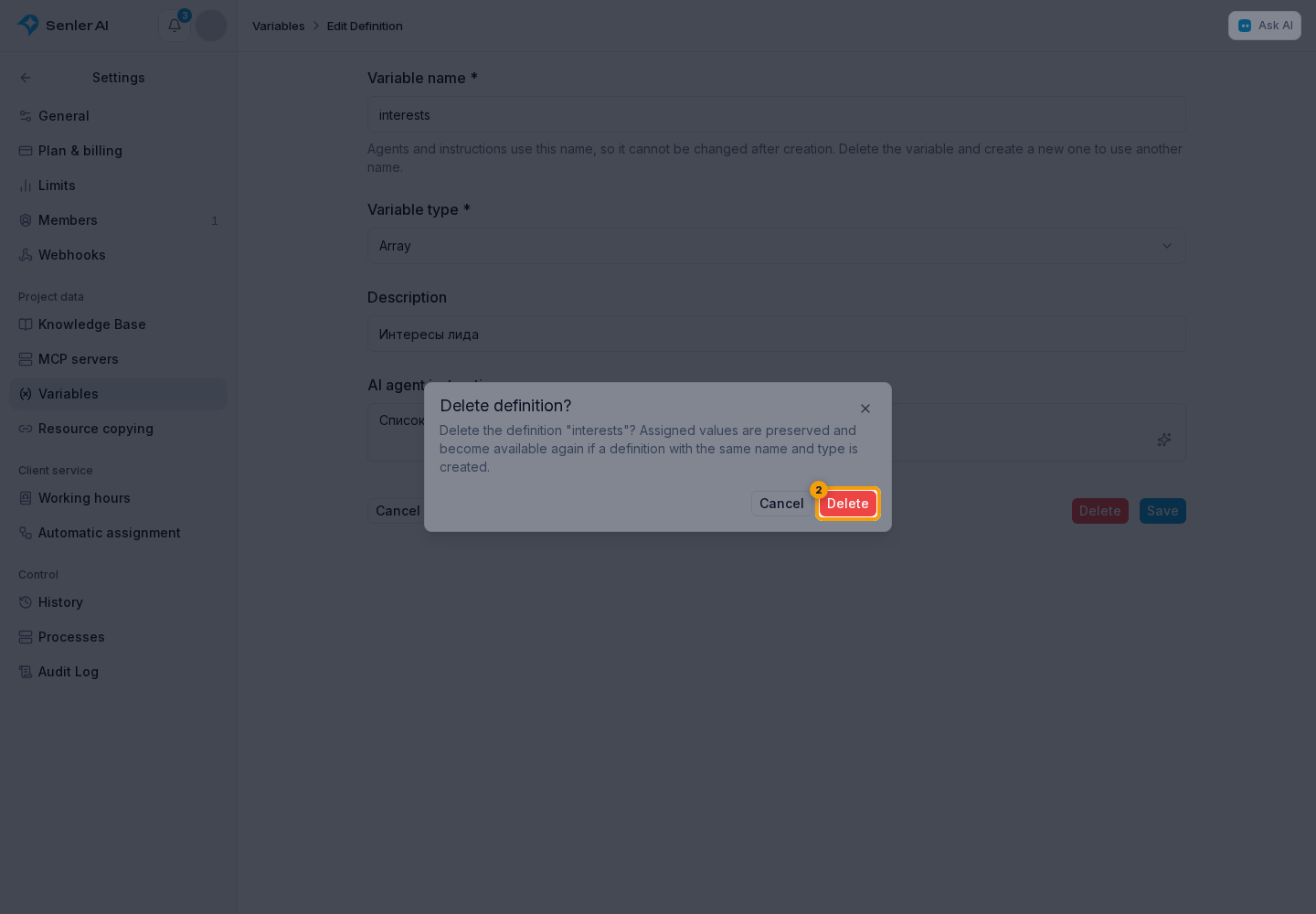
If other resources use the definition, deletion is rejected with a list of dependencies. Deleting a definition does not erase values already assigned to leads. To restore access, create a definition with the same name, original type, and the same data schema if one was set through the API.