
Knowledge Base Permissions
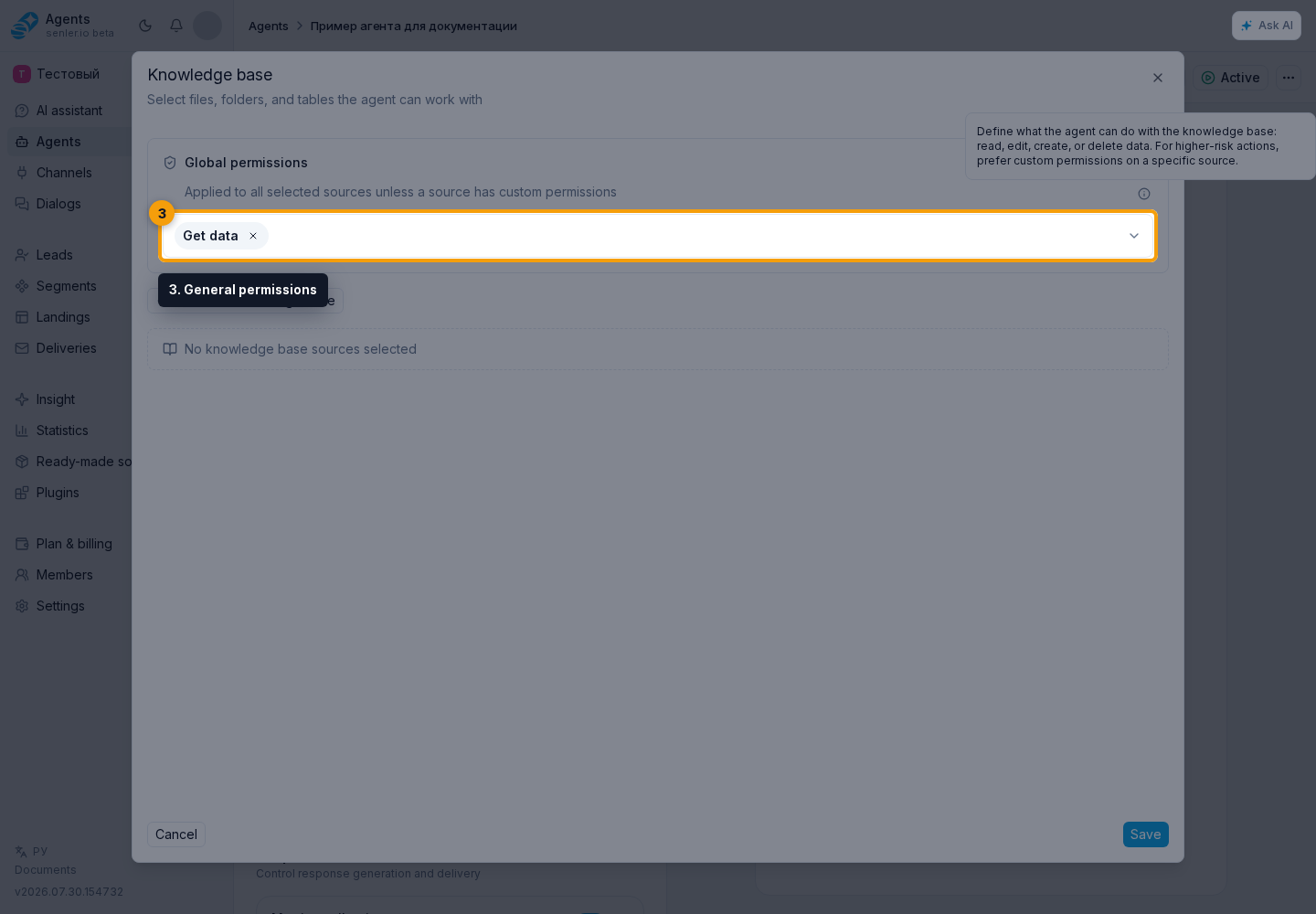
General and custom permissions
Open the required agent, go to the Tools tab, and click Configure in the Knowledge Base block.
General permissions apply to all selected sources unless Custom Permissions are enabled for a specific source.
Custom permissions are useful when sources are used differently. For example, the agent may only read the FAQ folder but may add rows to the tickets table.
What each permission allows
Permissions are grouped by material type and use the same names as the agent form.
For text files:
- Read text files lets the agent find and use their content in answers;
- Create text files saves a new file from text prepared by the agent;
- Save text files puts files received or created in a dialog into the knowledge base;
- Edit text files changes the title and content;
- Delete text files removes them from the knowledge base.
For tables:
- Read tables retrieves their structure, values, and ranges;
- Create tables and Import CSV and XLSX add new tables;
- Add table rows appends new rows without changing the remaining data;
- Edit tables changes cells, formulas, structure, dimensions, visibility, and formatting;
- Create sheets, Delete rows, Delete sheets, and Delete tables perform the corresponding separate actions.
For images:
- View images lets the agent use an image and its details;
- Save images puts images received or created in a dialog into the knowledge base;
- Delete images removes them from the knowledge base.
Permissions apply only to sources selected for this agent. Changes take effect after clicking Save.
In Custom Permissions mode, the form only shows actions that apply to the selected source. For example, a specific text file cannot create another file, while a folder provides actions for the materials inside it.
How to choose a safe set
If the agent only needs to answer questions, enable the required read types: Read text files, Read tables, and/or View images. Add edit, import, and delete permissions only for scenarios where the agent actually changes materials.
If the agent fills a selected table area, moves ranges, changes formatting, or hides columns, add Edit tables. If it only appends new rows to a log, Add table rows is usually enough without deletion.
If an action does not work
- Make sure that the required file, folder, or table is selected for the agent.
- For reading, check the matching permission: Read text files, Read tables, or View images.
- For table changes, check Edit tables or Add table rows, depending on the required action.
- For creation, import, or deletion, check the separate permission for that action.
- If Custom Permissions are enabled for a source, the agent's general permissions do not apply to it.