
Signing secret
The secret lets the recipient verify request authenticity and integrity. Each project webhook has its own secret. It is not an API key and does not grant access to MCP or project actions.
Getting the secret
Open the webhook and select the Signing secret tab. On the secret page:
- The eye button shows or hides the value.
- The copy button copies the secret for configuring the recipient server.
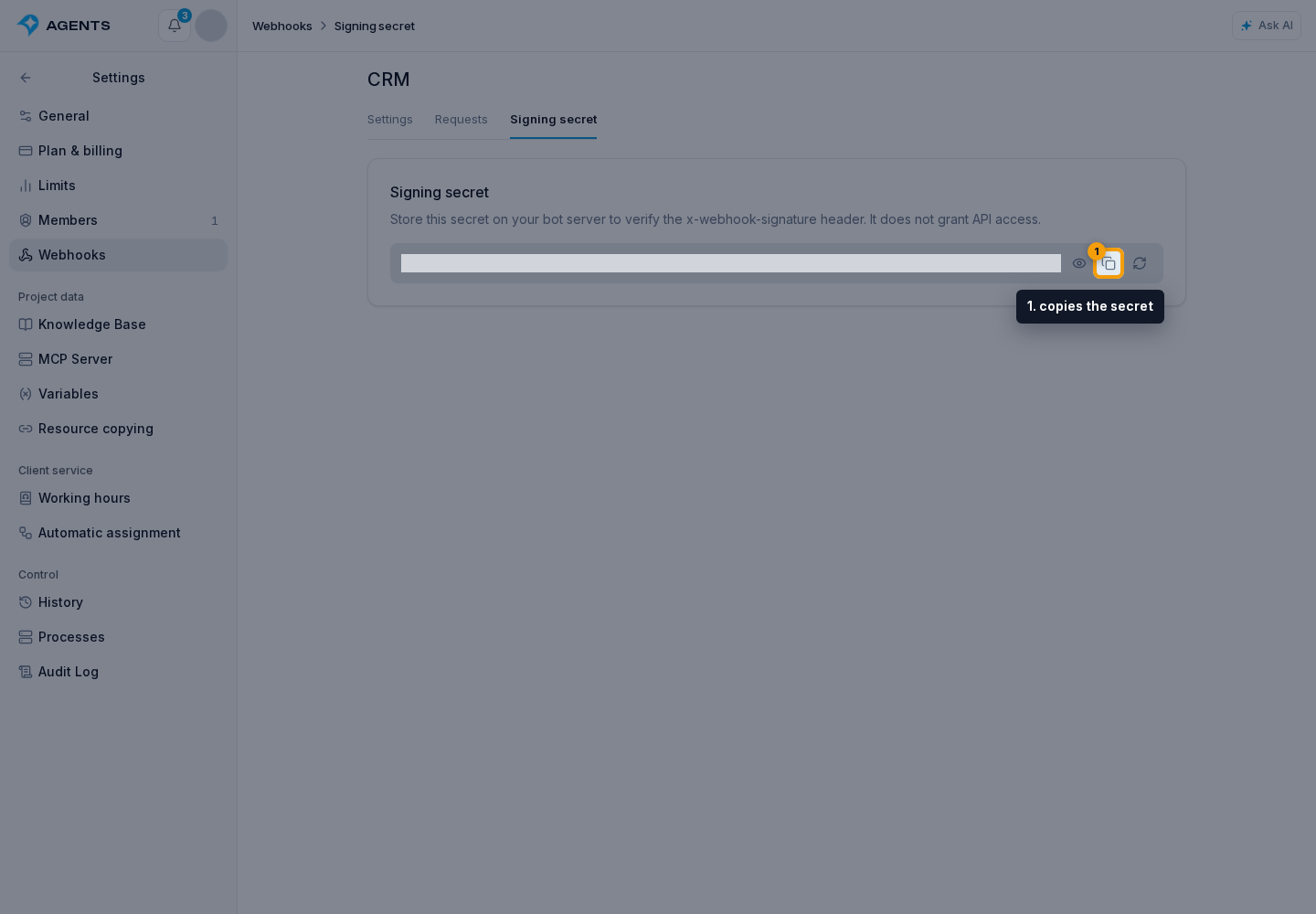
Store it only on the recipient server. Do not include it in page code, chats, or public logs.
Verifying requests
Senler sends a JSON POST with these headers:
Content-Type: application/json;X-Project-Id: project ID;X-Webhook-Event-Id: event ID matchingevent_idin the body;X-Webhook-Timestamp: the current attempt time, matchingtimestampin the body;X-Webhook-Signature: hex-encoded HMAC-SHA256.
A project webhook has no X-App-Id header. Signing uses this recipient's secret and the string v1.timestamp.event_id.canonicalJson(payload), where timestamp and event_id come from the request body. canonicalJson recursively sorts object keys, preserves array order, and adds no whitespace.
Use the signature verification example. For a project webhook, check X-Project-Id and the body's project_id against your allowed project instead of checking an application's Client ID. Also verify that the header and body IDs and timestamps match, that the timestamp is recent, that the signature is valid, and that the event type is allowed.
The body contains event_id, event_type, timestamp, project_id, channel_id, channel_type, lead_id, dialog_id, platform_user_id, and data. IDs not applicable to the event may be null; data depends on the event. For example, message_new carries the text in data.content.
Retries keep the same event_id, but the timestamp and signature change. Store processed IDs and do not perform the same action twice. Return 2xx after reliably accepting an event, including one already accepted.
Replacing the secret
- Select Replace secret.
- In the confirmation dialog, select Replace secret.
- Immediately update the recipient server and send a test.
New requests use the new secret. Replacement affects only the selected webhook, not other recipients' secrets.