
Segment subscription link
Subscription link
A direct link is available in the settings of an ordinary segment. It opens a conversation with a community or bot and passes the command to join the selected segment.
To get a link:
- Open an ordinary segment and select the Subscription link button.
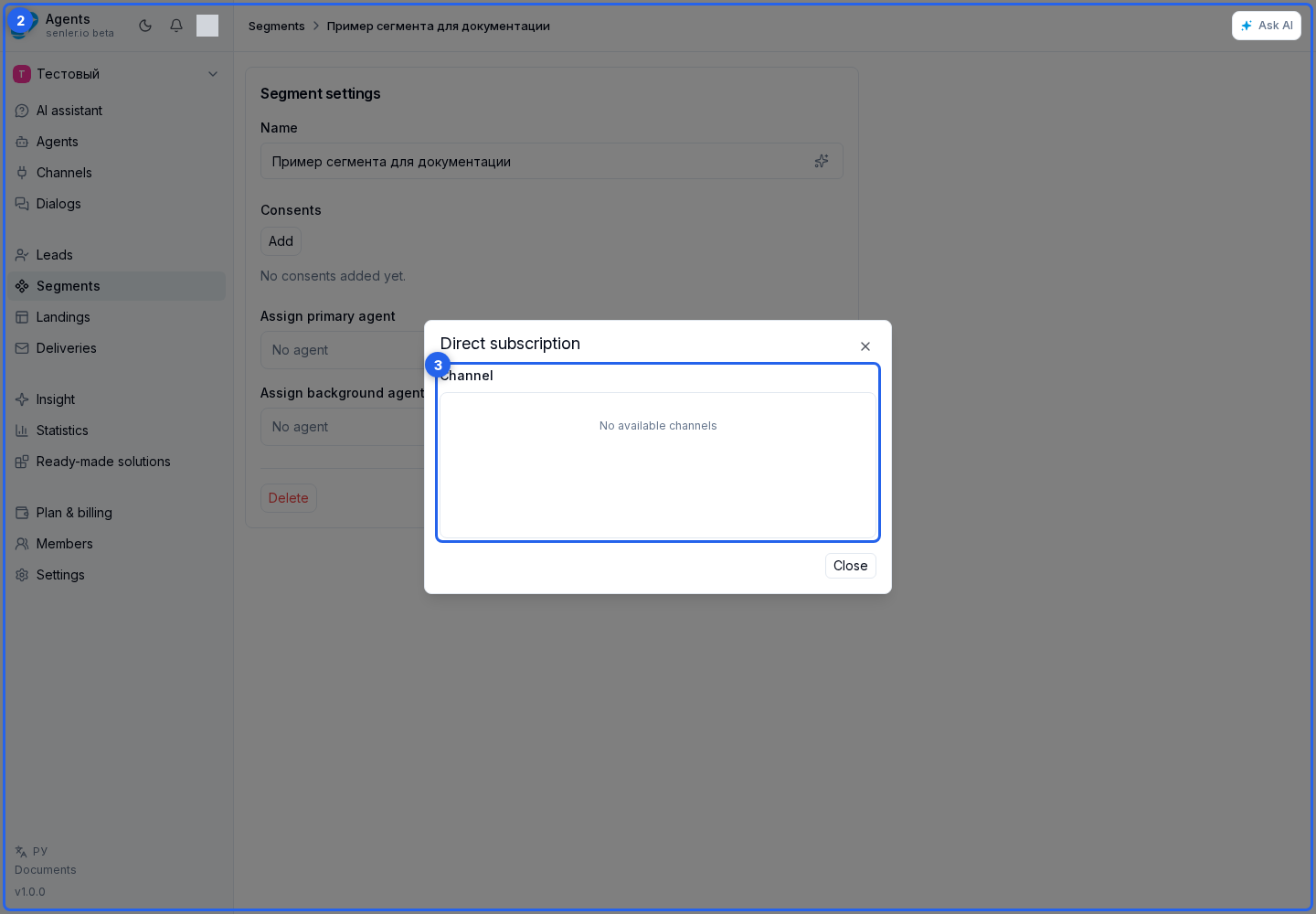
- In the direct subscription dialog, find a channel in the channel selection area.
- If needed, use search by name and the platform filter.
- Select a channel and the required link variant.
The cabinet provides:
- a
vk.melink for sharing outside VK: on websites, in newsletters, and QR codes; - a
vk.comlink for sharing within VK: it opens the chat without going throughvk.me; - a Telegram bot link;
- a MAX bot link.
You can copy or open a ready link.
Press the help icon beside the link title to learn where to share it and how to subscribe. Help opens on click or tap, including on a phone. Close it by pressing the icon again, pressing outside the help panel, or pressing Escape.
UTM tag for a link
Select the tag button beside a ready link. In the traffic marks dialog, select a saved mark or choose Create mark.

For a new mark, enter a clear internal name and the required utm_source. utm_medium, utm_campaign, utm_content, and utm_term are optional. The name can contain up to 120 characters, and each UTM value up to 255. Select Save.

After selecting the mark, copy the marked link or open it. One saved mark can be applied to different project links. You can archive an unused mark and restore it later.
UTM fields are visible in a regular web URL. Telegram, MAX, and VK links may carry the mark in a compact platform parameter, so the absence of readable utm_* fields in the address does not mean attribution was lost. After subscription, the values are available in the lead filter and statistics.
What happens after opening the link
Opening a VK chat does not complete the subscription. After following the link, send a message or press Start if VK displays that button. It depends on the community settings and is available when contacting the community for the first time.
In Telegram, the user presses Start even if they have used the bot before. In MAX, they start the bot using the link; a separate message is not required.
If the segment has no required consents, the user joins after the bot or community processes the command.
If consents are attached, the lead first enters the pending state. The dialog receives links to the selected documents and an Accept agreements button. The lead becomes a segment member only after acceptance. This means that a direct link supports required consents and does not require a separate landing for them.
A direct link does not open a web form or request additional fields such as a phone number or email. If those fields are required, use a landing with a form and an action that subscribes the user to the segment.
Why a link is unavailable
Direct links are not generated for a paid segment. A particular link variant can also be unavailable when:
- the channel is paused;
- the channel has no valid token;
- the VK community cannot be identified;
- a Telegram or MAX bot has no username.
The reason appears next to the corresponding variant in the direct subscription dialog.