
Automatic segments
Segment created by an agent
A segment linked to an agent stores its subscribers and participates in subscription, unsubscription, and statistics. It is an automatic resource in the list and is hidden by the default Created manually filter.
To find it, select Automatic in the source filter or show all segments.
To see the agent's name, state, and link, switch the filter to All and select the agent icon in the Source column. The column is hidden with the Automatic filter because the source is already known.
How to open settings
The automatic segment row opens a view-only summary. Select Edit in agent to open the linked agent's subscription page settings.
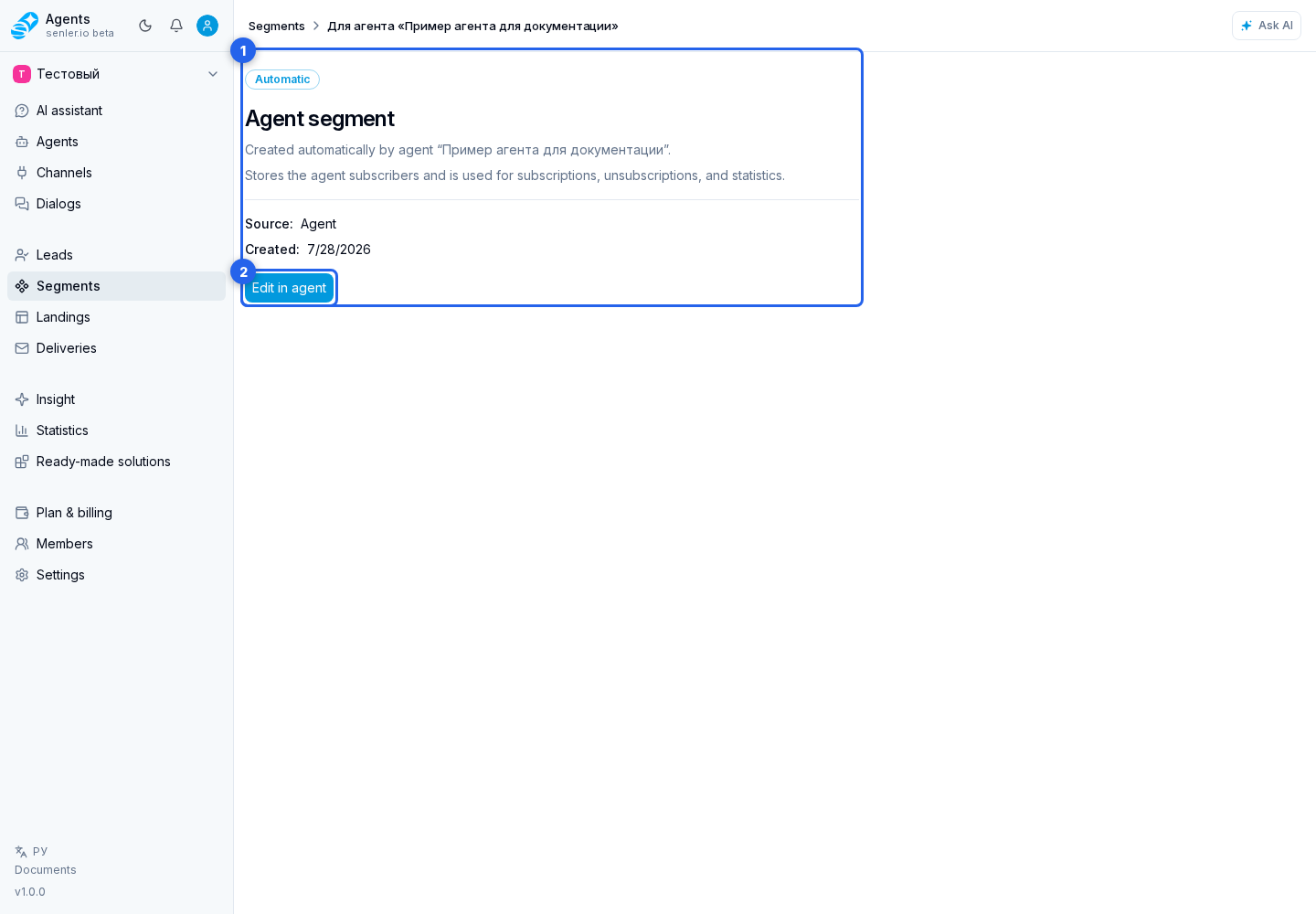
The agent section configures the agent's role after subscription, required consents, and the text shown before them. These values are saved in the agent resource draft and applied to the segment when the agent is published.
An automatic segment cannot be edited, copied, or deleted from Segments. Its name is synchronized with the agent. Deleting the agent also deletes its segment: the segment disappears from the list and no longer accepts subscriptions. Event history is retained.
After copying an agent, subscriptions through its links are available only after its subscription page is published.