
Funnel stage steps
Automations “For dialogs” support the “Move to funnel stage” action and the “Lead is at funnel stage” condition. They use the current run's lead. Group chat participants are never substituted automatically.
Setup
Add a step from the catalog and open its settings. Choose a funnel, then a stage. Both fields support searching by name. Selecting another funnel clears the stage selection. Deleted stages are unavailable; if a selected stage is deleted later, replace it in the settings.
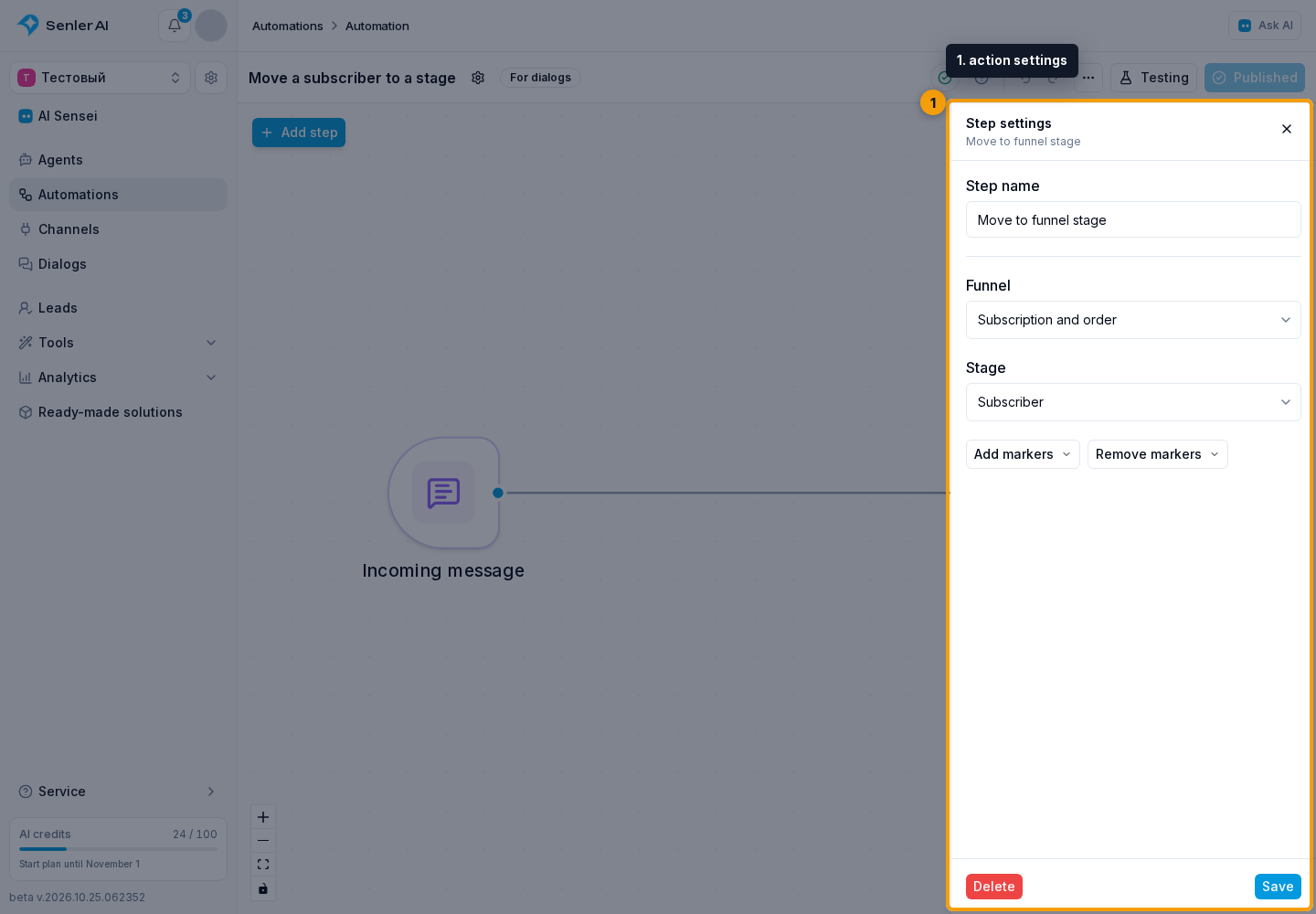
Move to funnel stage
When the run reaches this action, the lead moves to the selected stage. A lead outside the funnel is added. The action can also move a lead to an earlier stage. If the lead is already at the selected stage, no new passage is recorded.
In the action settings, the “Add markers” and “Remove markers” fields let you select several markers of this stage. At the current stage, only the selected markers change; the rest are kept. When moving to another stage, markers from the previous stage are not carried over. Selecting another funnel or stage in the step settings clears the marker selection.
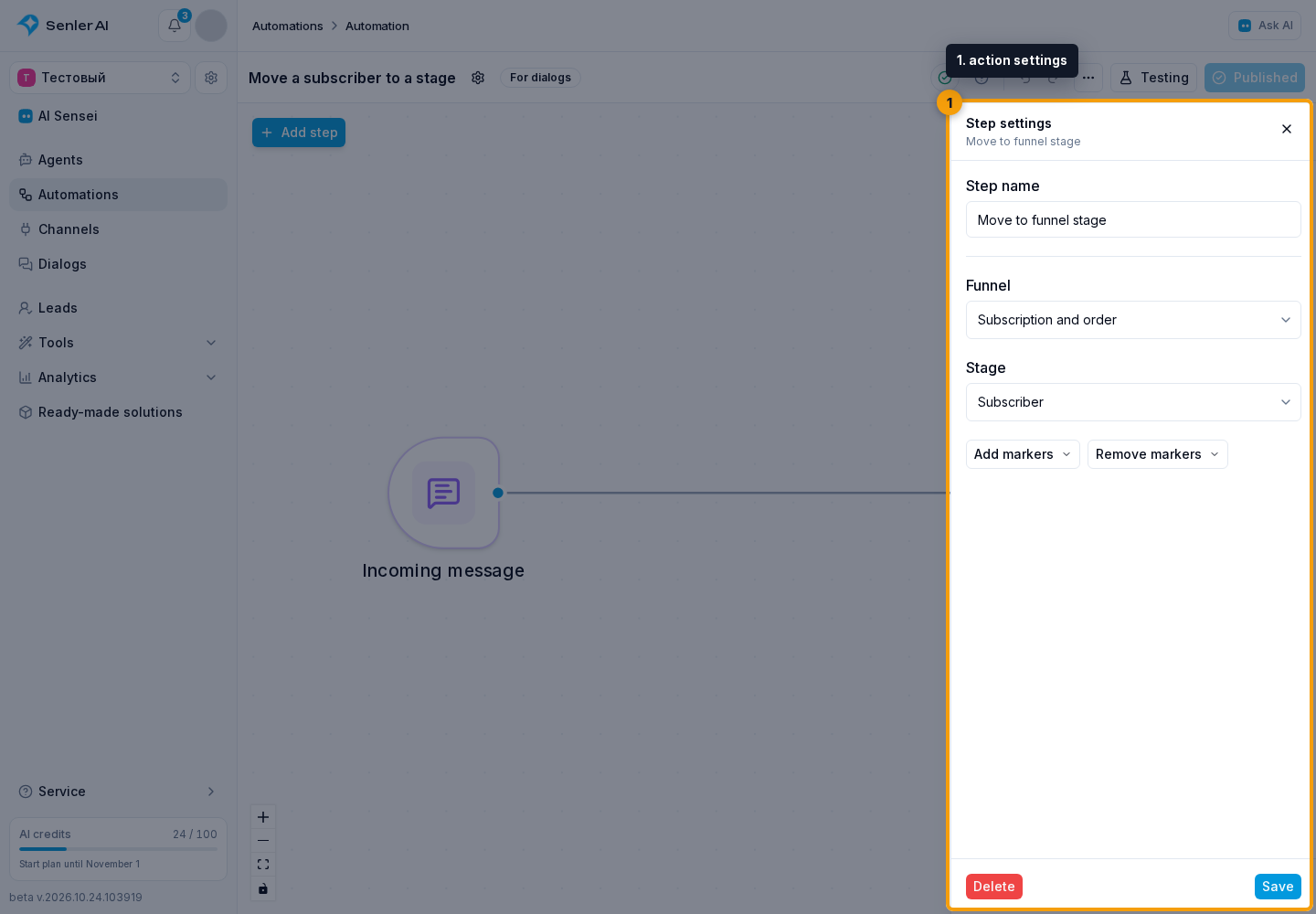
An actual transition updates the lead's current position and contributes to “In period”. Transition history retains the time and automation name. Skipped stages are not credited. Retrying the same task after a failure does not create another transition.
Delayed changes that happened before the move do not undo it. Funnel conditions continue to react to new changes after the move.
Lead is at funnel stage
The condition selects “Yes” if the lead is currently at the selected stage, and “No” if the lead is at another stage or outside the funnel. Previously visited stages and the selected period do not affect the result. Connect both branches to the appropriate next steps.
This condition checks the stage, not its markers.
In a test run, the lead's position and markers change only within that test run. Real leads, funnel history and counters remain unchanged.