Create and Compose
Create a delivery with a name first, then prepare the message in its card. The name, text, attachments, and recipients are saved automatically.
Creating A Delivery
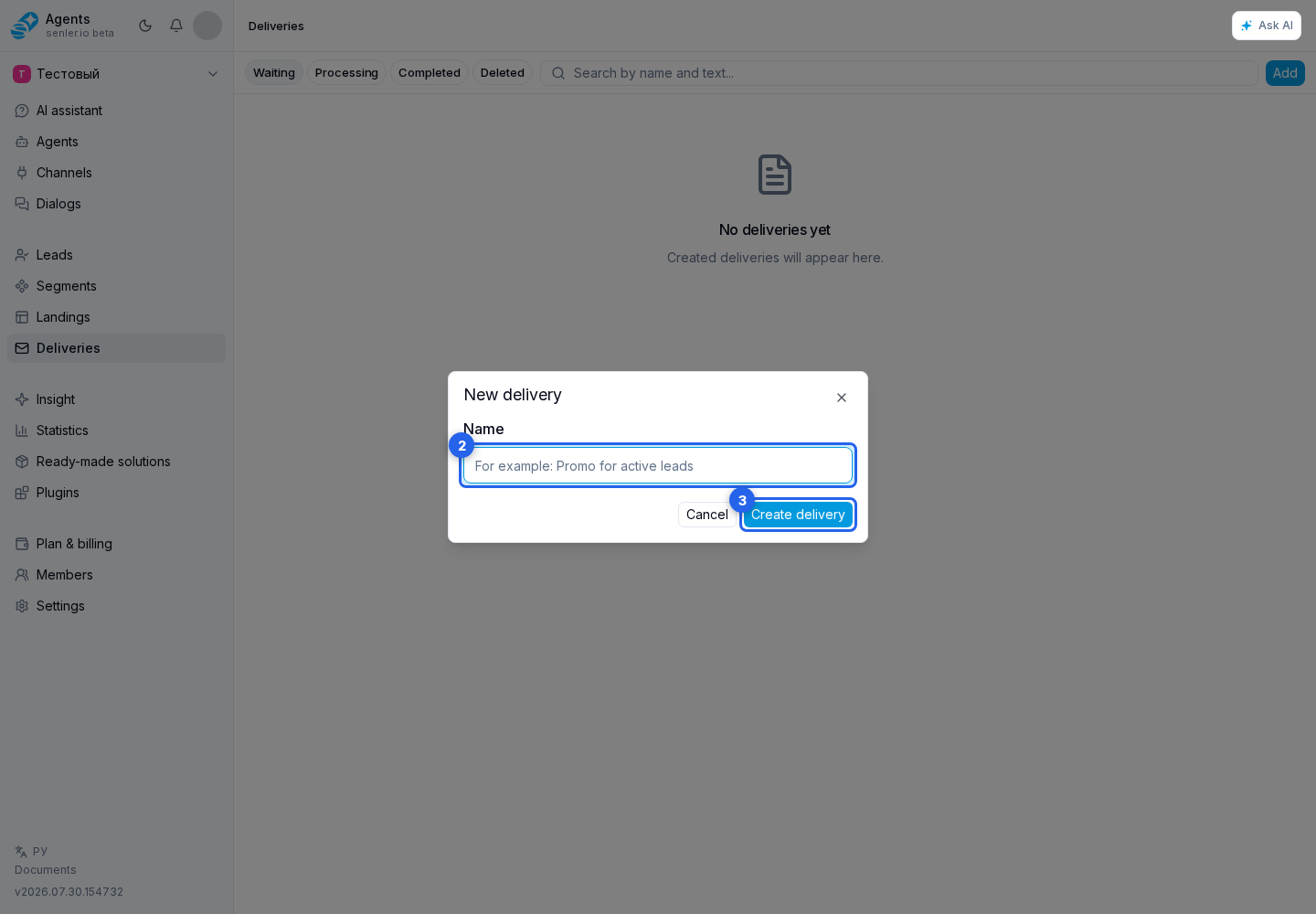
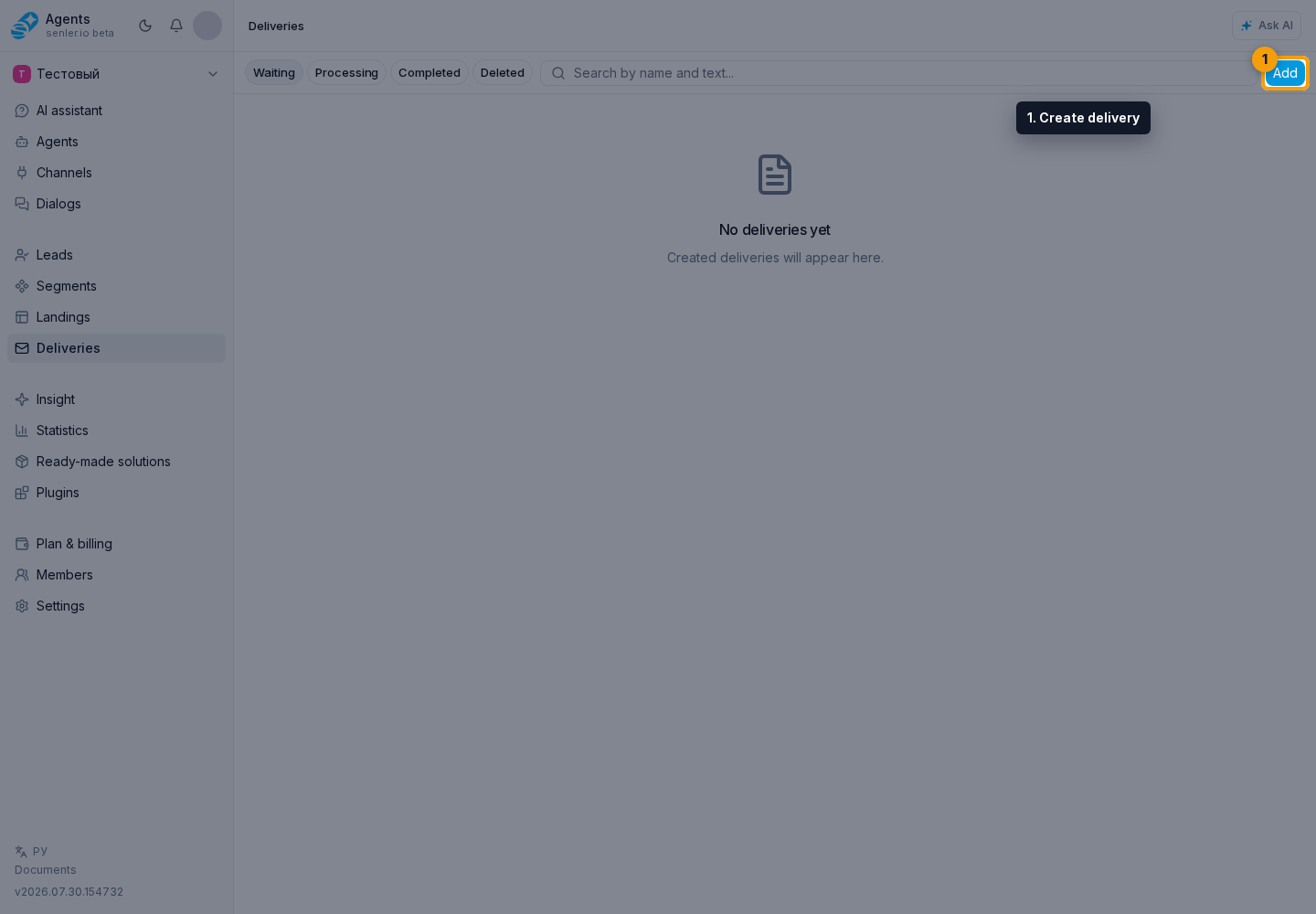
On the Deliveries page, select Add. Enter a name and select Create delivery.
The delivery card opens. As long as the delivery has no runs, you can change its name, message, attachments, schedule, and recipients.
Preparing The Message
Enter text in the Message text field. The editor also provides:
- project and lead variables;
- conditions based on variable values;
- emoji;
- attachments;
- the AI assistant for drafting or editing text.
Choose "Value" to insert a variable. Choose "Condition" to provide different text for filled and empty values. A lead variable is resolved separately for every recipient, so check the result with a test send before starting.
To create the variables themselves, see Project variables and Lead variables.
The AI assistant can draft text for an empty field or suggest a change to selected text. A change is shown as a proposal first, so you can accept or cancel it before it is saved.
Attachments
Select the plus button below the editor or paste a file from the clipboard. You can attach JPEG, PNG, GIF, and WebP images; MP4, MPEG, and MOV video; MP3, OGG, WAV, WebM, MP4, and M4A audio; and PDF, DOC, DOCX, XLS, XLSX, TXT, CSV, ZIP, RAR, and 7Z files.
A delivery can contain up to 10 attachments. The allowed size of an individual file is checked during upload against the project limit. Upload progress is visible, and an uploaded attachment can be opened or removed.
Autosave
After changing the name, message, attachments, or recipients, wait for the "Saved" state. The icon at the top of the card shows the current state and the time of the last successful save.
While saving or uploading a file, testing, starting, and scheduling are temporarily unavailable. If the state is "Save error", correct the marked field or attachment and wait for a successful save.
Limits
- name: 1 to 255 characters;
- message text: up to 4000 characters;
- attachments: up to 10 supported files;
- an empty message can be saved as a draft but cannot be tested, started, or scheduled.
After the first run, the delivery becomes read-only. To change the message or recipients and send again, create a copy.