
Plugin tools and events for an agent
Tools and events from an installed plugin are not added to every agent automatically. You select the required capabilities separately for each saved agent.
How to add a plugin capability
Open the required agent. In the Plugins section on the Tools tab, select Add.
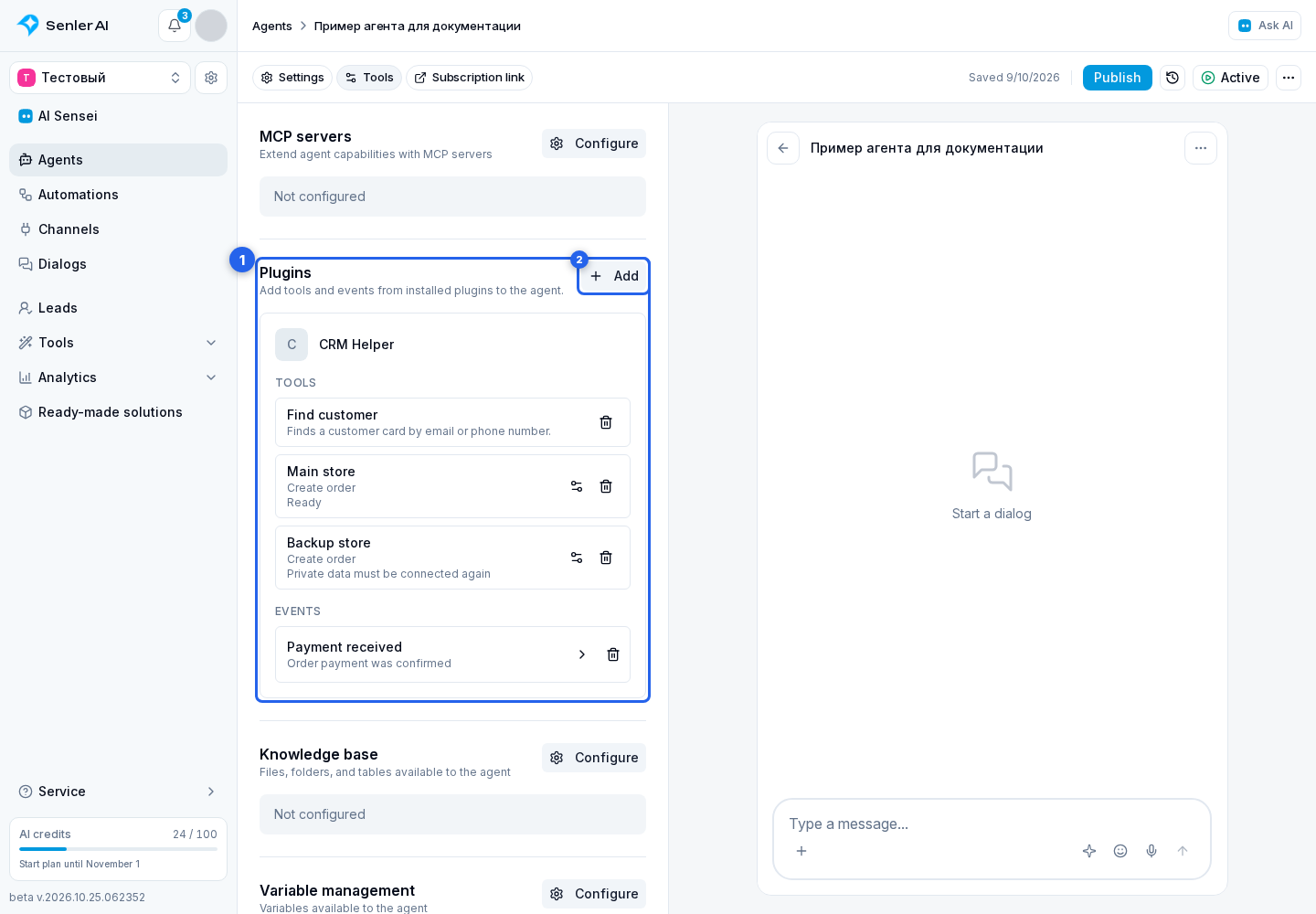
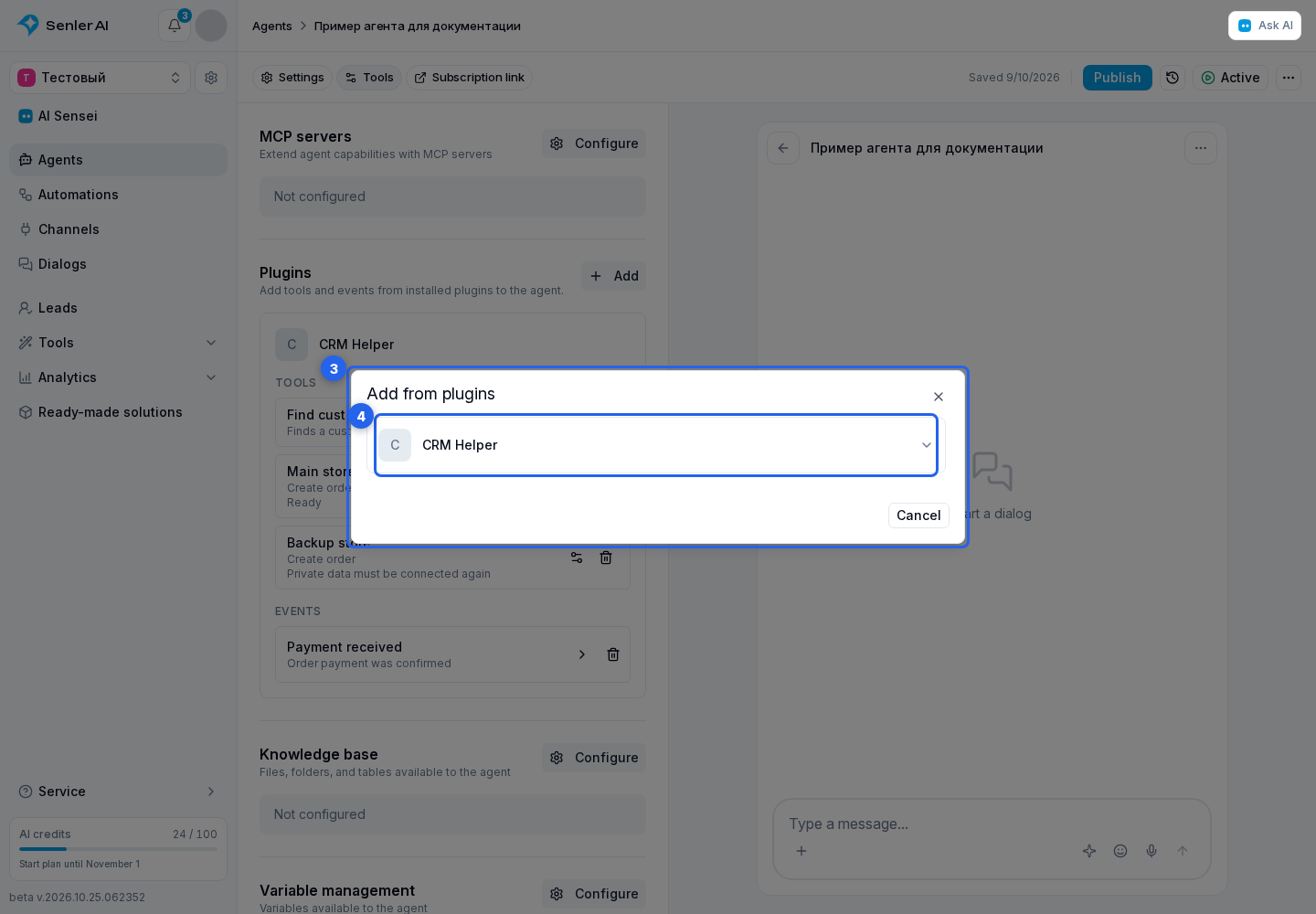
In the Add from plugins dialog, expand the required plugin.
Select a tool or event.
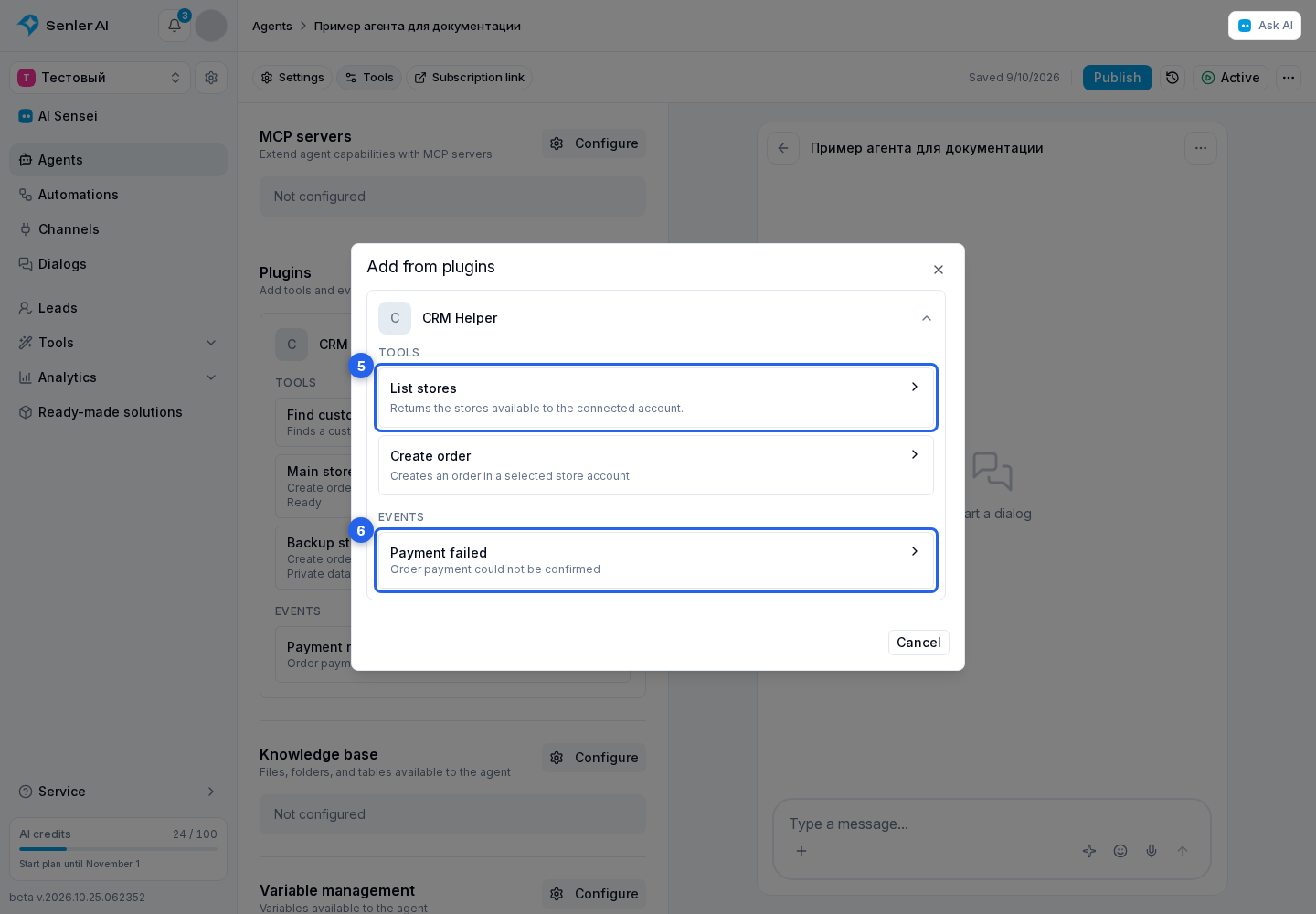
A regular tool is saved immediately. A configurable tool first opens the plugin form. An event means that the agent can respond to the selected application signal in the original dialog.
When the required capability is missing
Confirm that the plugin is installed in the same project, its access has not been revoked, and the developer has published the required tool or event.
Before opening the picker, the cabinet refreshes installed plugin resources. If one plugin temporarily fails to respond, saved bindings remain on the agent, but new capabilities from that plugin are not offered until a successful refresh. There is no need to remove and add a saved tool again.
Detailed instructions for regular and configurable tools, multiple instances, and events are available under Agent tools.