
Creating a funnel
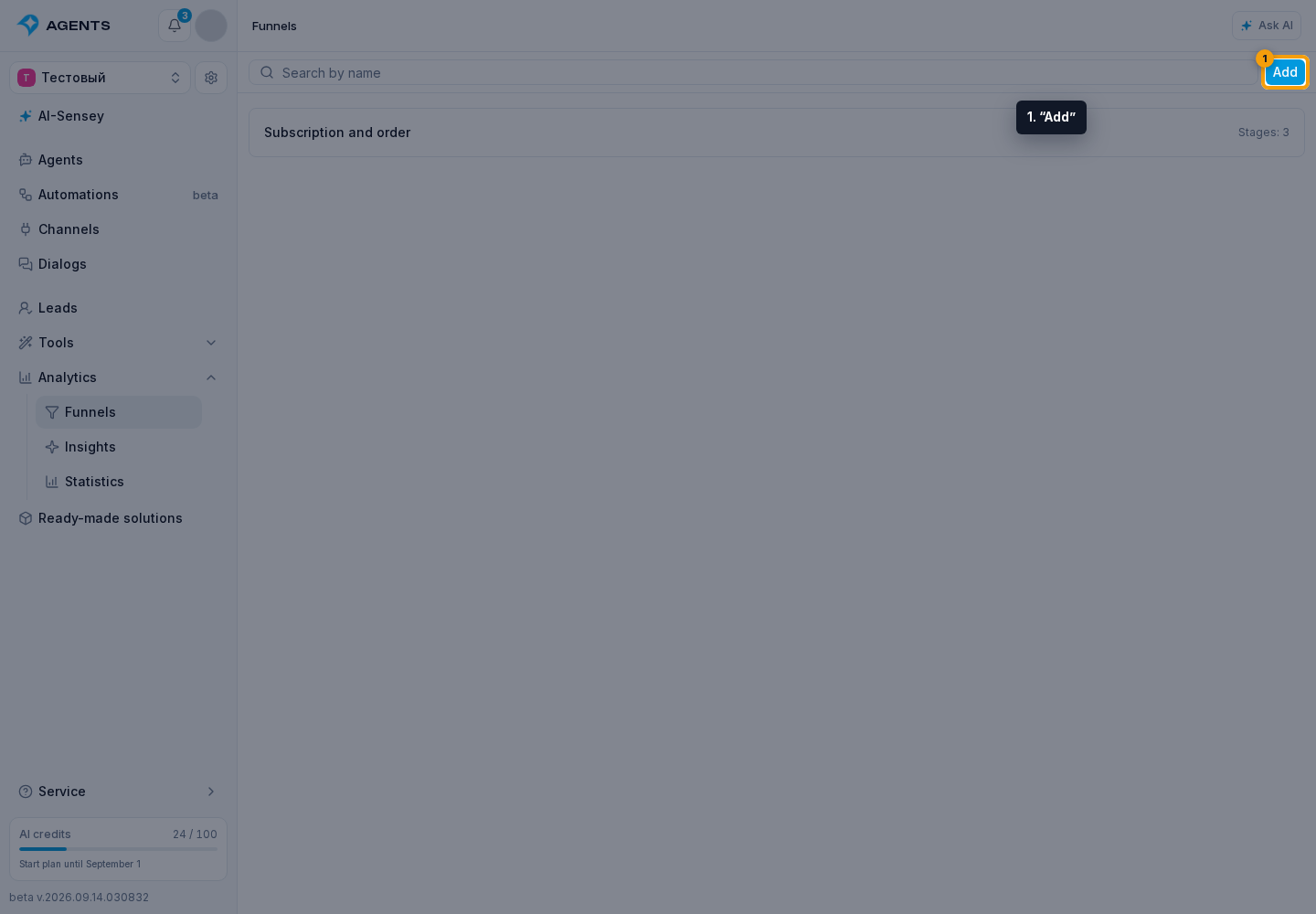
Open the Funnels section.
Fill in the form
Click “Add”.
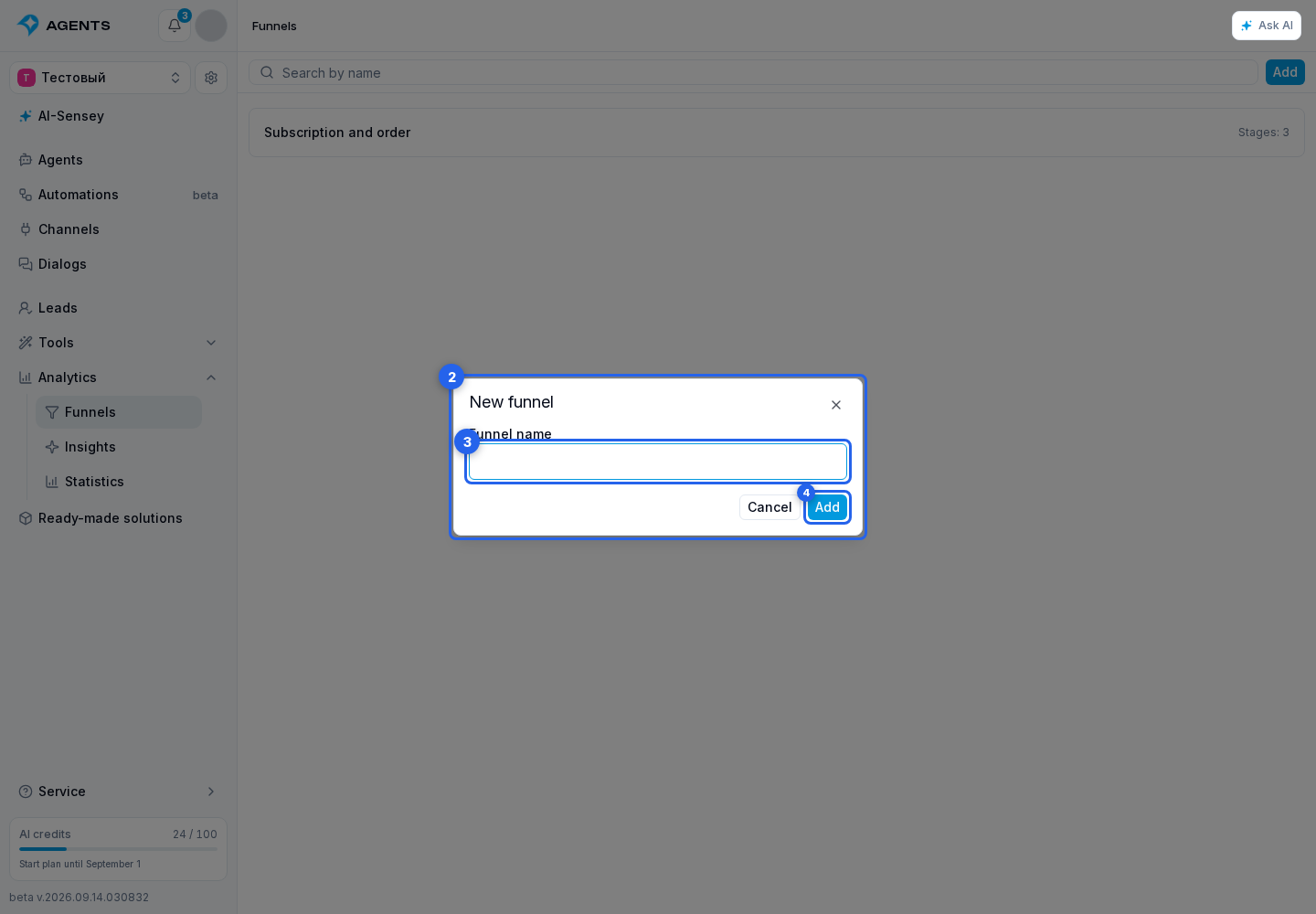
- In the creation dialog, enter a name for the funnel.
- Click “Add” at the bottom of the dialog.
The funnel opens with its first “New lead” stage. There is no separate start action: saved conditions apply to new events.
A project supports up to 100 funnels.
After creation
- Add the required stages.
- Configure sources.
To distribute existing leads immediately, use manual placement.