
Plugin catalog and installation
Plugin types in the catalog
- A Website integration opens the developer's website and continues setup in the external service. This type is suitable for a CRM, analytics, or payment service, for example.
- A Plugin adds agent actions and events, automation steps, an embedded page, or a combination of these capabilities.
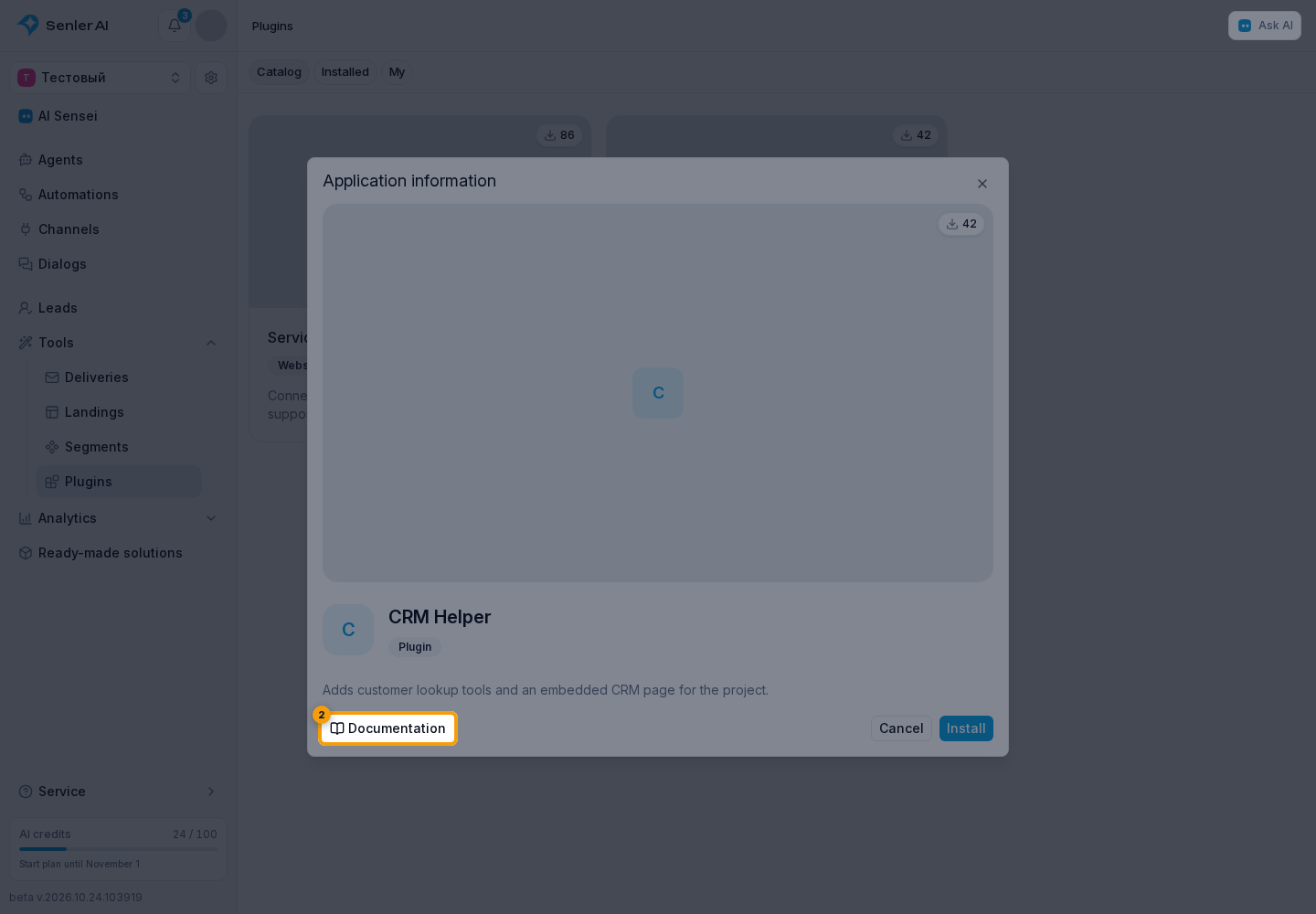
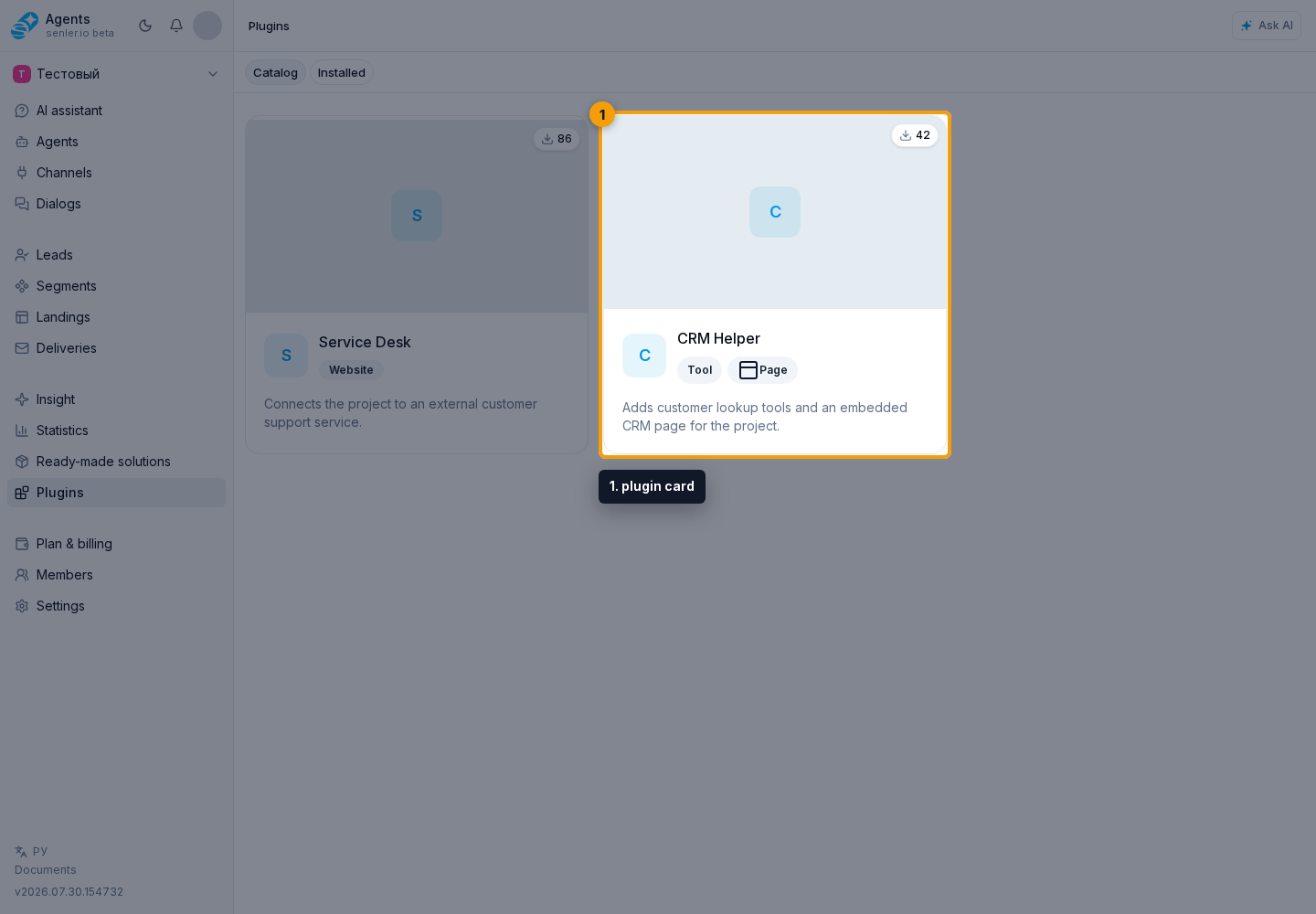
Each plugin card shows its description and installation count. Badges explain its purpose before installation: Agent tool, Automation step, Dialog automations, and Background automations. When no separate capability applies, the card shows the general application type. When the author has published help materials, Documentation opens them in a new tab before installation.
How to install a plugin
On the Catalog tab, open the required plugin card.
- Review the description, developer website, and public documentation. For a website integration, note where the connection flow continues.
- Select Install.
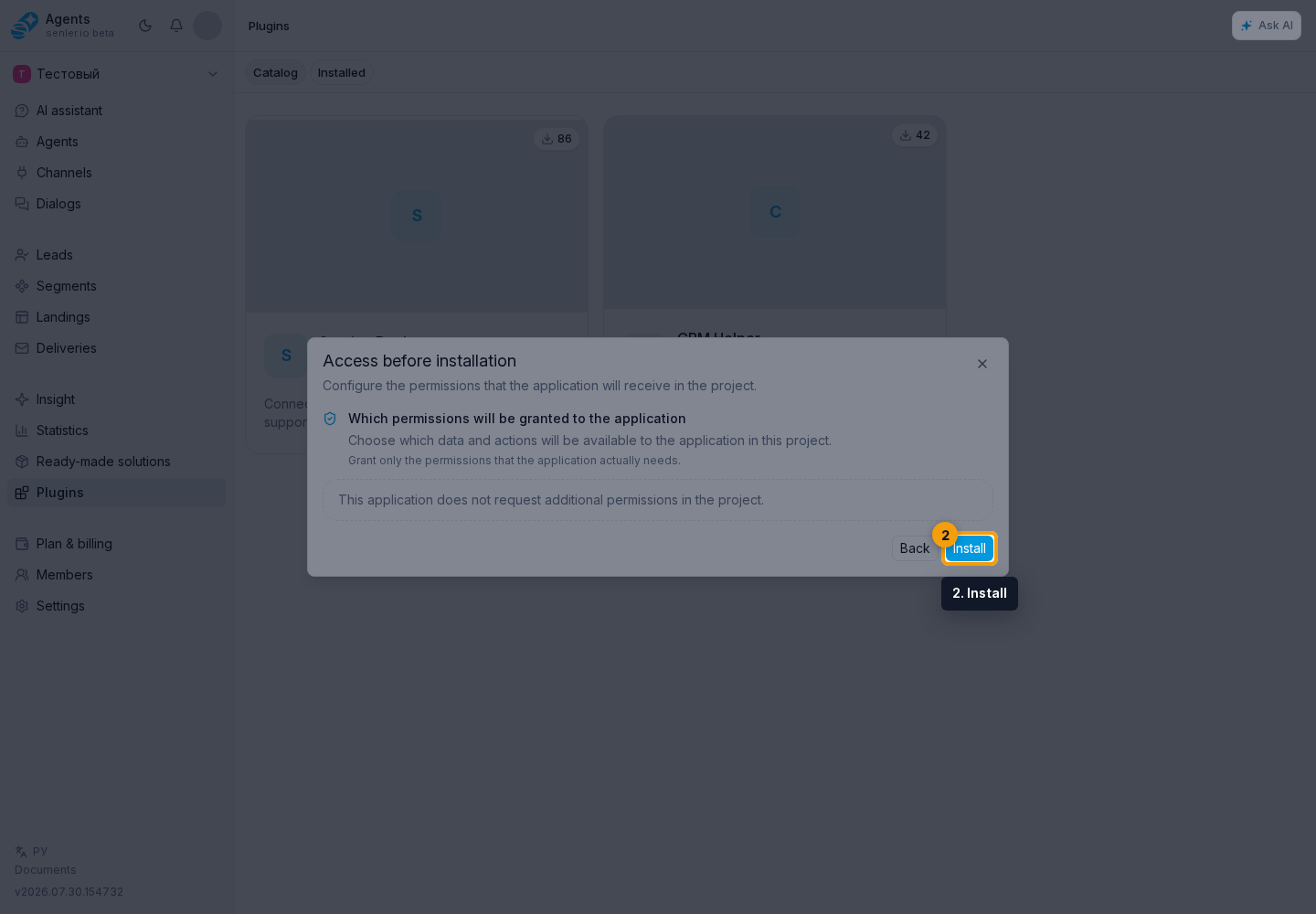
If a plugin has an embedded page, the cabinet opens it immediately. Otherwise, it opens the installation settings or developer website. You can return to the plugin later from the Installed tab.
What installation provides
Installation connects plugin capabilities to the selected project. It does not automatically add every action to every agent, and it does not by itself grant the application API access to data. Select tools and events in a particular agent's settings, and approve data access separately through OAuth.