
Transition history
History shows when a lead entered a stage and what caused the transition.
Open history
- Open a funnel.
- Select the required dates and UTM.
- Open the “View” tab.
- Select “In period”.
- Click the count to the right of a stage name.
In the “Edit” tab, click the “In period” tile in the desired column to open the same history.
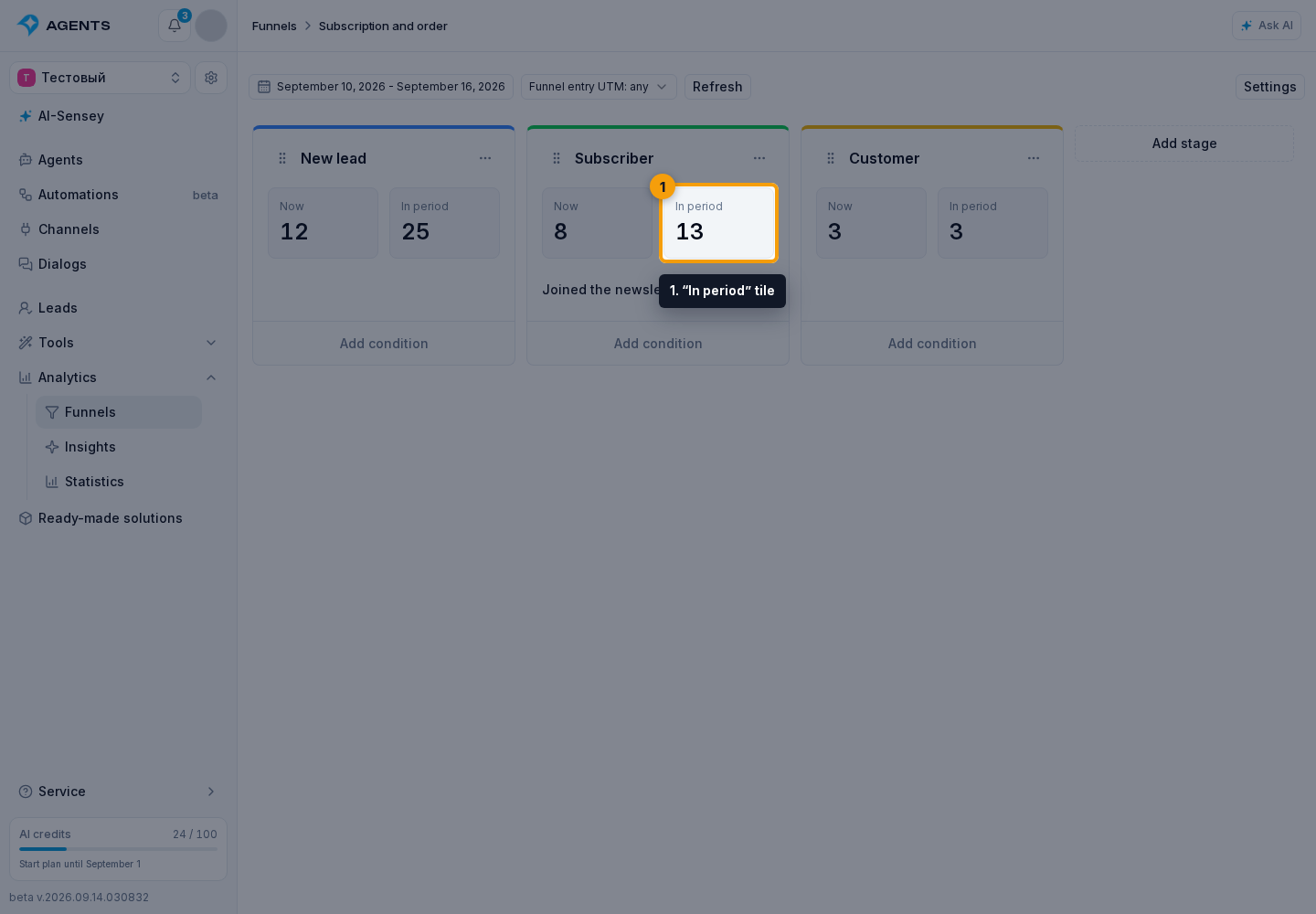
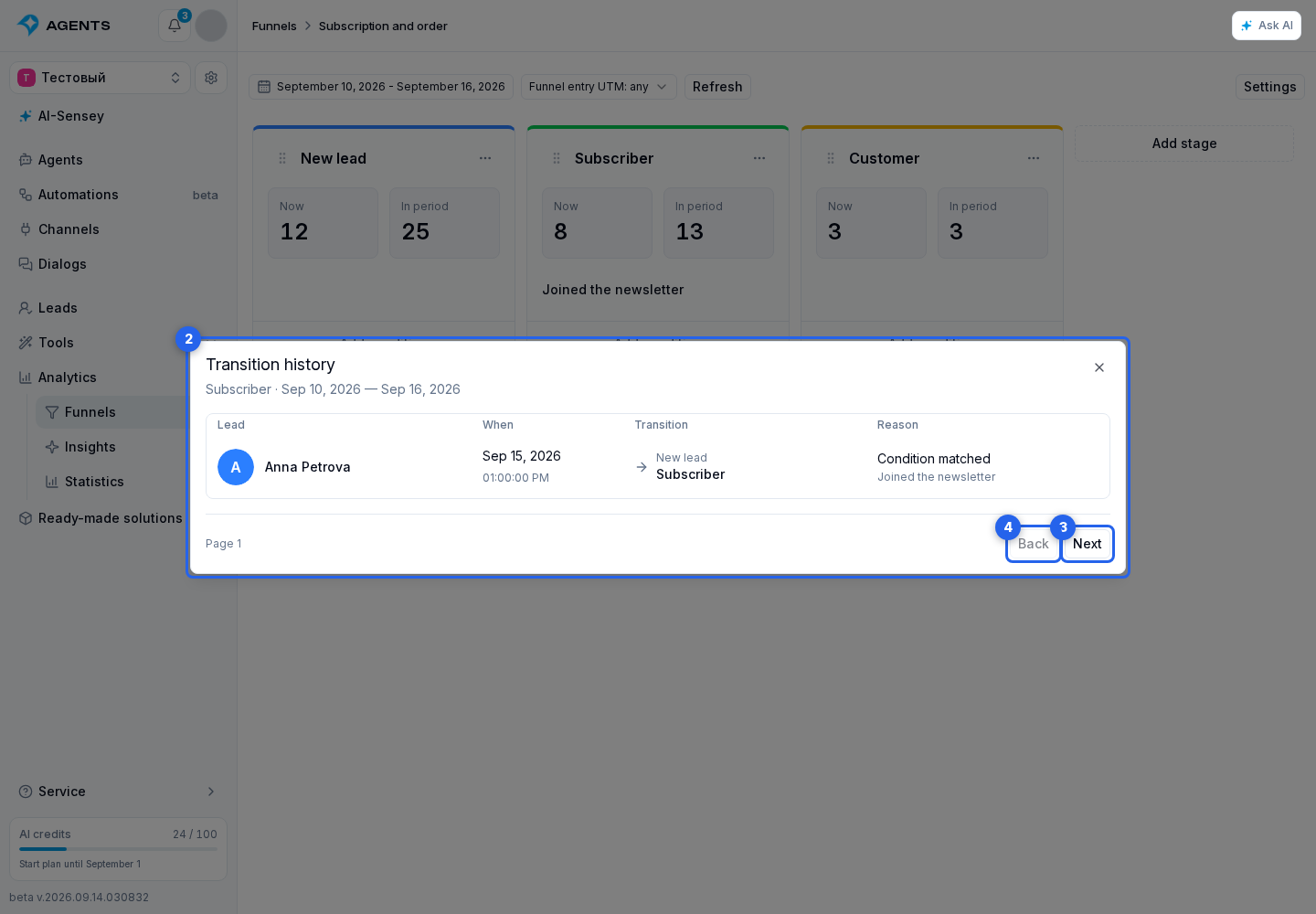
The history table opens with the same dates and UTM selected above the funnel. Each row shows the lead, date and time, source and destination stages, and the reason: a matched condition, manual addition, manual move, automation, or agent. An automation move includes the automation's name. Newest transitions appear first.
- Click an existing lead's row to open its profile.
- Click “Next” to see the next page.
- Click “Back” to return to the previous page.
Read the entries
A stage counted when entering a later stage has the reason “Included with stage…”. Repeat entries by the same lead appear as separate rows. Stage and condition names are kept as they were at the time of the transition. Renaming or deleting a condition does not change past records. A deleted lead’s entry remains with the label “Deleted lead”.
The “In period” count measures entries, including repeat entries. The separate “Now” metric shows the number of leads currently at the stage.