
Typing status step
The Typing status step shows the client that a message is being prepared, then continues the automation after the specified time. The step itself does not generate text or send a message. For example, place it before a Message step.
Set the duration
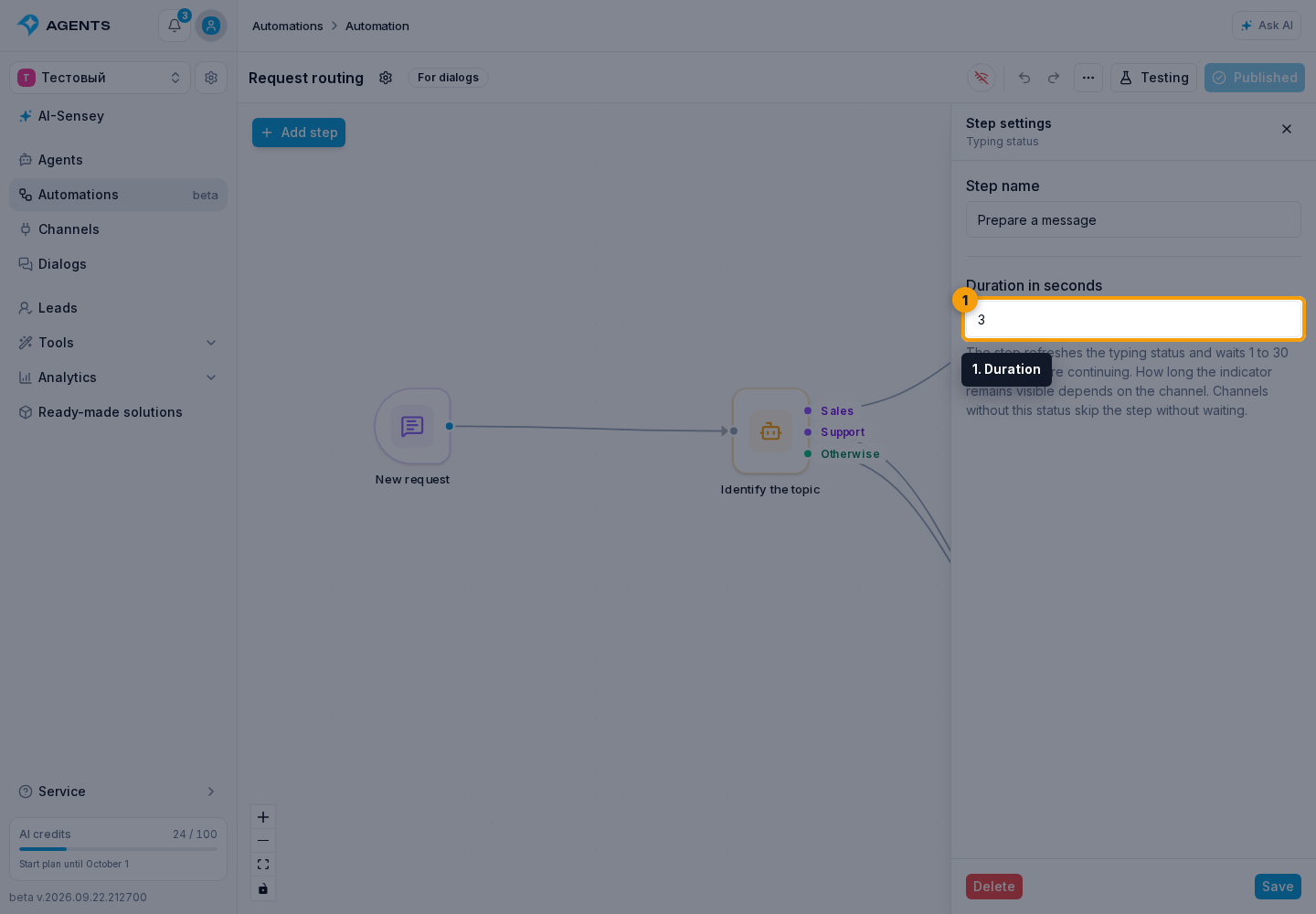
Add the step from the catalog and enter an integer from 1 to 30 seconds in the Duration field. The default is 3 seconds. Connect the output to the next step and test the automation.
When the step is skipped
The step is available in For dialogs and Background automations, but requires a current dialog and a channel that supports typing status. Without them, the automation continues immediately, without waiting. Use Wait for a mandatory pause.
The appearance and disappearance time of the indicator depend on the messaging platform. The step duration defines when the automation continues, not identical rendering across all channels.