All Lead Dialogs
If a customer has contacted you several times, you can read their private dialogs in one timeline. Combined history includes conversations with one lead in one channel of the current project, including completed and archived dialogs. It does not include other channels, group dialogs, or test dialogs.
Open combined history
- Find and open the lead's private dialog.
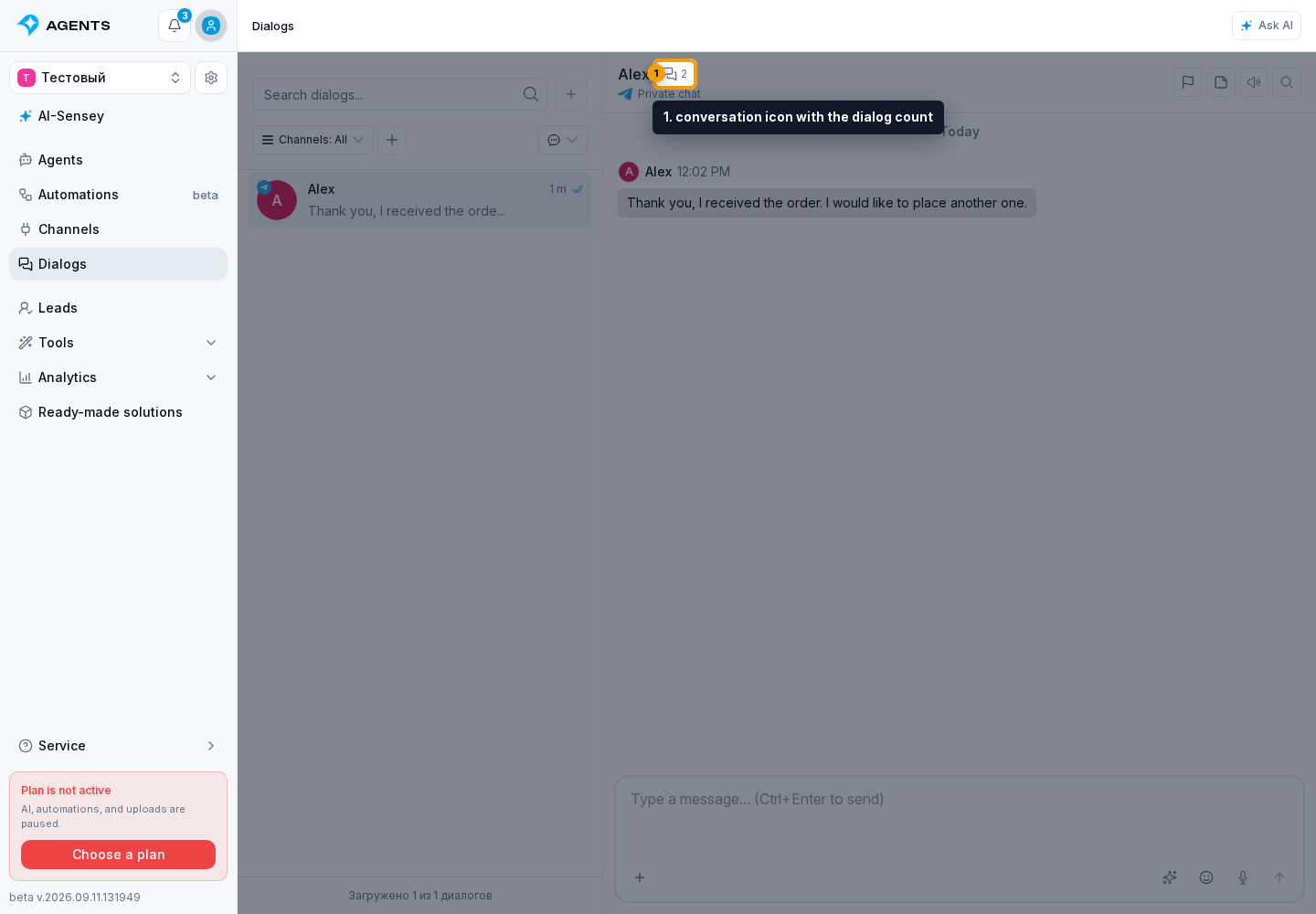
- Next to the name in the header, select the conversation icon with the dialog count. It appears when more than one dialog is available.
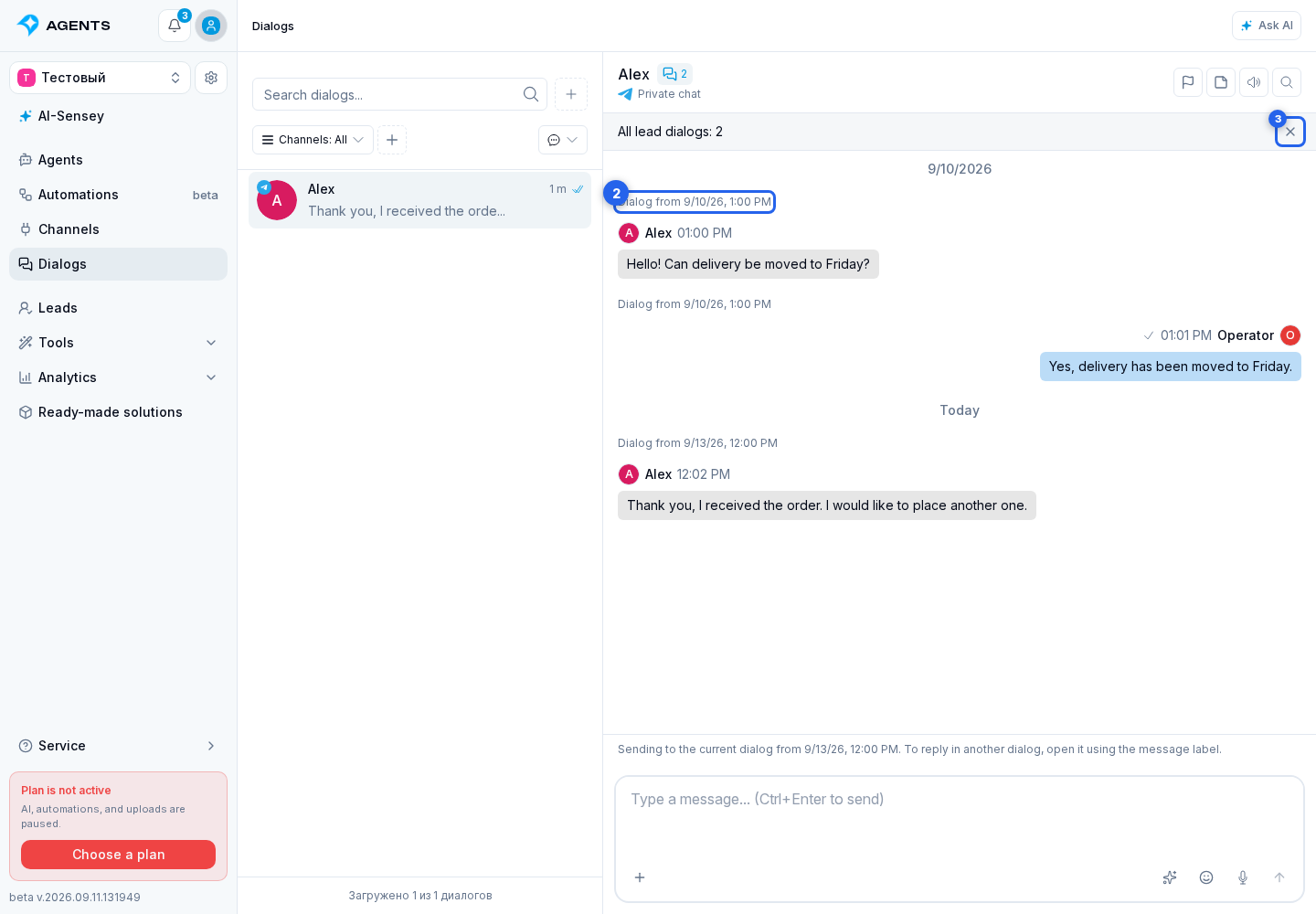
- In the All lead dialogs timeline, read messages in chronological order. Scroll up to load earlier history.
This is a viewing mode: the dialogs themselves are not merged and retain their settings and statuses. Combined history requires channel access; a developer's access to just one ready-made solution dialog does not grant access to the lead's other conversations.
Open the original dialog
Above messages, a Dialog from... link shows the conversation's start date. Select it to open that dialog separately, find a message, or use its actions.
The composer below combined history still sends messages to the dialog from which you opened the timeline. Its date is shown above the composer. To reply in a different conversation, first open it using the link above a message.
Select the close icon in the combined history header to return to the original dialog and previous scroll position.
When combined history is unavailable
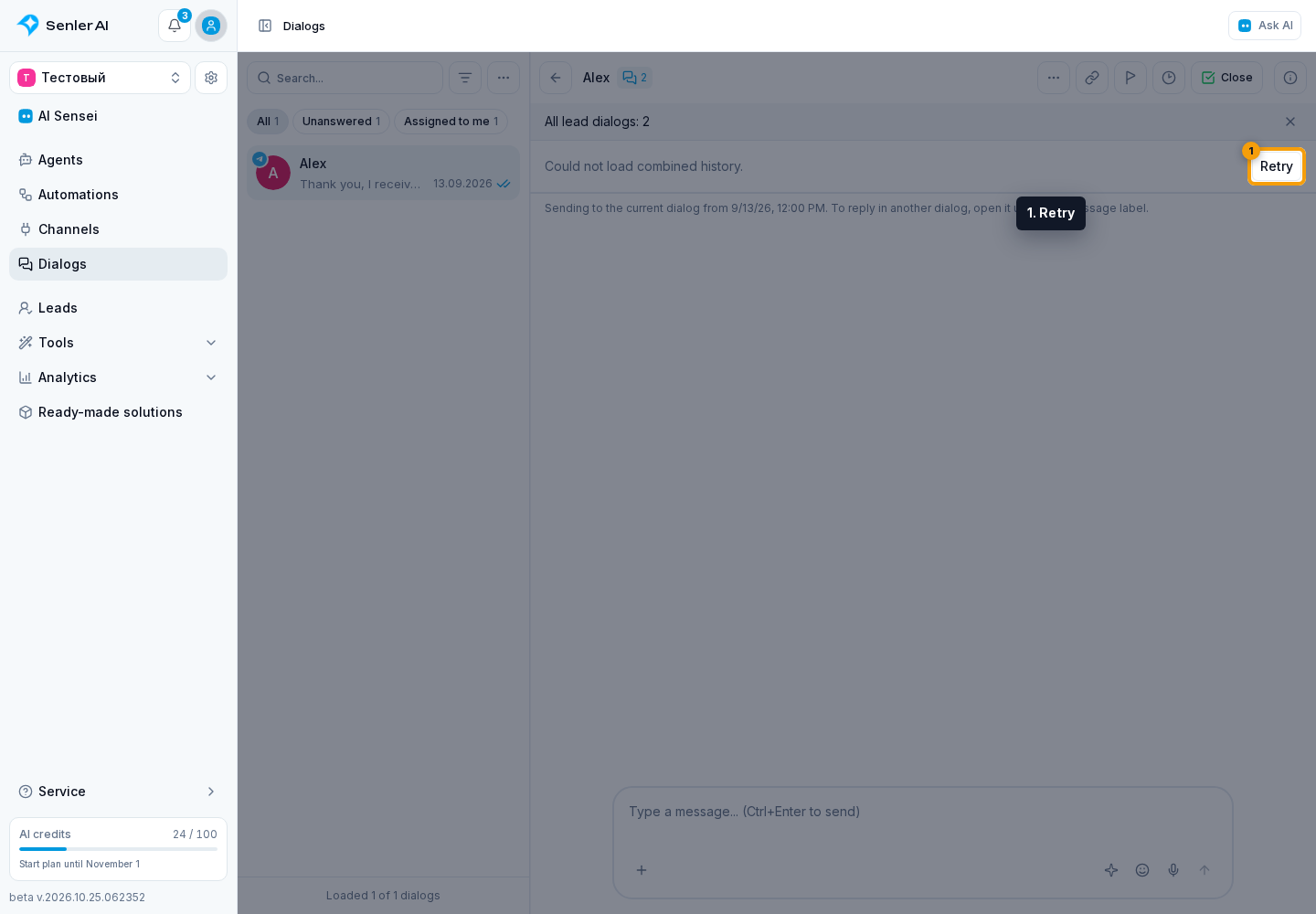
If you see “Combined history is currently unavailable” or “Could not load combined history”, select Retry. To view an individual conversation, open it in the dialog list.