
OAuth Settings
The OAuth item is available for Website integration and Plugin applications. It contains the OAuth client data, allowed return addresses, and access policies. A Ready-made solution does not have this item.
The application owner, administrator, and developer can change OAuth settings and work with the Client Secret. A viewer can see the Client ID and other settings in read-only mode; the Client Secret is not shown to them.
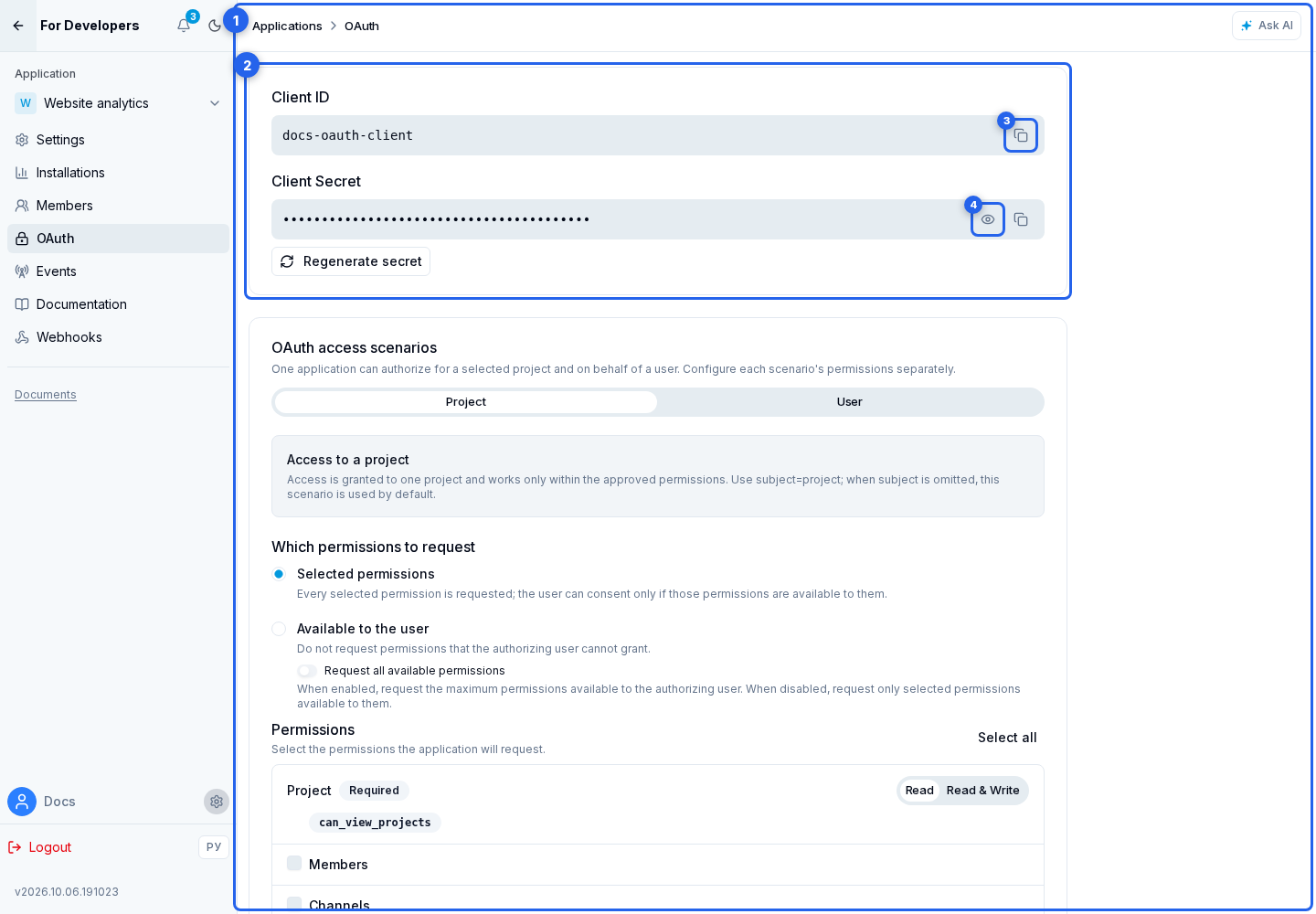
Client ID and Client Secret
The OAuth credentials section contains:
- Client ID, the public application identifier; use Copy Client ID to transfer it;
- Client Secret, the secret used to authenticate the application server at the token endpoint. Keep it only on the server and never place it in browser code, logs, or a public repository. You can show or hide and copy the value.
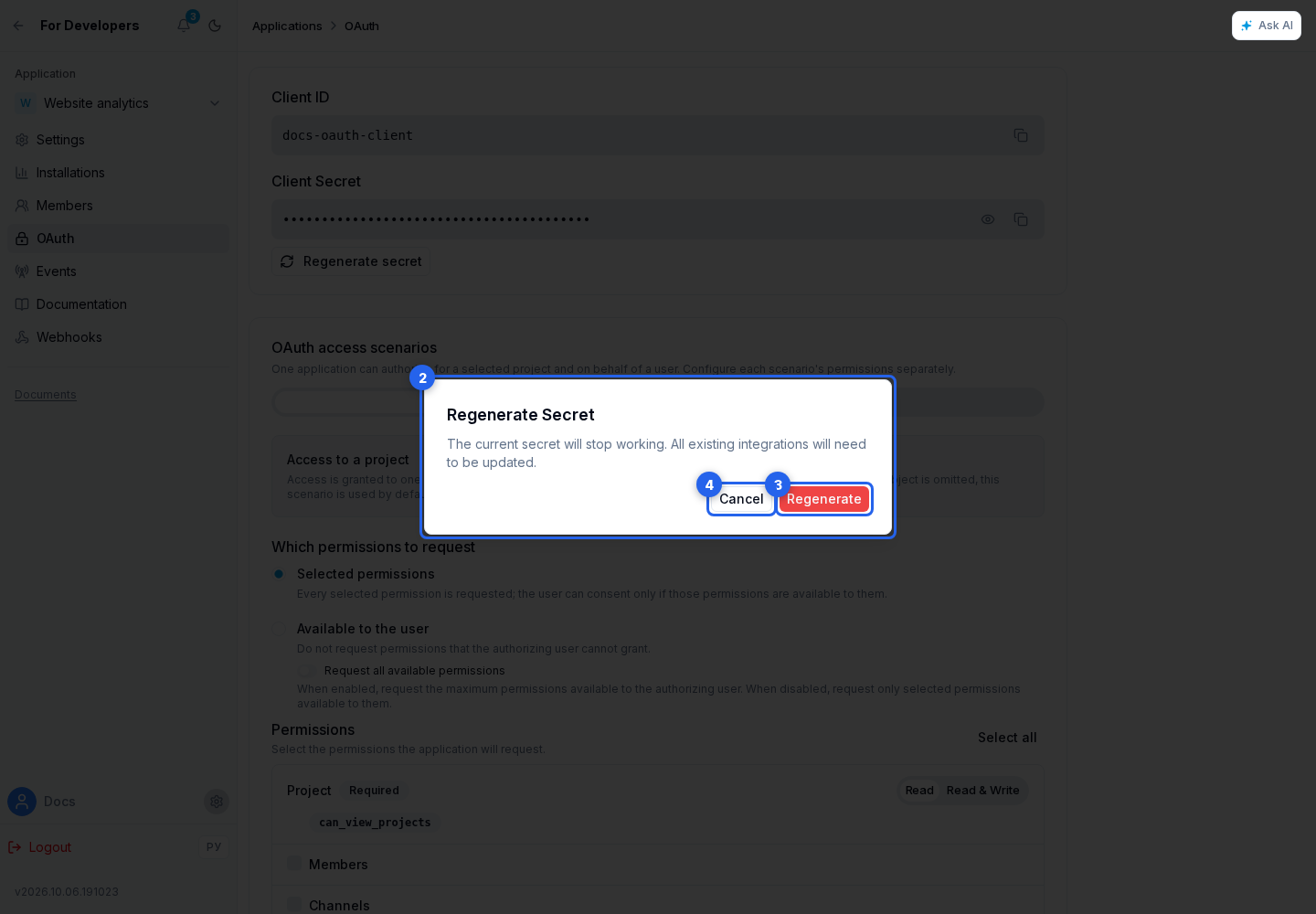
Client Secret regeneration
Regenerate secret opens a confirmation dialog. Confirmation issues a new Client Secret and immediately prevents the old one from exchanging a code or refreshing tokens. Cancel makes no changes.
Store the new value and replace the secret on the integration server. Existing access tokens continue to work until they expire or the authorization is revoked; regenerating the secret does not revoke them by itself.
Redirect URI
In Redirect URIs, select Add URI and enter the return address. You can remove an address that is no longer needed.
An address without a protocol is stored with https://. Explicit http:// is allowed only for loopback addresses: localhost, its subdomains, 127.x.x.x, and ::1. An address with credentials, a #... fragment, or an unsafe protocol is rejected.
The redirect_uri in the authorization request must exactly match a stored value. The same address must be passed again during code exchange. Scheme, host, port, path, query parameters, and trailing slash are significant.
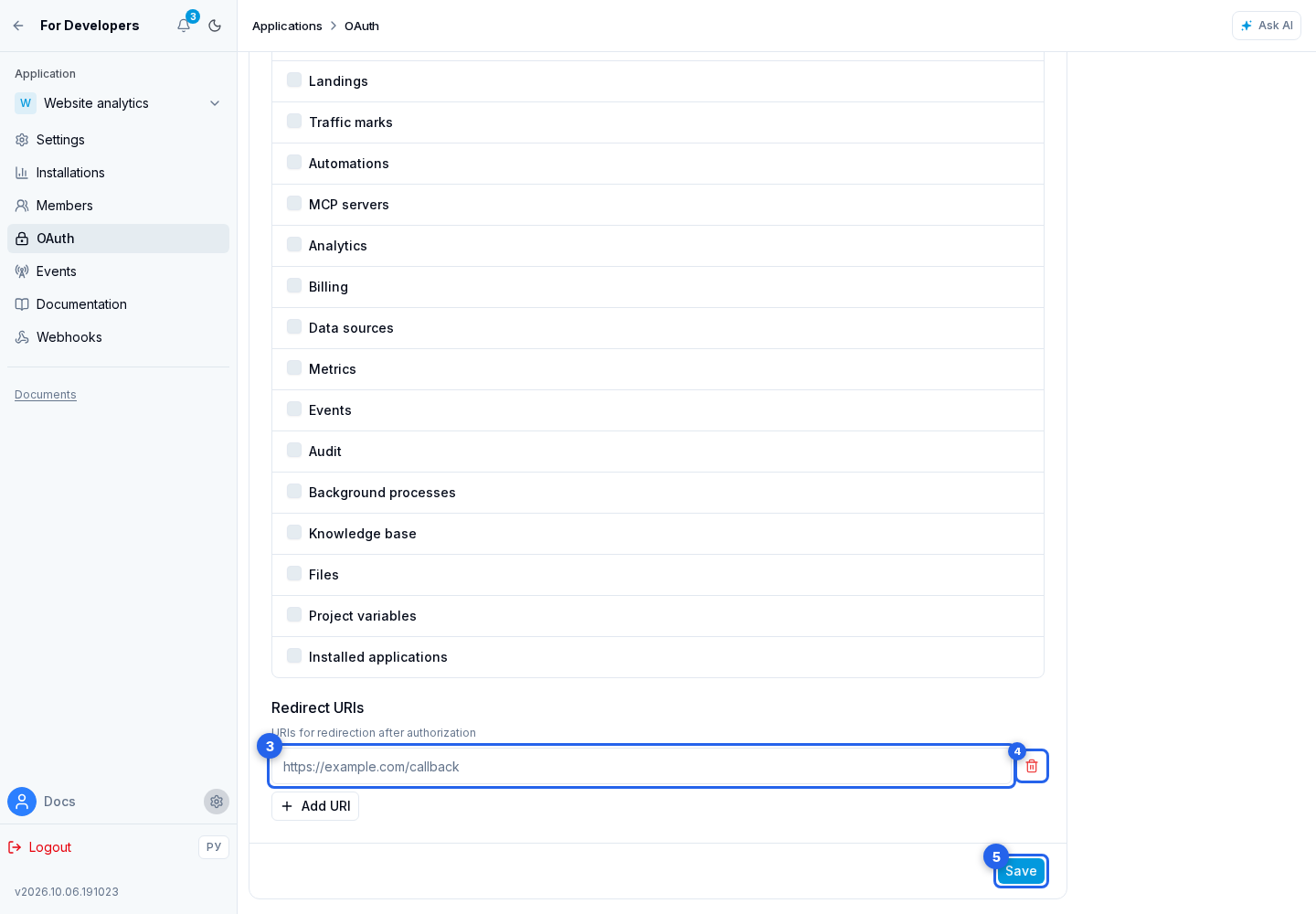
Click Save to apply the Redirect URIs and both access policies.
Then configure permissions and implement authorization in your application.