
Forward an Attachment to Yourself
Open the conversation in the dialog list.
Choose a Recipient
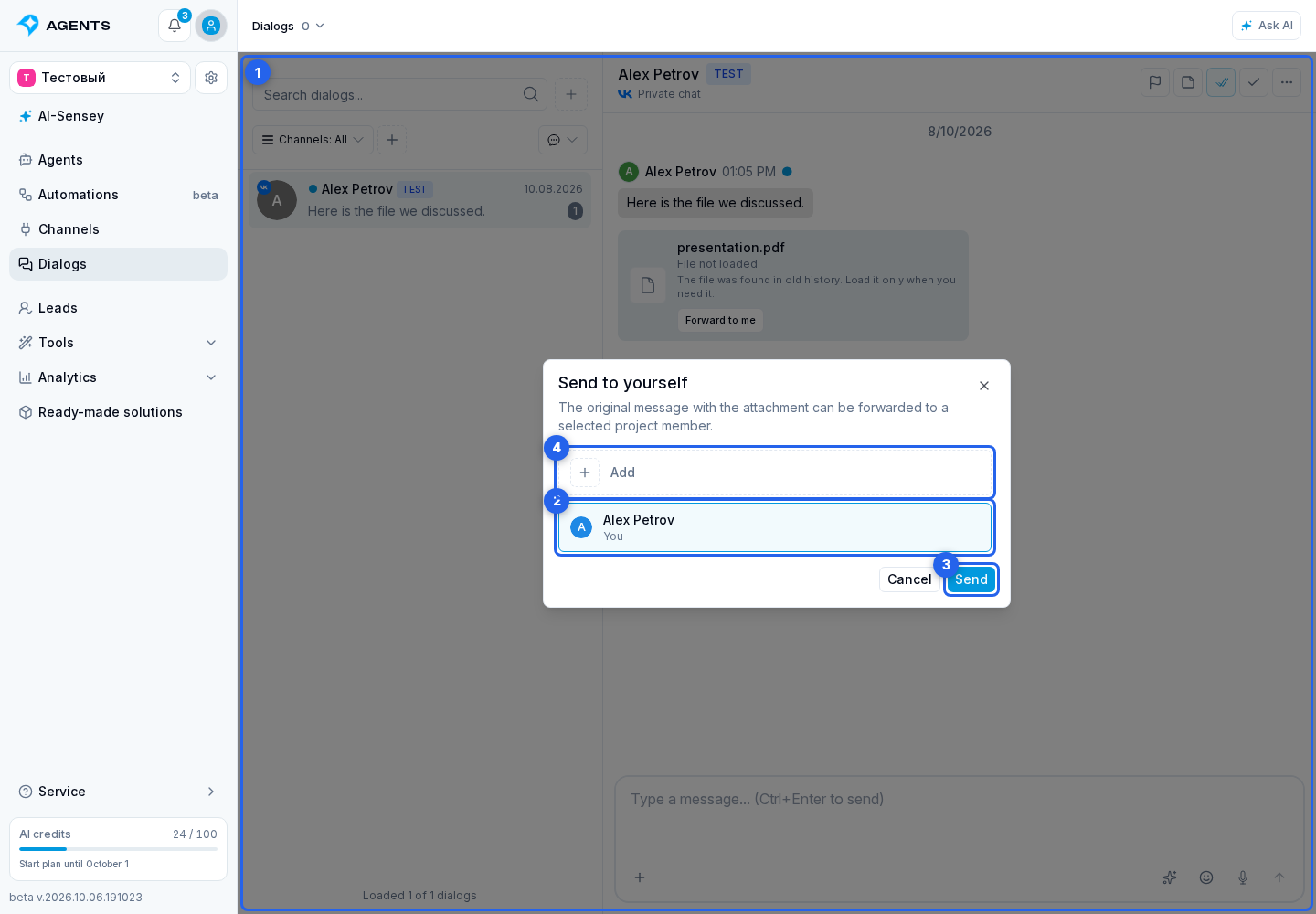
For attachments that cannot be conveniently downloaded or that exceed the project limit, the cabinet may show "Forward to me". It does not download the file into the cabinet; it forwards or copies the original message with the attachment to a selected project member using the platform.
In the Send to yourself window, the cabinet loads active project members who have dialog access and a suitable account on the source platform. The current user is marked as "You". Choose a recipient and click Send.
Add a Recipient Account
If the required account is missing, click Add. The next step depends on the platform:
- Telegram and MAX open a bot link; start the bot and wait until the account appears in the list automatically. The link is created for the current user and remains valid for about 10 minutes, so create a new one after it expires.
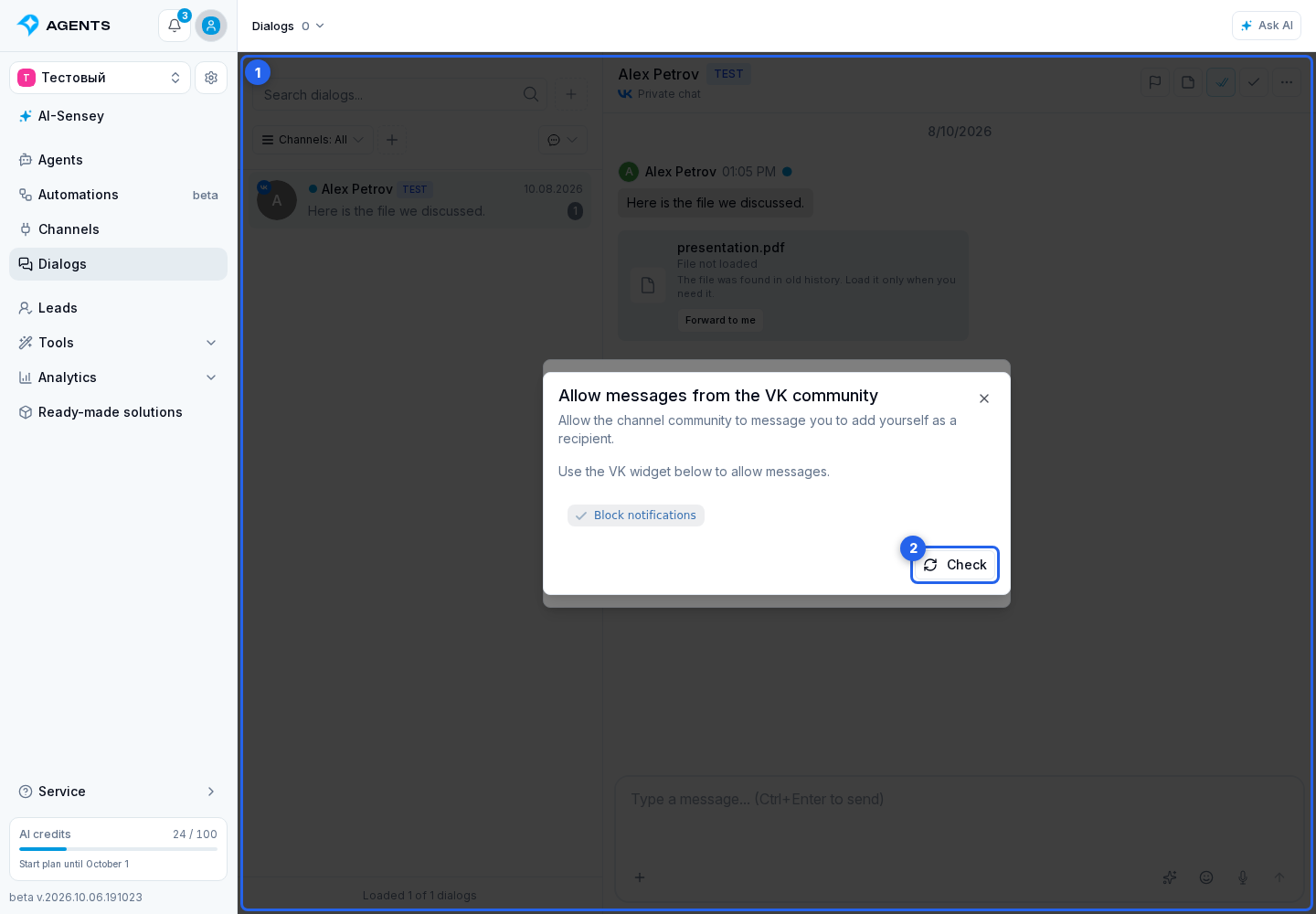
- VK may first ask you to link a VK account. Then use the permission dialog to allow the channel community to message you. If the list does not update automatically, click Check. Without this permission, the community cannot forward the original message to you.
The action is available only when the attachment has source platform data for forwarding. This is currently supported for Telegram, VK, and MAX, but the actual button depends on channel, attachment type, and user permissions.
If the action is unavailable, check the attachment platform, dialog access, linked accounts of project members, and the file unavailability reason: project limit, Telegram Bot API limit, missing source link, or upload error.