
Credit limit
Check available credits and personal limit reset times in the widget.
View the remaining amount
When a personal limit applies to the visitor:
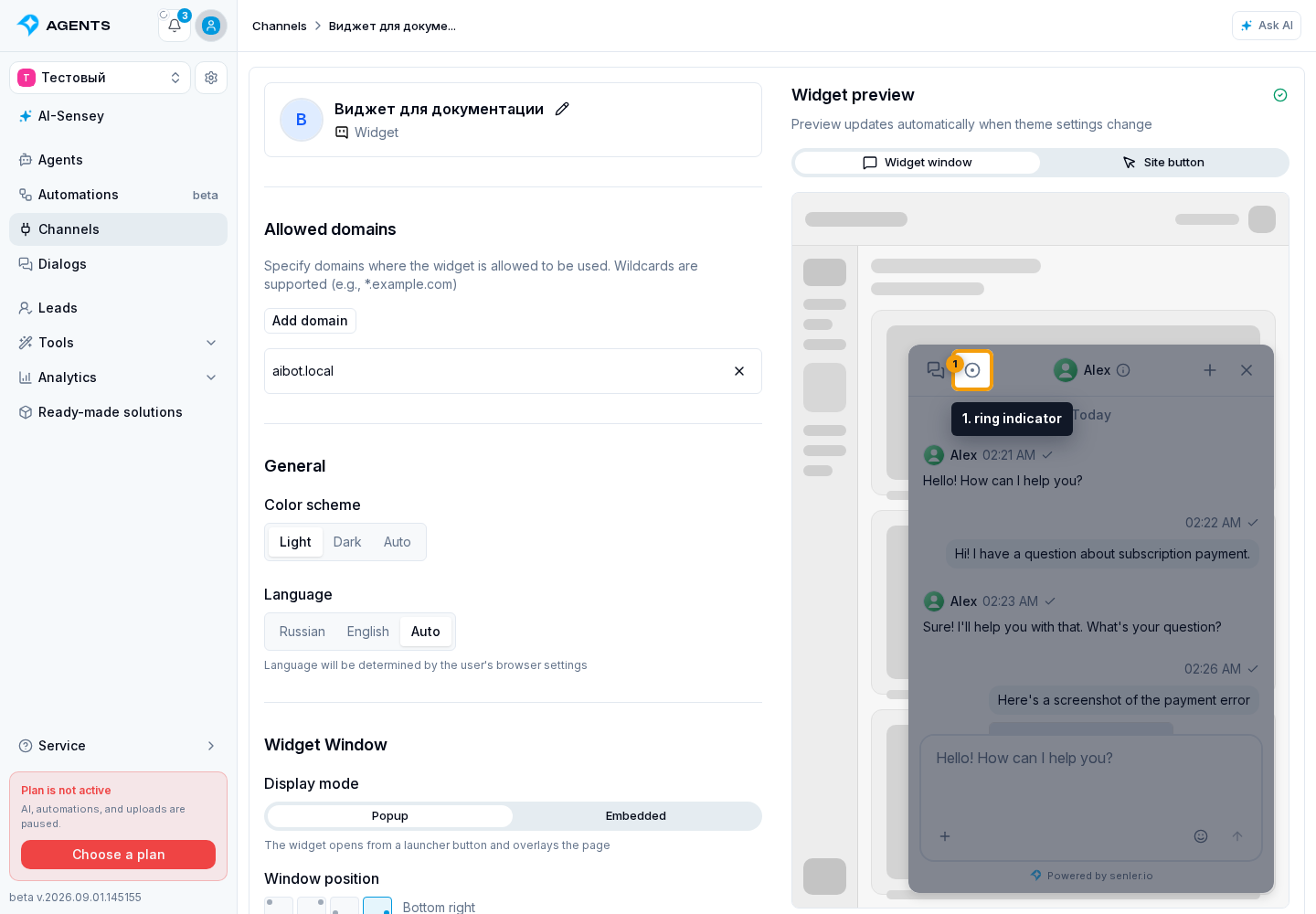
- Select the ring indicator in the header. It shows the percentage of available credits.
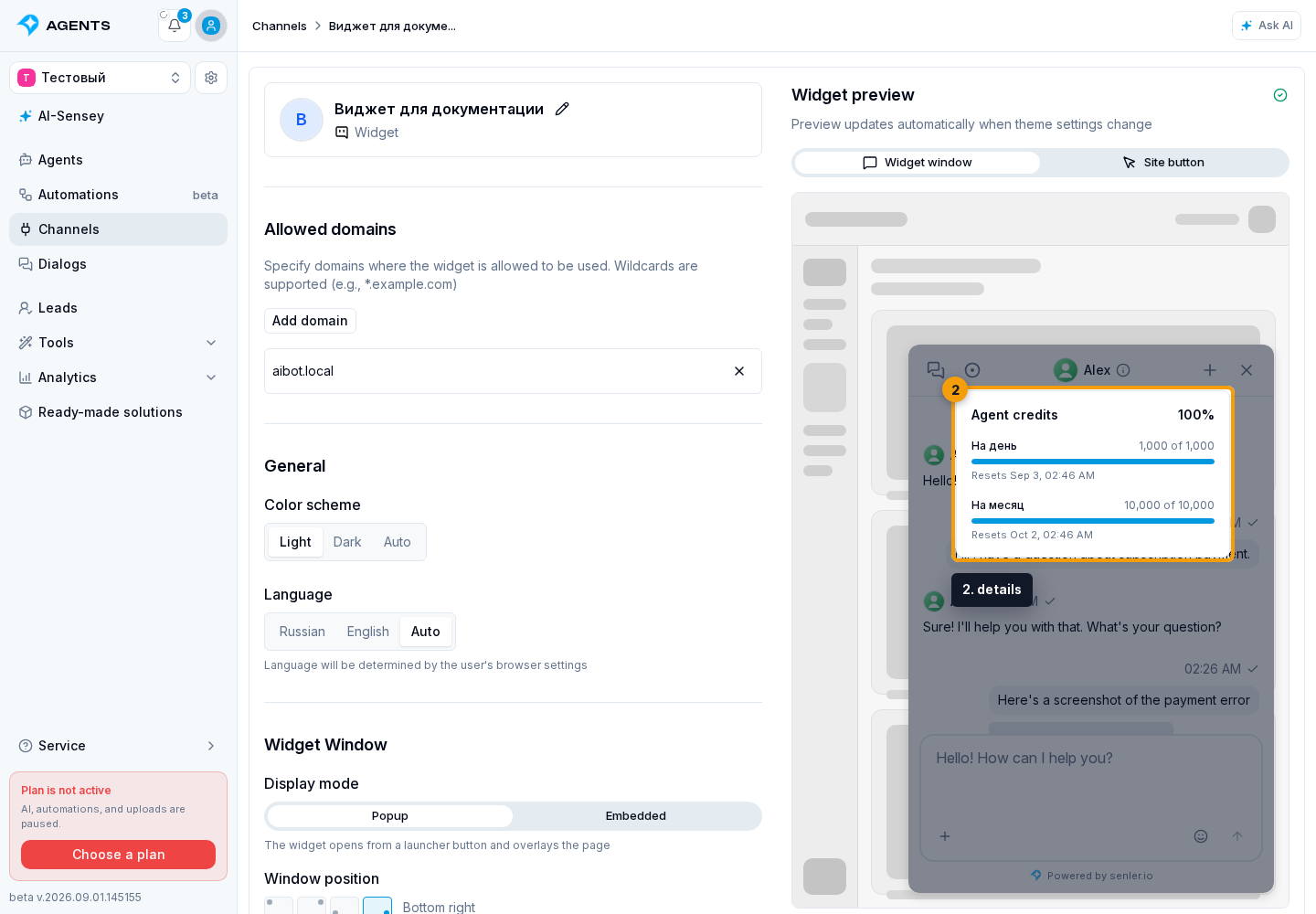
- Review the details: for each period, they show the remaining amount, total limit, and reset time. If the lead received extra credits, their remaining amount and the total available amount appear below. The percentage in the header accounts for the period that will restrict the next agent run first and for extra credits.
When credits run out
When the available amount is exhausted, the widget shows the Credits used up notice. The input stays available: the visitor can send a message, and an operator can reply. The agent does not run until a period resets or the lead receives extra credits.
If the widget owner enabled a top-up offer, the visitor can select Add credits. This button only notifies the website about the request: the site owner handles payment and the subsequent credit grant. If the channel allows external AI, Connect your AI may appear next to it.
The rules are described in Lead credit limits. The purpose of both buttons and the distinction between them are covered in Visitor credit limit, handling Add credits is covered in the Widget Public API, and AI client connection is covered in Use via MCP.