Finding dialogs and messages
Find a conversation by name or ID, or locate a message inside an open dialog.
Open the project dialog list.
Find a Dialog
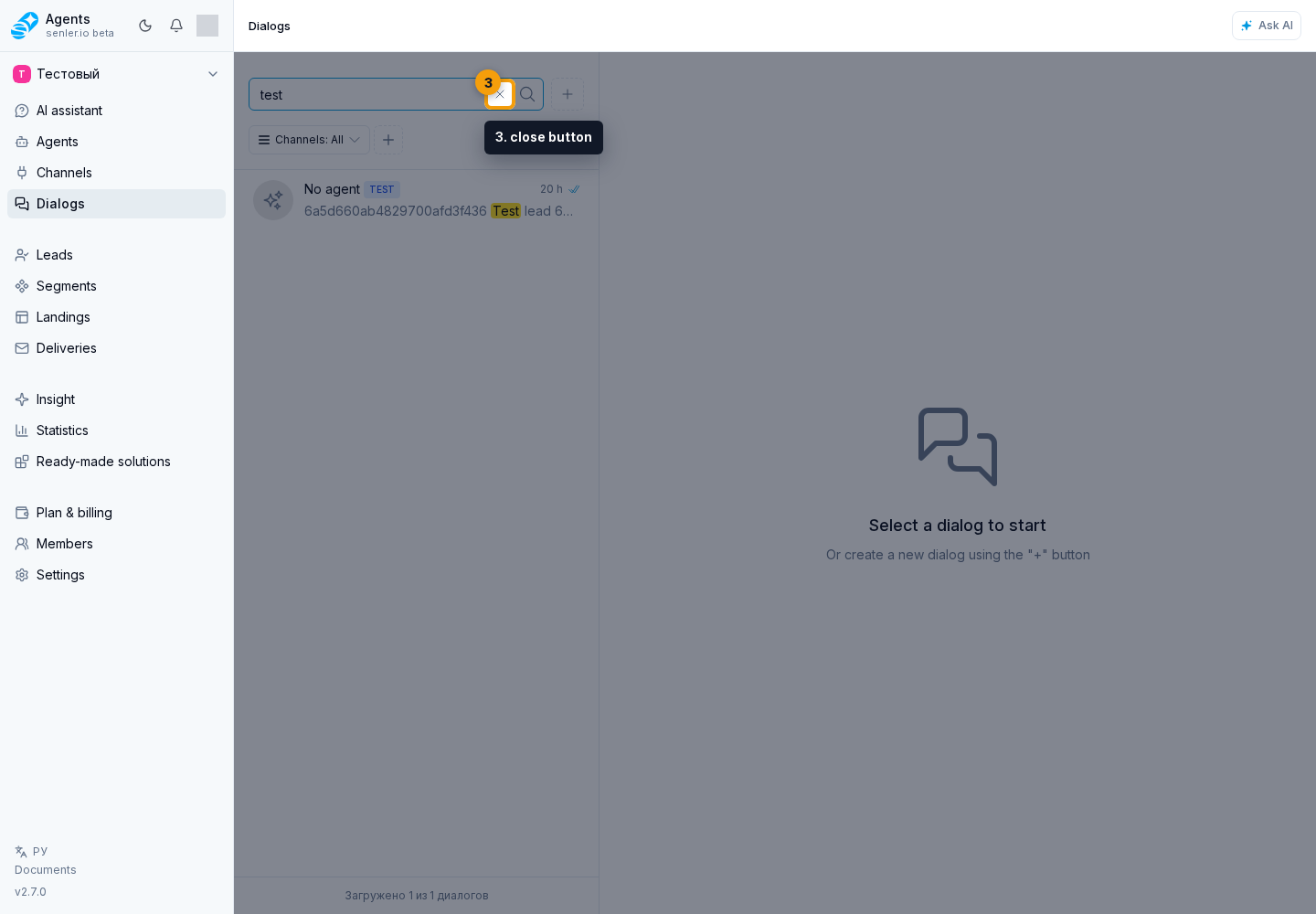
Enter a name, dialog ID, or message fragment in the search field. Results appear as you type. The magnifying-glass button repeats the search, and the close button clears the field.
If you have a dialog ID, paste the full ID. The leading # is optional.
Find a Message Inside a Dialog
- Open a dialog.
- Open the three-dot menu in the chat header and select Search in dialog.
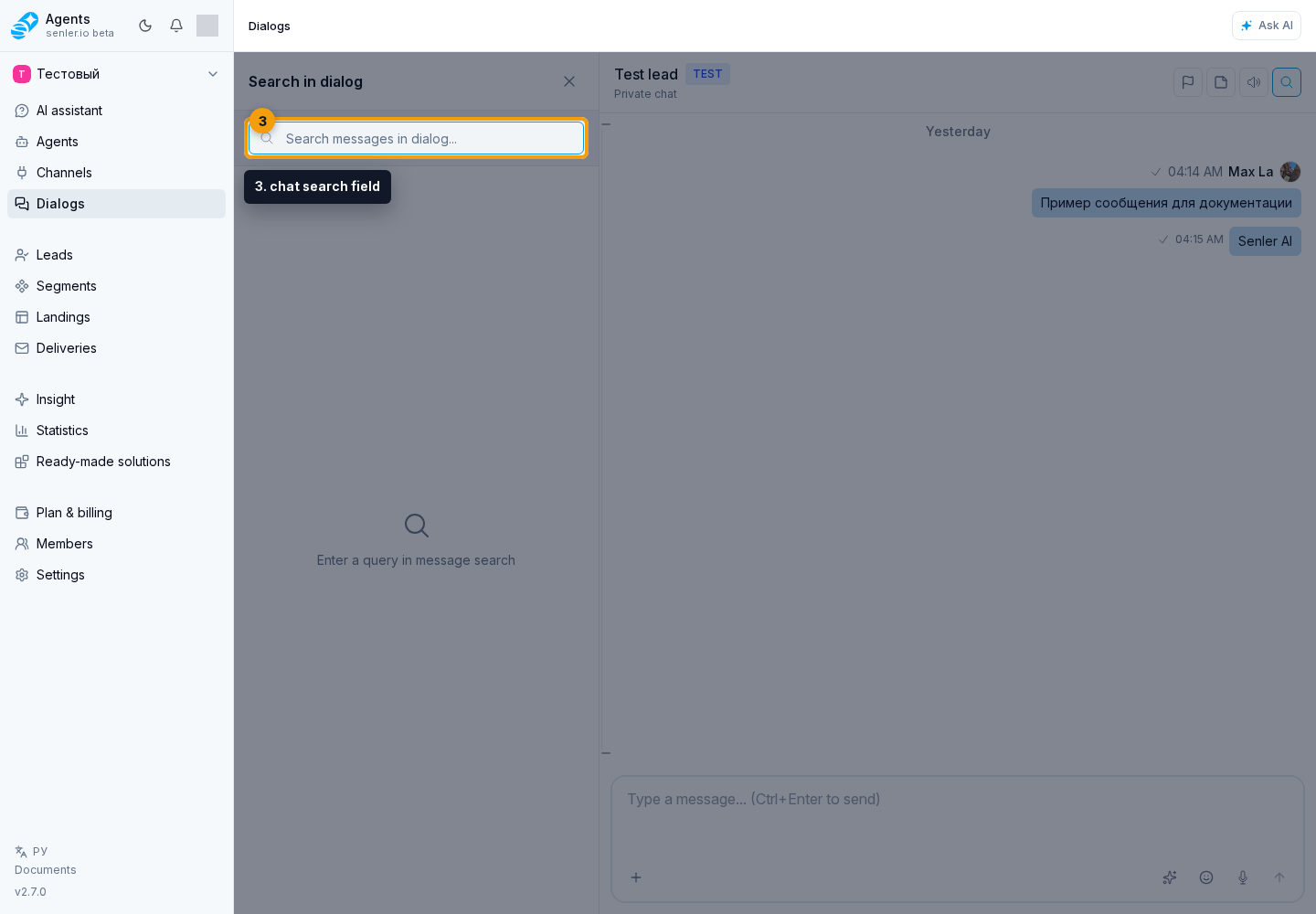
- Enter words from the message in the chat search field.
- Click a matching result to go to that message.
Results show the sender, time, and a message fragment. To finish searching, click the close button on the results panel.