
Operator Reply Drafts
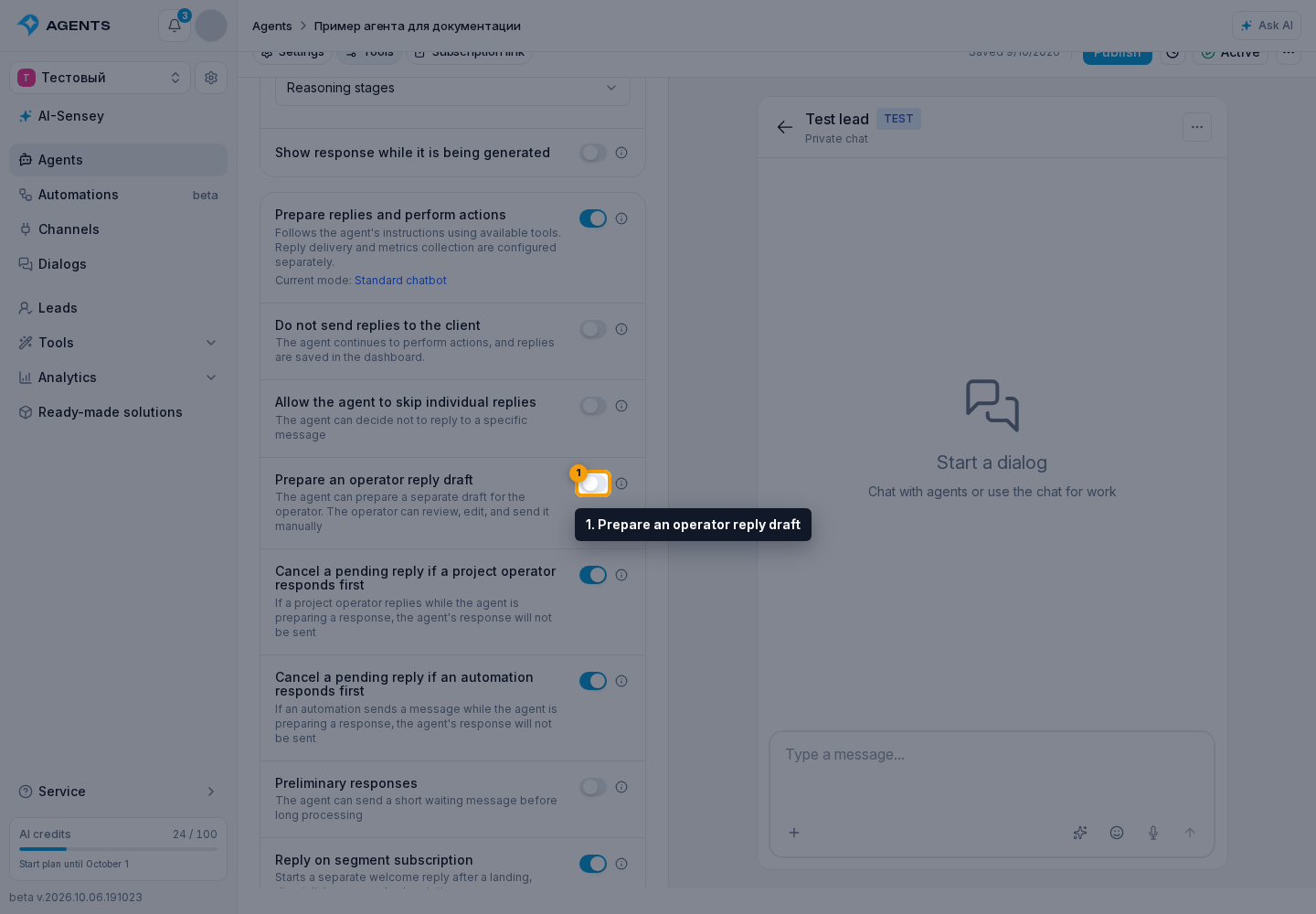
Enable Reply Drafts
In the agent's reply mode settings, enable Prepare an operator reply draft. This setting is available when AI processing is enabled. Permission to skip individual replies is not required.
Working with a Suggested Reply
- the automatic client-facing reply may be skipped, while the suggestion is saved only for the operator;
- the client does not see the suggestion;
- the suggestion should be ready client-facing text, without service headings such as "Client reply:", "Template:" or explanations for the operator;
- the reason for the suggestion is only for the operator and processing history, the client does not see it;
- the suggestion may include text and prepared attachments from agent tools;
- in the dialog, the operator can send the suggestion as is, move it into the draft, edit text and attachments, or discuss the suggestion with AI;
- image links in suggestion text are not treated as attachments: an attachment must be prepared by an agent tool or added by the operator;
- the suggestion itself already means the automatic client-facing response is not sent, so there is no need to separately skip the response only for that.
For actions without a client reply, use the mode that suppresses client replies.