
Conversation handoff
An agent can hand a conversation over to another agent or to a person. These actions require different permissions and have different outcomes.
Main section: Tools.
Working with agents
An agent can hand the dialog over to another agent or assign a background assistant. For example, a consultant clarifies the request, then passes billing questions to a support agent. Access is limited to selected project agents and their allowed roles.
On the Tools tab, click Configure in Work with agents. In the dialog that opens:
- Enable Assign other agents.
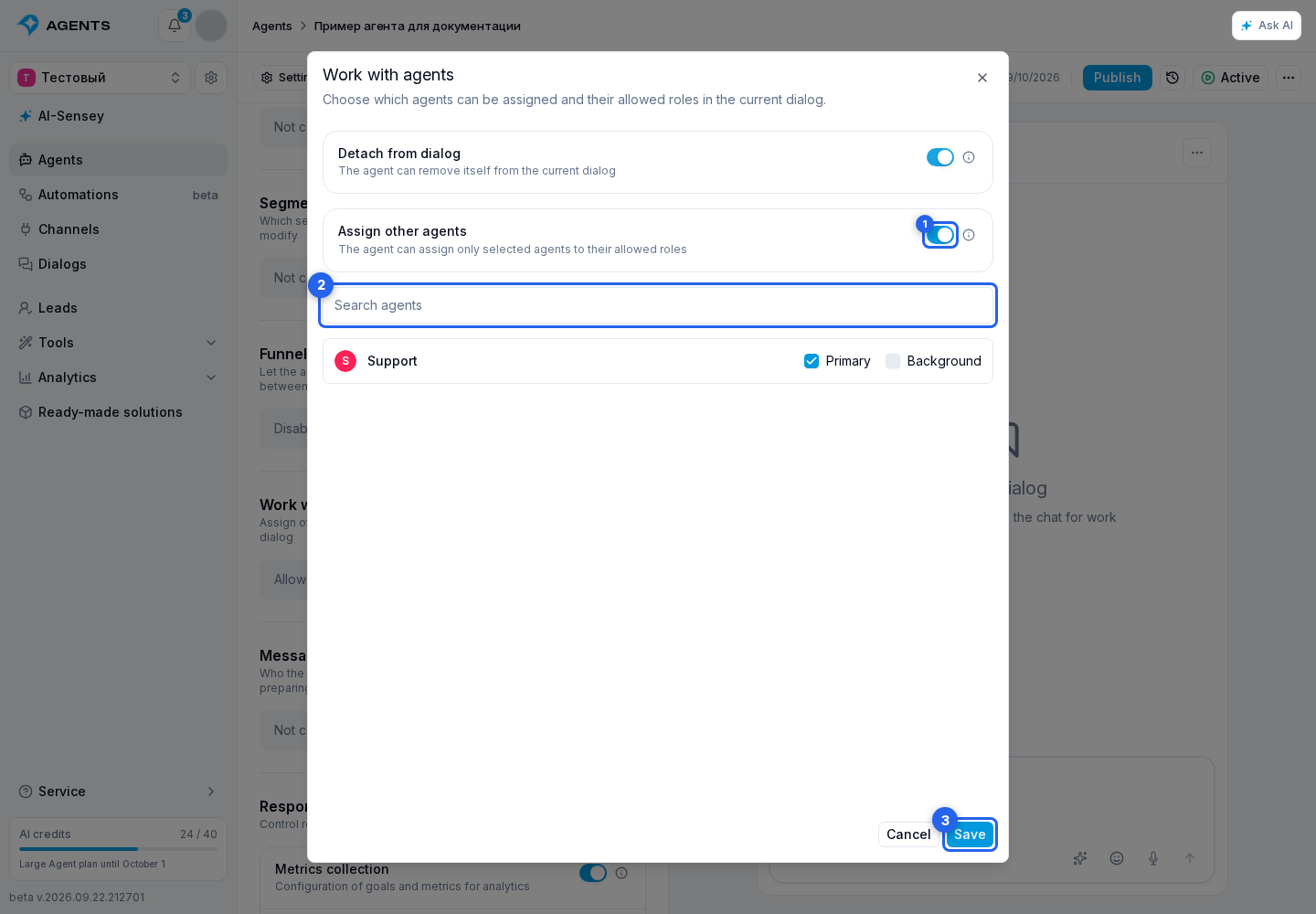
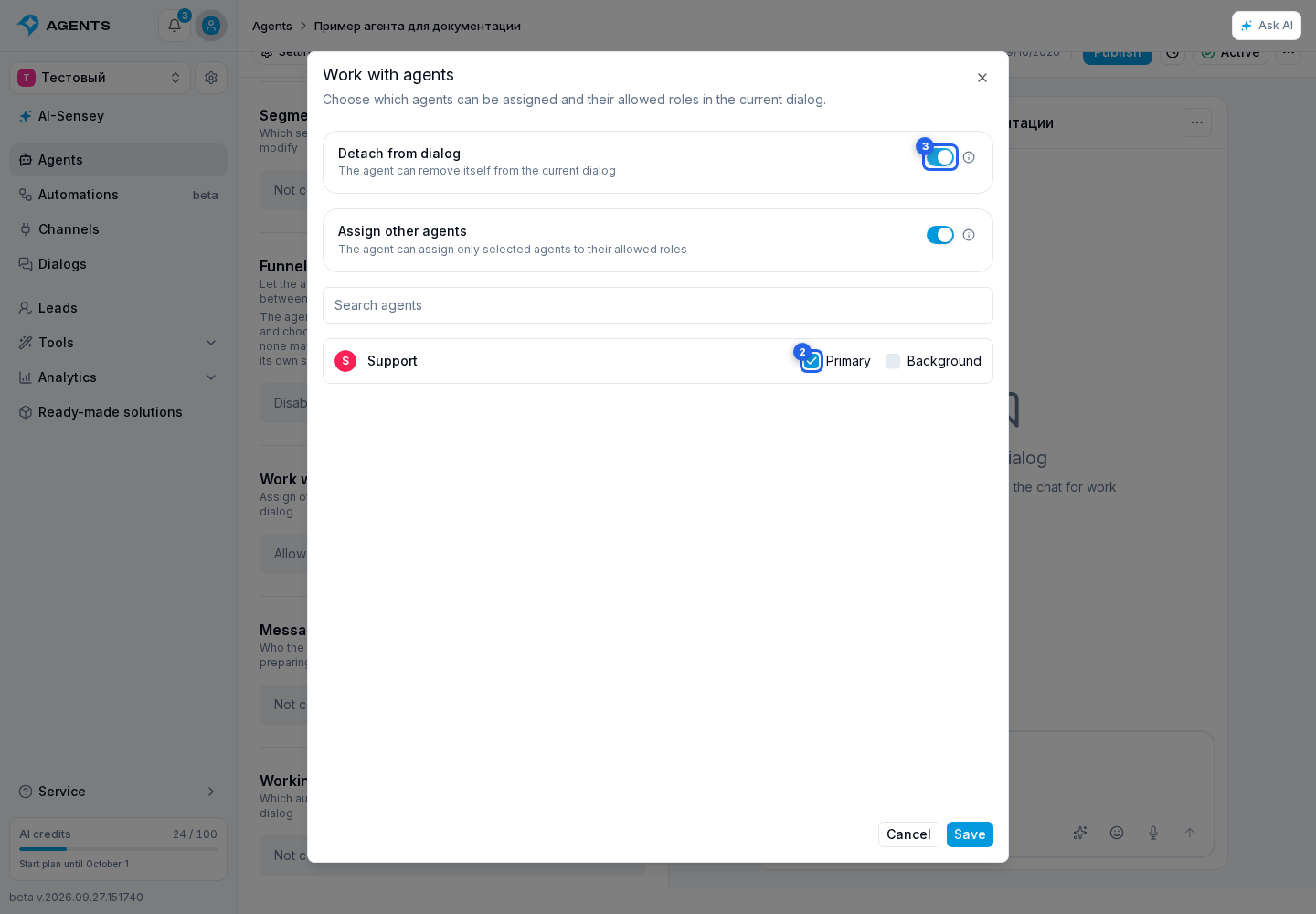
- Find an agent using search. Next to its name, select the allowed Primary and/or Background roles. You can allow 1 to 100 agent-role combinations; allowing both roles for one agent counts as two permissions. An agent cannot select itself.
- Click Save, then save the draft and publish the agent. Closing the dialog without saving does not apply the selection.
Describe the assignment condition in the instruction. Use @, choose Agents, then the target agent and role. For example, write "If the question concerns billing, assign the primary agent", then insert the "Support — Primary" reference. Adding the reference immediately allows this assignment in the draft. The reference alone does not trigger the action; describe the condition in the instruction. Removing the reference does not revoke permission: review it in Work with agents.
Assignment replaces the agent in the selected role and applies to subsequent messages. It does not trigger a reply from the new agent to the current message. A dialog can have one primary and one background agent; the same agent cannot occupy both roles at once. An inactive agent can be assigned, but it must be activated before it can reply in live dialogs. This assignment is unavailable in comments on Telegram posts.
The same dialog separately provides Detach from dialog. This allows the agent to end its own participation or hand the request over to a human, but does not grant permission to assign other agents.
Handoff to a human
Enable Detach from dialog in Work with agents. This lets the agent take two different actions: end its own participation or hand the request to a human. Define when to hand off in the agent instructions, for example: "If the client asks for an operator, hand the dialog to a human and state the reason."
Human handoff queues the dialog for operators, disables assigned agents and cancels their pending responses. Configure automatic operator assignment and working hours so staff on shift can receive requests. A successful handoff to the queue does not mean an operator has already been assigned or replied. Handoff is unavailable in comments on Telegram posts.
Simply detaching the agent does not hand the request to an operator. Conversely, manually changing the responsible operator in dialog information does not stop AI.