
Auto-Training Results
Start agent auto-training.
Wait for the Result
After completion, the page does not immediately hide the result. The Data used section shows actually processed sources, saved website pages, and their usefulness when these details are available. Then select Go to variant selection.
The variant step shows planned and actual time, planned cost, actual AI cost, and the final charge. Some values may remain Settling while the calculation finishes.
Choose a Variant
- Choose an agent variant.
- Review its instruction and test.
- Click Create agent.
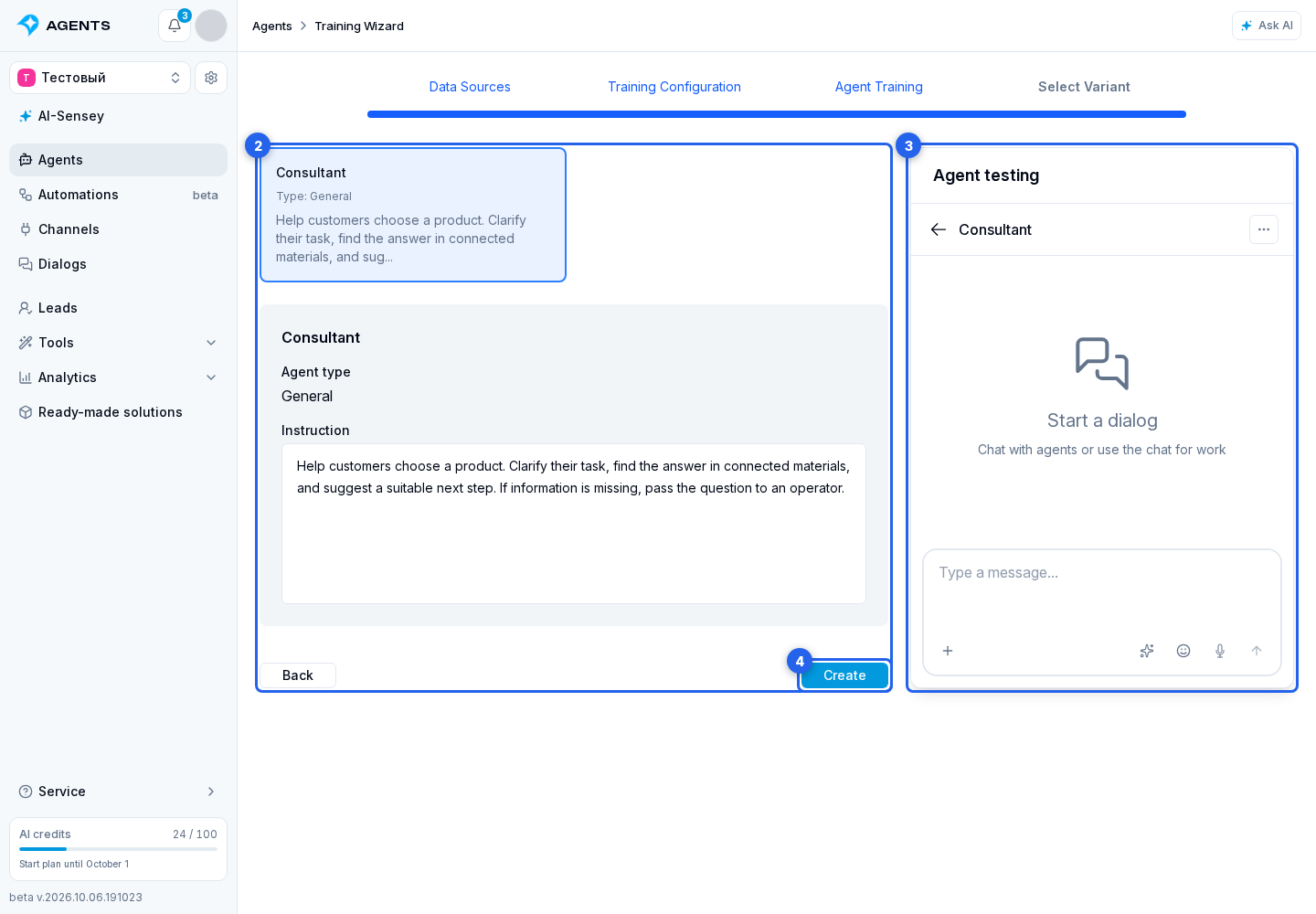
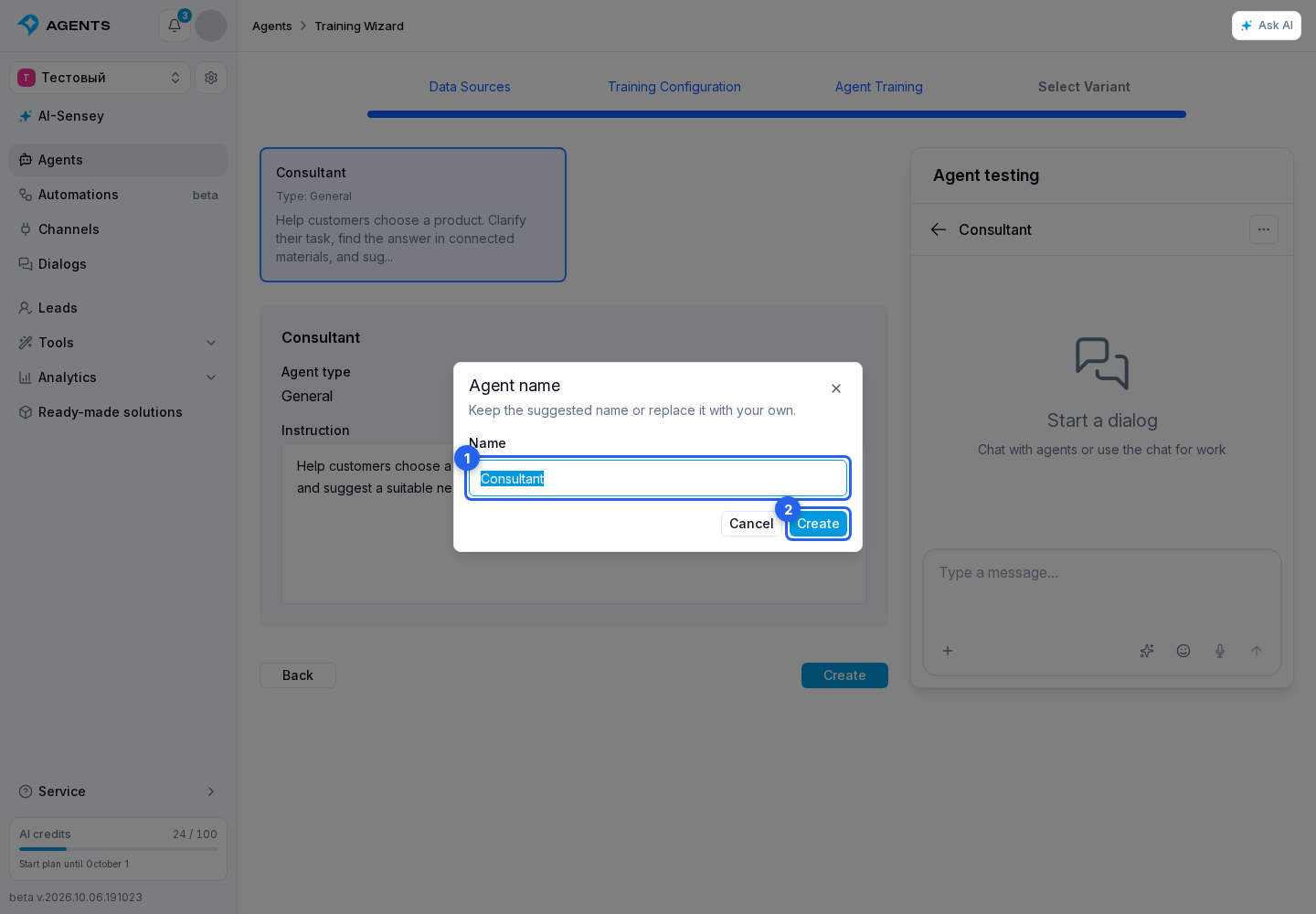
In the dialog that opens, change the name if needed and finish with the confirmation button.
What does AI do when learning
- loads sources;
- analyzes content, style and themes;
- selects the optimal type of agent and metrics;
- generates agent options;
- shows the user options to choose from.
After an option is selected, auto-training adds all available metrics to the created agent: built-in metrics for the selected agent type and the project's custom metrics. Event and discussion sets are saved separately in manual mode, so later changes to default sets do not silently replace the selection.
After creation, open metric settings and remove indicators that this agent does not need. Each group can be switched back to default metrics independently. If automatic metric selection fails, the agent is still created: configure events and discussions manually in its form.