
Landing Creation
Create the Page
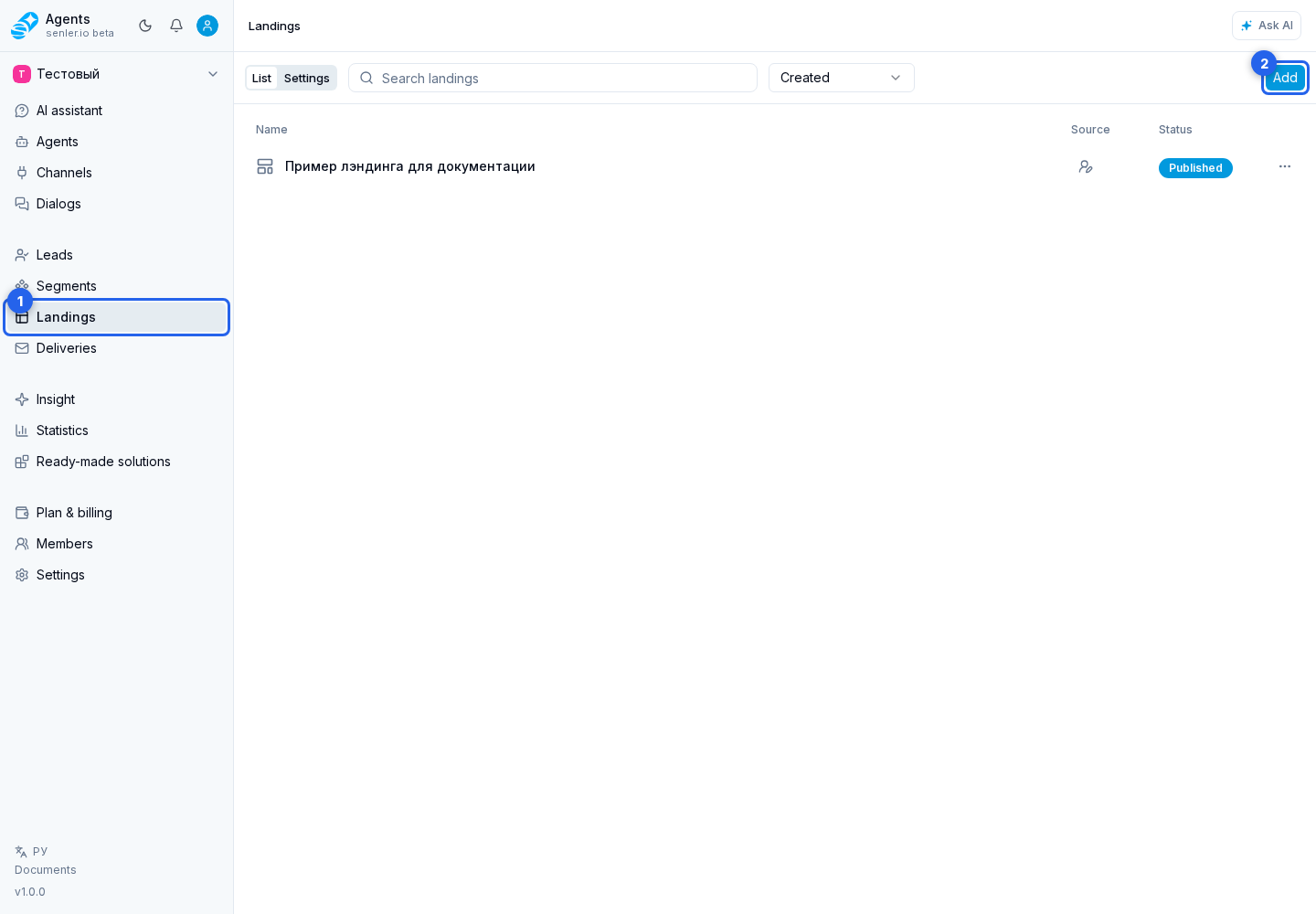
- In the project menu, open Landings.
- On the landings page, select Add.
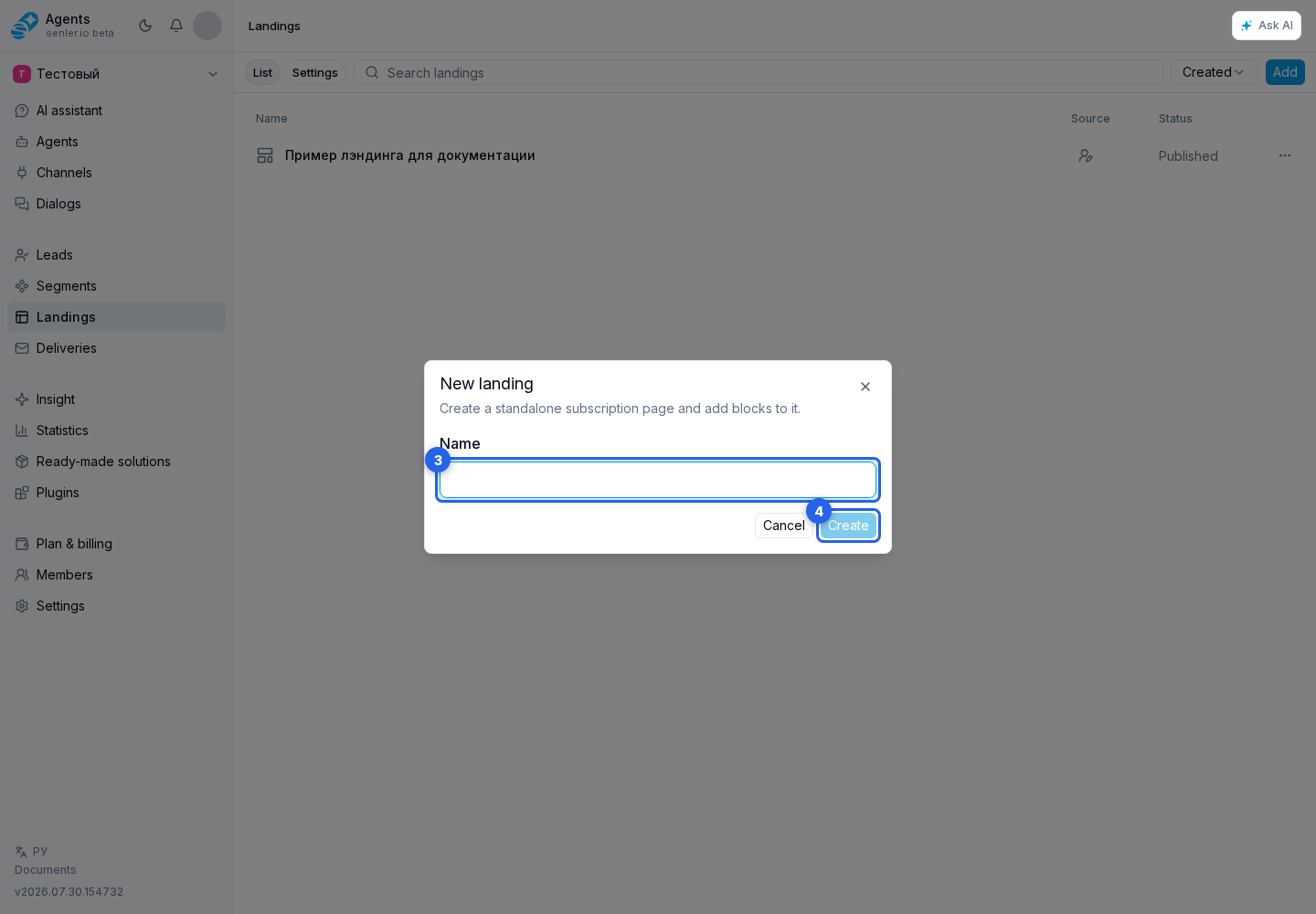
- Enter a page name.
- Select Create.
The editor opens with an initial Cover block. A new landing is created as a draft and is not yet available to visitors. Configure the page, verify it in preview, and select Publish. Only then is a public version created and its link made available. Later changes are also saved to the draft first.
Prepare Publication
Add the required blocks, configure page settings and check the subscription button action.
Creation from a task description is available through the AI assistant.