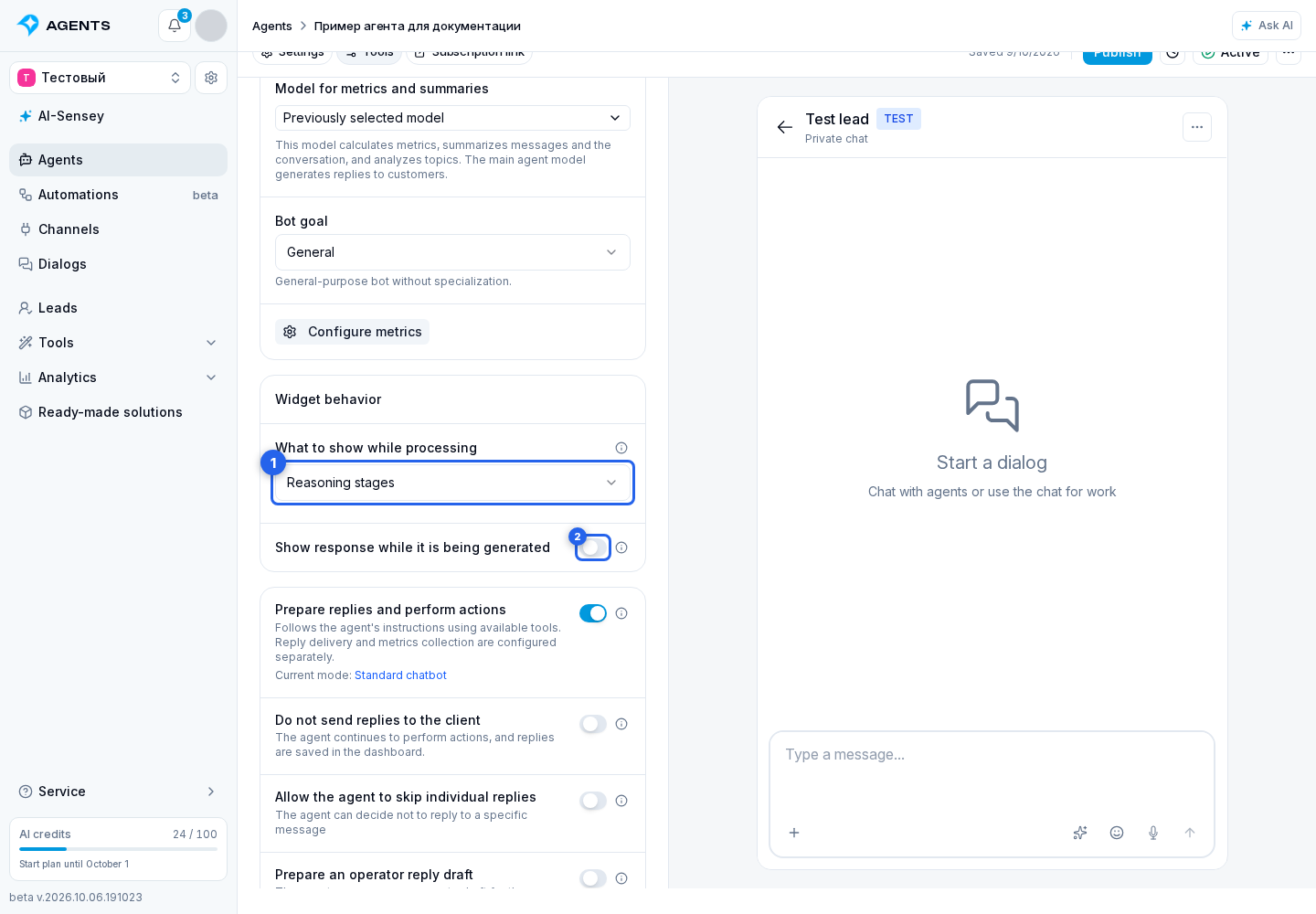
Reply Display
Widget behavior
Open the agent's reply mode settings on the Tools tab.
The What to show while processing field controls what a website visitor sees before the response appears:
- Reasoning stages shows safe, understandable statuses such as “Thinking…”, “Searching for information…”, or “Creating an image…”, without tool requests, tool results, or internal reasoning;
- “Agent is typing” status keeps the regular typing indicator without naming the current stage;
- Do not show hides both indicator variants.
Reasoning stages is selected by default. This setting applies to the website widget and takes effect in live dialogs after the agent draft is published.
Show response while it is being generated
The Show response while it is being generated toggle displays reply text in parts in the Senler AI cabinet and website widget. It can be combined with any processing indicator option: the indicator appears before the text or between lengthy operations.
Progressive output is unavailable when AI response generation or client response sending is disabled. It also requires streaming support from the selected model; without it, the complete response appears after preparation.