
Assigned Operator
Open the conversation and the dialog information panel.
Operator and Group
Automatic assignment and groups are configured in Client service. An operator is a project staff member; this setting does not replace the primary and background AI agent fields.
Assign the Dialog
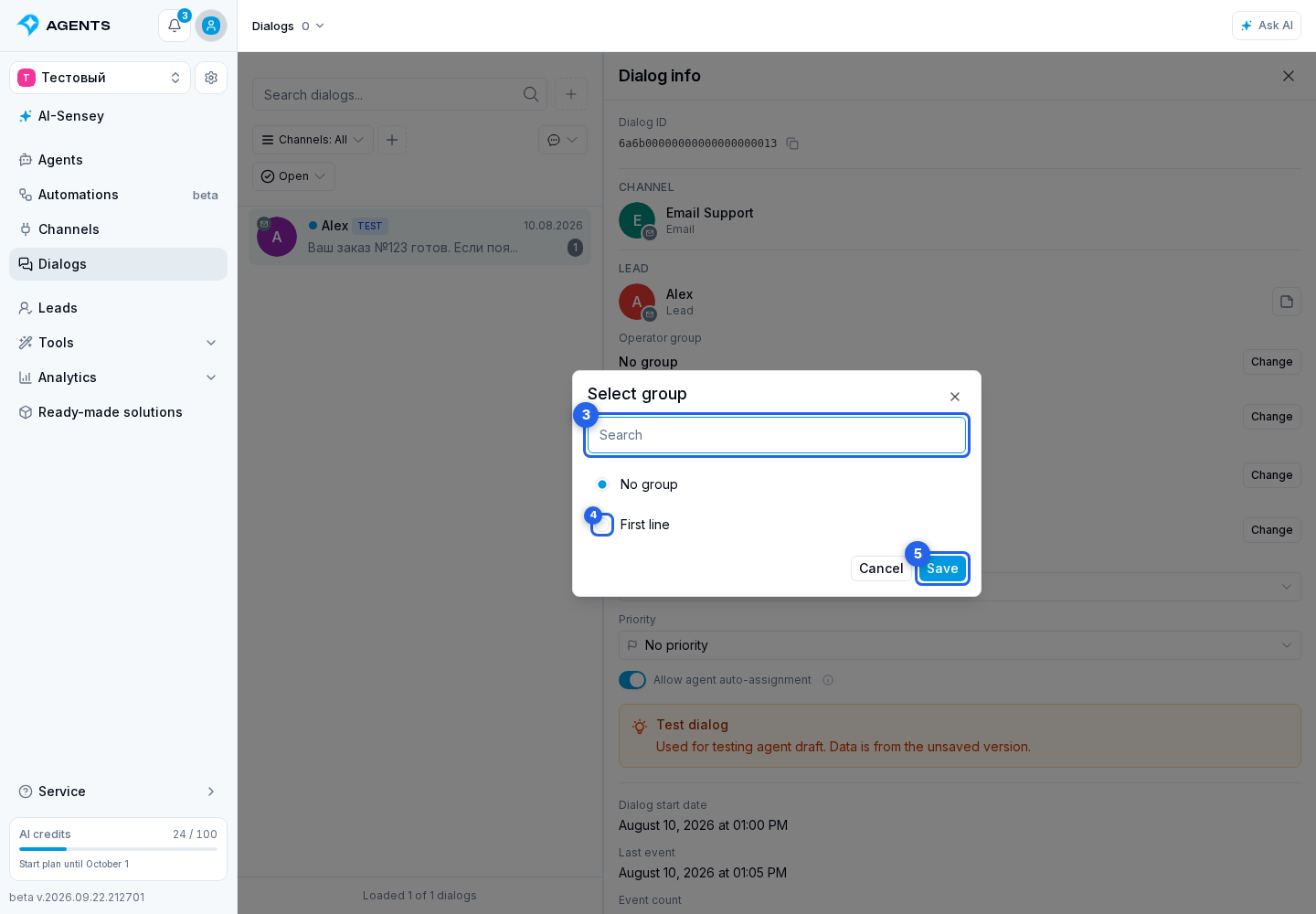
In dialog information, select Change beside the operator or operator group. In the dialog, use search, select an operator or group and select Save. Changing the group clears the previous operator and queues the dialog for the selected group. Selecting a specific operator assigns the dialog to them and uses their current shift group or primary group. Manual assignment is available off shift if the operator has access to the dialog.
Topics within the dialog remain part of conversation analysis. The assignee owns the entire dialog.