
Bulk Actions
Open the run list. Permission to manage automations is required.
Select Runs
- Set filters to keep the required runs.
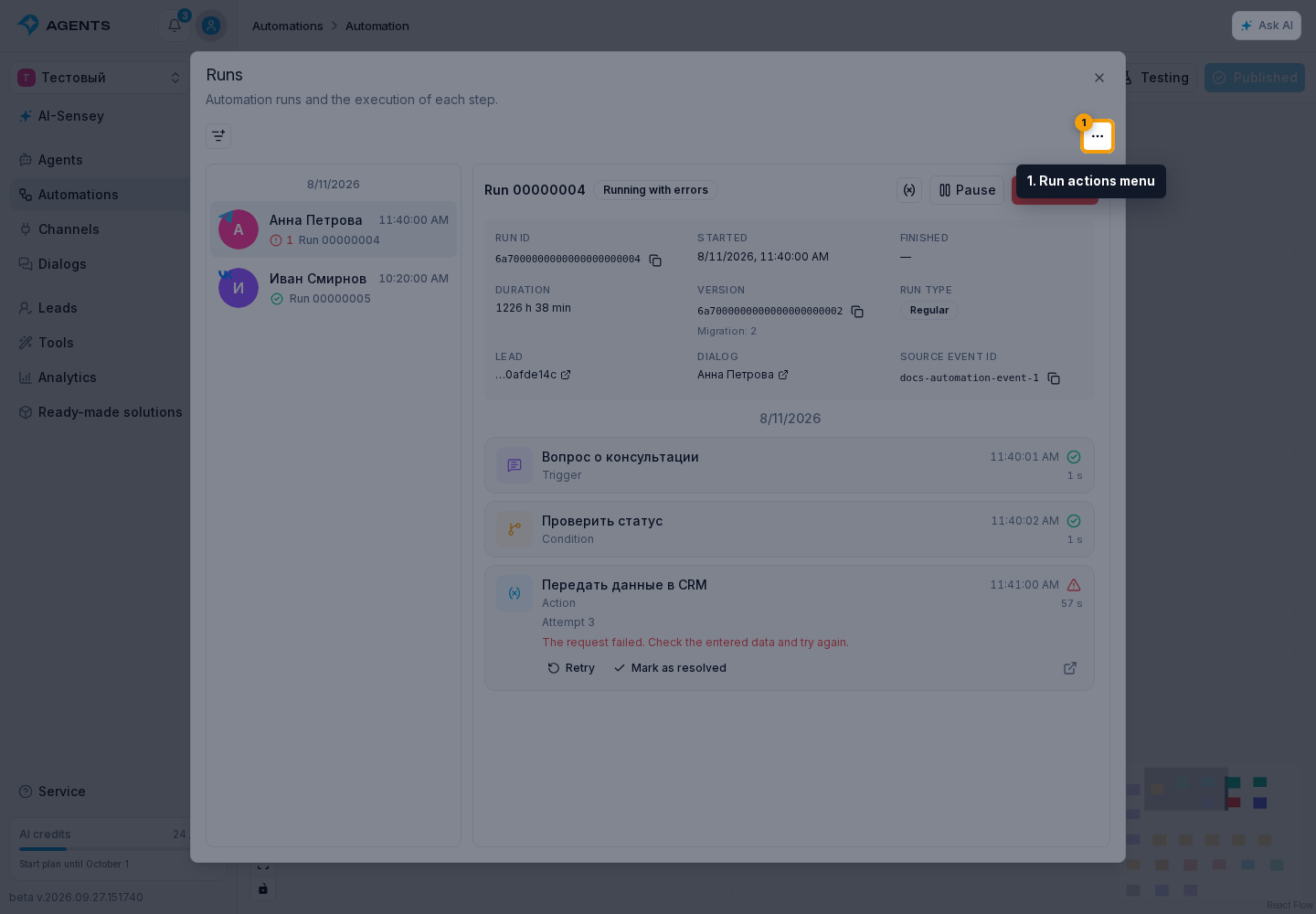
- Open the Run actions menu next to the filters.
- Select Stop runs. With Require attention enabled, Retry and Mark as resolved are also available: they apply to eligible errors in the selected runs.
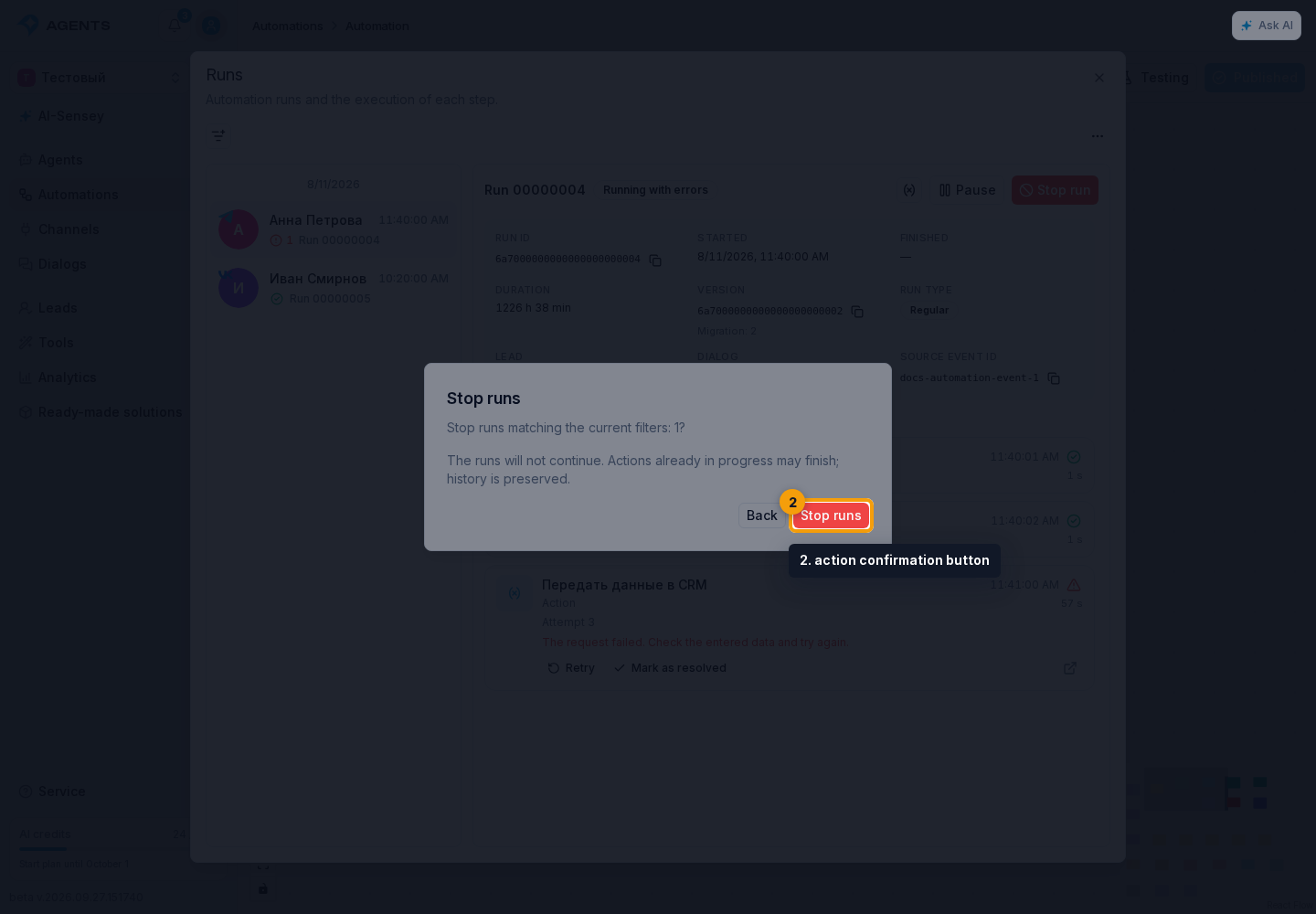
- Check the number of runs and steps or errors in the confirmation dialog.
- Select the action confirmation button.
Action Scope
The action covers all matching runs, not just visible rows. The set is fixed before confirmation: new runs are not added during processing. One operation can handle at most 1000 runs and at most 1000 steps or errors. If the limit is exceeded, narrow the filters, for example the period.
Interrupt or Continue Processing
During processing, you can select Interrupt processing. Actions already sent may finish. Continue handles only the unprocessed remainder; successful actions are not repeated. Individual failures appear in the result and are not retried automatically when continuing.
Before retrying, review the step retry rules: an external action may already have completed. Stopping does not undo completed actions and does not allow the run to resume.