Editing a Message
Find the required message and open its action menu.
Edit a Message
Select Edit. The text opens in the input. Make your changes and select the send button to save the new version.
You can edit only messages that the connected channel allows you to change. Incoming customer messages cannot be edited. If the action is unavailable, the cabinet shows the reason.
If an outgoing Telegram message is delivered as an attachment or album followed by one separate text message, editing changes that text. The attachments remain unchanged.
In MAX, a regular outgoing message in a private dialog can be edited within 7 days. Group messages and private messages with buttons have no time limit. Other editing conditions still apply: incoming customer messages and multipart messages cannot be edited.
A long outgoing VK text may be sent in several parts. Such a message cannot be edited yet: the menu states that it consists of several parts. This prevents the cabinet from changing only part of the text that has already reached the recipient.
Edit History
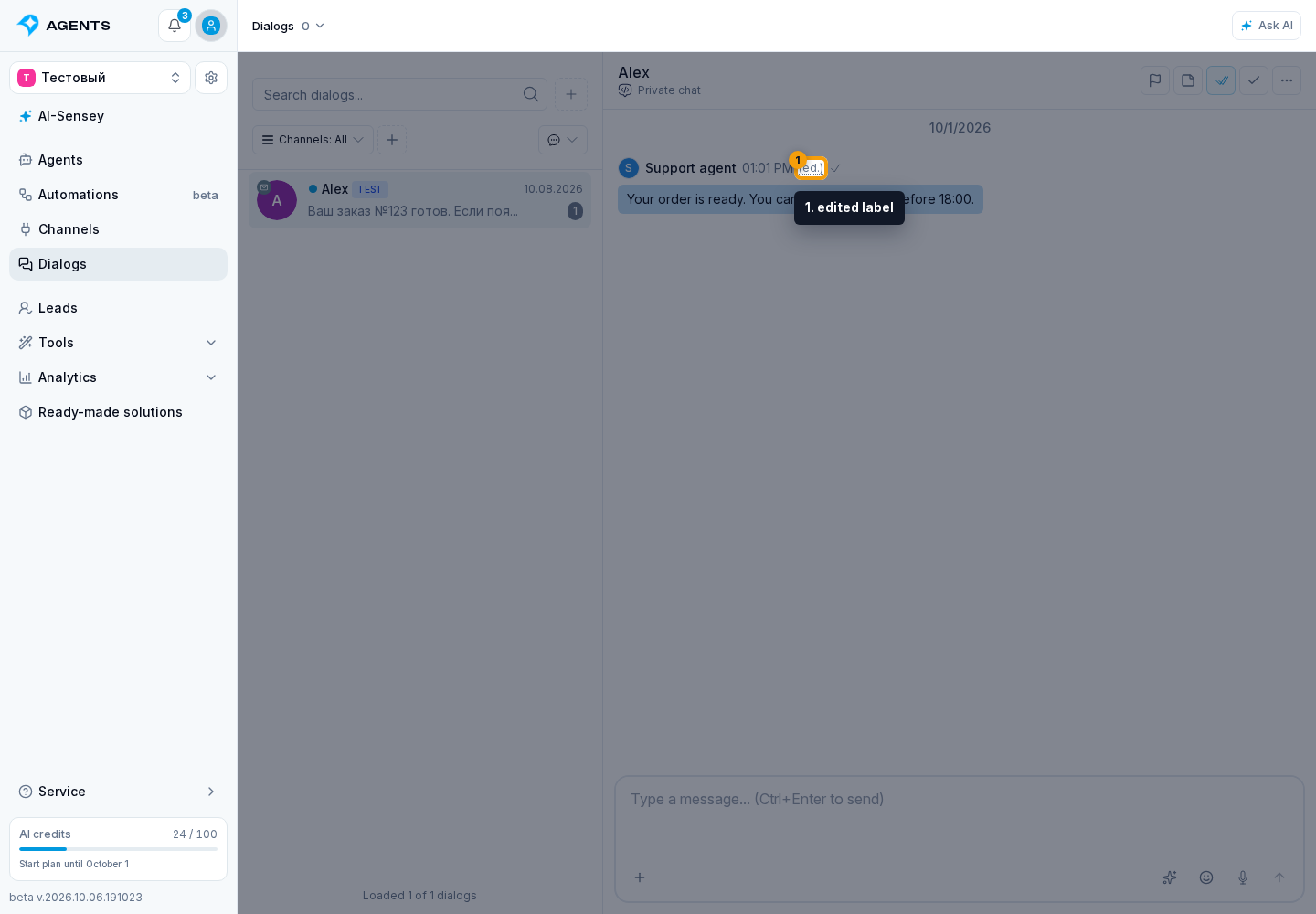
If an edited label appears next to the message, select it to view the text versions, sender, date, and time of each entry.