
Funnel Elements
Add an Element
In the application's Funnels section, add separate elements such as “VK Ads” and “VK Pixel”.
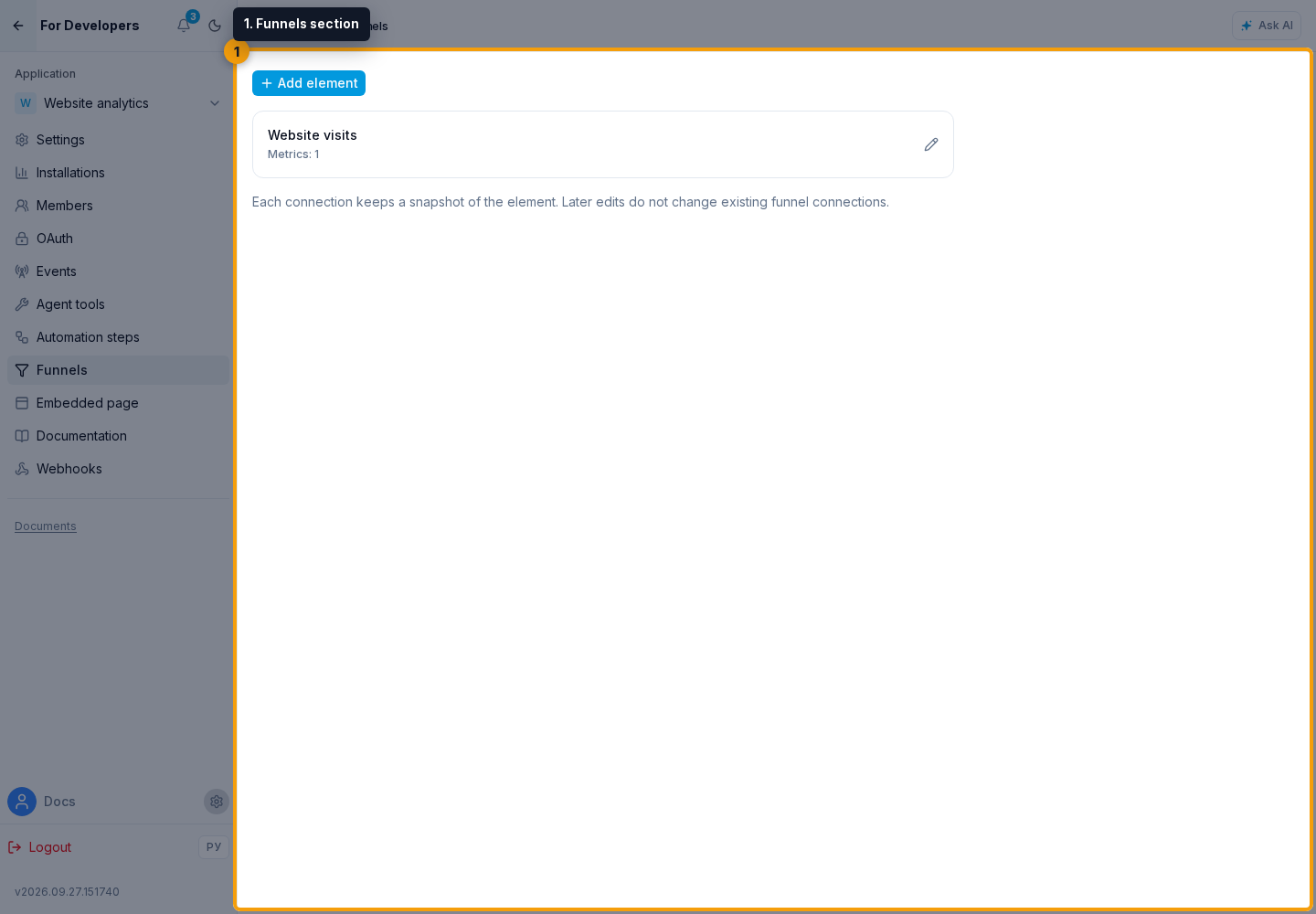
Click a name to open the element form. Enter Russian and English names, a permanent key, and a report method. The description comes from the application.
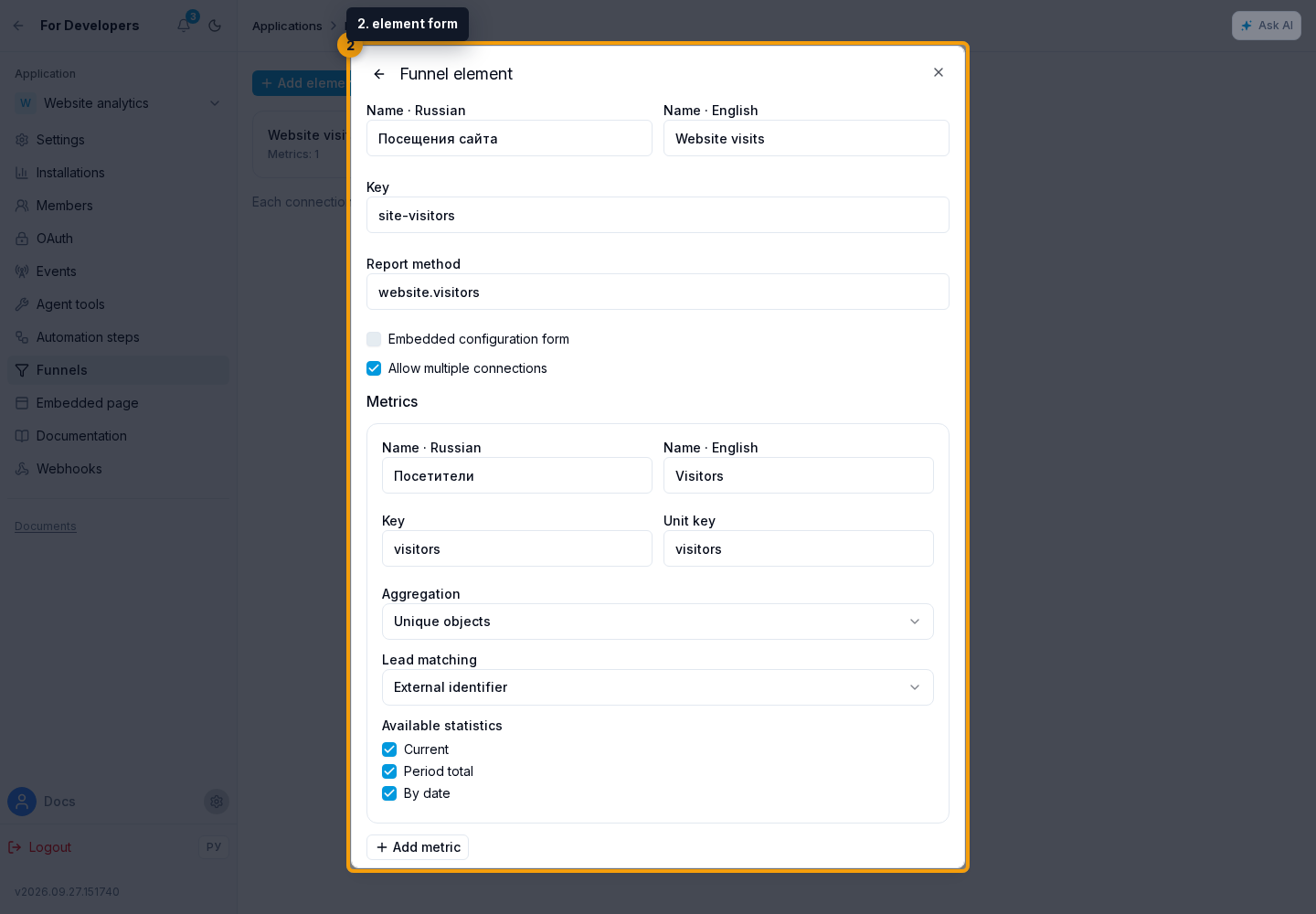
Configure Metrics
For each metric, set its unit, aggregation (sum, unique objects, or last value), supported time modes, and lead identity mode. Current, Period total, and By date are independent capabilities. A current-only source does not gain history automatically. The provider must calculate unique totals for the whole period; daily unique counts must not be added together.
Data is returned by the report method. To select a counter or account, add a configuration form.
Changes to Connected Elements
Plugin elements are saved without publishing a separate version. Each funnel connection keeps a definition snapshot and its revision. Editing or soft-deleting a definition does not change existing connections. Changing the title, placement, or configuration preserves the pinned definition. Title and placement remain editable when the application is unavailable; configuration requires an available element and its form.