
Copying into a project
Before copying
You need view permission for source resources and management permissions for every package resource type in the destination project. Before transferring, review package contents and additional settings: variable values can contain secrets, and some agent permissions must be configured again on the copy.
Create a copy
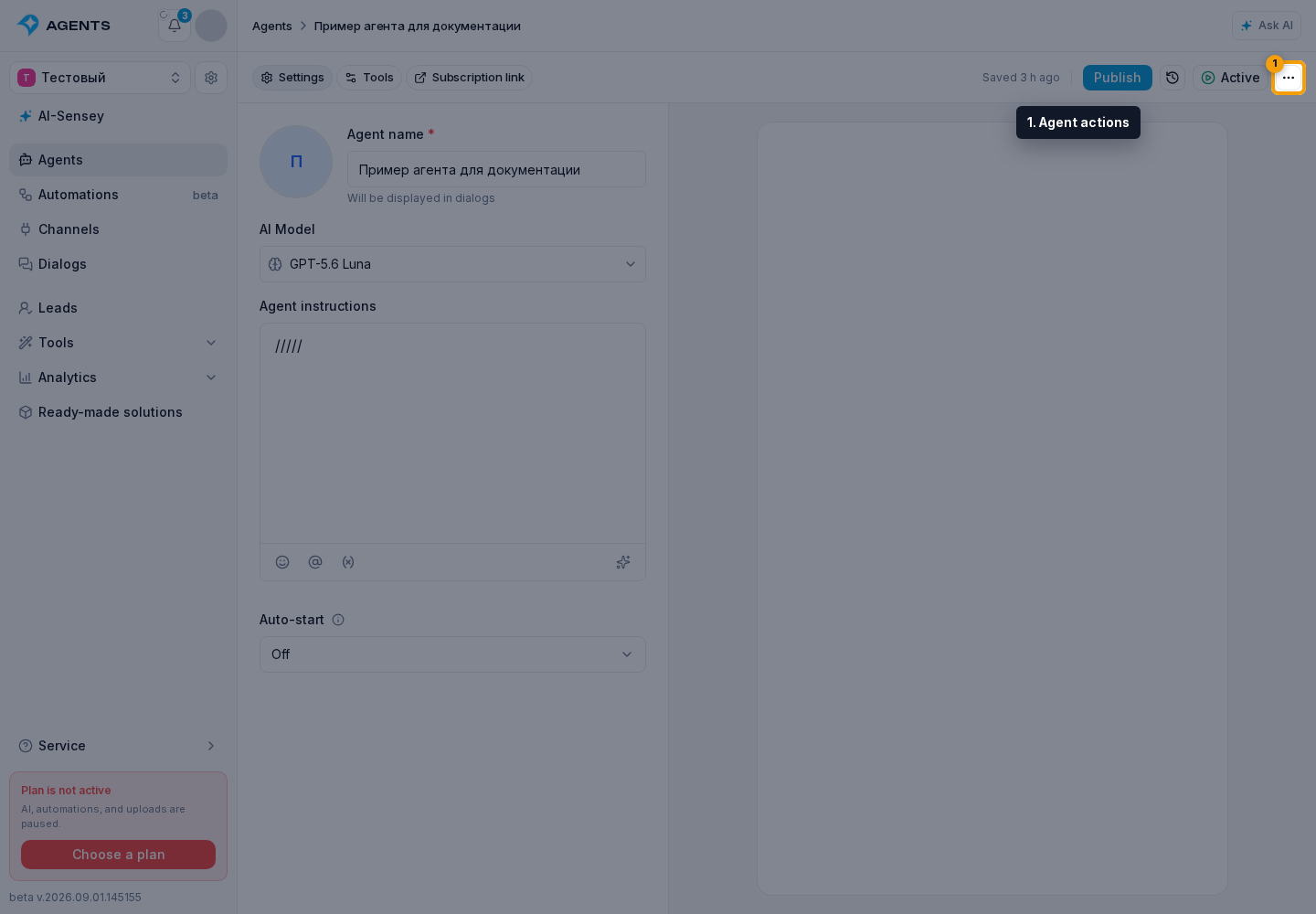
Open the relevant resource and its actions menu.
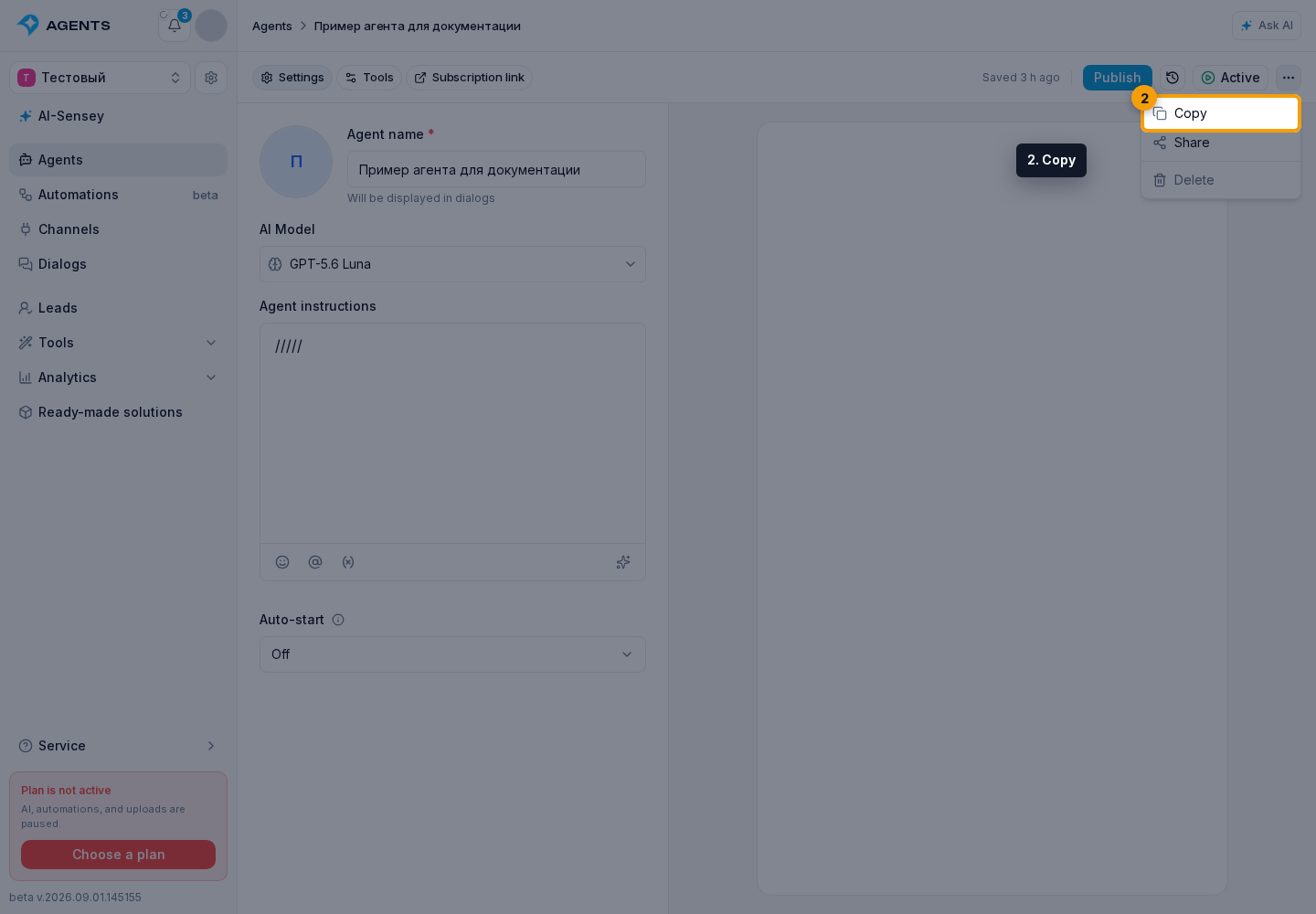
Click Copy.
In the package dialog:
- enter the copy name;
- select the target project;
- configure available related resources and expand package contents if needed;
- click the copy button.
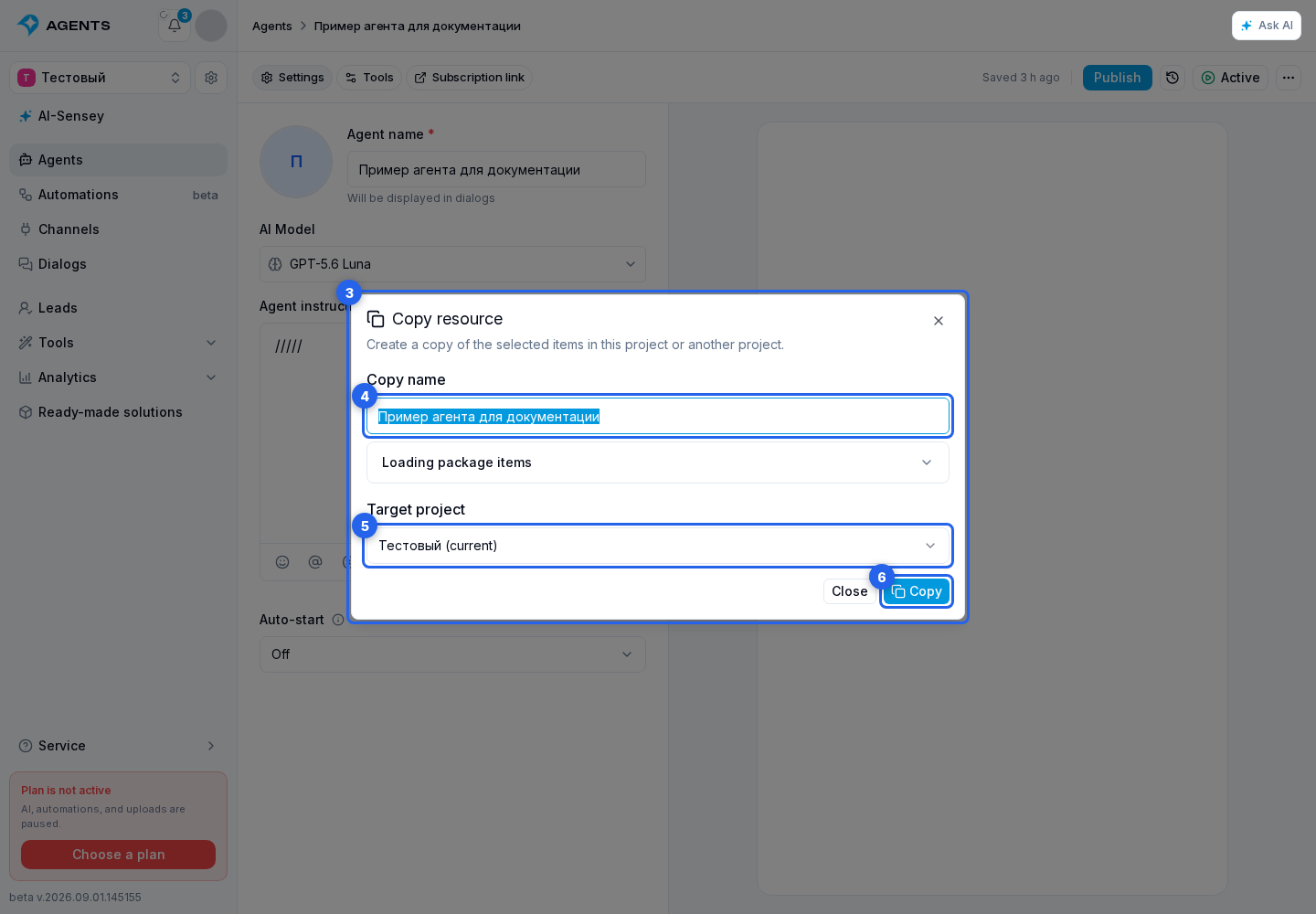
The cabinet creates the package, starts an import process in the selected project, and opens a progress dialog. The result separates created, existing, skipped, setup-required, and failed items.
For several independent resources, first build a package. You can monitor a long-running operation in Processes.