
Listings in Documents
Use the Avito listing ID as the key: it must match the ID in the dialog context. Prepare the missing information and create an Avito Listings folder in the Knowledge Base.
Fill In the Document
Create one text document per listing. Do not combine different listings into one file: this makes updates harder and increases the chance that the agent will mix up details.
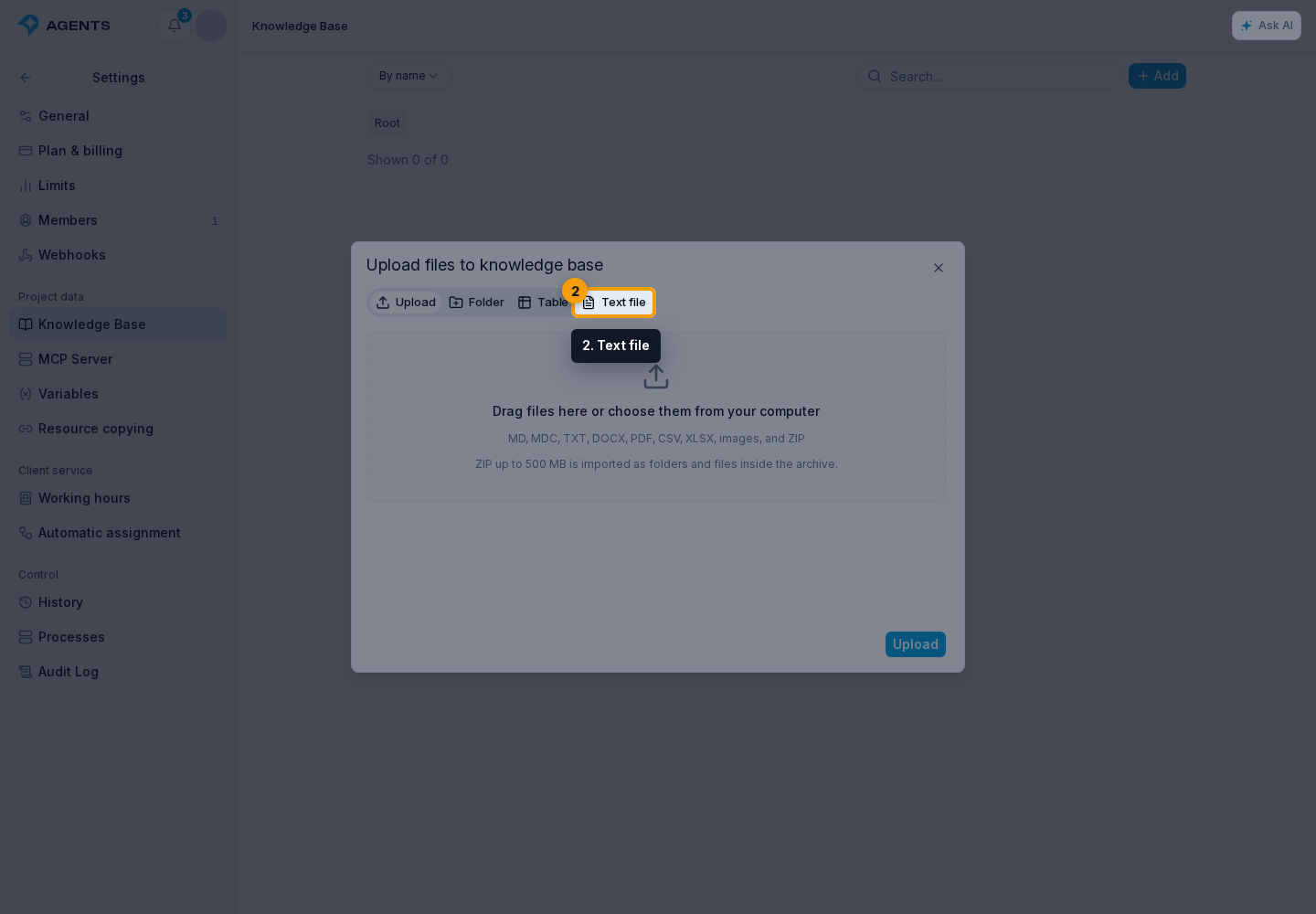
Select Add → Text file. Use the title format Avito <ID> — <title>, for example Avito 1234567890 — Art party with wine and chocolate. For an uploaded Markdown file, use a name such as avito-1234567890-art-party.md.
Complete the document using this template:
Avito listing ID: 1234567890
Current as of: 2026-08-20
**Description**
The full listing text without abbreviations.
**What the offer includes**
- List of services, goods, or package contents.
**Terms**
- Restrictions, time frames, payment, delivery, and available options.
**Characteristics**
- Dimensions, package contents, materials, or other important details
that are missing from the automatic listing card.
**Photos**

**Frequent questions**
**Question:** What is included in the price?
**Answer:** ...The document must include the Avito listing ID line, current-as-of date, and full description. Add wording that customers may use for the product or service. The link, price, status, and other automatically retrieved fields do not need to be repeated.
Add Photos
Use original images from the company's catalog, not an enlarged thumbnail from the dialog.
For document-based storage, create a separate listing folder inside “Avito listings” and place the document and photos there. Add the images to Markdown with clear captions. Open Markdown mode when needed to enter the links precisely.
Enable image recognition during upload. Text captions and AI descriptions help the agent search and use the photo contents.
Then connect the folder to the agent, add the instruction, and test a reply for a specific listing.