Creating a Version
Source project
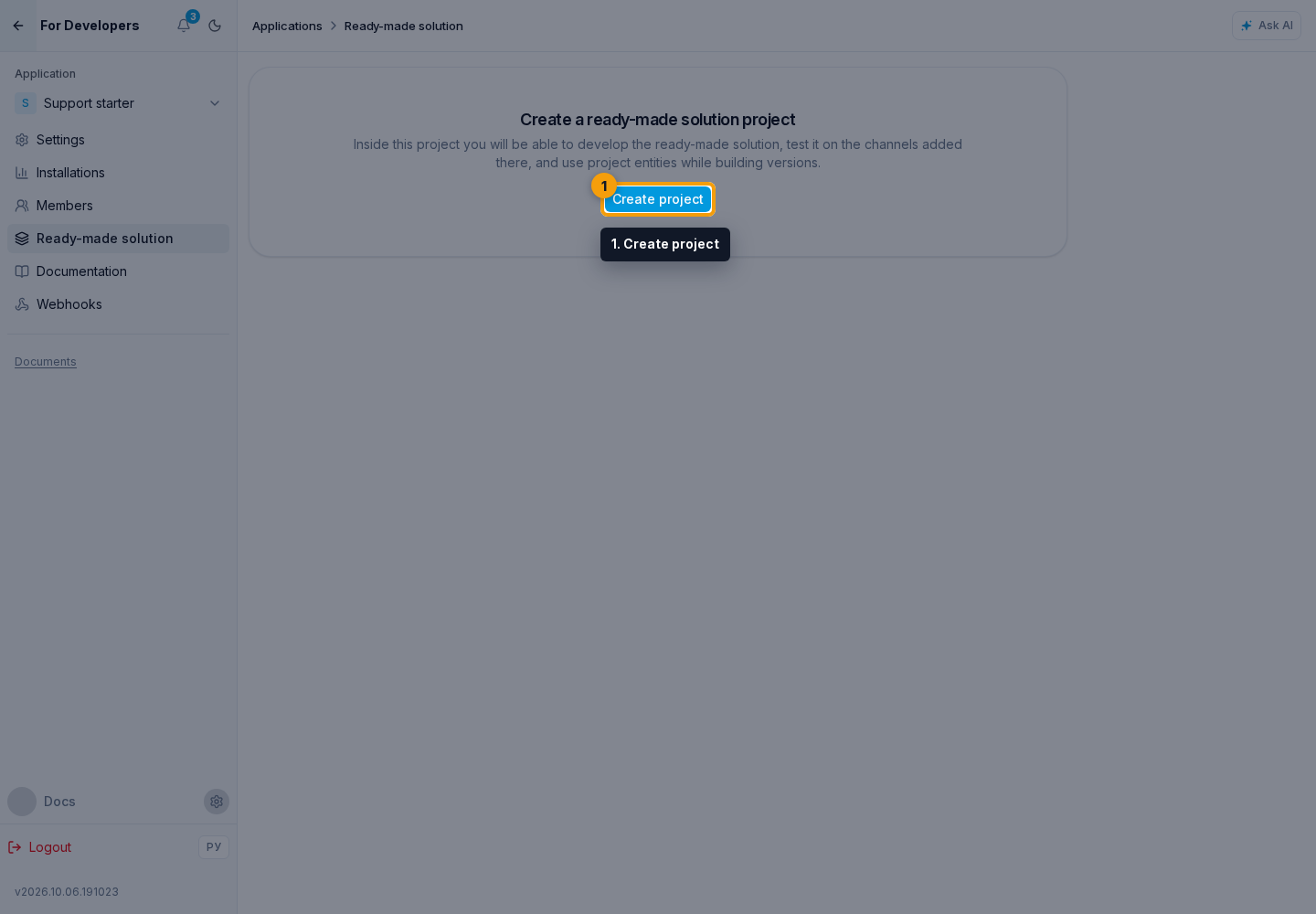
The source project is the author's working project from which the ready-made solution takes its resources. If it does not exist yet, click Create project.
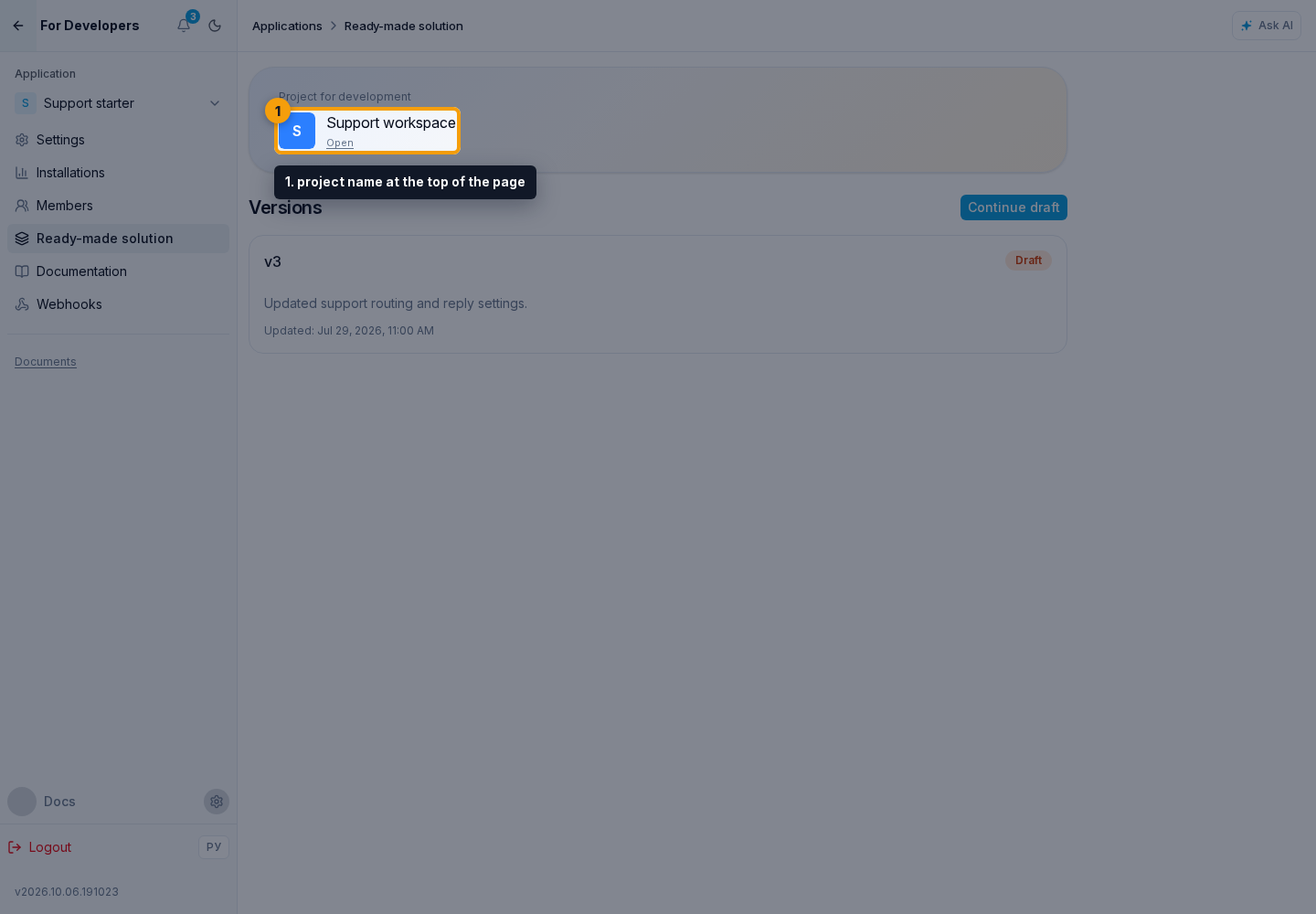
After creation, open it through the project name at the top of the page and configure the required resources.
If an agent or landing has changed, publish its working version before publishing the ready-made solution version: the ready-made solution receives published state, not unfinished edits.
How to create a version
- If no draft exists, click Create.
- Review the explanation in the draft creation dialog.
- Click Create. If a draft already exists, click Continue draft instead.
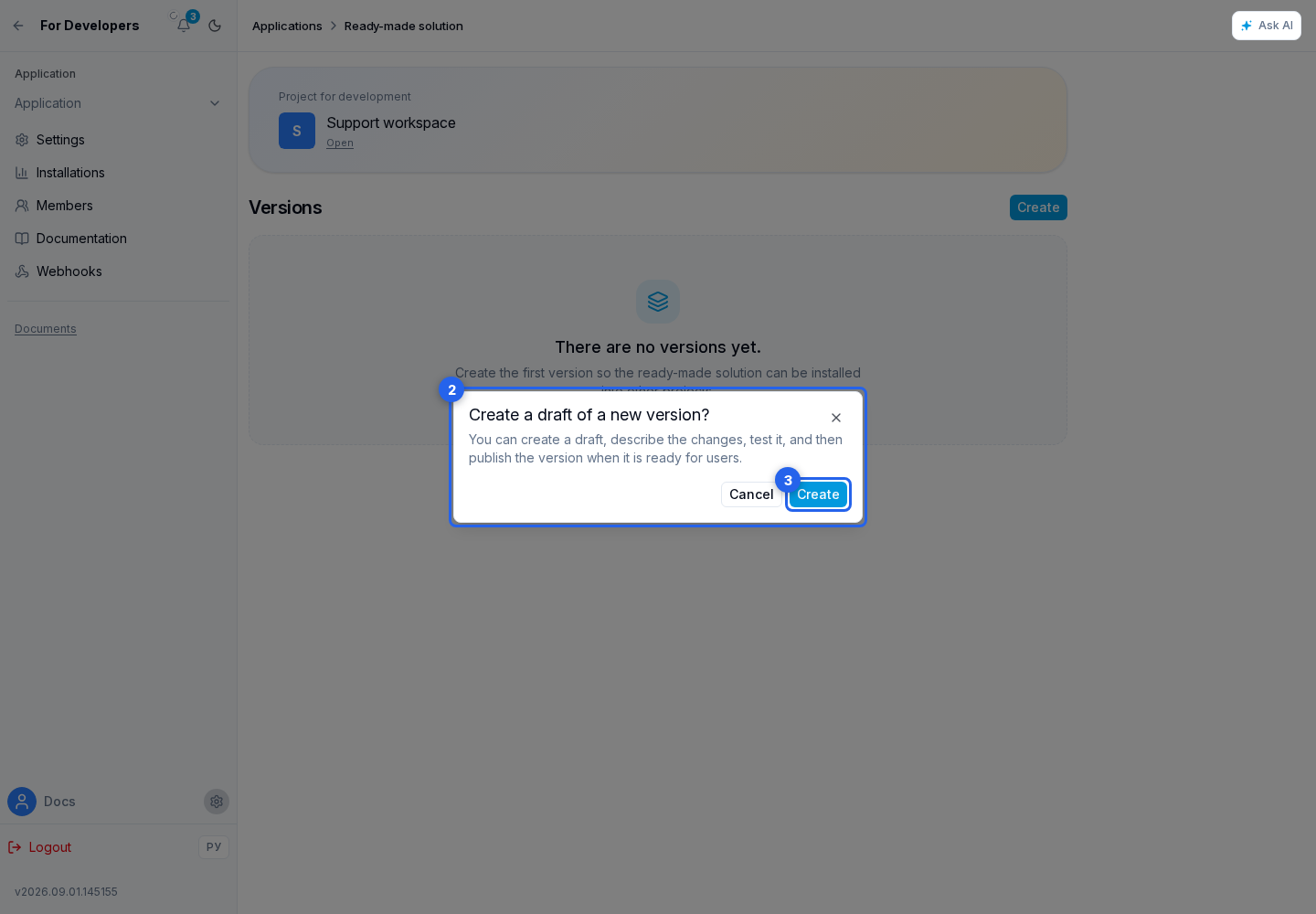
A ready-made solution can have only one draft. If a draft already exists, the create action opens it. Otherwise, the cabinet assigns the next number and copies the resources and installation steps of the latest published version into the new draft. Update steps belong only to a specific release and are not copied. Release notes stay empty, and the default update mode is After Confirmation.
Next, choose the version resources and configure publication.
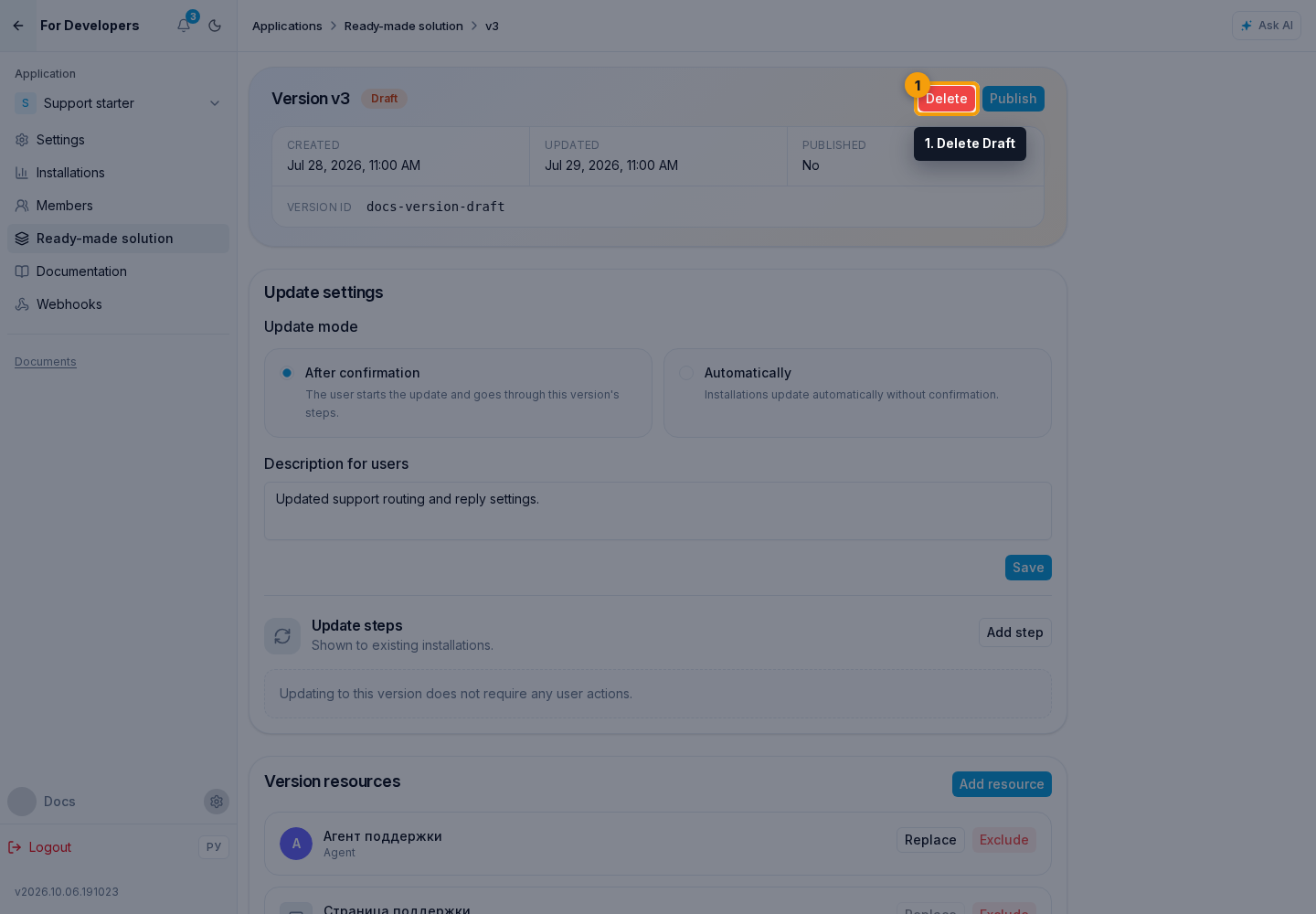
Deleting a draft
Delete Draft removes only that draft's resources, release notes, and steps. Published versions and existing installations are unchanged. The action requires confirmation; after deletion, a new draft can be created from the latest published version.