
Check assignment step
The Check assignment step reads the current dialog state and selects the Yes or No branch. It is available in For dialogs automations and does not change assignments itself.
Choose a check
In What to check, select:
- Operator is assigned. Leave Operator set to Any operator or select a specific staff member. Yes means an actual assignment. Waiting in the queue produces No.
- Dialog group. Select an operator group to compare with the dialog's own group. The assigned staff member's membership in other groups does not affect the result.
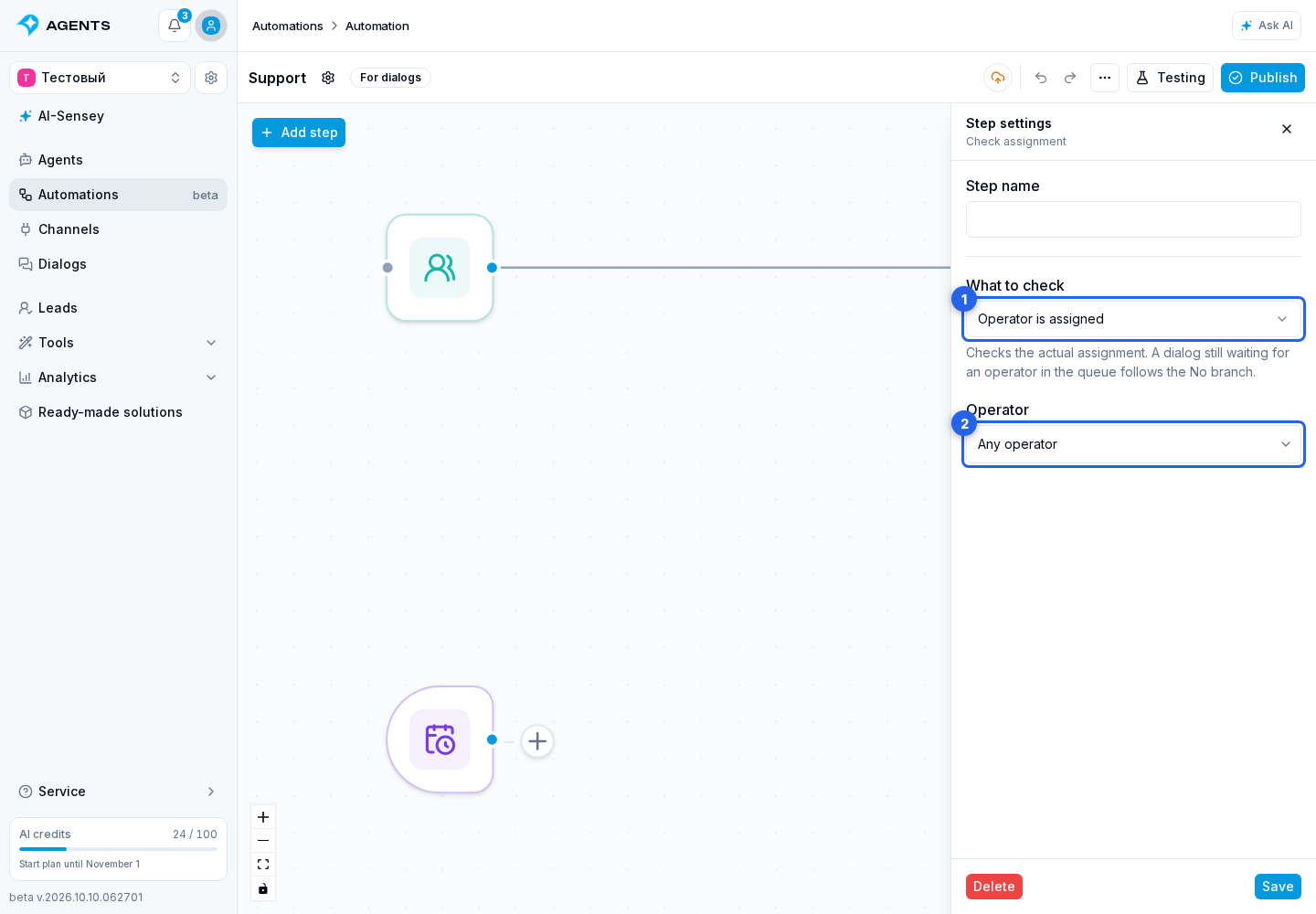
After copying to another project, a condition targeting a specific operator or group requires configuration again. A specific-operator check does not automatically become an any-operator check: first choose what to check. To include the condition in an app, check whether any operator is assigned without referencing a staff member or group in the source project.
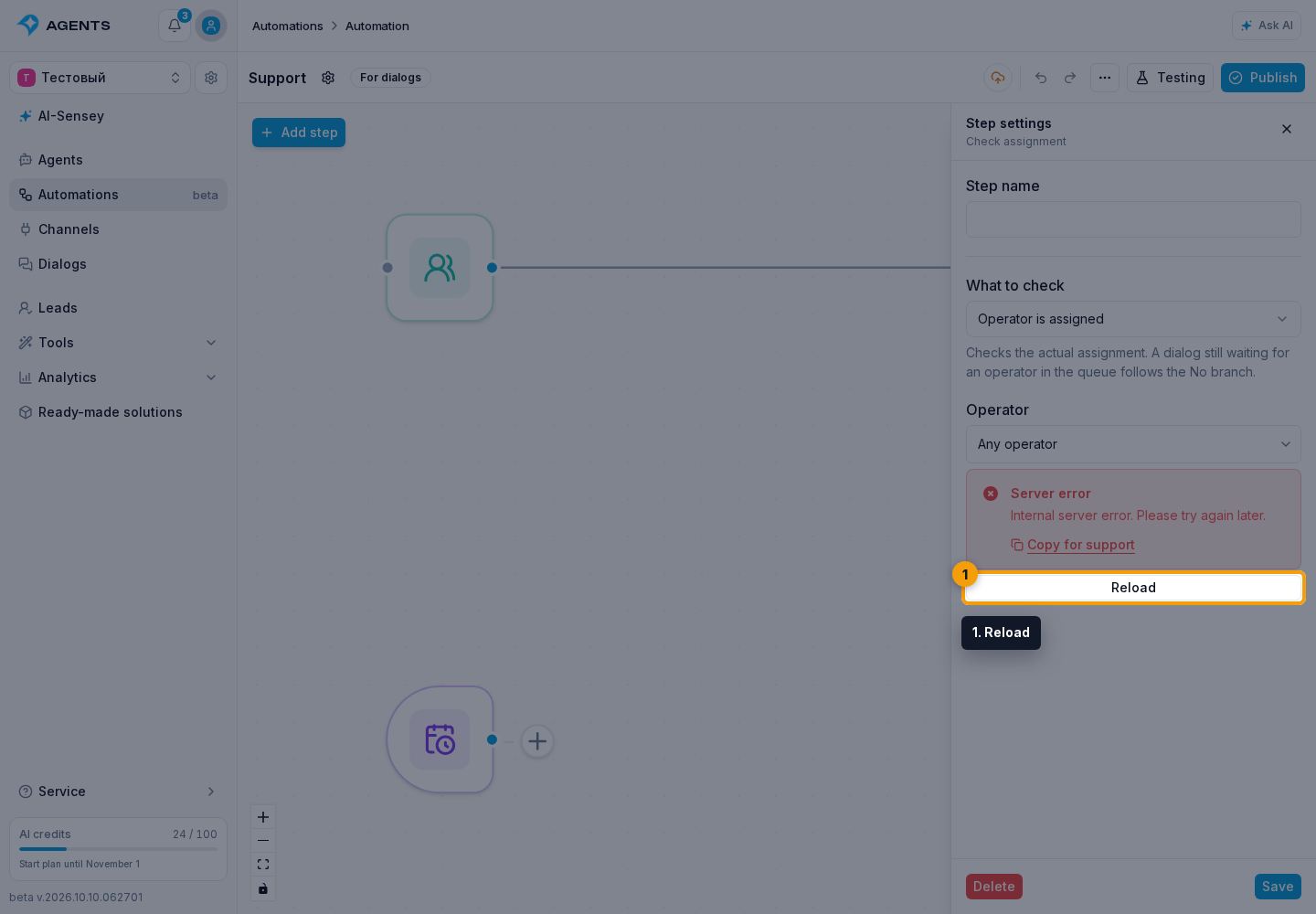
If the operator or group list fails to load, click Reload below the error.
Connect the branches
Connect the Yes and No outputs to the next steps. For example, after a handoff to the second line, check assignment: if an operator is assigned, continue along the appropriate branch; otherwise, add a wait and check again. The condition runs once when the process reaches the step and does not wait for assignment itself.
To identify the handling line, check Dialog group, rather than the staff member's group membership: one operator can belong to both the first and second lines.