
Promo Codes
A promo code reduces the cost of one plan purchase. It is a discount, not a cash balance top-up: it cannot be spent separately on credits or other add-ons.
Apply a Promo Code
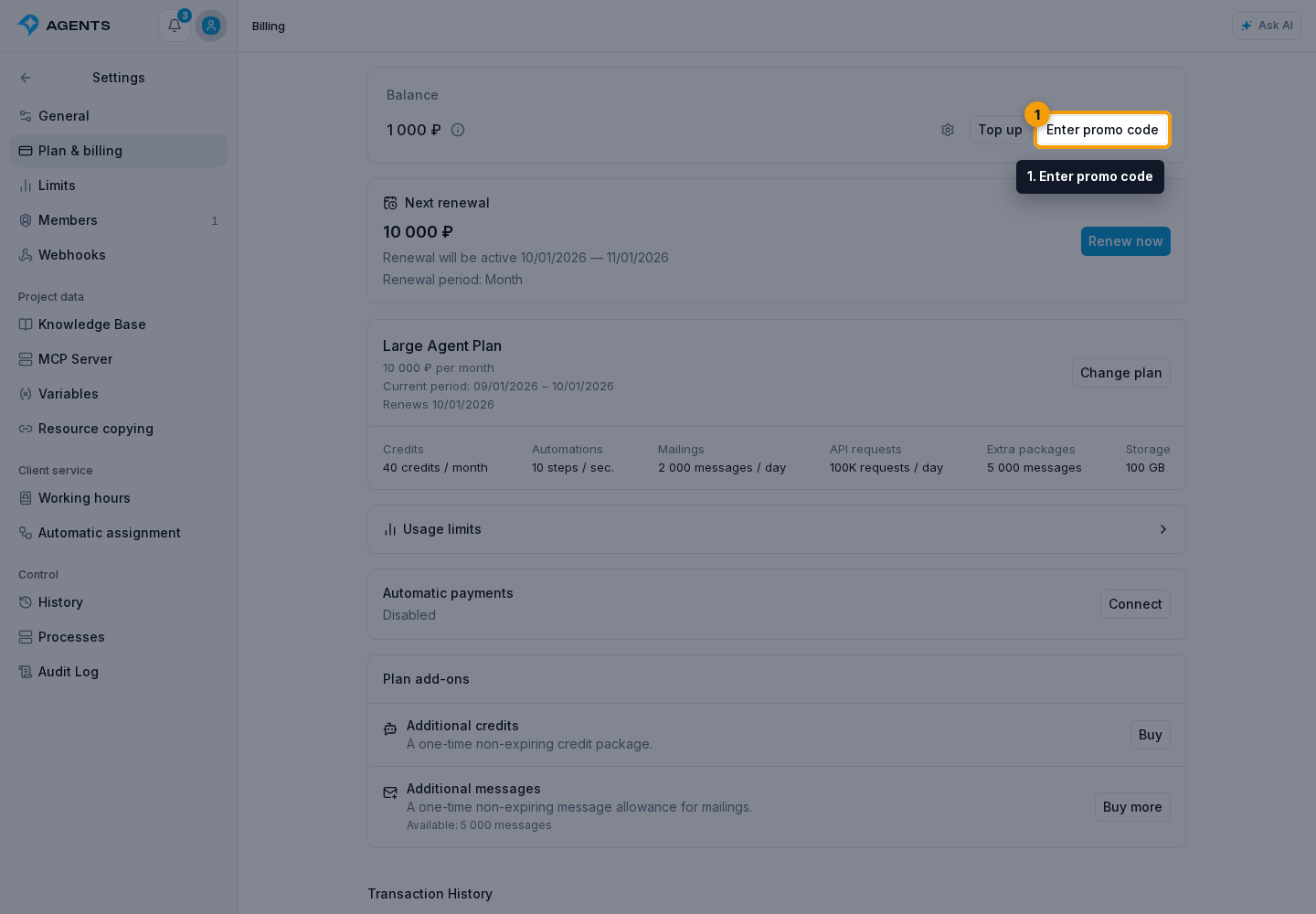
- Open Plan and billing and click Enter promo code.
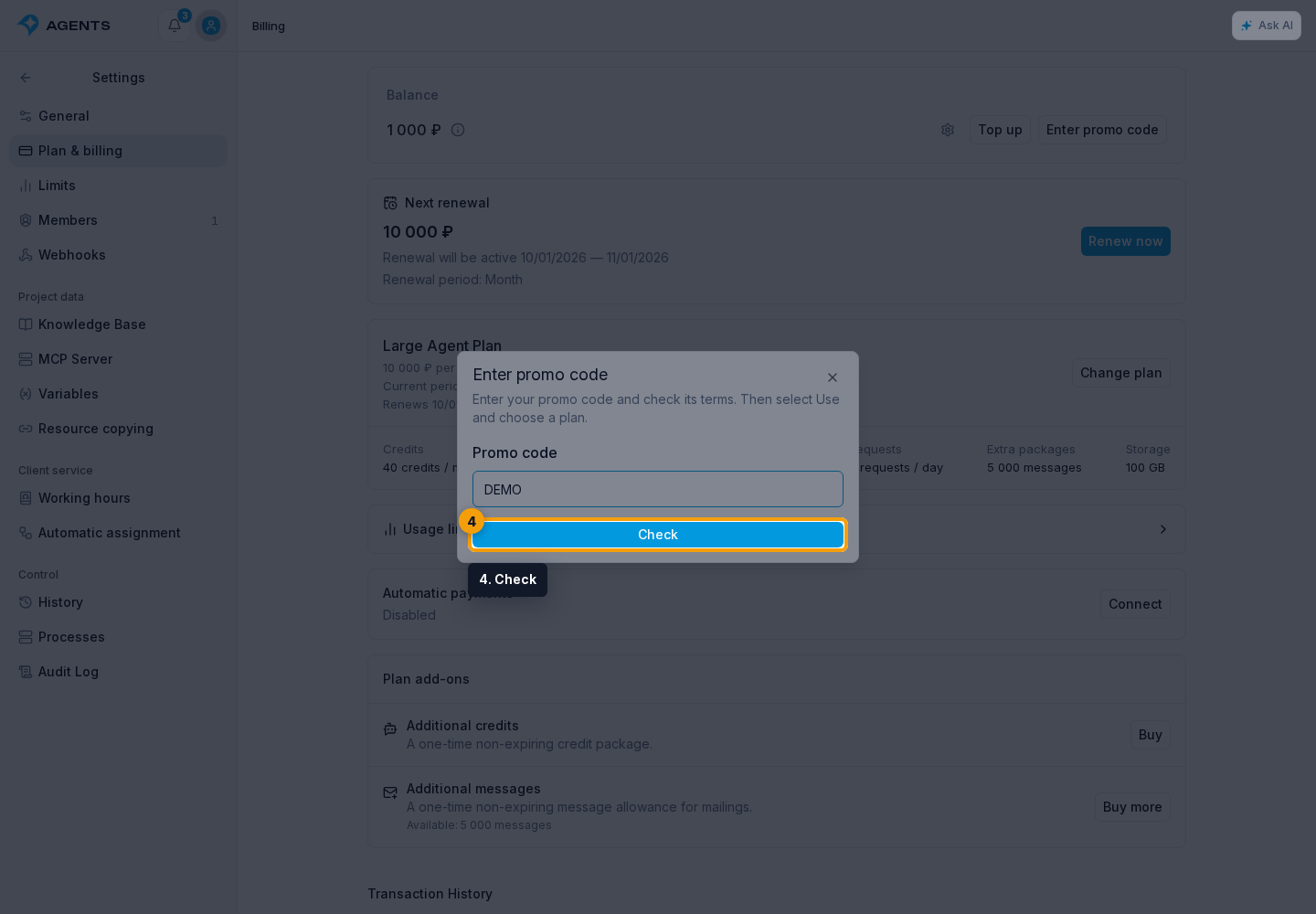
- In the dialog that opens, enter the code and click Check.
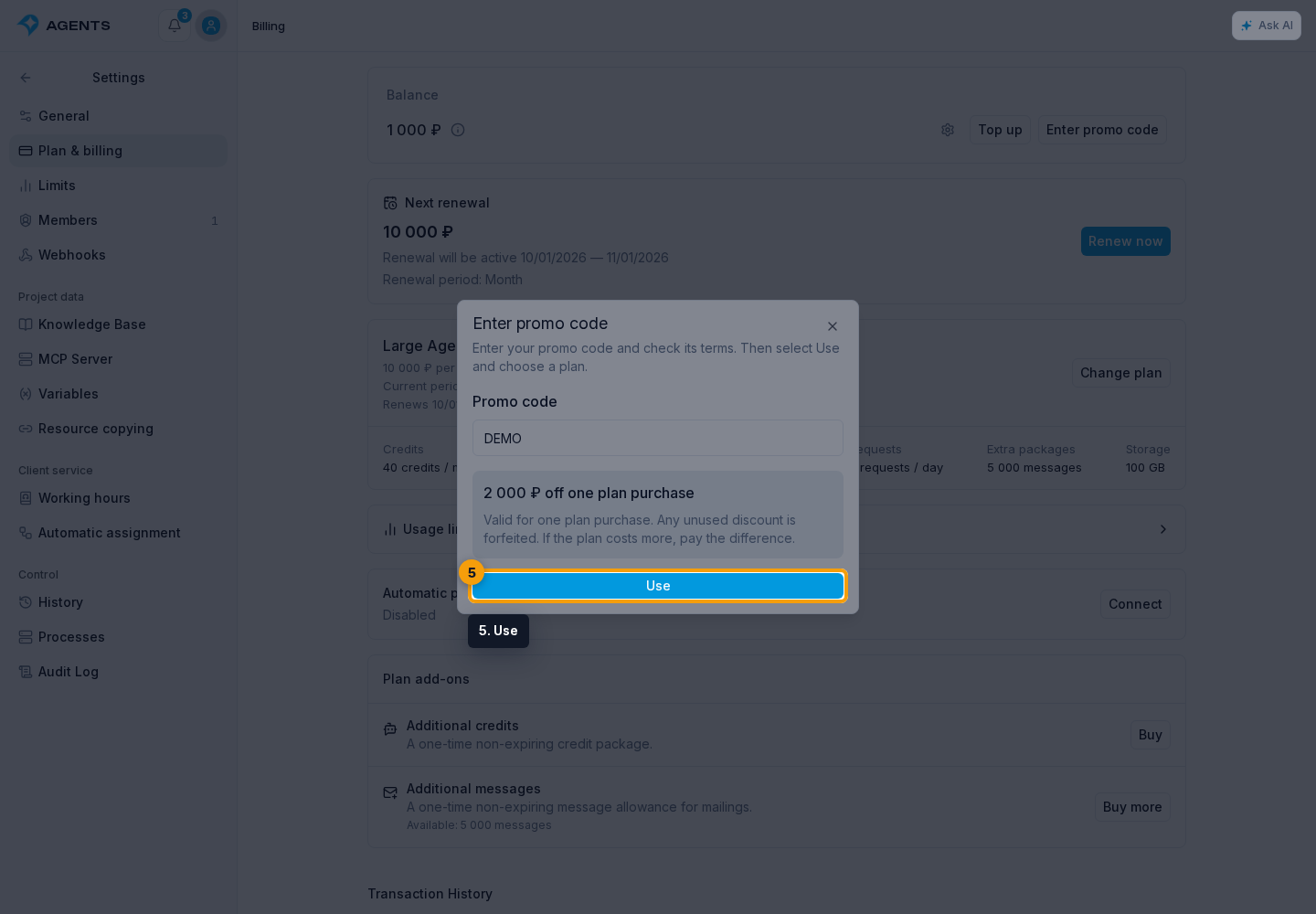
- Review the discount amount and click Use.
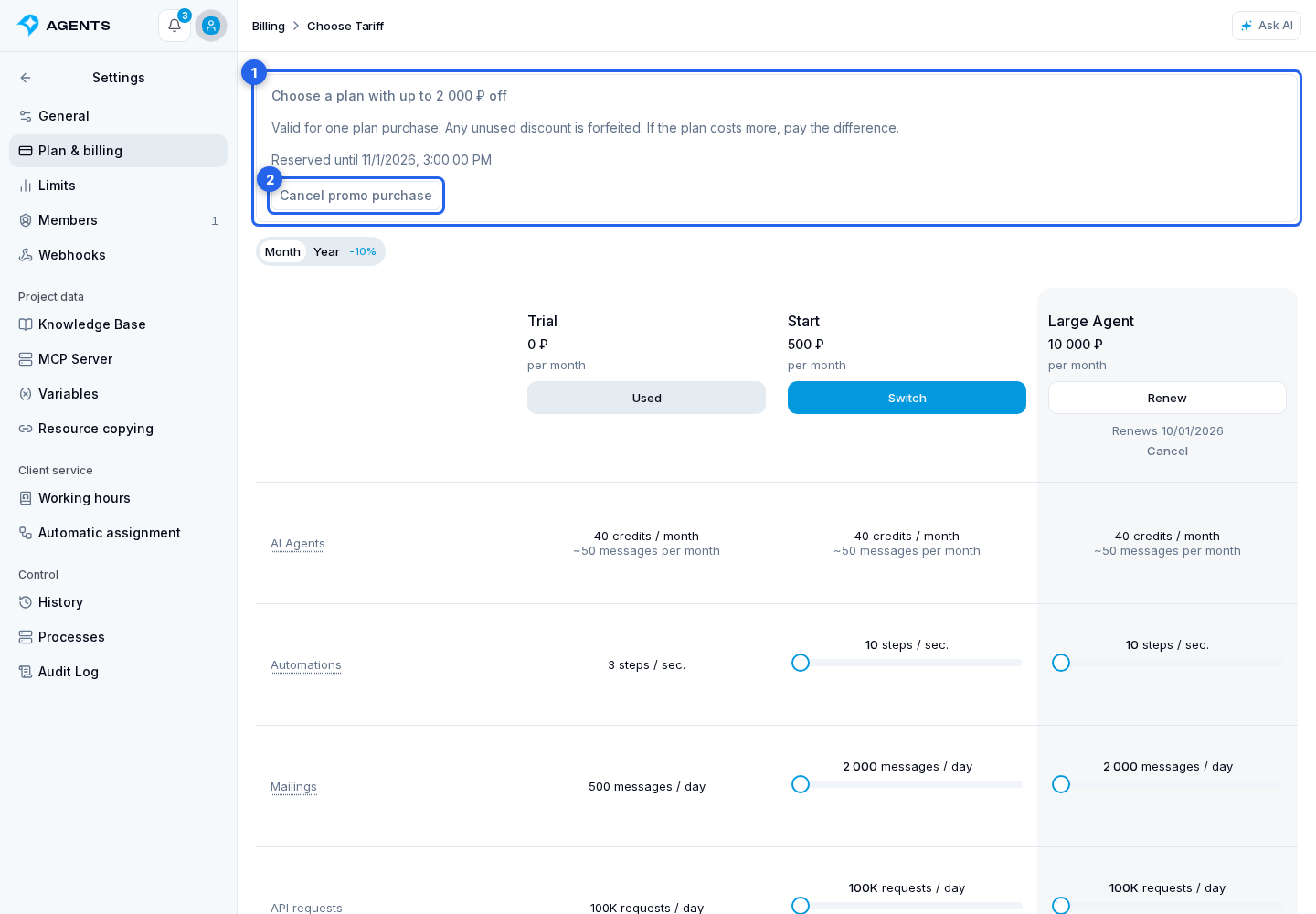
- On the plans page that opens, choose a plan and subscription term. The notice above the plans shows when the promo reservation expires.
- In the purchase dialog, check the Promo code discount line and final amount due, then confirm the purchase or proceed to payment.
If the plan costs less than the discount, the unused amount is lost. If it costs more, you pay the difference. Plan add-ons are charged separately from the discount, even when included in the same order.
Cancel a Promo Purchase
Before the discount is applied, click Cancel promo purchase in the notice above the plans. If the reservation has expired, cancel this purchase and check the code again. An applied promo code cannot be reused for another purchase.
If reservation displays Could not confirm the reservation, contact support. Do not apply the code again until the outcome of the first attempt is known.